The dangers of using your old, damaged charging cables
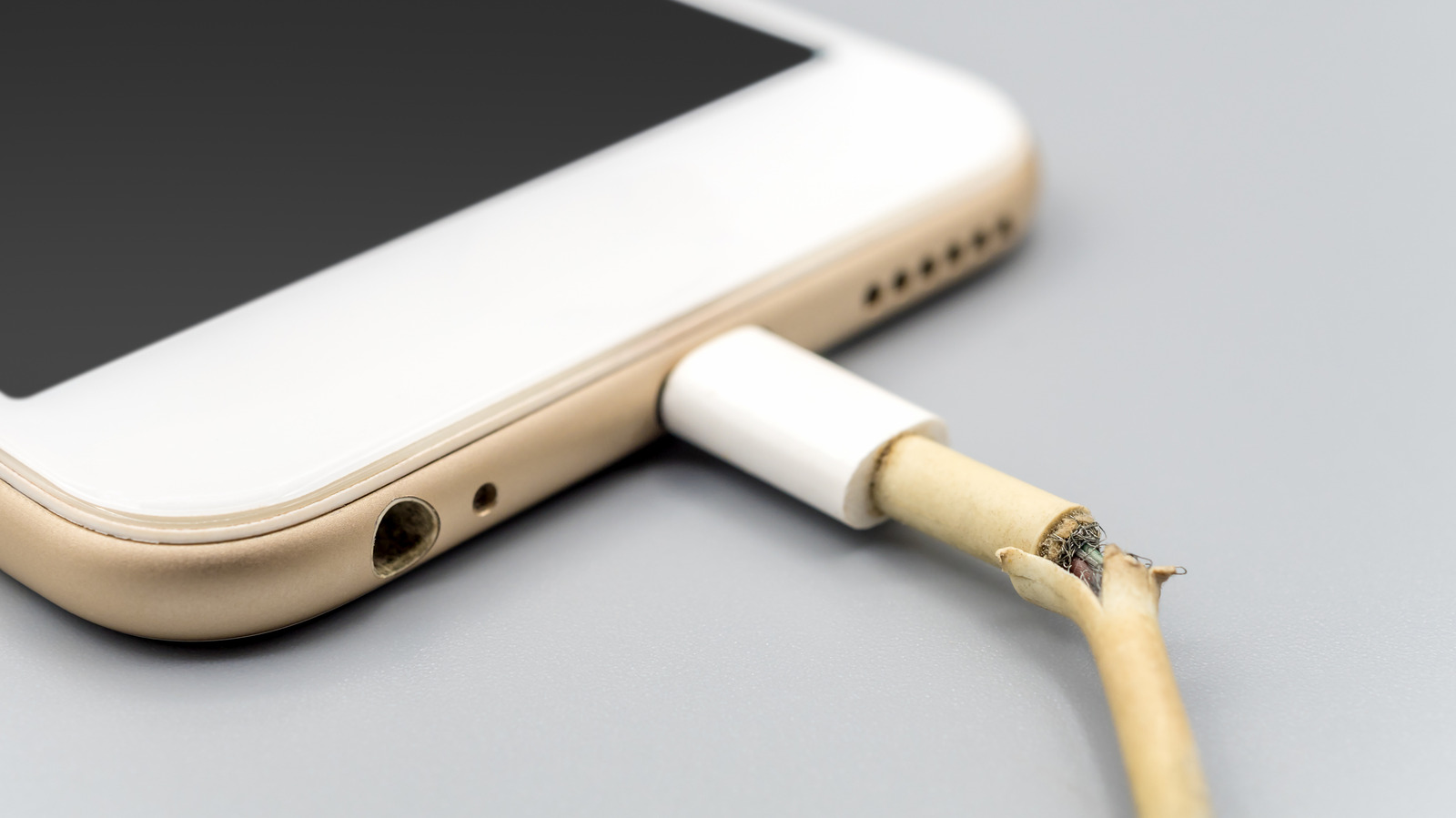
Don't let a damaged $5 cable cost you thousands in fire damage or medical bills.
Poravute/Getty Images
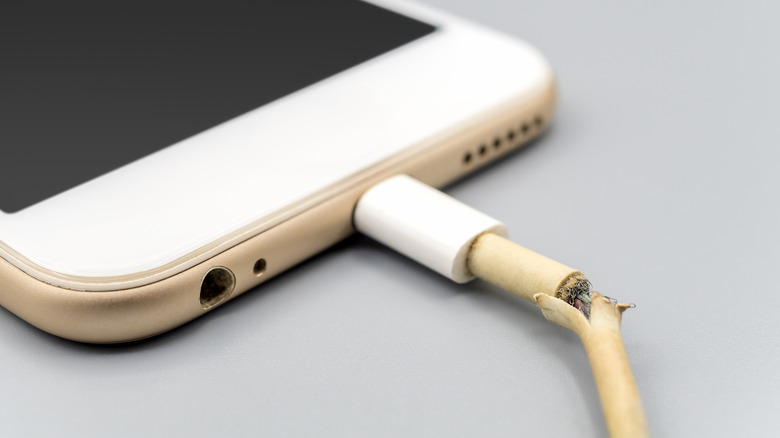
A charging cable has two important jobs: keep your devices charged, and do so without causing you or the item any damage. You can't expect a cable to last forever, though. After being plugged in and disconnected countless times, it's going to degrade, bend, break down, or split apart. The end result is an unsafe cable that will need replacing.
If you don't replace a compromised charging cable, you're risking damage to your device or being burnt yourself every time you plug it in. For the sake of a few dollars, you're better off buying a new one than persevering with a cable that should have been recycled long ago.
Damaged connections generate heat
Sergeyklopotov/Getty Images
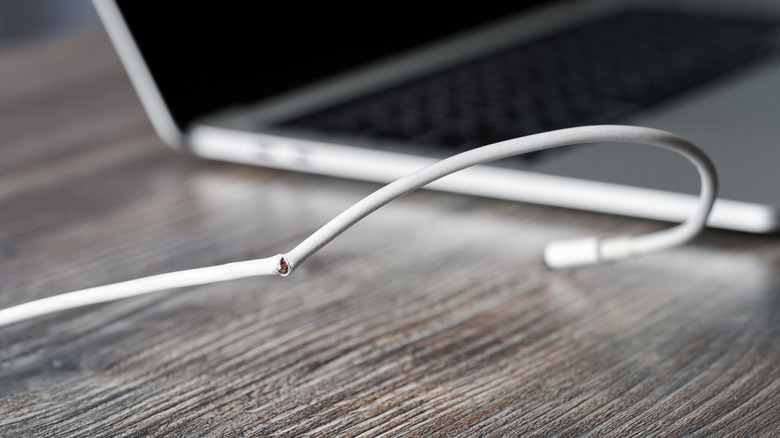
Pulling a charging cable out by the wire puts strain on the connection behind the plug. And you're going to bend it sharply in roughly the same places, especially at the two ends. This wears down the fine strands of metal inside before there's any sign of outer damage.
The funny part is that even if the cable is damaged inside, it can still work, although the connection might keep cutting out. Even if it's to the point where you see a lot of physical damage, it may be able to provide a charge. The remaining strands are carrying the weight, letting the current charge through.
The problem with this is pure physics. With fewer intact strands carrying the current, you're going to see increased electrical resistance. More energy will turn into heat as the current passes through, with that heat concentrated in a smaller area. This is where a damaged cable can start to overheat, especially when it's carrying the higher current used for fast charging.
You might have a charger with safety features designed to protect against overheating or short-circuits, to name but a few. You can't rely on this, though. A damaged connection can still heat up, even if the current passing through your cable is within the safety limits. You might get a warning on your phone about this, if your device has that functionality.
What can actually go wrong with a bad charger?
RHJPhtotos/Shutterstock
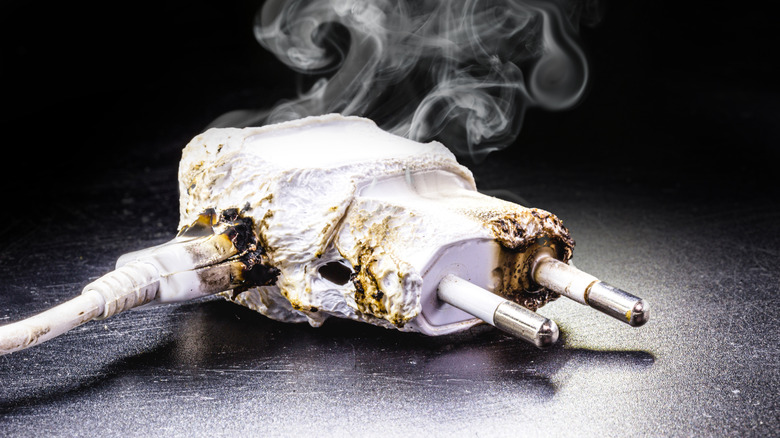
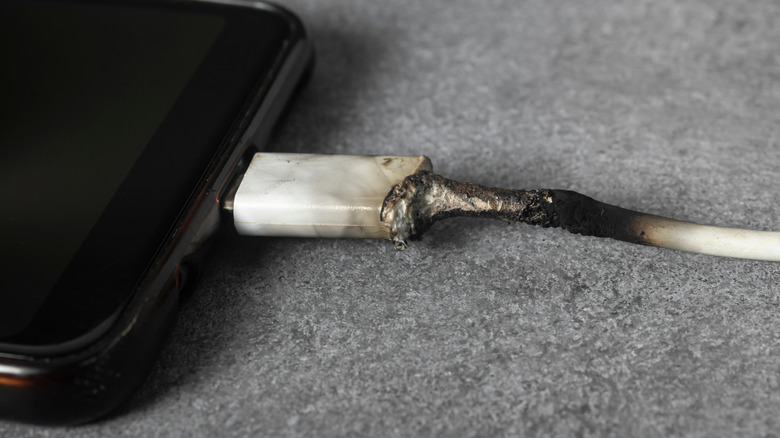
The immediate danger is getting either burned or electrocuted. Heat will concentrate around a damaged connector, making it hot enough to burn your fingers and melt the plastic around it. While the US Consumer Product Safety Commission can recall poorly-made cables, like this heyday Lightning cable sold at Target in 2019, your cable might simply be damaged by overuse. Even with a good cable, charging your device underneath a pillow or blanket isn't a good idea, as this traps the heat.
Potential problems include damaging your device's battery or reducing its long-term health from the inconsistent power going into it. It's also possible for the compromised electrical signals to fry your device's USB port. There's also a risk of electrical shock if you're using a frayed cable. USB leads carry low voltage, but you don't want to chance it. Further shock dangers can occur if the cable is connected to an adapter, or if the adapter itself is exposed. Moisture adds to the risk, too.
The worst-case scenario is a fire. I'm not suggesting every frayed USB cable will lead to a fire, but it's a possibility. A properly functioning charger should have protections against short circuits and excessive current. If the equipment is poorly made, you're not going to have confidence that those protections work. Obviously, the consequences if a fire starts are much bigger than just a broken cable or device.
You can't expect your home's circuit breaker to protect from this. It responds to faults in the household circuit, but depending on how much current the faulty equipment draws, the breaker might not trip at all. A cable can still become dangerously hot without your electricity cutting out.
Electrical tape (or any sort of tape) is a common solution to wrap around a damaged section of cable. It'll cover the split, but those broken strands inside aren't getting fixed and you shouldn't pretend it's as safe as a new cable. As a temporary fix to charge your device until a replacement arrives tomorrow, it might be fine, but you shouldn't use this for any longer than you have to.
Is the cable or the port at fault?
Rubanitor/Shutterstock
In most cases, you'll spot when a cable is in bad shape because your device flickers in and out of charging, or it might only charge when you're holding the cable at a particular angle. Propping it up or bending it can provide a quick fix but won't help in the long-term.
You might also wonder if the problem is with the cable or the port you're plugging it into. There's an easy answer to this: change the cable. If you've got a spare that works perfectly, it's the cable. If it doesn't, it's likely the port. Double-check using a different charger to be sure.
Shine a light inside the port to get a better look. If you see any debris, you might want to give the port a cleaning, although Google advises against putting anything into your phone's port. Lightly tapping your phone against your hand with the port facing down can help dislodge buildup inside.
You might think this is all somewhat hyperbolic. It's also a bit hypocritical, as I've used fraying charging cables on more than one occasion in a rush (and later regretted it). The cost for a new cable is far less than replacing a broken piece of equipment, covering a medical bill or dealing with fire damage. Unless you're an electrical engineer with the skills to strip and repair a wire and test it afterwards, and have the desire to do so, recycle your old cable or repurpose it.
KioskNews shows a cleaned-up reading view extracted from the publisher’s page — the original always lives on their site, not ours.