The simple and convenient Apple Maps feature every CarPlay user should know about
Hadrian/Shutterstock
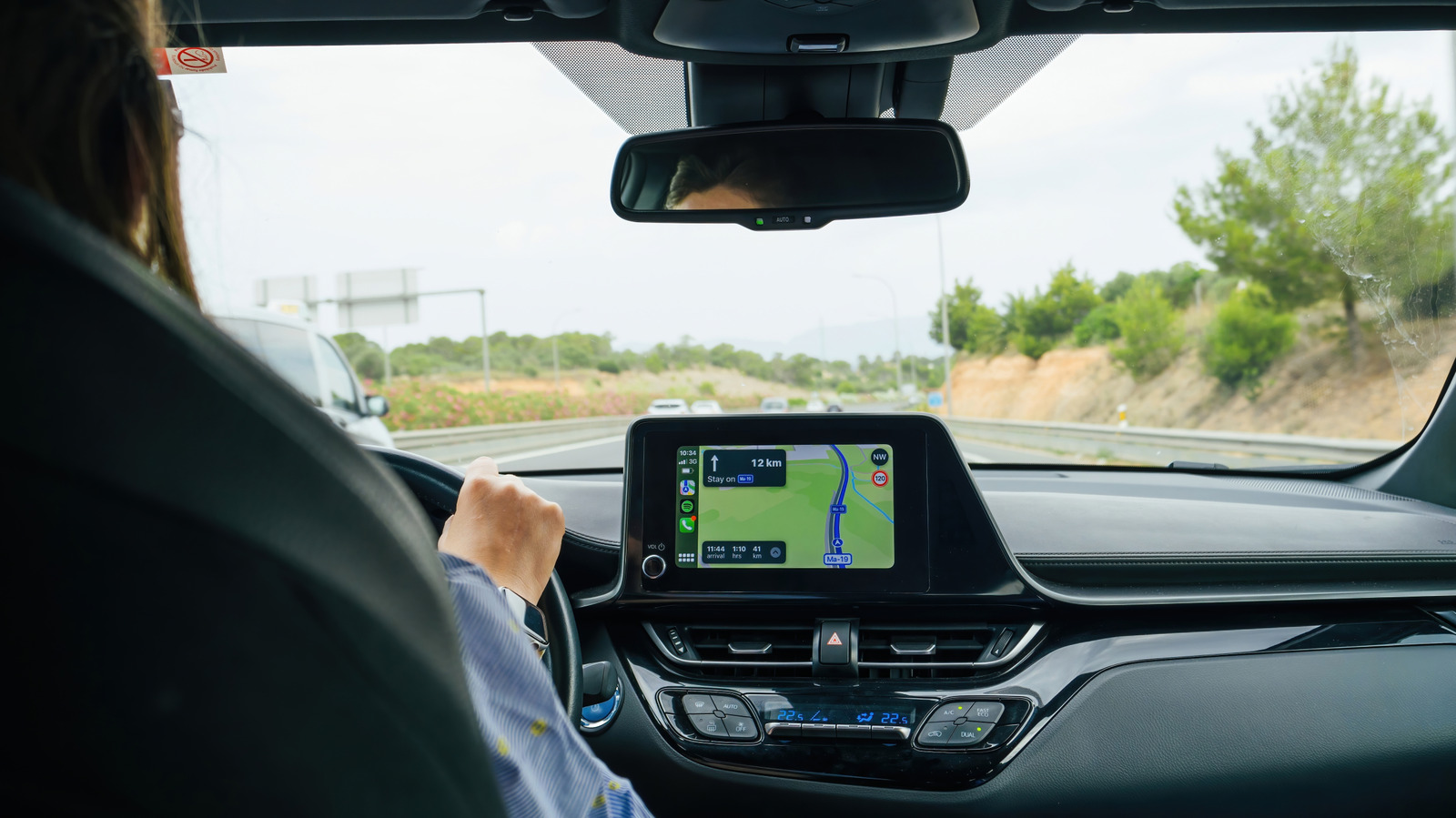
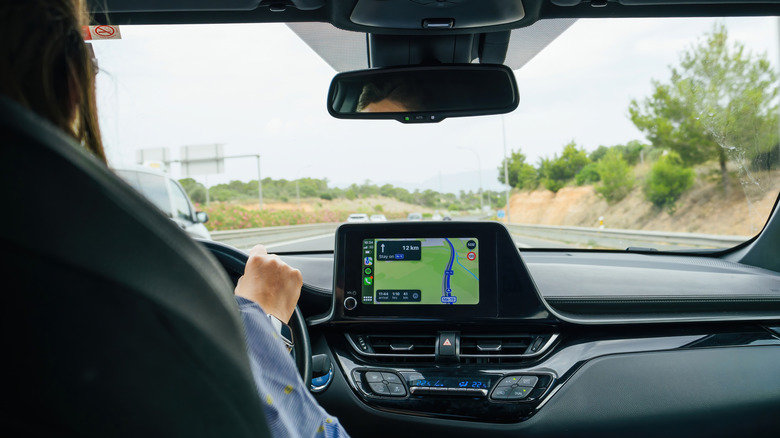
For many iPhone users, Apple CarPlay has become synonymous with a quality driving experience, from playing their favorite tunes to navigating to their next destination. And although Apple continues to upgrade its popular infotainment system, one of its most useful features has been hidden in Apple Maps for years and is critical to letting your family, friends, and, if you are like me, enemies know when you will arrive at your destination.
I am, of course, referring to sharing your estimated time of arrival (ETA) through Apple Maps. Most users are probably familiar with Apple's Find My and location-sharing functions, but CarPlay's Share ETA feature is woefully underappreciated. Both simple to use and highly customizable, the feature is a godsend for worried parents and surprise parties everywhere.
To enable Share ETA, go to Settings > Apps > Maps. From here, scroll down to Share ETA and enable the feature. You can also enable location sharing in Messages, Contacts and Find My. You may also want to turn on Siri to make sharing an ETA more convenient. To do so, go to your iPhone's Settings, tap Siri and enable Turn on Siri.
How to share your ETA
Hadrian/Shutterstock
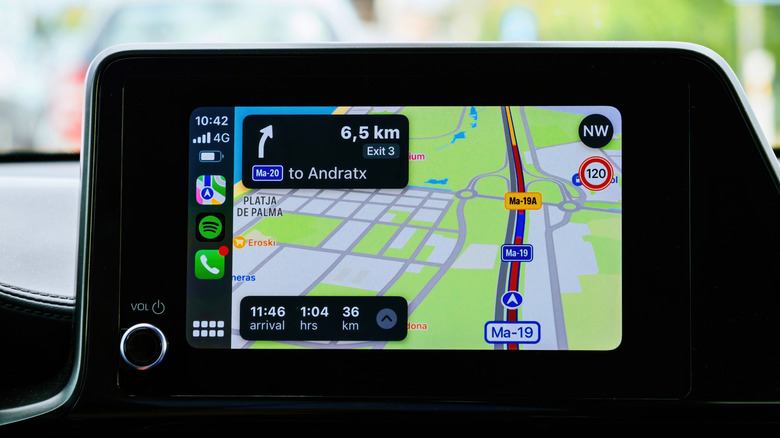
Sharing your ETA is a simple way to improve your CarPlay experience. If you're using Siri, you can initiate a voice command when you're following Maps directions, either by holding the voice command button on your steering wheel or saying "Hey Siri" if your car supports voice activation. Next, say "share my ETA with (contact name)."
If you would rather not use Apple's voice assistant, you can share your ETA directly in Maps. After you've set off, tap the route card at the bottom of the screen, then Share ETA and choose a recipient. If the contact isn't on the list, you can find them under Open Contacts. To share with more than one person, tap Sharing with at the bottom of the screen, Open Contacts and select your intended recipients. You can also stop sharing your ETA by opening the route card again, tapping Sharing with, selecting Stop Sharing ETA and choosing the contact you want to stop sharing with.
You can also automatically share your ETA with someone by adding their contact to a pinned location. First, go to Maps > Places > Pinned. Next, tap the blue information button > Add Person. Next, tap the desired contact and confirm the selection. Now, whenever you select the pinned location in Apple Maps and tap Go, it will automatically share your ETA.
KioskNews shows a cleaned-up reading view extracted from the publisher’s page — the original always lives on their site, not ours.