How much storage does Apple Intelligence use on your iPhone?
Apple Intelligence's conveniences come at a large storage cost.
Primakov/Shutterstock
Apple Intelligence received some sizable updates and improvements with iOS 27, and all those new features take up an awfully large amount of space on your phone. For those not interested in using Apple Intelligence, or unwilling to give up copious amounts of storage, there's a way to reclaim what the update ate up. This goes beyond disabling your iPhone's Apple Intelligence features, but only takes a few minutes to pull off.
The exact amount of space Apple Intelligence takes up on iOS 27 is not universal. According to Apple, it requires up to 14GB on the iPhone Duo, iPhone Air and iPhone 17 Pro or later, and 8GB on all other compatible iPhone models. However, some folks have reported the features taking up between 9GB and 16GB. For those with only 128GB of storage, that's over 12 percent of your space taken up by something you might not even want to use.
How to make Apple Intelligence take up less space
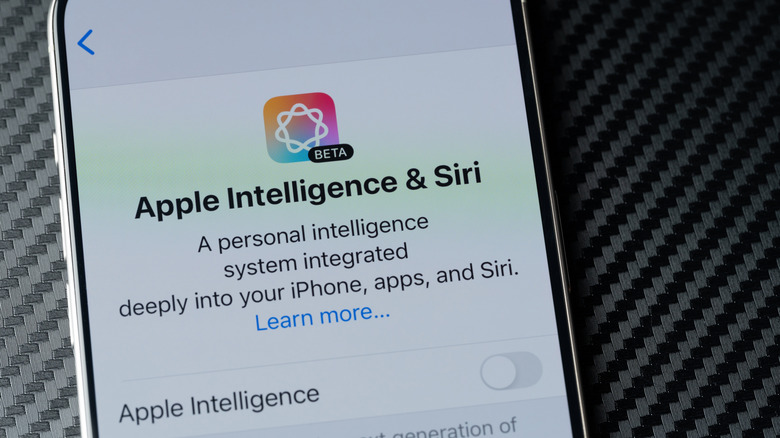
In iOS 27, disabling Apple Intelligence isn't as simple as flipping a single toggle like you could before. Even if you shut off the various features, iOS keeps them around in case you change your mind. However, Apple Intelligence only works when your device language and Siri language are set to the same option.
To get your space back, you'll thus have to tweak Siri's language while leaving your iPhone's language the same:
-
Go to Settings, then Siri, and select Language.
-
Pick another variation of English, like English (Canada).
-
Restart your phone, and you should be able to see the iPhone storage you've saved.
Be aware that since this is a workaround, it might break from future updates. If you're interested in some AI features but not others, you can selectively toggle Apple Intelligence tools in iOS 27. However, this isn't likely to save any noticeable space unless your phone runs critically low on storage. In that case, people have reported iOS deleting unused Apple Intelligence files to make room.
What you're missing by getting rid of Apple Intelligence
PixieMe/Shutterstock
One of the biggest losses from turning off Apple Intelligence is the new-and-improved Siri, which now boasts contextual understanding, the ability to take actions in other apps and more conversational back-and-forth. It can find information like hotel reservations and flight numbers, check updated info online, tell you about what's on your screen and even draft writing for you. Your camera app also gains a Siri mode, which provides information about anything you point the lens at or take a picture of.
Several other Apple apps have received their own AI-driven upgrades, too. The Photos app benefits from improved image cleanup, Safari will organize your tabs by topic, Shortcuts can be created with natural language and much more. You'll also get automatic proofreading across apps, and while on calls, your phone will offer information relevant to the conversation (like flight details or reservation confirmation numbers).
All these new features can be quite useful, but the amount of space Apple Intelligence takes up is a major consideration. It really comes down to whether you value space or convenience more.
KioskNews shows a cleaned-up reading view extracted from the publisher’s page — the original always lives on their site, not ours.