Canva will let users switch off most generative AI
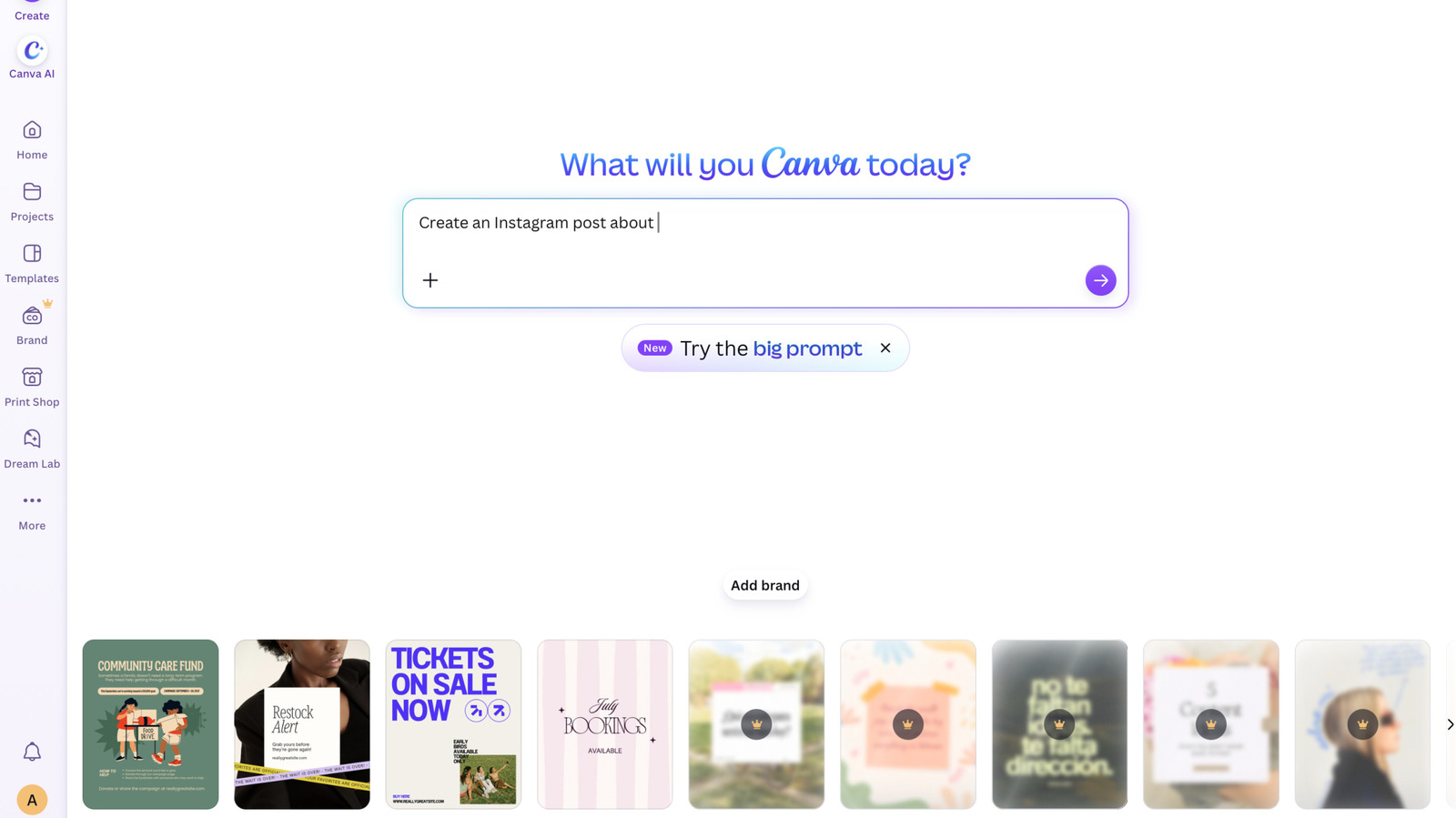
The platform is adding new controls for its editing tools and its image library.
Canva
Like most companies, Canva has added a fair number of AI tools and integrations to its platform over the past year. Today, the company is giving its users the option to strip the generative AI out of their experience. Canva is adding two new settings, one to turn all the gen AI features off or on, and a second to reduce how much gen AI content appears in a user's library. Free and Pro users will both be able to access the new controls.
There are some limitations to these AI settings. Some of the AI-powered editing tools, such as the Background Remover and Magic Grab, will remain available even when the broader AI tools are disabled. That's because those options don't leverage generative AI, only the content of an existing image, and using those features doesn't add the AI tag to the resulting image's metadata. And the library option will "reduce" the odds of an AI-generated image from Canva appearing in searches, but the company doesn't go so far as to say it will completely block them from the results.
Both new settings can be changed under the "profile" tab. For managing the platform-wide AI tools, it's under the "permissions" section of the settings menu, with the text "Enable generative AI features." The library setting can be reached by navigating to "Your Account" and then the AI personalization section.
KioskNews shows a cleaned-up reading view extracted from the publisher’s page — the original always lives on their site, not ours.