Android will use Gemini to warn you about scammy messages
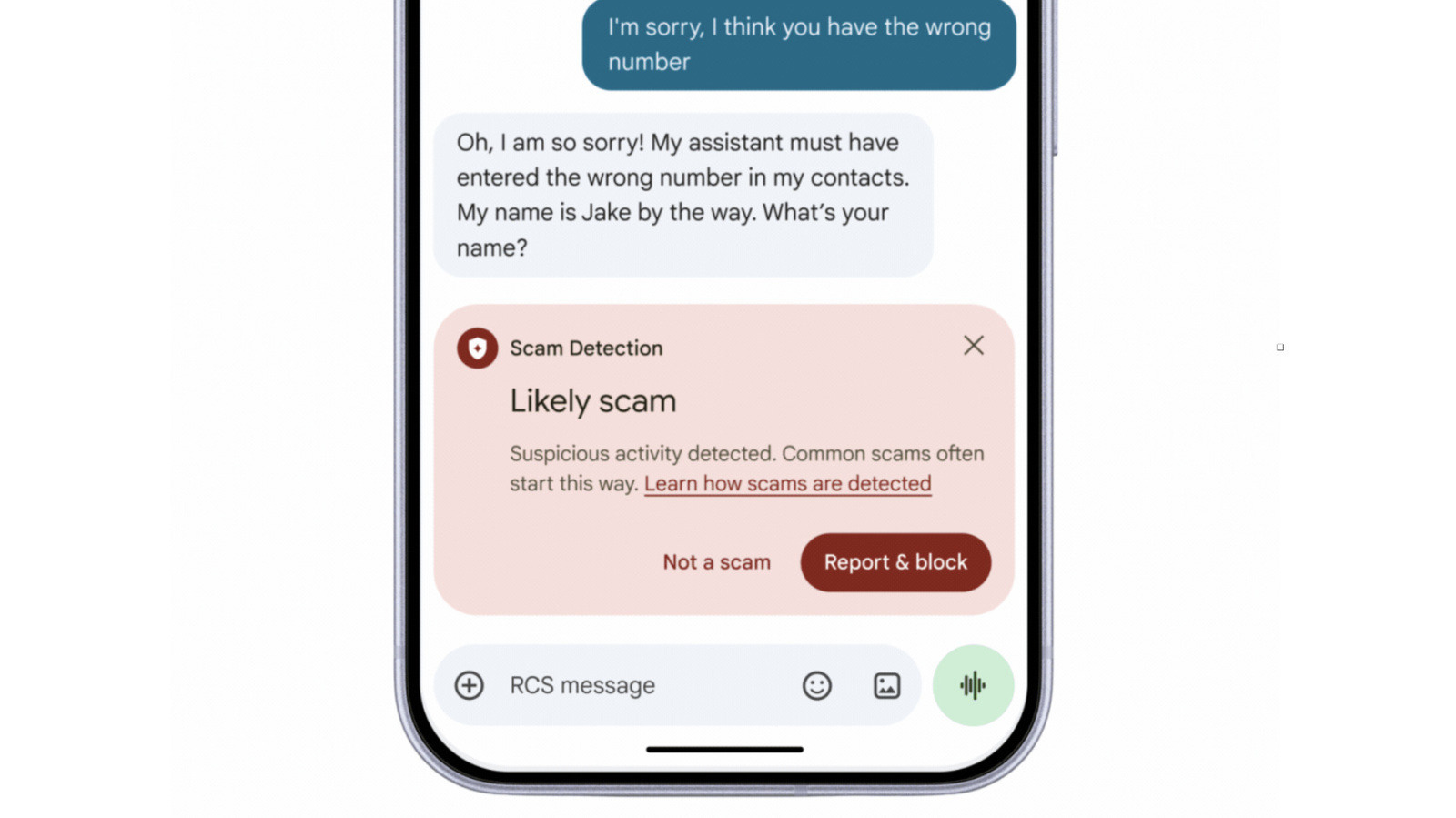
Google has announced new scam and privacy protection tools for Android.
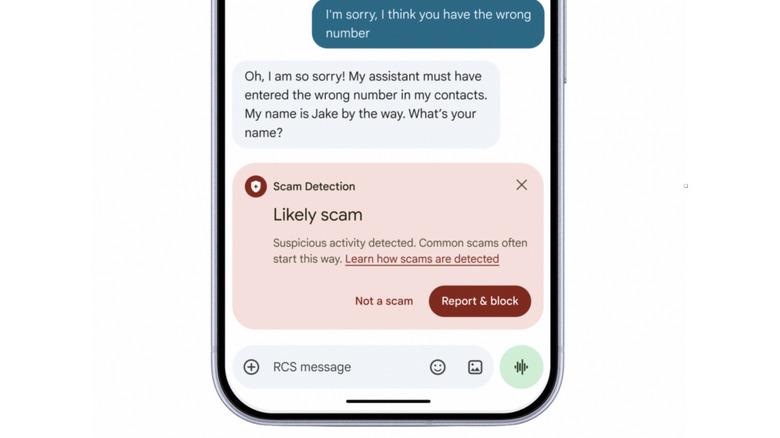
Google has announced a bunch of new, expanding and upcoming scam protections for Android users, including an opt-in setting in its Messages app that uses Gemini AI to warn you about deceptive messages. Toggling on the setting will enable Scam Detection, which taps into Google's most advanced Gemini models to evaluate the sender's intent and warn you if the messages could be coming from a bad actor. In Google's example, the sender pretended to show the recipient a photo of them with their dog. Upon being told that they had the wrong number, the sender tried to engage and asked the recipient their name.
The company explained that Android analyzes messages in Private AI Compute, which encrypts them and processes them in a secure space inaccessible to anybody else, even Google. Gemini Nano will also do on-device analysis of links in Messages to make sure they're safe before you tap on them. This will be available on Google Pixel 10+, the Samsung Galaxy S26 series, Galaxy Z Flip and Galaxy Fold 8, among other select devices. In addition, Google has redesigned its scam warnings to give you more context and extra time before tapping on links sent from numbers not in your contacts list. The new opt-in security setting is rolling out in the coming weeks.
After introducing Scam Detection in chat notifications on Pixel devices, Google is expanding its availability to more devices. The feature will warn you about potential scams right inside the message notification, so you don't even have to view it. Google has teamed up with device manufacturers, including Honor, Motorola, OPPO, OnePlus, realme, vivo and Xiaomi, which are expected to enable the feature later this year.
Meanwhile, all devices running Android 15 and newer will get automatic screen-sharing privacy later this month. The feature will hide passwords, banking information and credit card security numbers by default if you're sharing your screen that has Chrome or Android WebView open. In early December, the company is also rolling out call forwarding protection on Pixel and other select devices. The feature will block apps from secretly enabling call forwarding in the background. Android will warn you if a scammer tries to trick you into typing an MMI forwarding code — a short string of figures — to switch on call forwarding on your device.
Google has reported that it teamed up with banks in Brazil to combat bank impersonation, as well. To make sure it's actually a bank calling, Android will perform a verification check on incoming calls. If the caller fails to pass the check, Android will hang up the call and alert you. Google said Android has already blocked over three million fake calls since launching the feature in June. It's not clear if and when it will bring the safety tool stateside, but the company said it will work with more partner banks in the future.
KioskNews shows a cleaned-up reading view extracted from the publisher’s page — the original always lives on their site, not ours.