The camera sensor cleaning mistake you don't want to make
Megaflopp/Getty Images
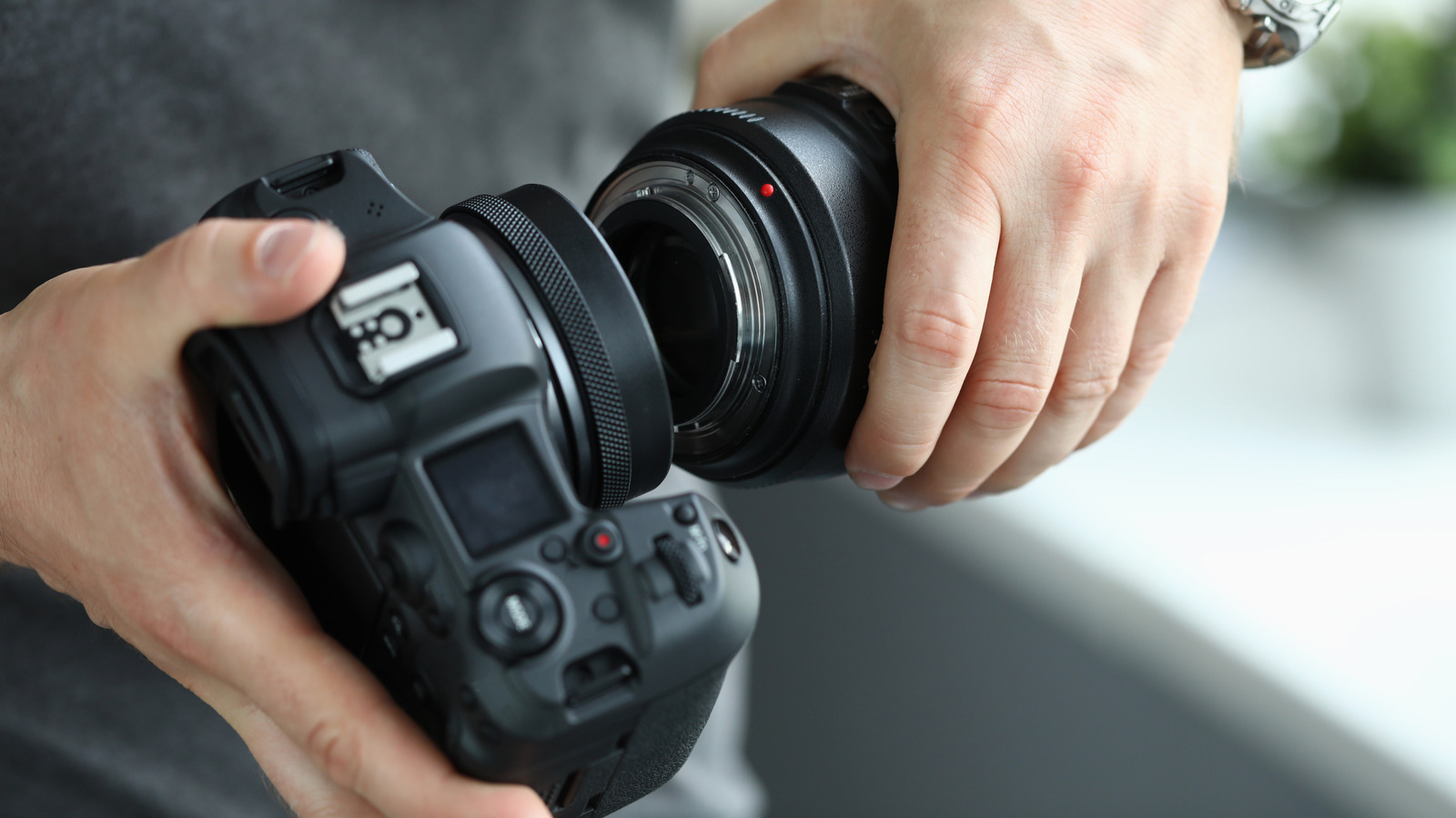
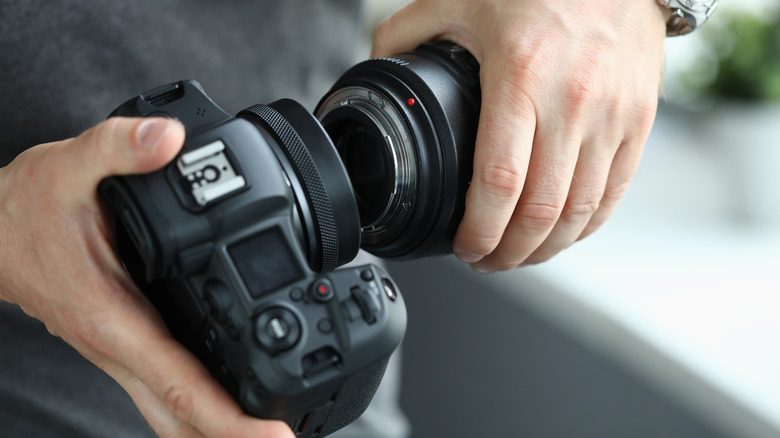
If you often swap lenses on your camera, it's almost inevitable that some debris will end up on the internal sensor. It's not the end of the world, so long as it's not something abrasive like metal shavings or grains of sand. Whether you spot the speck of dust on the sensor after reviewing photos or cleaning your camera, it's important you resist the urge to dislodge the dirt by blowing directly onto the exposed sensor with your mouth. If you do, you might end up introducing a bunch of moisture into the element via your spit.
Your spit can turn into hard-to-remove stains on the sensor that show up in all your photos, making the problem you started with worse. You may even have to seek professional help to get it cleaned, unless you have the know-how to do a wet-clean using a dedicated cleaning solution. Instead, here's a better approach to cleaning your camera sensor that doesn't involve your mouth.
The recommended approach to cleaning sensors
Maksim Safaniuk/Getty Images
To start, it's a much better idea to use the built-in sensor cleaning feature that most modern cameras offer. If your digital camera has the ability to change lenses, chances are it also has the option to clean its own sensor using vibrations to shake off any dust particles. You can find this feature by navigating through the camera's menus, and even toggle on automatic cleaning each time you turn on or shut off the device.
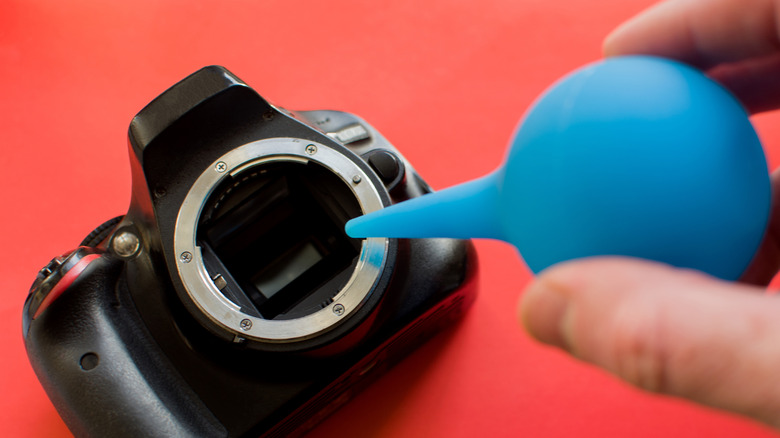
If you still see dust specks on your images after this, it's time to turn to an essential part of every photographer's kit: the rocket blower (which can also be used to clean your Mac). These rocket-shaped air puffers offer a manual option that can direct bursts of air to remove dust from your sensor. To make the rocket blower even more effective, point your camera's sensor toward the ground while you puff air upwards so any particles that get blown off will stay off thanks to gravity. If all else fails, it may be time to visit a professional before you go experimenting yourself and accidentally turn the dust into a permanent scratch on your camera sensor.
KioskNews shows a cleaned-up reading view extracted from the publisher’s page — the original always lives on their site, not ours.