One problem with Android Auto can be fixed with a simple update
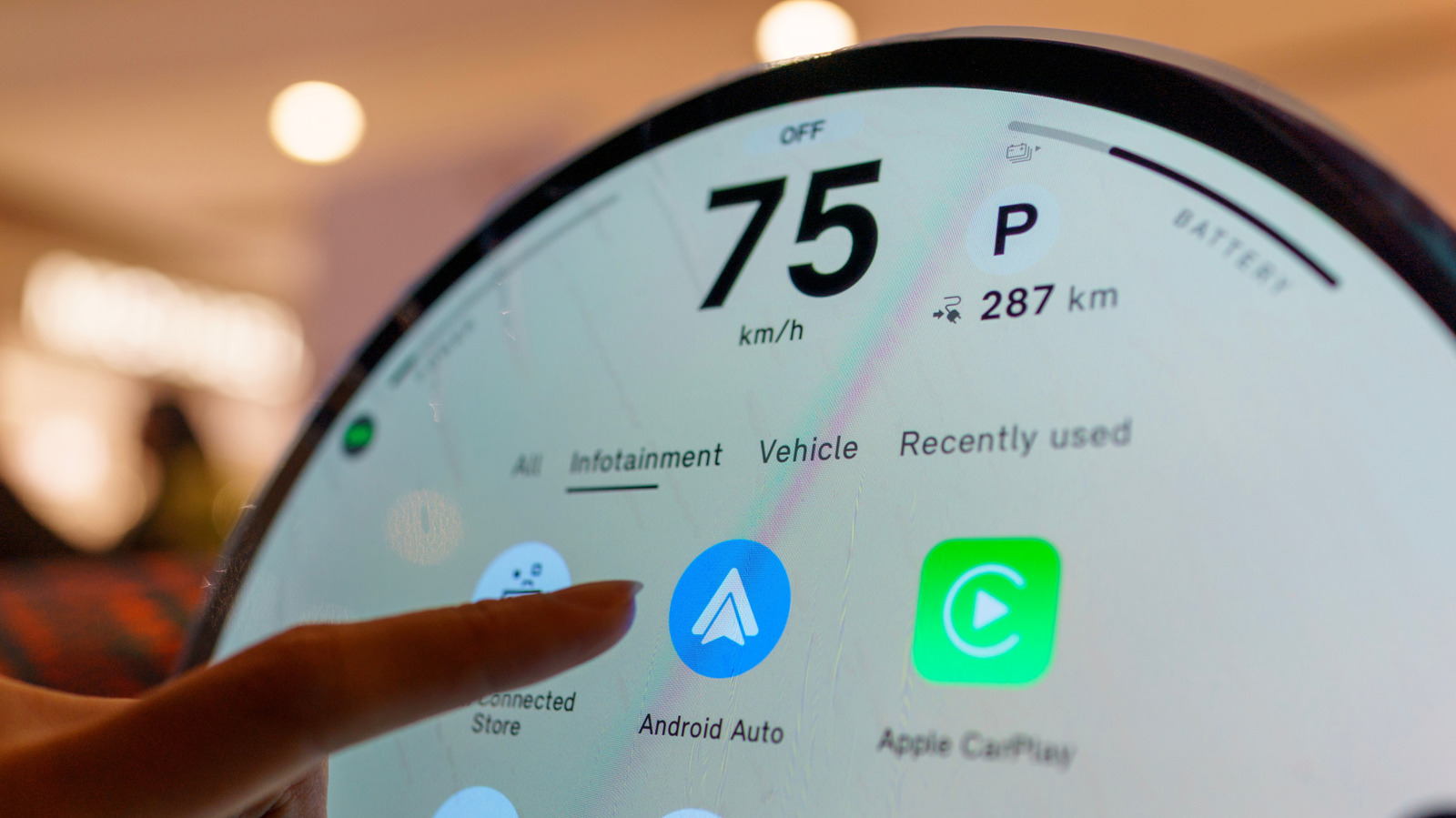
Your phone isn't the only device that may need an update when Android Auto starts acting up.
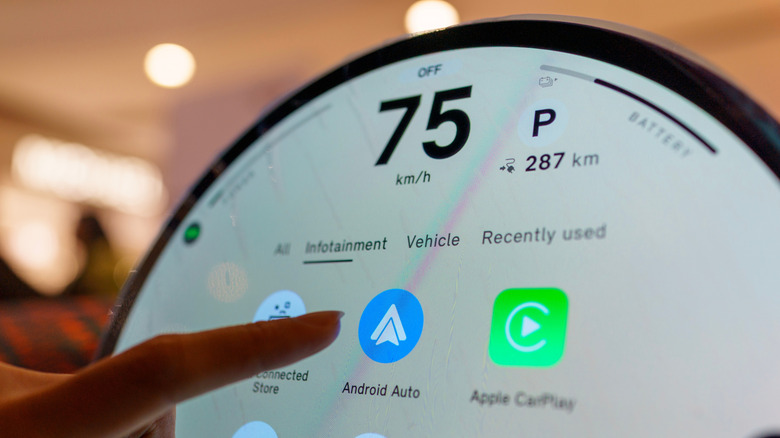
TY Lim/Shutterstock
There are many reasons why Android Auto may stop connecting, and the initial fixes typically focus on the phone and connection. You inspect the cable, restart the device, forget the car, reconnect it and make sure Android Auto is up to date. If all that fails, however, the software that requires attention might be in the dashboard.
Your car's infotainment system also has software, and if it's out of date, it can cause Android Auto connection problems. Google advises users to restart the infotainment system and, if the receiver is an aftermarket Pioneer or Kenwood unit, to visit the manufacturer's website and check for a firmware update.
Android Auto relies on the phone and car working correctly, and if you just focus on the phone, you may be missing half the equation. If none of the above has worked, including changing cables, reconnecting the phone or restarting the phone, then the car's software is another area to consider.
Your car might need an update as well
Jovannig/Getty Images
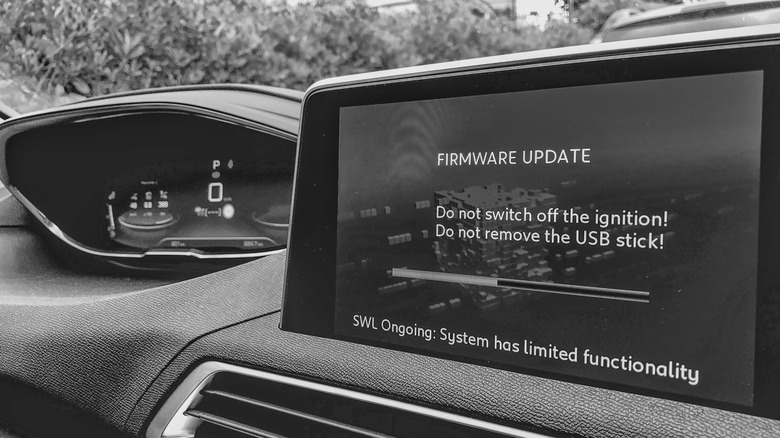
Automakers have been sending out infotainment updates that can improve Android Auto, and Hyundai's February 2026 infotainment update for ccNC-equipped cars in Europe included improved wireless Android Auto and Apple CarPlay connectivity, quicker reconnection if the phone goes unresponsive and automatic restoration after a restart. Chevrolet makes the point more directly: on applicable vehicles, it lists updating both the phone and vehicle software as the first troubleshooting step when Android Auto won't connect.
How you install an update depends on the car. Some systems can download software via Wi-Fi, while others use a USB drive or SD card, and some manufacturers also offer dealer assistance. For example, Uconnect allows supported systems to be connected to Wi-Fi via the vehicle's settings menu.
Therefore, there is no universal button for updating infotainment firmware. Start at your car manufacturer's website and follow the directions for that infotainment system. If the site asks for your VIN or model details, provide them. If the process is not clear (or the manufacturer states that it must be installed by a dealer), a dealer is the safer route than getting an update file from elsewhere.
A firmware update won't fix every Android Auto problem
Georgeclerk/Getty Images
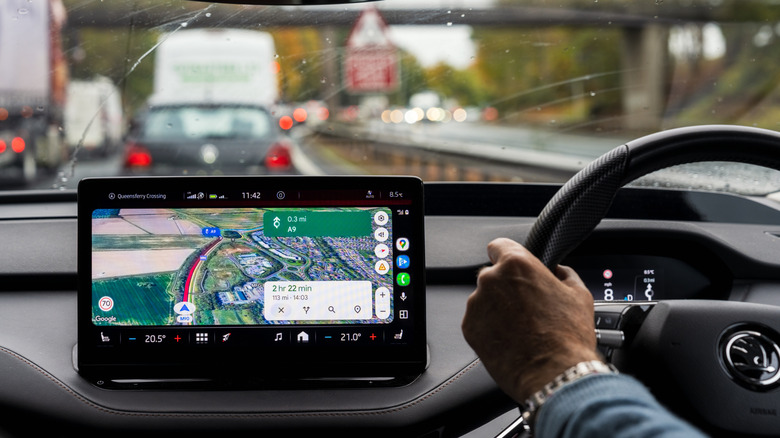
If Android Auto stopped working right after a phone or Android Auto update, check Google's Android Auto Known Issues page before changing the car's software. Google recently addressed connection problems affecting Pixel 10 and Samsung S26 phones and was still investigating an S25 connection issue. That timing can help you decide which side of the connection deserves attention first.
If Android Auto has stopped working right after a phone or Android Auto update, begin there before making any changes in the car. Google advises users to verify that the car is compatible, check that Android Auto is turned on in the infotainment system and test the USB connection. For wired Android Auto, its current guidance is to use a quality cable that is under 3 feet long.
Updating the car is a troubleshooting measure and not a magic bullet. If Android Auto was working before, the standard phone-side troubleshooting has failed and newer infotainment software is available, an update is one more thing to check off before scheduling a service appointment.
Firmware is not without its restrictions. It's not always able to add Android Auto to hardware that didn't support it to begin with. Uconnect says its systems can't simply be upgraded to add Android Auto or CarPlay, while Uconnect 5 and select Uconnect 4 and 4C systems include both.
KioskNews shows a cleaned-up reading view extracted from the publisher’s page — the original always lives on their site, not ours.