I used Apple’s HomeView for a week. Here is what it did and didn’t change
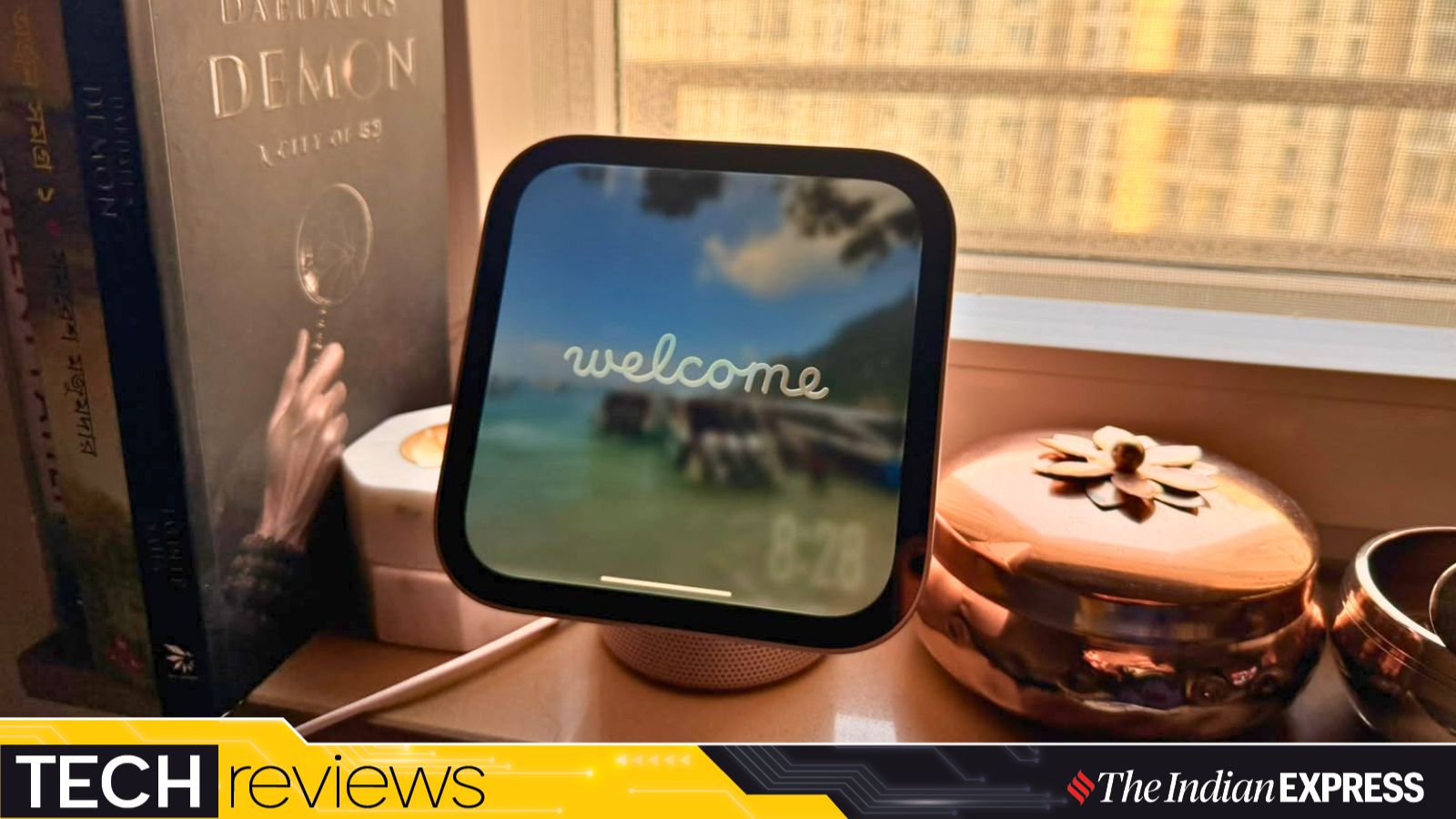
Apple is clearly looking for more spaces and screens to occupy in your life. The new HomeView is a device that gives it centre stage in a household with more devices. But can this new form factor really fill a gap in people’s lives and be something they turn to every now and then? That is the question I wanted to answer in the one week I have had the device in my living room.
The HomeView builds on the HomePod in many ways, though the design aesthetics are different. However, the design language is authentic Apple and something we are all familiar with. A speaker forms a cylindrical base, and a tiltable 1:1 ratio (1088x1088p, ~220 ppi) 7-inch Liquid Retina display with True Tone is perched on it. The screen is compact, but big enough for you to even watch a video on it.
Setup is simple, as with any Apple device these days. All you need to do is bring your iPhone near the HomeView and follow the instructions. During setup, it is important to set up both face and voice recognition for at least one member of the household. Your Siri features, as well as access to personal messages, will depend on this.
I was torn about where to place the HomeView. I thought the kitchen island would be the ideal place for it. After all, this is a device Apple wants at the centre of your home, helping with everything from playing music to checking the weather and reading out recipes. But I started by placing it on a window ledge, only to realise my earlier call was better, as the device needs to see you for a lot of the things it can do. Also, to ensure you use it more, the HomeView needs to be somewhere people are constantly around. This device waits for you to come to it, or at least be close enough to interact with it. That is both its strength and its biggest challenge.
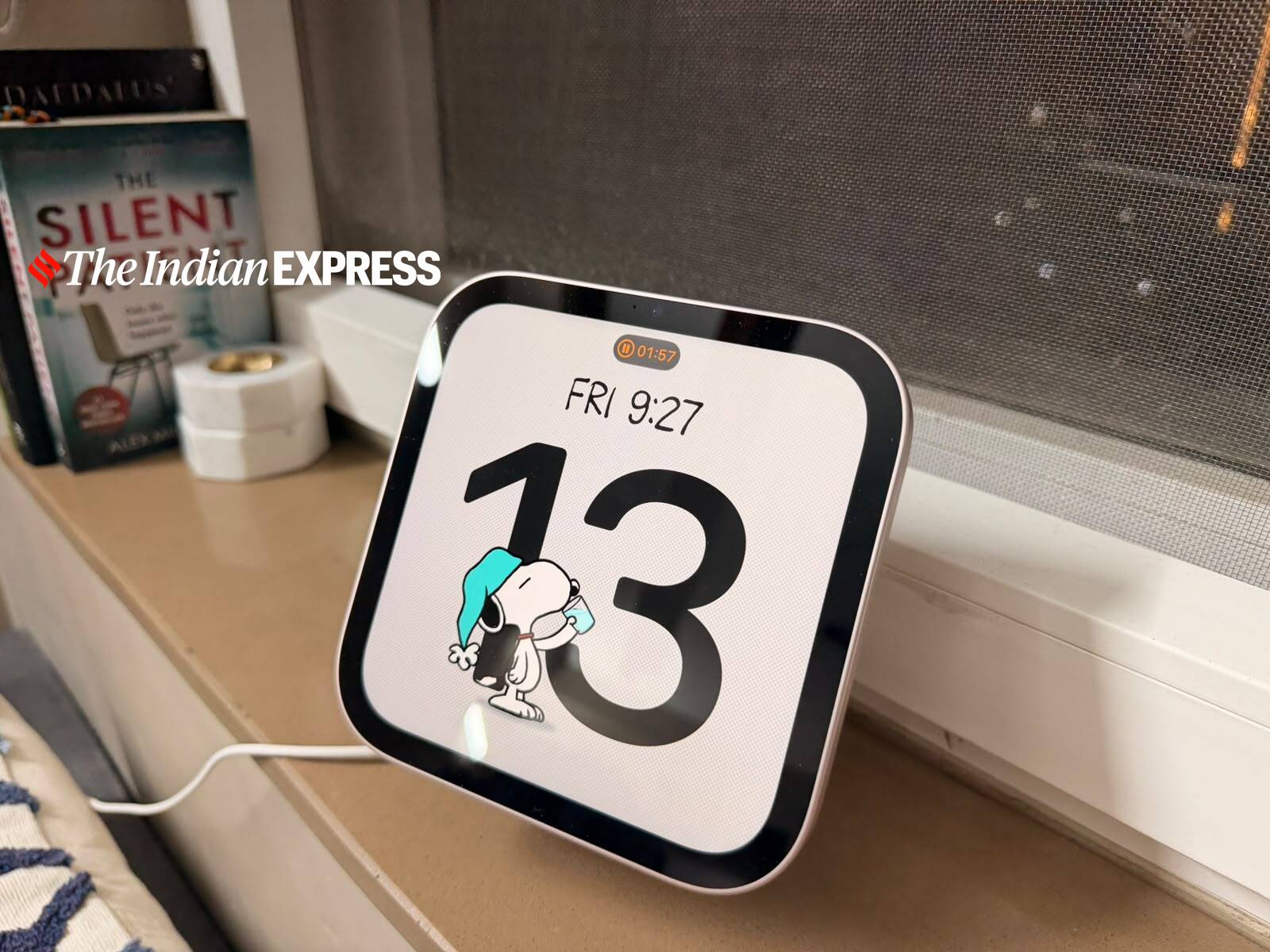 The display doubles as a digital clock, with customisable faces and Snoopy animations. (Image: Nandagopal Rajan/The Indian Express)
As someone who has used Amazon’s Echo Show devices over several generations, this concept is not new to me. But for Apple, this screen is an extension of its iOS user experience. Think of the UI as more like CarPlay than a separate OS launched for this device. You can hand over everything to this screen, from music to an Apple TV show to an NYT recipe on Safari. This feature works wonderfully, with the same smoothness as tapping two iPhones to share a file. There are no apps made for this device; what you have on the iPhone is what you get here too.
The square-ish shape gives HomeView a distinctive personality. It reminded me of the Apple Watch, with many faces that show the time, calendar, your photos and even cool Snoopy animations. One of my favourite features was the Photos screen, which brings up pictures from my library, turning the device into a constantly changing digital photo frame. Just ensure that the folders don’t have other stuff you have saved, like passport scans. That will become awkward really fast. Ideally, curate a folder of your favourite photos and showcase it on the HomeView.
My most used feature, however, was asking Siri to look up the weather or play a song. Often the pollution readings would be so depressing that I would ask it to follow up with songs that could lift my mood. Every time Siri heard me, it did a good job. But I got the sense it could not hear me from across the room all the time, so the closer you are to the device, the better.
Story continues below this ad
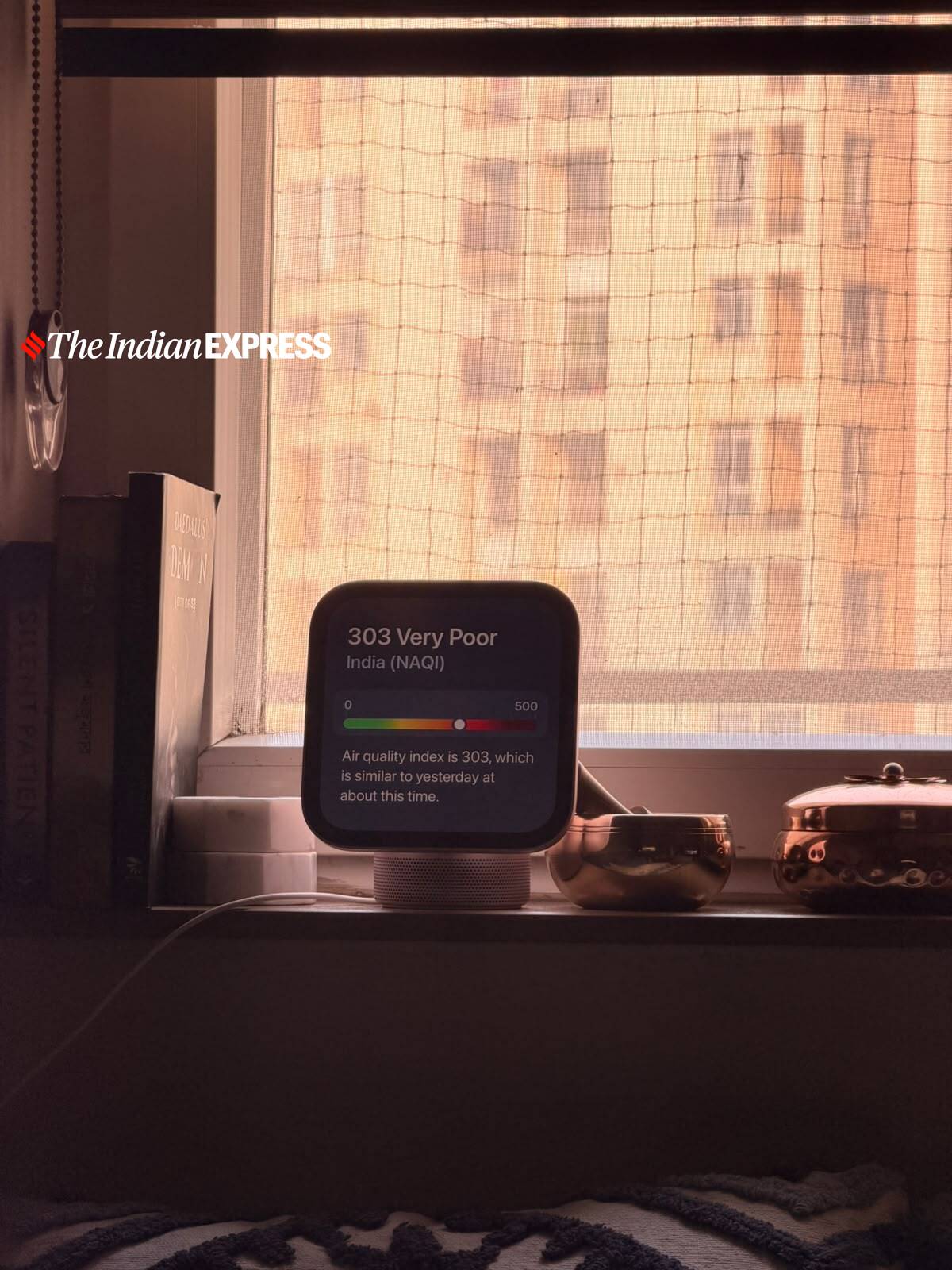 The HomeView can display air quality readings, offering a quick look at pollution levels around the home. (Image: Nandagopal Rajan/The Indian Express)
For a device this small, the audio quality is impressive. The speaker base looks almost too compact to produce the kind of sound it does. But it actually has spatial audio that resonates across the room, reminiscent of the earlier HomePod mini, though the HomeView has a softer bass profile.
HomeView can play videos, ideally when you hand over from the iPhone or from the Apple TV app on the device. There is no YouTube app, but there is Safari where you can open it. The display’s aspect ratio is not particularly suited to video for long hours. Of course, you can snack. I found it more useful as an audio device with a screen than as a small television. And perhaps that is the best way to think about it: a smart speaker that happens to have a very good display. Interestingly, Apple’s AudioBooks and other audio-friendly apps on my phone like NYT show up here too.
You can use the Intercom feature to make an announcement to other Apple devices in the house, or do a FaceTime call directly from the app here. But the issue is that FaceTime is still not that popular in India, so there will be limited calls you can take. But in Apple households with kids, this is a great way for children at home to communicate with their parents without having to give them a device. Siri can transfer calls here with a voice command too. The smart home features are also not of much use here, as we have not yet tapped into that ecosystem.
It can show the time, calendar and local weather information on its compact display. (Image: Nandagopal Rajan/The Indian Express)
Siri is smarter, but not always quicker
The biggest promise of HomeView is Siri AI, Apple’s more intelligent version of its voice assistant. There are two sides to my experience with it.
When Siri AI works, especially when HomeView recognises you, it can be genuinely useful. The device is designed to identify different members of a household and offer personalised information. Features such as reading out messages are tied to the recognised user’s profile, which means personal information is not simply available to everyone standing in front of the screen.
Story continues below this ad
For instance, earlier today I asked it to read out my messages. It was dark, and it could not see my face clearly. It refused to read them out, saying it could not identify me. This is a good privacy feature to have and makes HomeView potentially a very good family product. Different people can use the same device without everyone having access to one another’s personal information.
But the basic voice experience still needs improvement. I used HomeView primarily through voice commands, and there were occasions when Siri seemed slow to hear me. Sometimes, even after it appeared to hear a query, it simply did not respond. When it hears, it often mishears. This was frustrating, especially because Siri on my iPhone generally feels more responsive. This has to work for HomeView to be a product that people turn to as a virtual assistant in the living room or kitchen.
One smart feature I really appreciate is how the HomeView converts any recipe on Safari into one you can follow step by step, with timers that activate. This is really good thinking, and a reason the device works better on the kitchen island than on the window ledge.
Great hardware, still searching for a habit
Perhaps the most telling part of my week with HomeView was that I had to consciously remind myself to use it. Yes, a lot of this depends on where you place it, and also on the slightly limited use cases in the Indian market, which has not yet got on the connected home bandwagon. In fact, I faced the same dilemma with Amazon’s Echo Show devices too.
The device is in fact easy to use, especially for those in the Apple ecosystem. It looks good, sounds good and performs several tasks rather well. But it did not fundamentally change anything about my daily routine. It could, by taking a more proactive, AI-powered approach. But that goes against how Apple looks at interactions with its customers and, frankly, Siri AI on this device might not be up to it at the moment.
Story continues below this ad
At Rs 39,900, HomeView is not really an expensive addition to the Apple household. It makes the most sense for families already deeply invested in Apple’s ecosystem, particularly those who want a shared screen for communication, music and connected home controls. The promise of a software update that will make Siri a real smart alec in the living room is what will make the HomeView really worth it
KioskNews shows a cleaned-up reading view extracted from the publisher’s page — the original always lives on their site, not ours.