OpenAI brings its collaborative Space hubs to Plus users
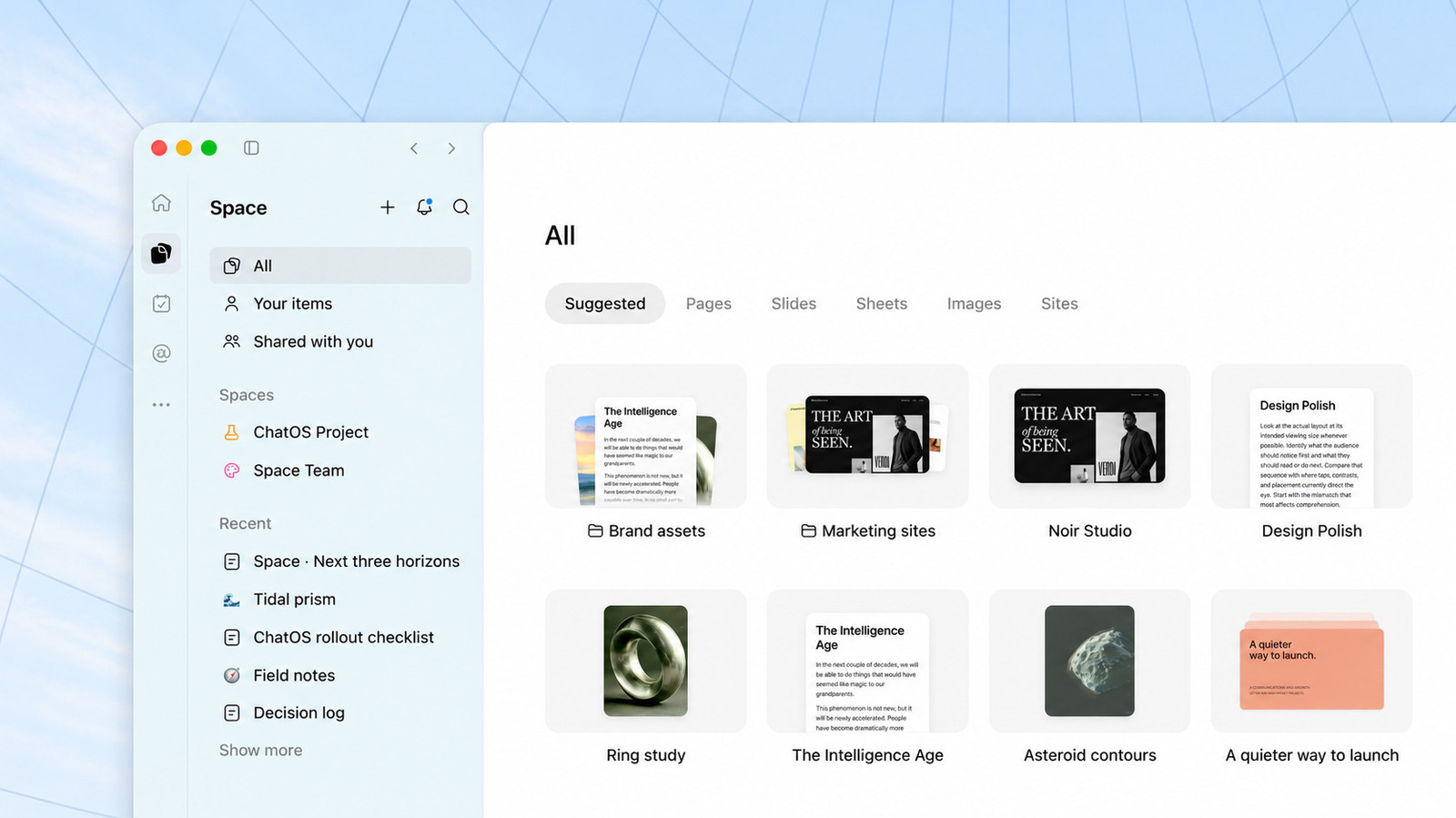
You can upload documents, files and more to the hubs for easy sharing.
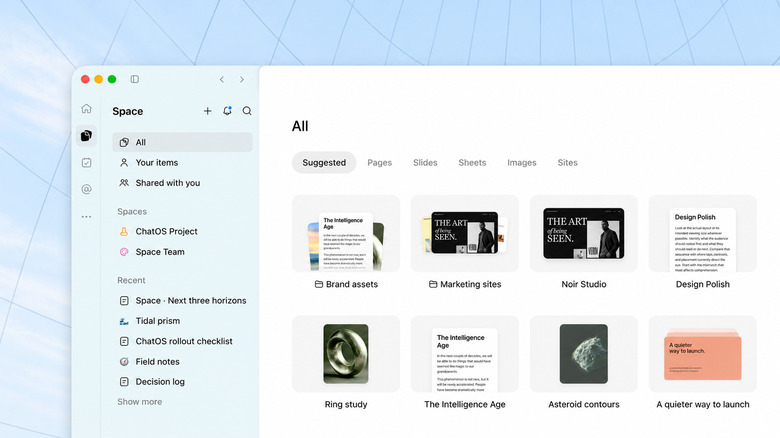
OpenAI
Back at its Dev Day event in September, OpenAI debuted ChatGPT Space. It's a hub that allows you, your coworkers or friends and any Dot agents you've set up to share information and collaborate on documents and other files. On release, ChatGPT Space was available to users on the company's Pro, Business and Enterprise plans. Now, OpenAI is expanding availability to those paying for its $20 per month Plus subscription. If you're one those people, you can create your own Spaces starting today.
You can create your first one by selecting "Space" from the left-hand navigation bar. It's where the Library section used to live. From there, click or tap the plus icon to make your first Space, and select a template or start uploading pages, slides, spreadsheets, images or links to websites. "Pages are a great place to start: they're a new type of document built specifically for the work you do with agents, like writing, visualizing, researching and coding," OpenAI explains. "Pages can stay automatically updated from your connected tools, too."
Spaces work with ChatGPT's recently revamped Scheduled Tasks feature, and you can invite others to collaborate on your projects with you. As a Plus user, you can't use a Dot with your Spaces (or at all, for that matter), but that's likely to change soon, with OpenAI starting to test the agents with a select group of Plus subscribers as of yesterday. As for use cases, the company suggests you can use a Space to create a city guide for a friend that plans to visit your home soon. As you find new spots, you can add them to the guide for ChatGPT to organize. For students, you can use the feature to create a study guide with 3D visuals and questions to quiz yourself. As with most of these kind of tools, a little bit of creativity goes a long way.
KioskNews shows a cleaned-up reading view extracted from the publisher’s page — the original always lives on their site, not ours.