How to adjust and turn off motion blur in GTA 6 if it makes you feel sick
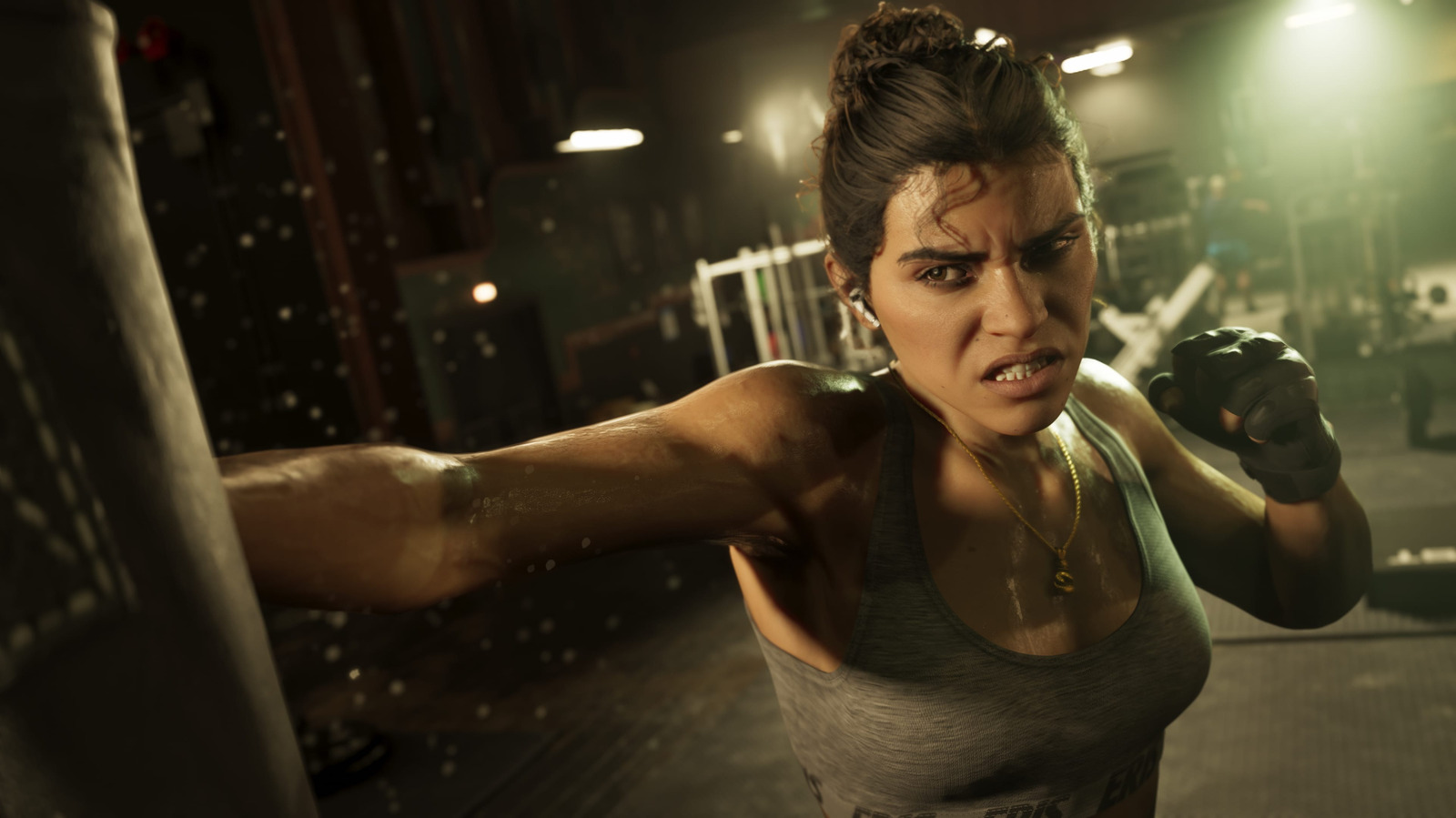
If the blur makes you feel a little nauseous, there are settings to mitigate it.
Rockstar Games
If you've been waiting years to play Grand Theft Auto 6, nothing is more disappointing than booting it up and finding it doesn't look quite as good as you'd hoped—or worse, that it makes you feel sick. There are a number of things that could be causing that, but the good news is that one of the most common culprits is extremely easy to fix. Motion blur is a standard feature in most AAA games these days, but there are good reasons some players want to avoid it.
For some people, motion blur just doesn't look good. GTA 6 is the most expensive game ever made, and one reason is its incredibly lifelike graphics. If a layer of motion blur on top of that ruins the illusion, that's enough of a reason to turn it off. Even worse, motion blur commonly contributes to motion sickness, causing dizziness and nausea in some players. Motion blur is nearly ubiquitous in modern games, but fortunately, there are usually settings to tone it down or turn it off completely.
You can tone down GTA 6's motion blur from the pause screen
Rockstar Games
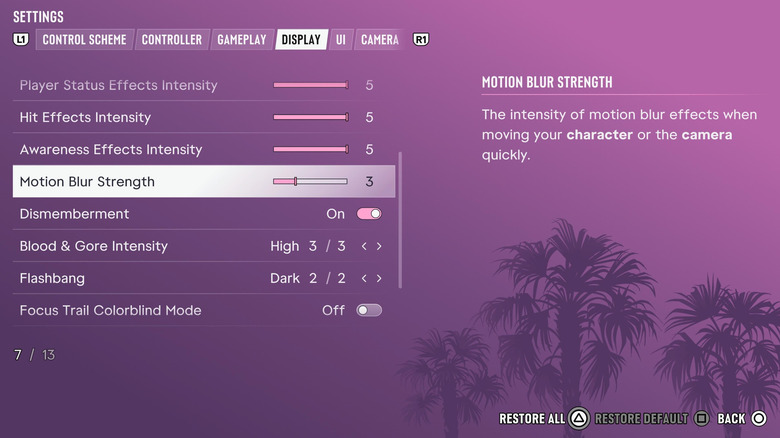
It's easy to adjust or turn off motion blur in GTA 6. Just pause the game and select Settings from the bottom of the main menu. Next, scroll over to the Display tab by pressing the right shoulder button. About halfway down the page, under the visual effects heading, you'll see a setting called Motion Blur Strength with a slider. By default, it's set to three out of 10, so you can actually tone down the effect without completely turning it off, or even increase it. You can also just set the strength to zero to turn off motion blur completely.
It's worth playing with this setting a little bit to find the level that works for you. Especially at lower frame rates, motion blur can help smooth out camera movements that might otherwise be distractingly jittery, so even leaving it at its lowest level can help. Including a slider instead of a simple toggle is a welcome feature in GTA 6, letting you dial it in to your exact needs.
Since GTA 6 targets 30 fps on consoles, rather than 60 fps, those jarring camera movements may be a bigger deal than they are in other big releases. The best level of motion blur for you will depend more on your TV and personal preference than anything else.
KioskNews shows a cleaned-up reading view extracted from the publisher’s page — the original always lives on their site, not ours.