Building your own mini PC is harder than you would think
Capix Denan/Shutterstock
Building a custom PC is a wonderfully satisfying feeling. Even if you've never built one for yourself, it's ingrained itself into the world of content creation and social media so fiercely that everyone has most likely at least watched someone partially build a PC at some point.
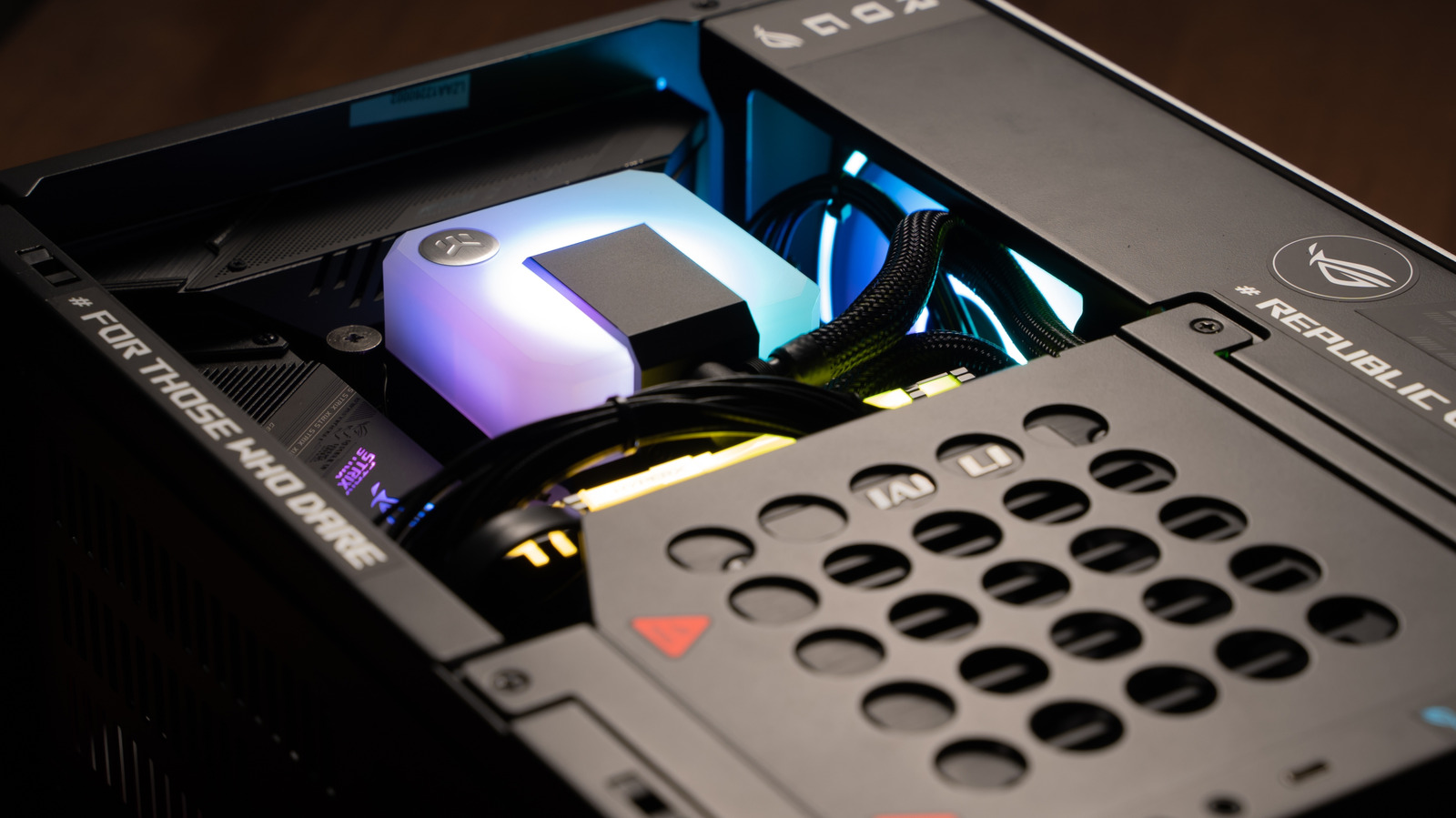
As you may have noticed, there are so many different form factors for cases and unique enclosures. One of the more interesting ones that has been carving out its own funky niche in the market is the mini PC build. Because of the unique form factors and limited space these cases allow, they come with challenges that make a build of this type a bit more difficult than normal.
Unlike larger mid- and full-range towers, the mini PC builds tend to focus on a straight-ahead approach with very little wiggle room for frills. Things that we take for granted in larger builds, like room for maximum airflow or a larger GPU, become pertinent struggles in the mini PC world.
Mini PC cases offer a big punch in a small package
Capix Denan/Shutterstock
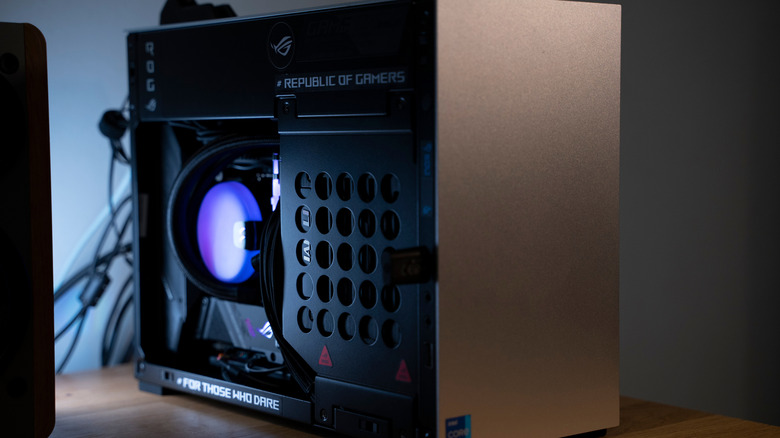
One of the core things to understand upfront about mini PC builds is the case itself. What we know as mini PCs tend to be built within Mini-ITX or microATX cases. For as small as they are, you might think they'd cost significantly less than their larger siblings. In a lot of situations, that's true, but Mini-ITX cases also come in a lot of different types. Some of them offer fun bells and whistles, which can run your bill up before you know it.
A lot of the mainstream mini computers that you can buy from companies, like Apple's Mac mini or certain models of the ASUS NUC, are built with an SoC — a system-on-a-chip that combines a CPU with a GPU — and RAM sometimes soldered into the motherboard itself. Doing something like that isn't really feasible, but you can get fairly close with some commercial cases.
No matter which one you're looking at, it may be reassuring to know that despite their small stature, a lot of them are surprisingly roomy. You're still going to be limited by what the case allows in terms of dimensions and compatibility, but those are all easy to contrast and compare with the official specs or using a site like PCPartPicker to determine if a component will fit in your case.
Finding the right internals for a mini PC build is harder than you might imagine
tinhkhuong/Shutterstock
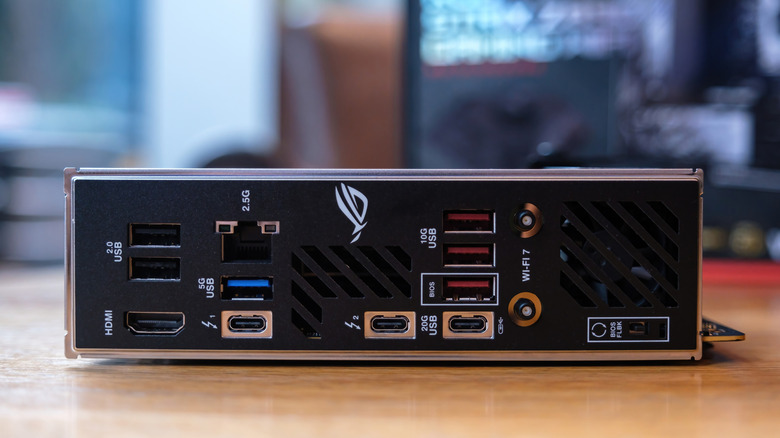
The unorthodox shape and size of a lot of mini PC cases means that while it's entirely possible to fill them with a lot of cool stuff, your approach is going to have to be a bit more economical and predetermined. For most of your situations, a mini ITX case will only accommodate a mini-ITX motherboard, while microATX cases will be able to fit in both Mini-ITX and microATX motherboards due to the micro cases being a bit bigger on average.
Airflow also becomes something of a problem, as the smaller size of these cases means your internal components have a lot less room to breathe. There's usually very little space once all the guts are mashed inside, and that's especially true if you go for a discrete GPU as opposed to an APU that combines the CPU and the GPU. The prices of most small form factor, or SFF, PC components are also a bit steep.
SFF power supplies, motherboards, CPU coolers and GPUs can all contribute a surprising amount to the final price of a machine, which may make going for a standard ATX build more appealing. Finding all these unique-sized parts isn't even the most challenging issue when building a mini PC, as the physical build itself can be far more difficult than that of a standard ATX machine.
There's a lot less room, but you also need to be more careful with the actual installation of parts. A standard ATX build can largely be put together in any order, but mini PC builds need to be put together in a specific order due to the part sizes and clearance concerns.
KioskNews shows a cleaned-up reading view extracted from the publisher’s page — the original always lives on their site, not ours.