ブラウザ上でWindows 98向けソフトのオリジナル実行ファイルが動作するエミュレーター「Wine-Assembly」
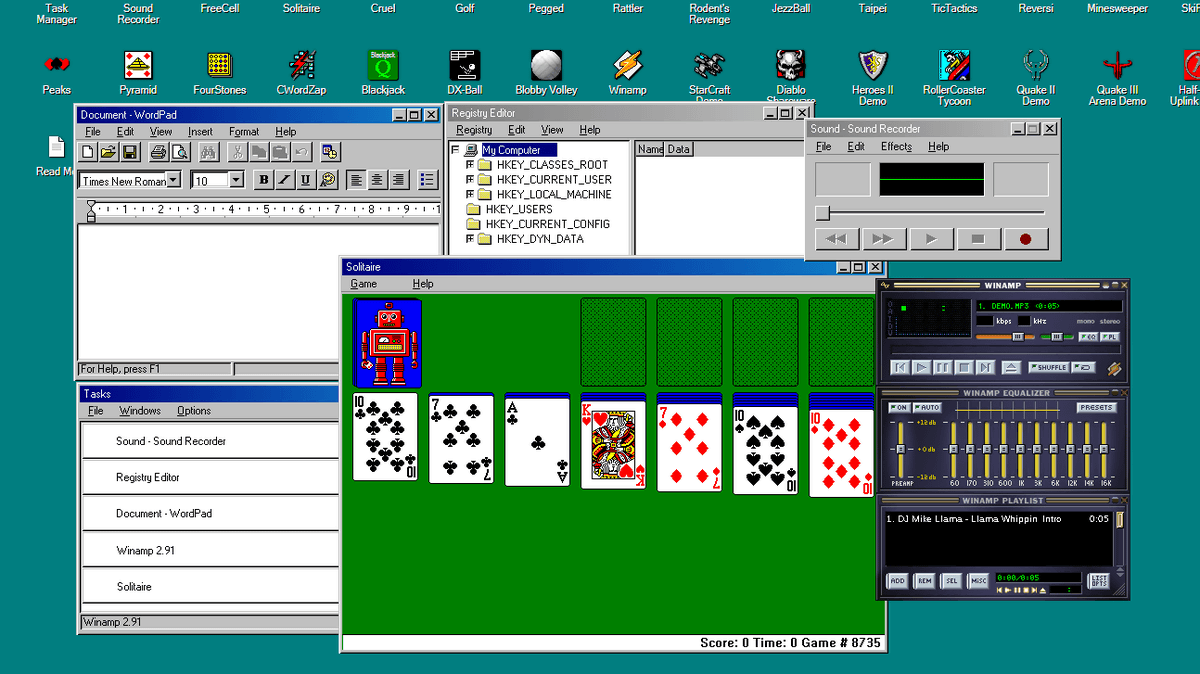
ブラウザ上で動作するWindows 98エミュレーター「Wine-Assembly」が公開されています。OSイメージやソースポートは一切使用せず完全にクライアント側で動作していて、エミュレーター内で動作するプログラムの設定やスコアはブラウザ内にローカル保存されます。
GitHub - vgrichina/berrry-wine: Run real Windows 98 apps and games in your browser. An x86 emulator and Win32 layer written directly in WebAssembly Text, no OS image, no source ports. · GitHub
https://github.com/vgrichina/berrry-wine
「Wine-Assembly」はウェブブラウザ内で直接、改変されていないオリジナルの実行ファイルを動作させるWindows 98エミュレーターです。WebAssembly Textで書かれていて、OSイメージなどがなくても動作し、マウスやタッチ操作にも対応。16ビットのWindows 3.1アプリケーションまでサポートしています。
ブラウザが使える環境なら、PCでもスマホでもタブレットでも、以下のサイトにアクセスするだけで利用可能です。
Wine-Assembly — Run Windows 98 apps and games in your browser
https://wine-assembly.berrry.app/
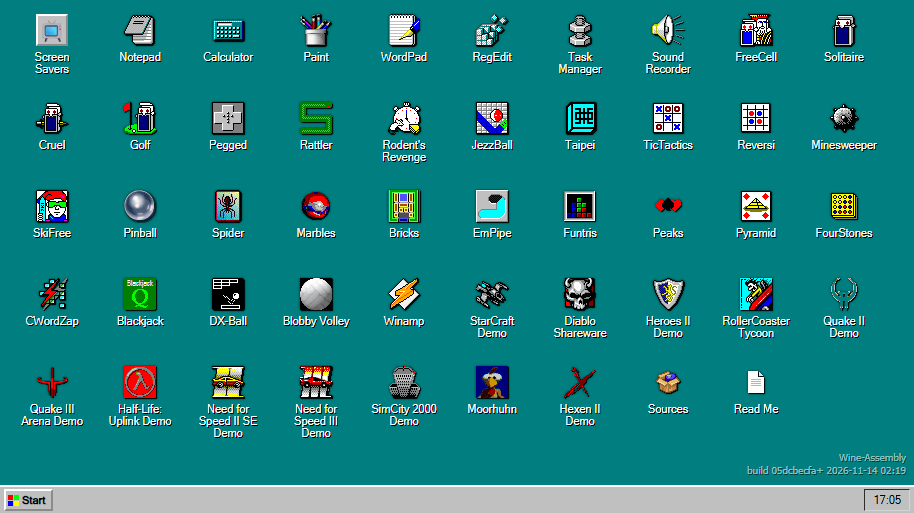
アクセスすると、いわばWindows 98搭載PCが起動したのと同じ状態になっていて、アイコンが39個並んでいます。下部にはタスクバーがあり、左下にスタートボタンがあります。アイコンをダブルクリックすればアプリケーションやファイルが開きます。
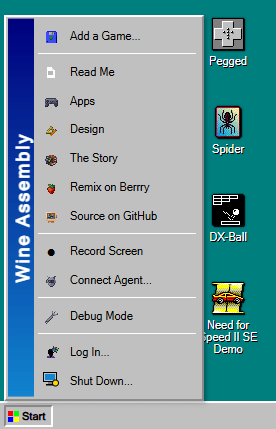
スタートボタンをクリックして開くスタートメニューはWindows 98のオリジナルのものとは異なります。
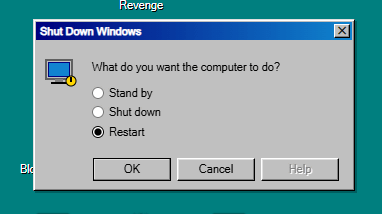
何はともあれ、「よくわからなくなった」「操作をうまく受け付けなくなった」などがあれば、スタートメニュー最下部の「Shut Down」を選んで表示されるダイアログで「Restart」を選択し「OK」をクリックして再起動すればだいたいOK。
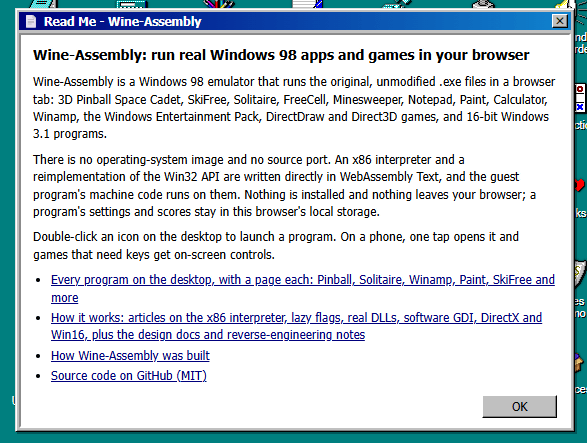
「Read Me」にはWine-Assemblyの説明があります。
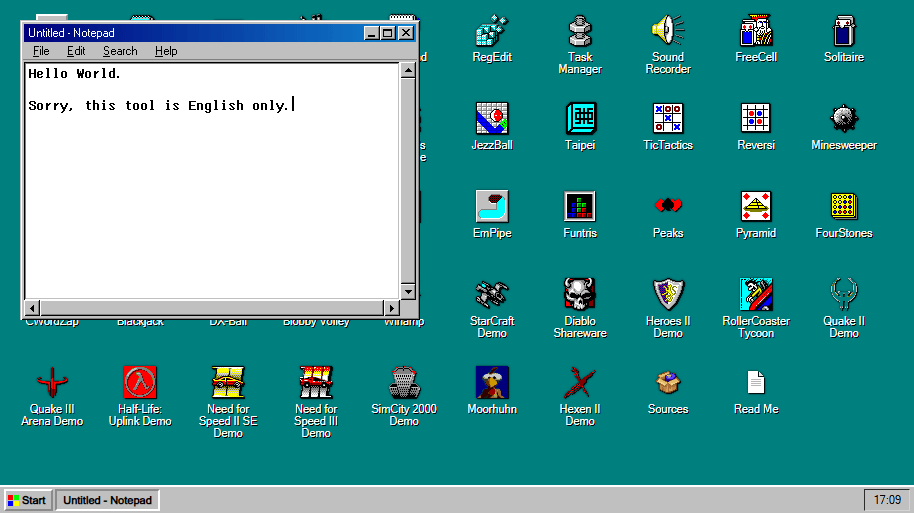
Notepadを起動してみました。普通にキーボードを使った文字入力が可能ですが、日本語入力はできませんでした。
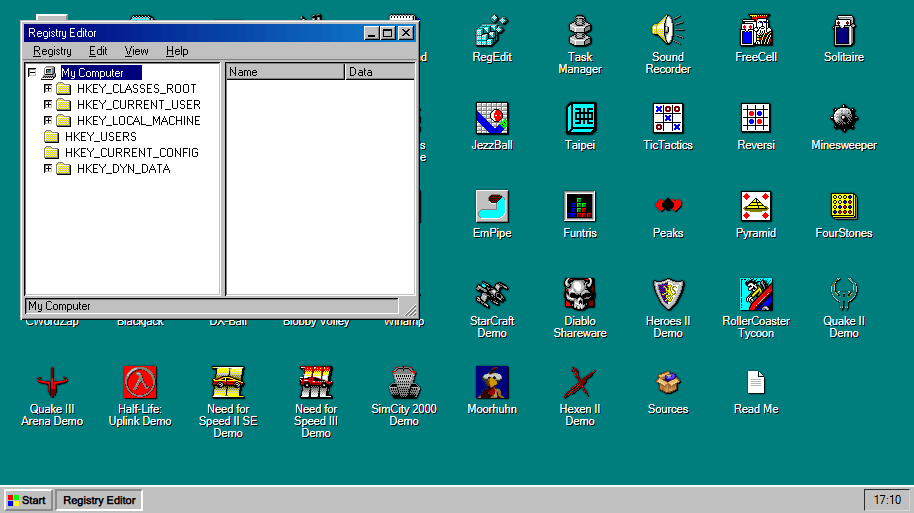
基本的にいじることはなさそうですが、レジストリエディタも使えます。
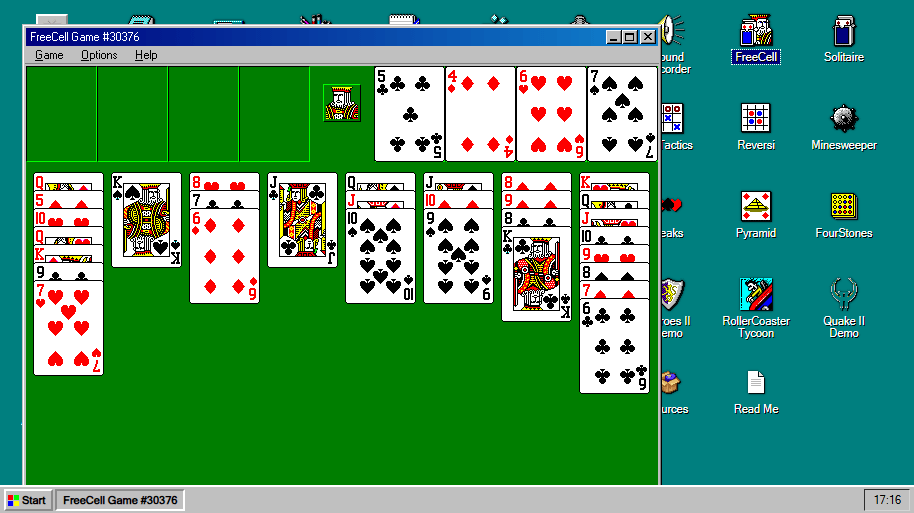
「フリーセル」「ソリティア」「マインスイーパー」といったゲームも当然問題なく起動し、そのまま遊べます。
ゲレンデを滑りまくる「SkiFree」もあります。
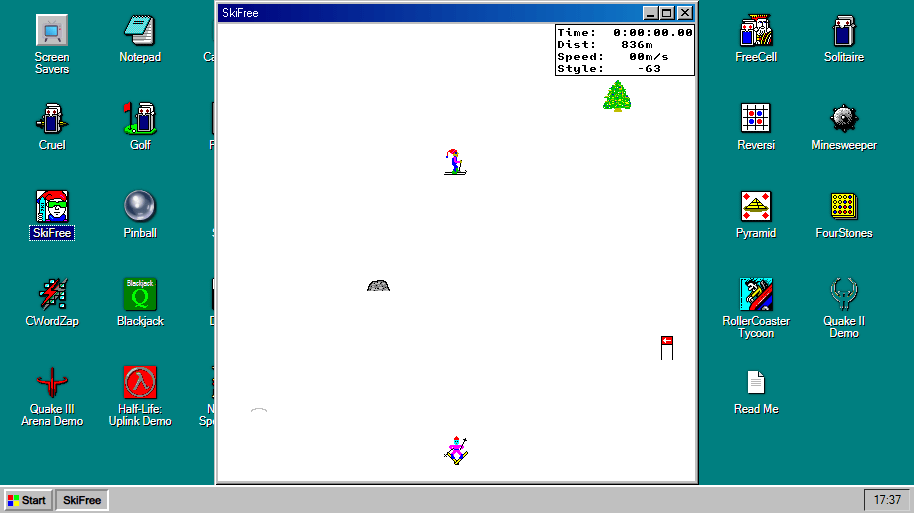
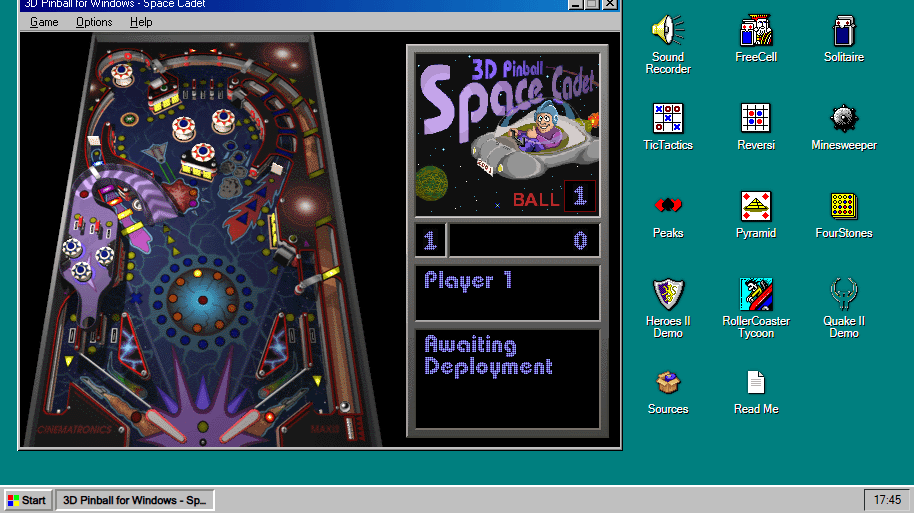
これは熱中するプレイヤーを大量に生み出した「Pinball」。
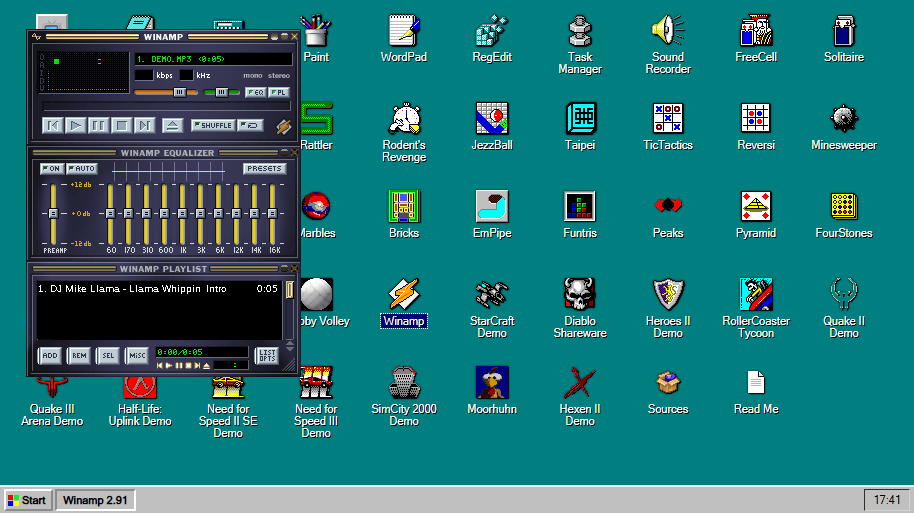
音楽プレイヤーソフト「WinAmp」もインストールされています。
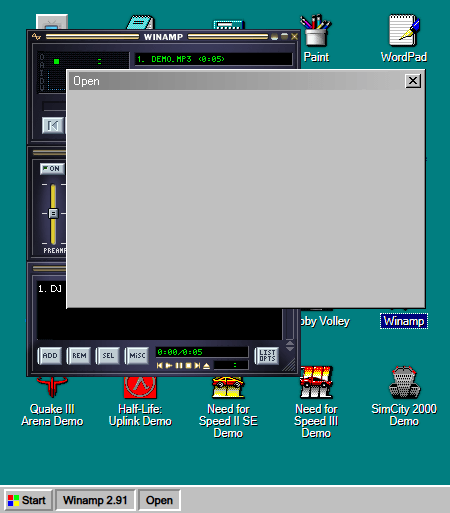
ただ、本来はPC内のファイルを開くためのダイアログがグレーアウトしてしまうため、好きな楽曲を再生することはできませんでした。
アクションRPG「Diablo」もありました。Diabloを含めいくつかのソフトは最上部に「Use browser fullscreen」と、ブラウザを全画面表示にするよう推奨するボタンが登場します。
KioskNews shows a cleaned-up reading view extracted from the publisher’s page — the original always lives on their site, not ours.