Canva Has a New Kill Switch for AI: ‘We Know AI Doesn’t Suit Every Task’

It’s a great day for designers who hate AI. Canva, the online design and publishing platform, announced on Thursday that it’s introducing two new settings to opt out of seeing and using AI tools. One lets you turn off AI tools in Canva, and the other lets you filter out AI-created content from Canva’s library of templates and other elements.
The settings are available now for free and paying users globally, except for those in India, the Philippines and Indonesia. Canva administrators for business and team plans can enable the two new settings for their entire organization.
To turn off Canva’s AI, go to your Profile > Settings > Preferences and toggle Enable generative AI features on or off. To filter out AI in your Canva library, go to Profile > Your account > AI personalization and enable the feature that says show less AI-generated content.

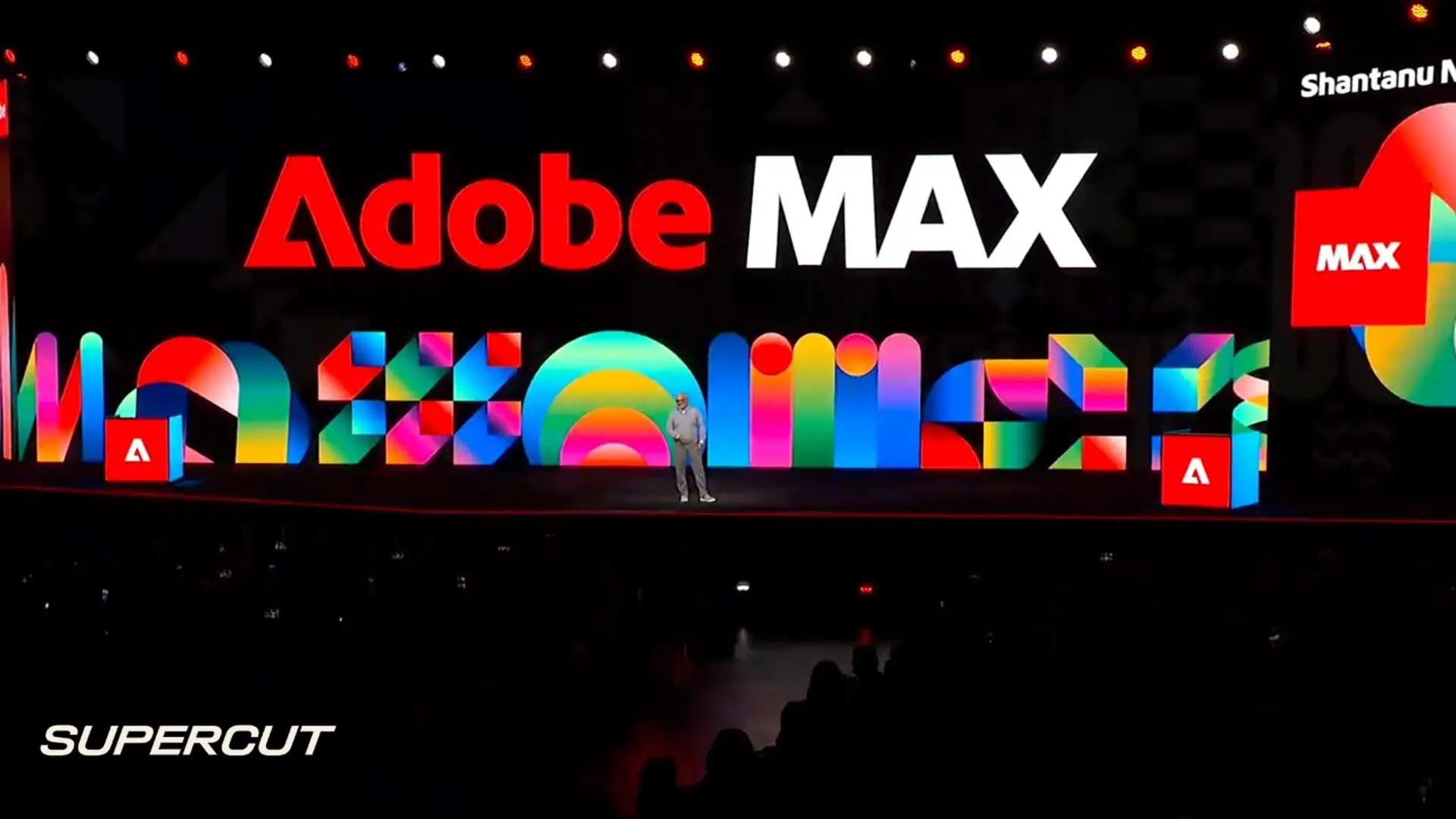
It’s hard not to compare Canva’s new opt-out features to Adobe, which spent all of last week at Adobe Max trying to convince creative professionals to embrace its AI tools. Adobe’s chief technology officer told CNET that he thought the problem was slop, not AI.
As criticisms of AI mount, it’s smart, albeit rare, to see a tech company give its users a definitive, one-click solution to filter out AI tools. We will have to put Canva’s settings to the test to see how effectively they work, though.
If you do want to use AI, Canva has no shortage. Its magic layers tool lets you break apart an AI-generated image into editable layers, a hugely helpful capability for fixing errors and customizing content. Its foundational models, along with other third-party models, can help you generate new image, video and audio content. Outside of graphic design, Canva has added AI tools for spreadsheet, document and presentation work over the past year. And like every other tech company, Canva says it plans to continue investing in AI.
For more, check out our guides to muting Meta AI and disabling Google’s AI on your Pixel.

Reporter 2
Katelyn is a reporter with CNET covering artificial intelligence, including chatbots, image and video generators. Her work explores how new AI technology is infiltrating our lives, shaping the content we consume on social media and affecting the people behind the screens. She graduated from the University of North Carolina at Chapel Hill with a degree in media and journalism. You can reach her at kchedraoui@cnet.com. See full bio
KioskNews shows a cleaned-up reading view extracted from the publisher’s page — the original always lives on their site, not ours.