Windows 11 is finally adding an easier way to disable the Sticky Keys pop-up
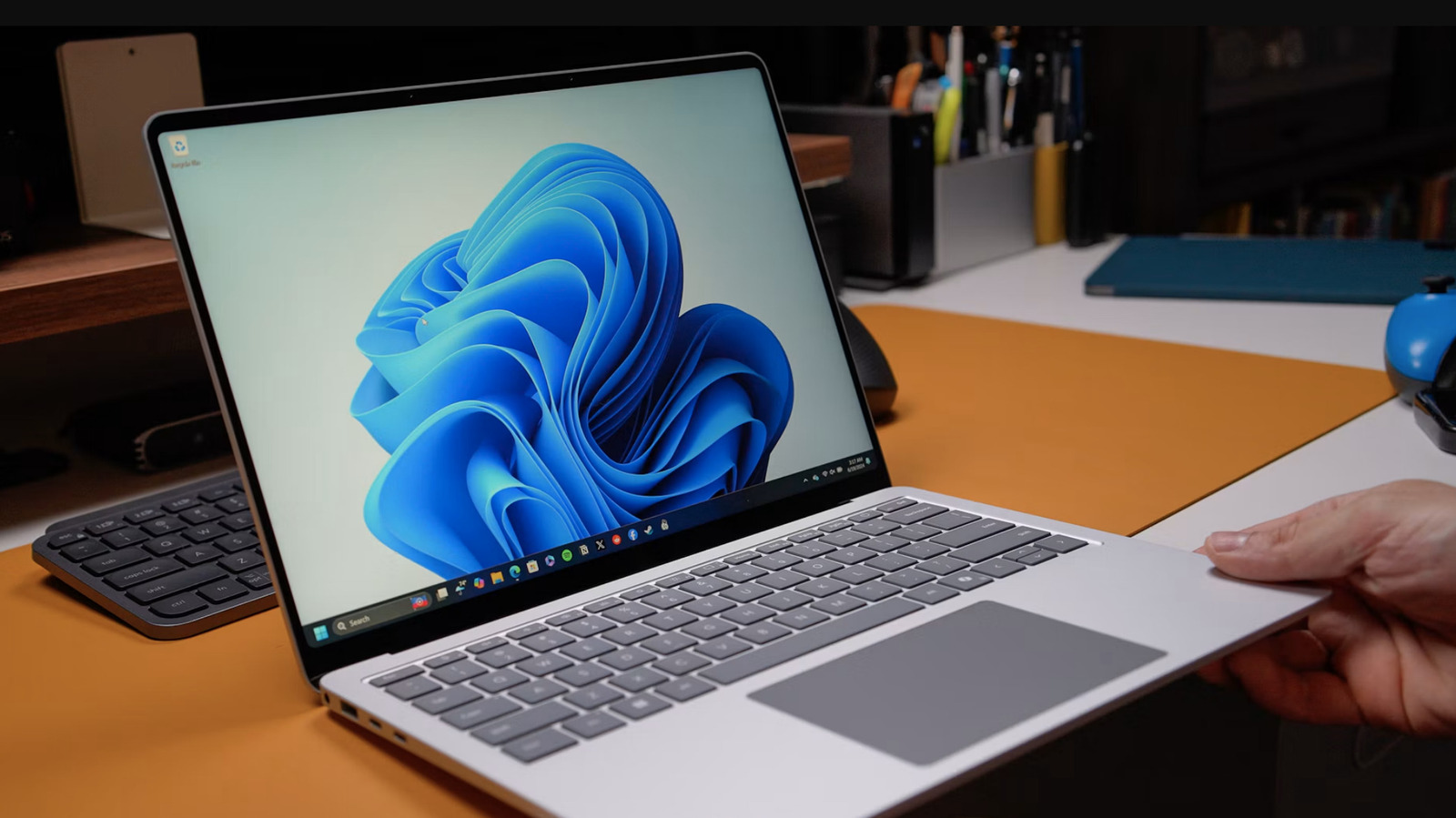
Microsoft is finally making it easier to disable the Sticky Keys pop-up. This window shows up whenever a user hits Shift five times in succession and lets users activate multi-key shortcuts, like Ctrl+Alt+Del, with a single key.
There's just one problem. Sticky Keys are incredibly useful as an accessibility feature, but not everyone needs them. However, the pop-up rears its head each and every time Shift is pressed five times consecutively. This has been a frustration for long-time Windows users who have no interest in Sticky Keys and are annoyed by constant pop-ups. Shift is the default button for many actions in PC games, including sprinting and walking.
We're adding the ability to permanently turn off the prompt to enable sticky keys from the pop up itself pic.twitter.com/kWBYmGPA6M
— Jen Gentleman 🌺 (@JenMsft) November 7, 2026
The solution is downright simple. The pop-up now arrives with a checkbox that says "never turn on Sticky Keys with this shortcut." Clicking the checkbox ensures the annoying window goes away permanently.
There's a spot of bad news here. The checkbox is currently only available to those enrolled in the Windows Insider program. It's just an experimental beta release for now. However, this has been a long-requested feature so it's likely to make the jump to all Windows 11 users in the future.
There's a more traditional way to turn off Sticky Keys, while we wait for general availability. Navigate to "Settings" and then "Accessibility" and finally "Keyboard." Make sure "Sticky Keys" is toggled to the off position. Next, make sure "Keyboard shortcut for Sticky Keys" is also toggled to the off position.
It might be hard to believe, but those wacky Sticky Keys are more than 30 years old. They were first introduced in Windows 95.
KioskNews shows a cleaned-up reading view extracted from the publisher’s page — the original always lives on their site, not ours.