Change this Roku TV setting to watch movies how they were filmed
AhmadDanialZulhilmi/Shutterstock
If you were to travel back in time thirty years and show someone a smart TV from today, their head would likely explode. In addition to the seemingly limitless amount of content one can find and interact with on a modern television, your Roku TV also may have the ability to let you watch movies in a far more compelling way.
Buried deep in your Roku TV's settings is a way to alter the refresh rate, and there's a very specific reason that you might want to do that. Most Roku TVs default to a refresh rate of 60fps. While that's going to be perfectly fine for some situations, it doesn't make for the most theatrical viewing experience — for the most part, movies are filmed and projected at 24fps. It's the standard, and it has defined the way movies look and feel for decades. When you go to the movie theater, you're watching a 24fps output.
Roku allows you to alter your TV's refresh rate to match that, offering something a bit closer to the original intent of those films.
How to change your TV's refresh rate to 24fps to achieve a film look
Delbert Harper/Getty Images
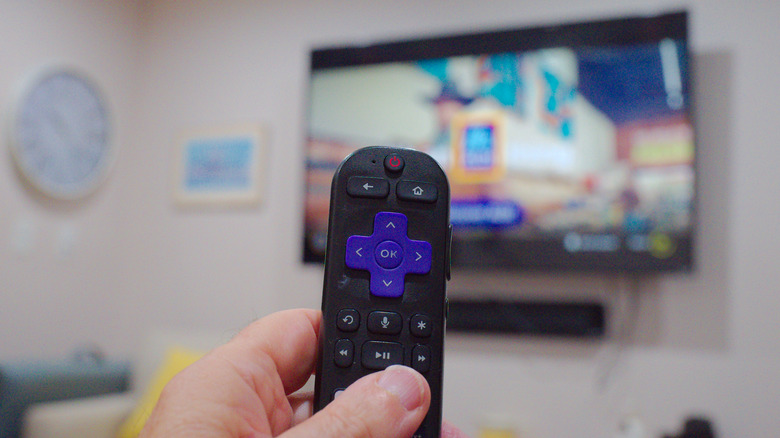
There are a lot of ways to change the overall look and display of your Roku TV, but most of that discourse seems centered around colors and contrast. Those things are important, but if you really want to achieve a "movie look," then you'll want to change the refresh rate.
In your Roku TV, to match this unique look, you'll need to first go to the main menu. From here, select Settings, and then go into System. In this menu, you'll find something called Advanced System Settings, which will allow you to access Advanced Display Settings. You want to turn Auto-adjust display refresh rate on.
It's a one-click and done solution, as it will self-adjust itself to match the native refresh rate of any movie or TV show you put on. Because films have a native refresh rate of 24fps, your TV will now run them as such. The same goes for TV shows, which may be filmed at 30 or 60fps. It's a tiny adjustment, but it's one that will make your viewing experience even better.
KioskNews shows a cleaned-up reading view extracted from the publisher’s page — the original always lives on their site, not ours.