Why updating your iPhone can improve your CarPlay experience
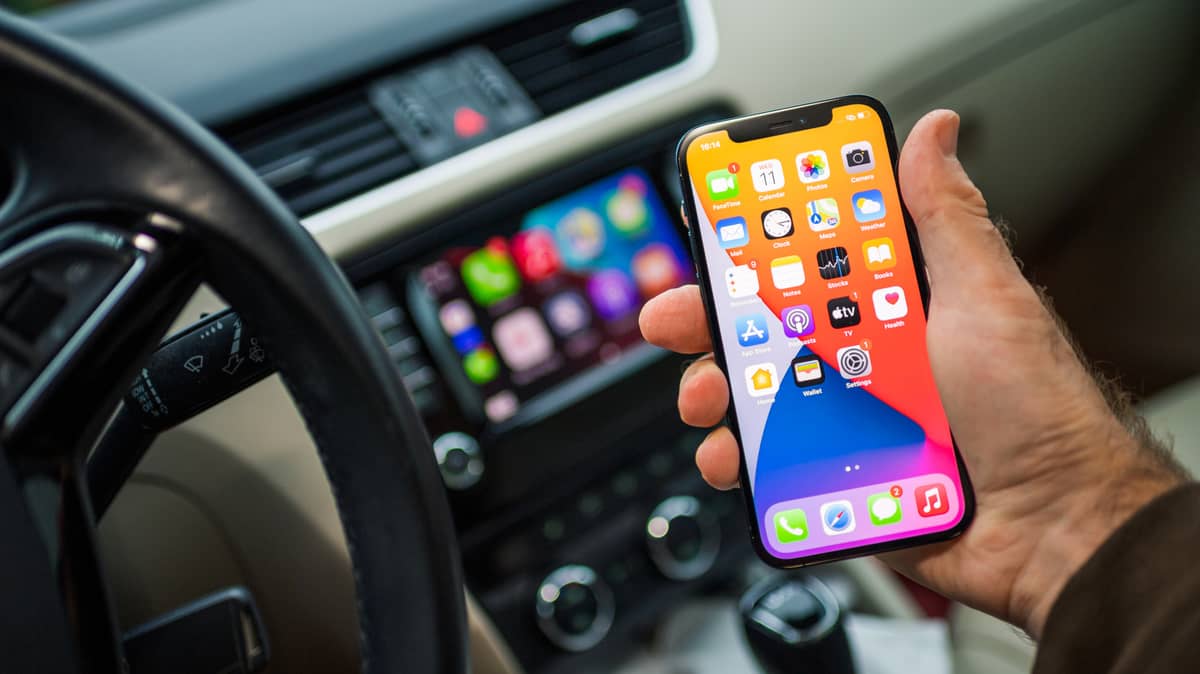
Skipping iPhone updates can cost you new CarPlay features. Here's what you could be missing.
Hadrian/Shutterstock
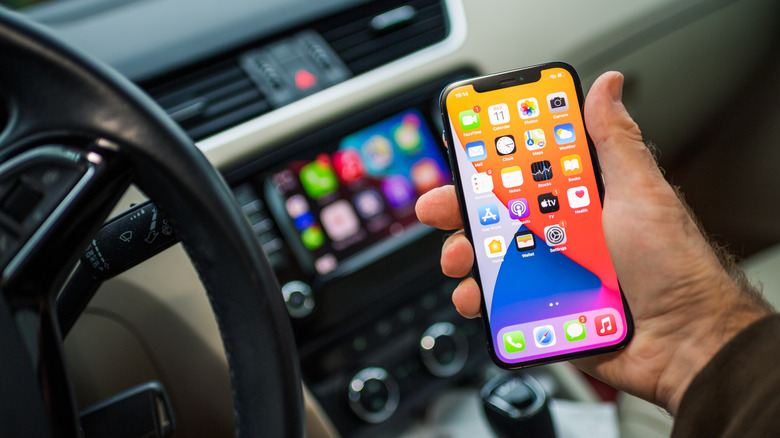
CarPlay is a great way to get all of your music, contacts and addresses on your car's infotainment system. But CarPlay isn't an app installed on your car. It runs straight from your iPhone, so the car usually doesn't have an "update CarPlay" option of its own. To update CarPlay, you need to update iOS.
CarPlay keeps working even if you don't update your phone, but you'll miss out on the new features, bug fixes and compatibility improvements. iOS 27, released September 14, added an audio mini-player, plus route sharing and video apps on supported cars. Apple says it also improves wireless CarPlay reliability and GPS accuracy. Here's how updating your iPhone can improve your CarPlay experience.
CarPlay updates come through your iPhone
Tada Images/Shutterstock
To update your iPhone, go to Settings > General > Software Update and check your iOS version. If a newer one is available, it will be waiting for you there. The latest version at the time of writing is iOS 27.2.1 (November 9). Phones still on iOS 26 will see a small iOS 26 update and the larger iOS 27 upgrade as separate options.
iOS 27 (September 14) added several new CarPlay features, including an audio mini-player, a progress bar in Now Playing, route sharing with the car's own screens, and apps for watching videos while the car is parked. The video apps and the route sharing option only work on cars where the automaker added support. Apple says iOS 27 also improves wireless CarPlay reliability and the accuracy of navigation heading and GPS.
iOS 27.2 (October 26) added even more options, including a Podcasts Home tab with New Episodes and Continue Playing in place of Up Next. Siri also got an upgrade and can now recall past conversations. Keep in mind that Siri needs an iPhone 15 Pro or later, so not every phone gets it.
What happens if you skip updates
Adrianhancu/Getty Images
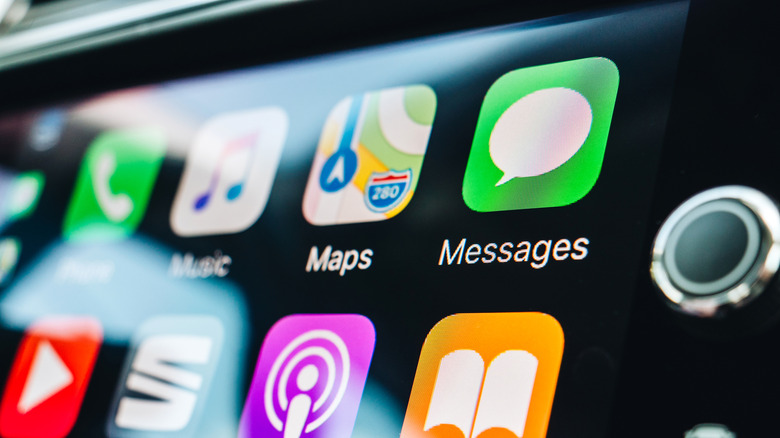
If you skip every update Apple offers you, CarPlay will keep working as usual, with the features it already has. iOS 27 needs an iPhone 11 or later (or the second-generation iPhone SE), but Apple lists CarPlay as compatible with much older iPhones. Those phones still work but never get the new iOS 27 features.
If CarPlay is acting up, try updating your phone first. If that doesn't work, restart your phone and your car, then go to Settings > General > CarPlay, select your car, tap Forget This Car and set it up again. If that still doesn't work, try updating your car's stereo firmware. Apple lists this as the last troubleshooting step and points to the car's manual for more information.
KioskNews shows a cleaned-up reading view extracted from the publisher’s page — the original always lives on their site, not ours.