The downsides of switching from Windows to Mac
Devindra Hardawar for Engadget
Last year, I considered one of the most common questions I get from readers, friends, family and anyone who learns I'm a gadget nerd: Is it a good time to jump to Macs from Windows? Short answer: absolutely. Macs typically perform better than equivalent Windows PCs; they're far more durable; and they actually live up to Apple's lengthy battery claims. If you want a deeper look at my reasoning, go read that previous piece.
But even though jumping to a Mac makes a ton of sense on paper, there are some downsides for Windows users to consider. None of them are dealbreakers, but you should definitely be aware of them before making the jump.
There is a learning curve
Devindra Hardawar for Engadget
While jumping from Windows to Mac used to feel like landing on a completely different planet, that's less the case today thanks to web apps. It doesn't really matter which platform you're using to log into Gmail, Google Docs or any other web service — they're all pretty much the same in most web browsers. (There's an argument to be made about how web apps have diluted our computing habits, but that's a rant for another time.)
The first big thing you have to learn? There's no native "right-click" on Macs. On Mac trackpads, you either have to click on something with two fingers, or hold down the Control key when clicking to get a secondary menu. That's a throwback to early days of Macs, when Apple's mice only had a single click button. Reportedly, Steve Jobs hated the idea of multi-button mice because they looked too complicated for regular users.
"To Steve's credit — and ultimately to Apple's credit — at his core was the idea that he wanted to come out with a product that wasn't a 'me too' product, that was leapfrogging whatever the current technology was at that time," former Apple designer Abraham Farag told Cult of Mac in 2014, describing an early Apple attempt at creating a multi-button mouse. "To him, I think he felt that if we held on to the idea of the one-button mouse it would force the UI designers to come up with something that was as clean as possible. What changed his mind was that he felt that users were finally ready to embrace an interface that had contextual menus and multiple buttons that did different things. But while he was going to accept that, he wasn't going to accept a mouse that looked like anyone else's."
You can get Windows-like right-click functionality if you connect a standard two-button mouse, but that's really only worth it for heavy-duty desktop work. If you're switching to a Mac laptop, it's easier to just learn the Apple method.
Simple things, like installing apps from outside of the App Store, can also be confusing to Windows users. Despite the App Store simplifying installations, you still occasionally have to drag and drop a Mac program into your Applications folder. Mac apps rarely used automatic automatic installers like you find on Windows. I'd argue Apple's method is a bit more inherently intuitive, but it'll definitely be a stumbling block to newcomers.
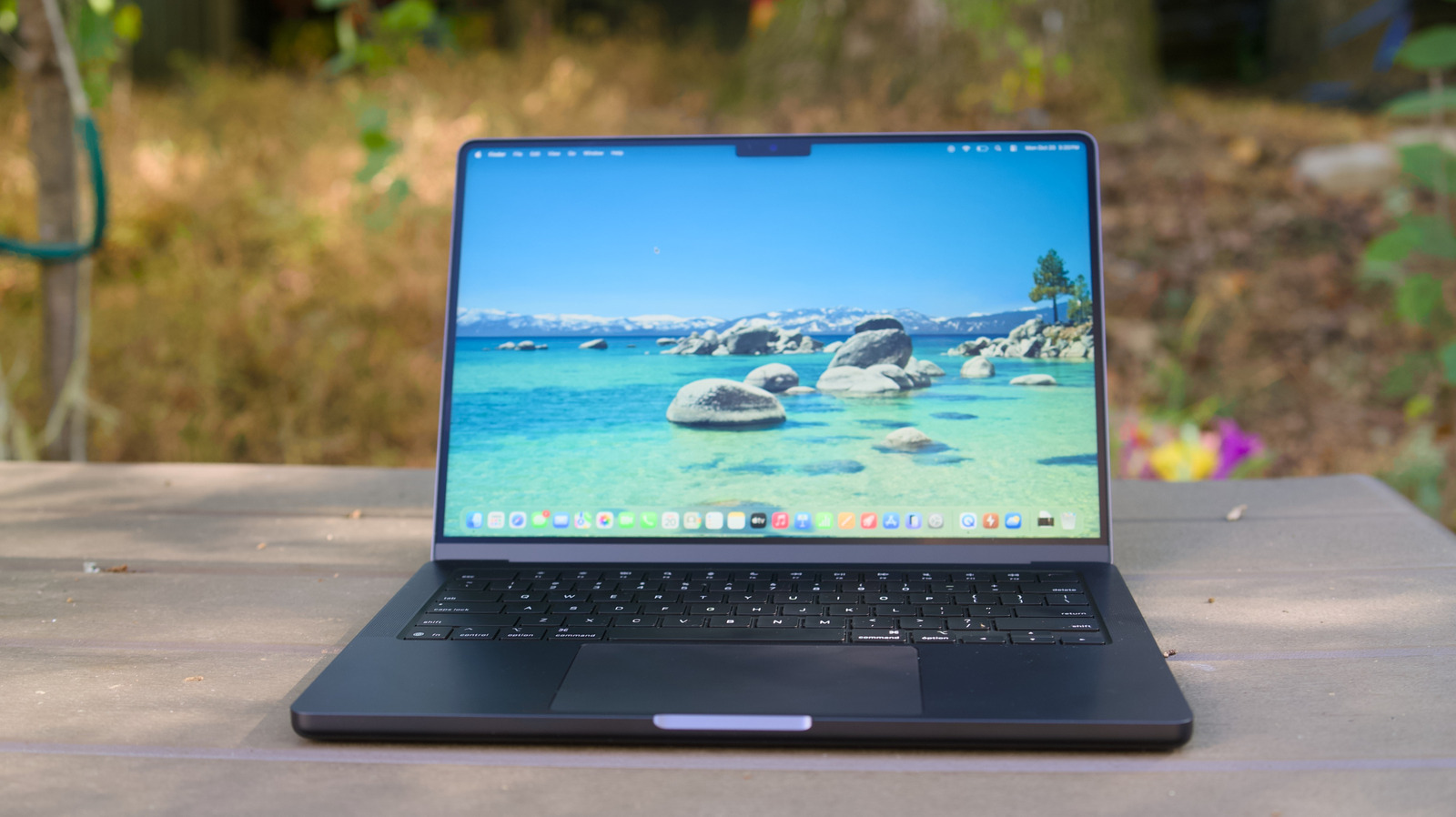
You'll also have to learn to live with the macOS Dock and Apple's confusing window management system. The Dock shows apps that you currently have open, and it can also store shortcuts to commonly used software. But it doesn't show you individual app windows the way Microsoft's Taskbar does — you'll have to perform a secondary mouse or trackpad click to see those.
My advice? Learn to use Hot Corners in macOS (System Settings > Desktop and Dock > Hot Corners). This feature lets you reveal every single open window, the windows for a specific app and the desktop just by dragging your mouse to a specific corner. Hot Corners can do other things as well, like start your screen saver, lock your computer or open your notifications. Personally, I couldn't use macOS without Hot Corners. (I've been a fan ever since it was called Expose in macOS decades ago.) Apple's new Stage Manager feature also makes it a bit easier to manage windows, but I typically only use that during focused work sessions. It's perfect for swapping between research and an ongoing document, for example.
Gaming is limited
Devindra Hardawar for Engadget
While Apple has slowly brought over some major games to the App Store, like Lies of P and the recent Resident Evil titles, you can't reliably expect the latest and greatest games to arrive on macOS. Apple has historically been reluctant about truly dedicating itself to gaming, outside of very lucrative mobile titles. A handful of Steam titles, including Baldur's Gate 3 and the recent Big Walk, natively support Macs. Perhaps that's something we'll see more developers consider as macOS becomes more popular.
At the moment, no Mac could replace a dedicated Windows gaming PC. But there's certainly room to do a bit of gaming on a Mac you use as a secondary system. Streaming options like NVIDIA's GeForce Now and even Microsoft's Xbox cloud streaming will easily work on macOS — all they need is a browser. You could also use home streaming solutions like Moonlight to stream games from a Windows gaming PC to a Mac system.
There's no room for upgrading
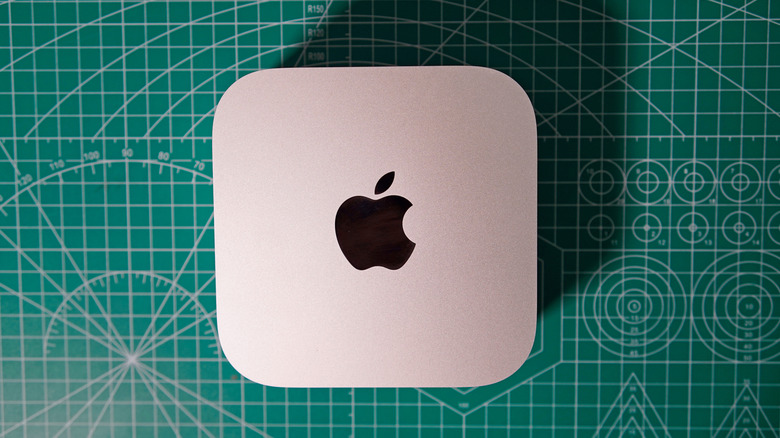
The beauty of the Apple Silicon platform is that it unifies everything you need for a powerful and efficient PC — the CPU, GPU and RAM — all onto a single chip. The downside, though, is that it means you can't upgrade anything on a MacBook down the line. Your RAM and even storage options on a Mac laptop will be the same for life, so it's worth getting as much as you can from the start. The same is mostly true for Apple's desktops, though you can now at least swap out the SSDs on newer Mac Minis. (There's still no hope for memory or GPU upgrades, though.)
No macOS touchscreens... yet
Strangely enough, while Apple helped pioneer the modern use of touchscreens on the iPhone and iPad, it has kept the feature away from macOS. That could change with the rumored MacBook Ultra, which could arrive later this year. Apple has reportedly developed a new touchscreen interface for macOS, specifically for that device.
I wouldn't hold out for a touchscreen MacBook Ultra, though. Apple's haptic trackpads are so smooth and easy to use, I've never really missed having the ability to swipe on a Macbook's screen directly. Touchscreen PCs are occasionally useful, but the feature is really a vestige of Microsoft's ill-fated touchscreen push with Windows 8.
Using a Mac could tempt you to buy more into Apple's ecosystem
Devindra Hardawar for Engadget
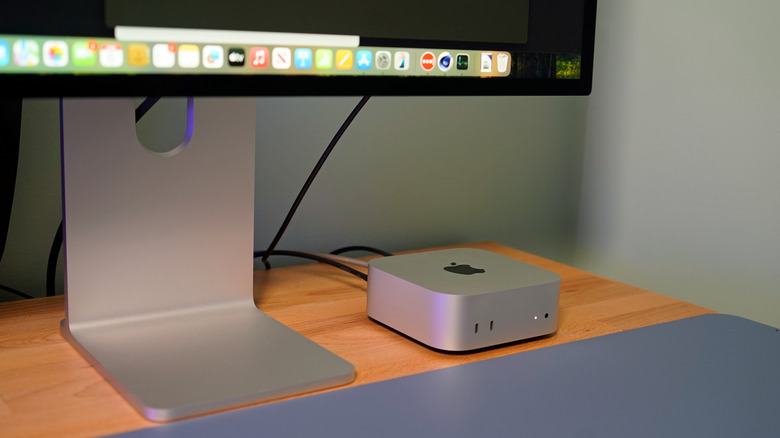
While you could easily use a Mac alongside an Android phone, it won't be too long before you notice how conveniently interoperable all of Apple's platforms are. And that's a potential problem if you're worried about being locked into Apple's ecosystem. If you used an Android phone, you wouldn't have the ability to easily text with the Messages app on a Mac; automatically synchronize your photos, documents and passwords over iCloud; or tap into nifty features like iPhone mirroring.
I'm not saying being entirely embedded in Apple's ecosystem is a bad thing, but if you pride yourself on being a nomadic tech platform user, just be aware that the siren call of seamlessness is strong within every Apple product. On a personal level, one reason I've stuck with iOS is because I tend to prefer Macs as work and personal laptops. I still rely on my powerful Windows 11 desktop rig for PC gaming and large rendering work. But when I'm on the go, the harmonious relationship between iOS, macOS and (occasionally) iPadOS just makes it easier for me to work.
KioskNews shows a cleaned-up reading view extracted from the publisher’s page — the original always lives on their site, not ours.