Why some iPhone apps don't appear in Apple CarPlay
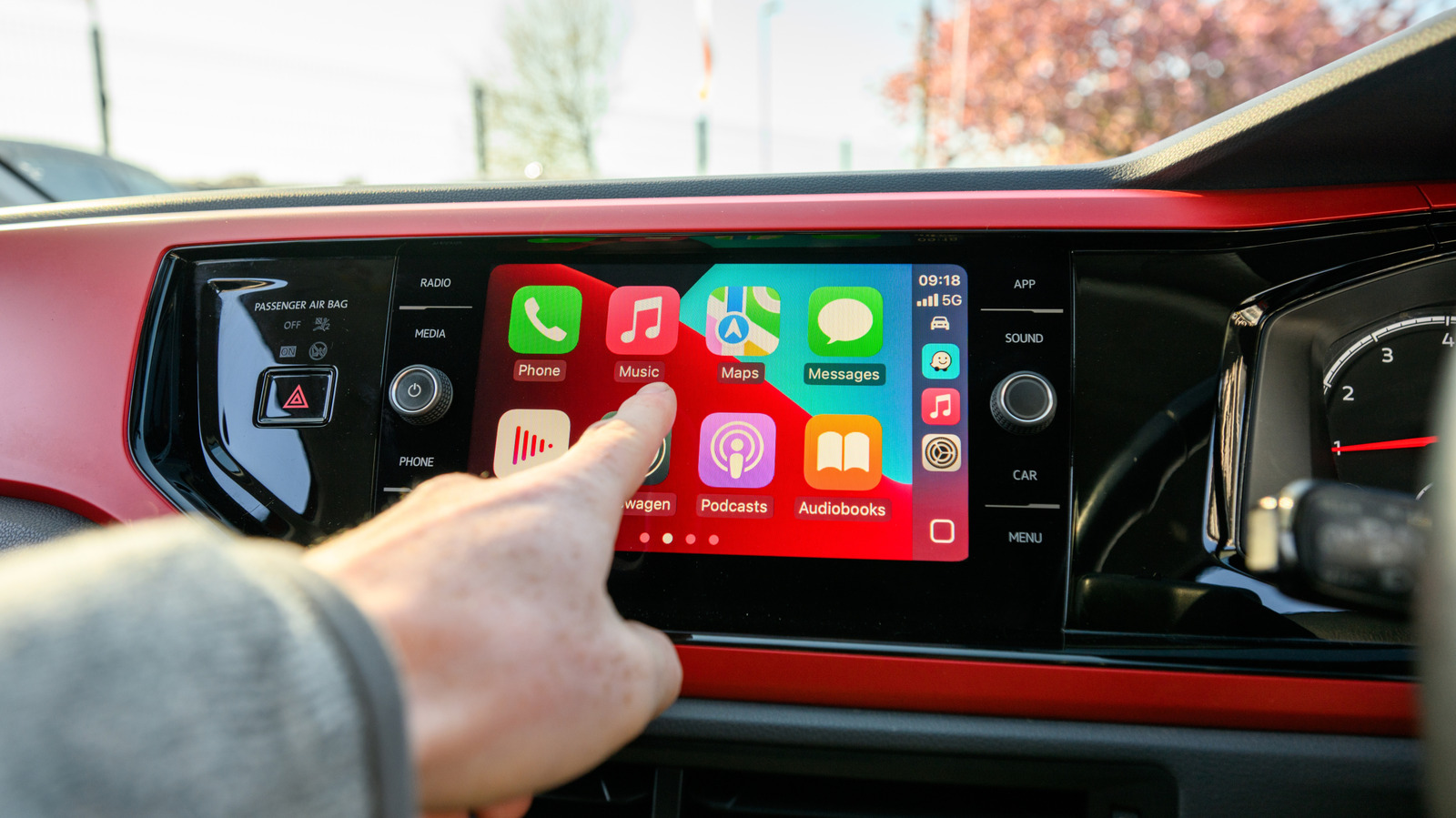
CarPlay has strict restrictions for what apps are compatible.
Harry Howitt/Shutterstock
Navigating and listening to music is far better via CarPlay than mounting your phone, or relying on your memory and listening to the radio. And while there are ways to improve CarPlay, the experience primarily comes down to the apps.
You've probably noticed, though, that most of the apps on your iPhone don't appear in CarPlay. This even applies to some that don't have any fundamental usage barriers. Gmail and Apple Fitness might not make sense on your dashboard, but in theory, there's no reason why you couldn't run a calculation in Calculator or drop a few tiles in NYT Crossplay.
Apple publishes a method to this madness that might not make complete sense, but at least there's underlying logic. And the situation is thankfully evolving as a result of Apple loosening some prior restrictions.
Before we move on, it's possible that you've missed adding compatible apps to CarPlay. To check, grab your iPhone and head to Settings > General > CarPlay, then tap your car's name. Choose Apps, then scroll down to the bottom and tap the Plus button next to any not currently showing in CarPlay that you want to use. Then use the handles to arrange them with your most frequently used first.
The walls (and signposts) blocking apps on CarPlay
PixieMe/Shutterstock
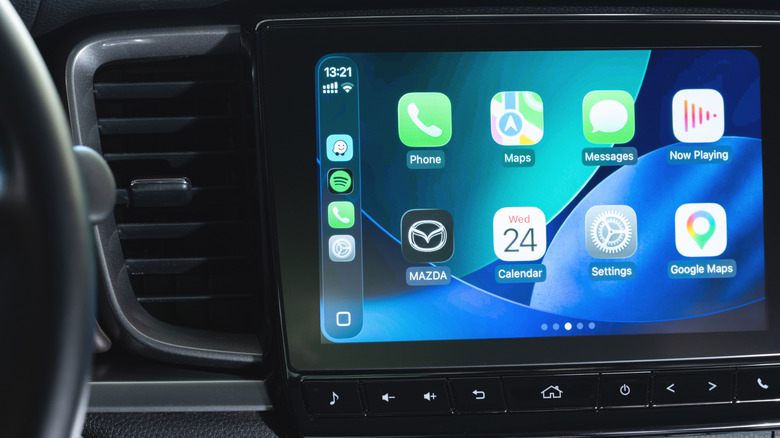
For a start, developers have to specifically add CarPlay support to their offerings. There's no automatic conversion, since an interface meant for your iPhone has to be reformatted and simplified to work on a dash display. So regardless of how useful a particular app might be in your vehicle, if a developer doesn't have the time, money or inclination, it won't happen.
More significantly, developers have to follow Apple's CarPlay guidelines if they want their CarPlay-ready apps to appear on your vehicle's display. Only certain categories of apps are allowed; most of them are directly connected to driving, such as navigation, EV charging and parking. Other included categories are audio, communications, public safety and quick food ordering. The reasoning, as the guidelines make clear, is that the company only wants interface flows it deems "meaningful to use while driving."
And while we can't go over every rule, there are even more restrictions in Apple's developer guide for CarPlay. Some categories are actively banned, like games and social media. So while Cuphead is playable in a Tesla, you can't even play Wordle in CarPlay. Apps that do appear have to conform to narrow policies, such as not showing the content of messages. Lyrics are specifically prohibited for music apps, though in reality there are workarounds for showing lyrics in CarPlay.
Loosening up CarPlay for the future
PixieMe/Shutterstock
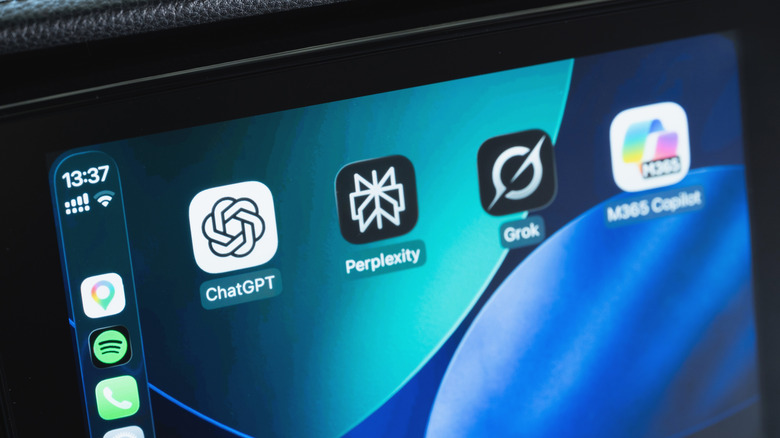
Apple has added more functionality to CarPlay with iOS 27. You can now access AI voice assistants like ChatGPT or Perplexity, which makes sense given there's also a dedicated Siri AI app (along with its existing native integration).
The bigger deal for a lot of drivers is support for video apps. Hold your horses, though — you're not about to start watching full TV episodes on the road. Compatible apps only allow playback when parked, and many infotainment systems lack the ability to play video at all. When incompatibility is to blame, video apps remain hidden. Perhaps for this reason, few developers seem to be leaping onboard. CarPlay also has support for widgets, letting you quickly view information from many apps that otherwise don't work in CarPlay.
How far Apple might go is an open question, especially as some car makers drop CarPlay. There is some pressure, since automakers like Tesla and Rivian have used faster processors and oversized screens to make their in-vehicle experiences feel like complete entertainment systems. It's a little underwhelming if you climb into a new EV and the most you can do is open Google Maps and Apple Podcasts.
KioskNews shows a cleaned-up reading view extracted from the publisher’s page — the original always lives on their site, not ours.