How to connect your Bluetooth headphones to your Xbox Series X
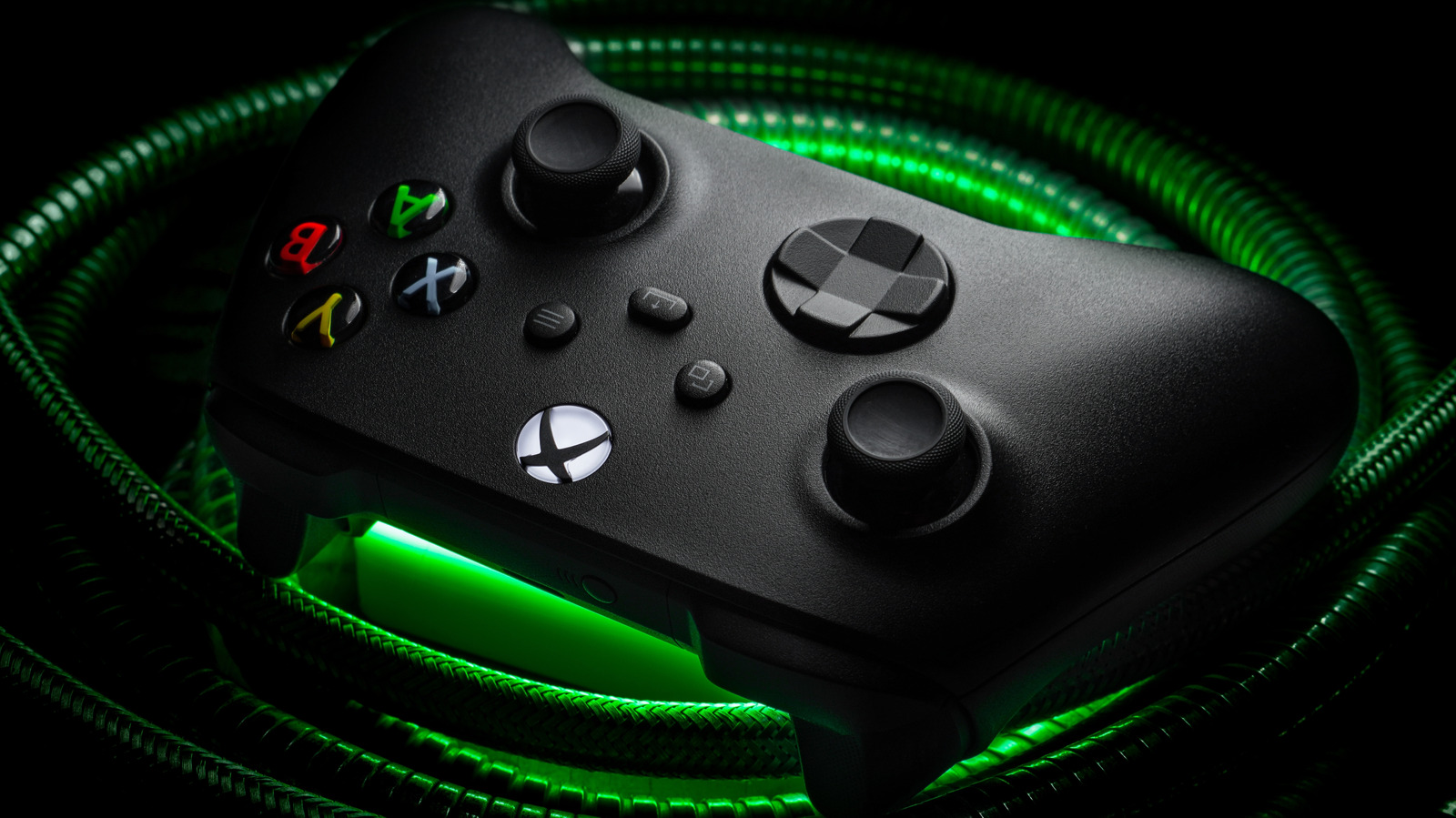
Since the Xbox Series consoles lack support for Bluetooth headphones, here's how you can work around the problem.
SolidMaks/Shutterstock
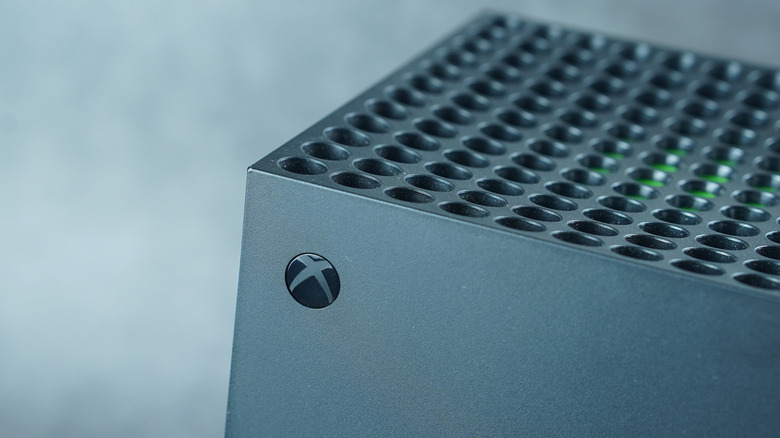
Having the best audio can elevate any game, and sometimes TV speakers just don't cut it. But while Bluetooth headphones are supported on virtually every device from smartphones to laptops, the same isn't true of game consoles. Out of the box, an Xbox Series X can't connect directly to Bluetooth headphones, but there are a few workarounds if you want to get more out of your game's sound than your TV can provide.
The problem with using even the best wireless Bluetooth headphones for gaming is latency. Sending audio over Bluetooth introduces a tiny delay before your headphones actually receive it. Most of the time, that's not an issue, but when your game's sound is even a fraction of a second off, it can be distracting. Worse, it can make rhythm games that rely on audio cues nearly unplayable. If you do want wireless audio from your Xbox Series X, there are a few solutions, but none are perfect.
How to get around Xbox's lack of Bluetooth
SU HSUN/Shutterstock
One simple but costly route is to buy the official Xbox Wireless Headset, which retails for $120. Microsoft uses its own wireless standard for these headphones to connect with extremely low latency, and since Bluetooth isn't an option, you have to pay more for the first-party version if you want wireless audio. Some third-party manufacturers like Audeze and SteelSeries also make Xbox-compatible wireless headsets, but they can be just as expensive as Microsoft's version or more. Third-party headsets that support Xbox's wireless protocol need to be licensed by Microsoft, and you'll see the Xbox logo on the box.
Another option is to route Bluetooth audio through an adapter or your TV. Some Bluetooth adapters are made to plug into the Xbox controller's headphone jack and transmit the audio coming through it, while others connect to the console's USB port and transmit from there. Higher-end headphones like the SteelSeries Arctis Nova Elite that come with a dedicated low-latency dongle are the best choice for sound quality, but they also tend to be more expensive. If you already own a smart TV that can transmit a Bluetooth signal, you can also set your console to output to the TV, then connect it to your headphones. Any of these options will be cheaper than buying an entirely new set of headphones.
The cheapest way to connect your headphones to your Xbox Series X is just to use the controller's audio jack as it's intended. Some Bluetooth headphones include a jack and audio cable as a wired backup, but that's not always the case. If you have any headphones that support wired connections, though, using the controller jack is the best way to avoid latency. It's not actually wireless, of course, but connecting your headphones to the controller won't compromise your audio quality.
KioskNews shows a cleaned-up reading view extracted from the publisher’s page — the original always lives on their site, not ours.