How to save a video frame as a photo on your phone

Apple's newly unveiled foldable iPhone Duo sparks significant consumer interest despite a hefty $1,999 starting price tag. On 'Varney & Co.', Taylor Riggs explains the premium device's unique dual-screen capability and ultra-thin design. Host Stuart Varney admits he plans to purchase the high-end smartphone, which can cost up to $3,000 for the two-terabyte storage model.
NEWYou can now listen to Fox News articles!
Have you ever recorded a great video and then realized the moment you really wanted was buried somewhere in the middle? Maybe your grandchild flashed the perfect smile for half a second. Perhaps your dog made an expression you could never get again. You might even have caught the exact moment someone crossed a finish line or blew out birthday candles.
A lot of us would pause the video and take a screenshot. That can work, but your phone may already have a better way to pull a frame directly from the video and save it as its own photo.
Apple now makes this especially easy in iOS 27. Google Pixel and Samsung Galaxy owners can do it too, although the buttons are in different places. Here's how to find them.
Join us for a free CyberGuy LIVE class.
Kurt "CyberGuy" Knutsson shares practical ways to stay safer, smarter and more confident with technology. Explore classes on stopping spam, phone security, financial protection and using AI to get better health care. Each class is free, easy to follow and comes with a free printable checklist.
See the classes and register at CyberGuyLive.com
HOW TO SEARCH ANYTHING ON IPHONE, GALAXY AND PIXEL
A video on your iPhone can hold a still photo you may have missed while recording. (Stanislav Kogiku/SOPA Images/LightRocket)
How to save a video frame as a photo on iPhone
Apple added a dedicated Save Video Frame as Photo option to the Photos app in iOS 27. It lets you find a specific moment in a video and save that frame as a separate image in your photo library.
Steps to save a video frame on iPhone
- Open the Photos app.
- Find and open the video you want to use.
- Play the video.
- Pause it on the frame you want to save.
- Tap the three-dot More button.
- Tap Save Video Frame as Photo.
Your iPhone saves the frame as a separate photo in the Photos app. To find the photo you just saved, open Photos, tap Collections at the bottom, scroll to Recent Days, then tap Saved Today and look for the new frame.
How to save a video frame as a photo on Samsung Galaxy
Samsung Galaxy phones have a similar tool built into the Gallery app. Once you find the moment you want, you can use the capture button to turn that video frame into a photo.
Steps to capture a video frame on Samsung Galaxy
Samsung notes that menus and settings can vary by Galaxy model, software version and region.
- Open the Gallery app.
- Tap the video you want to use.
- If the video starts playing, pause it near the moment you want to capture.
- Drag the thumbnail timeline at the bottom left or right until the exact frame you want appears on screen.
- Look at the lower-left corner of the video, just above the thumbnail timeline.
- Tap the frame capture icon, which looks like four corner brackets surrounding a small image symbol.
- Samsung will save that frame as a separate photo in Gallery.
To find the photo you just captured, open Gallery, tap Albums, tap View all if needed, then open the Video captures album.
12 BIGGEST APPLE WWDC 2026 TAKEAWAYS YOU NEED TO KNOW

In iOS 27, tap the three-dot menu while viewing a video and choose Save Video Frame as Photo. (Kurt "CyberGuy" Knutsson)
How to save a video frame as a photo on Google Pixel
Pixel owners can use Google Photos to pull a still image from a video. Google calls the feature Export frame. Google has changed where this control appears in newer versions of Photos, so you may need an extra tap before you see it.
Steps to export a video frame on Google Pixel
Settings and wording may vary slightly depending on your version of Google Photos.
- Open Google Photos.
- Select the video you want.
- Tap Edit.
- Move along the video timeline until you reach the frame you want.
- Tap the desired frame on the video strip.
- Tap the camera icon above the progress bar.
- Adjust the frame if needed.
- Tap Export frame.
- A pop-up will appear that reads Photo created. Tap OK.
If Export frame does not immediately appear, do not assume the feature disappeared. In newer versions of Google Photos, selecting the frame or tapping the camera icon can reveal the export control.
Google Photos saves that moment as a separate still image. To find the photo you just created, return to the main Google Photos screen and look in your recent photos. You can also tap Collections and check the relevant album if needed.
Why save a video frame instead of taking a screenshot?
Taking a screenshot can still get the job done, especially when you are in a hurry. However, using the built-in frame tool gives you a dedicated photo created from the moment you selected in the video. It also makes the process easier because you do not have to worry about hiding video controls before taking the screenshot. Once the frame is saved, you can treat it like another photo in your library. The finished image can only be as good as the frame inside the original video. A sharp frame from a high-resolution video may look great. On the other hand, fast movement, low light or heavy compression can leave an individual frame blurry.
ANDROID MALWARE CAN STEAL YOUR PIN AND BANK LOGINS
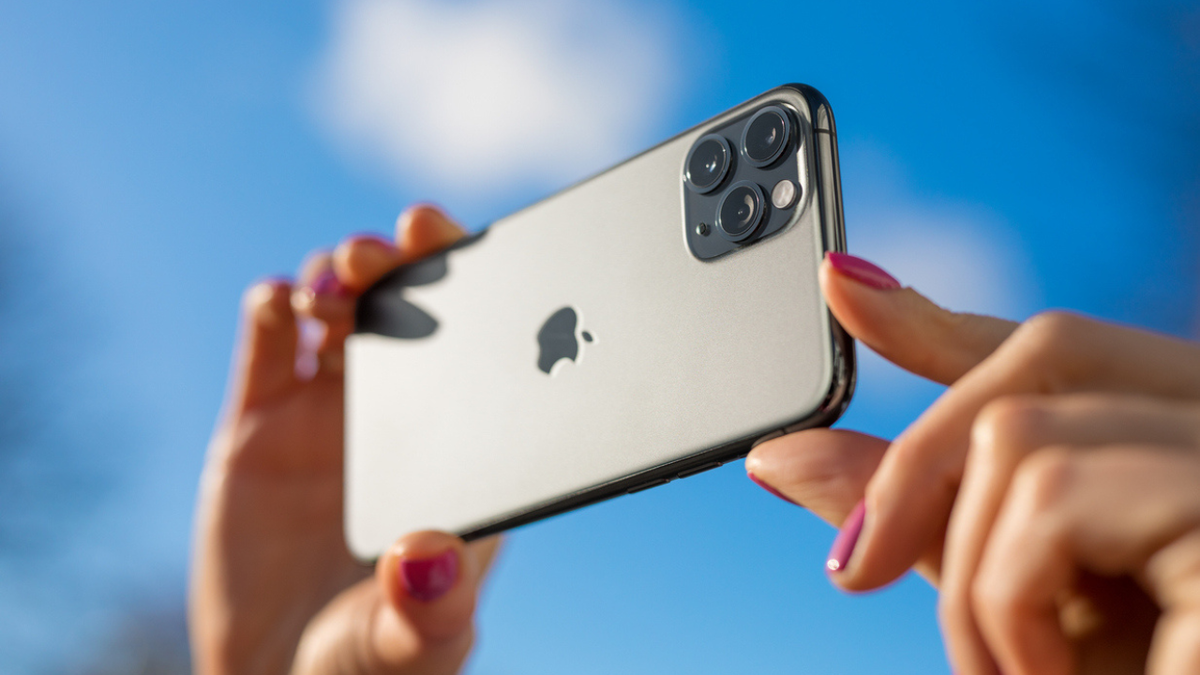
Phone settings allow users to select a moment in a video and turn it into a separate photo. (iStock)
Take your time before choosing the frame
Here is one tip that can make a big difference. Slowly move through the video around the moment you want instead of stopping at the first frame that looks good. Just a fraction of a second can change someone's expression or give you a sharper image. You may also find a frame with less motion blur than the one you originally noticed. This is especially handy with family videos, pets and sporting events where the best moment can disappear almost instantly.
Don't confuse this with Live Photos or Motion Photos
There is another phone trick that sounds similar but works differently. An iPhone Live Photo captures a brief period of movement around a still photo. Many Android phones offer a similar feature called Motion Photo. With those, you can often go back and choose a better frame from the short clip surrounding the original picture. Here, we are starting with an actual video and pulling one frame from that recording to create a separate still image. If you are trying to rescue a group photo because somebody blinked, Live Photos and Motion Photos may be the better place to start.
What if you can't find the photo afterward?
Start with the same photo app you used to create the frame. On iPhone, the saved frame goes into your Photos library. On a Galaxy phone, Samsung saves it in Gallery and may also place it inside the Video captures album. Pixel owners will find the exported image in Google Photos. If you have thousands of photos on your phone, search can save you from endless scrolling. Names, locations and objects can often help narrow down the image much faster.
Kurt's key takeaways
I like this trick because so many of the moments we want to keep happen while we're recording video. You may think you missed the photo, only to discover that the exact expression or moment you wanted was sitting inside the recording all along. Apple, Google and Samsung each approach the feature a little differently, but you can get to the same result without downloading another app. Before deleting a video or giving up on a shot you thought you missed, take a closer look at the frames inside it. You may find a keeper.
Have you ever pulled a great photo out of a video, and what other camera feature do you wish Apple, Google or Samsung would make easier to find? Let us know by writing to us at Cyberguy.com
Sign up for my FREE CyberGuy Newsletter
- Get my best tech tips, urgent security alerts and exclusive deals delivered straight to your inbox.
- For simple, real-world ways to spot scams early and stay protected, visit CyberGuy.com - trusted by millions who watch CyberGuy on TV daily.
- Plus, you'll get instant access to my Ultimate Scam Survival Guide free when you join.
CLICK HERE TO DOWNLOAD THE FOX NEWS APP
Copyright 2026 CyberGuy.com. All rights reserved.
Kurt "CyberGuy" Knutsson is an award-winning tech journalist who has a deep love of technology, gear and gadgets that make life better with his contributions for Fox News & FOX Business beginning mornings on "FOX & Friends." Got a tech question? Get Kurt’s free CyberGuy Newsletter, share your voice, a story idea or comment at CyberGuy.com.
KioskNews shows a cleaned-up reading view extracted from the publisher’s page — the original always lives on their site, not ours.