5 CarPlay navigation apps you should be using instead of Apple Maps
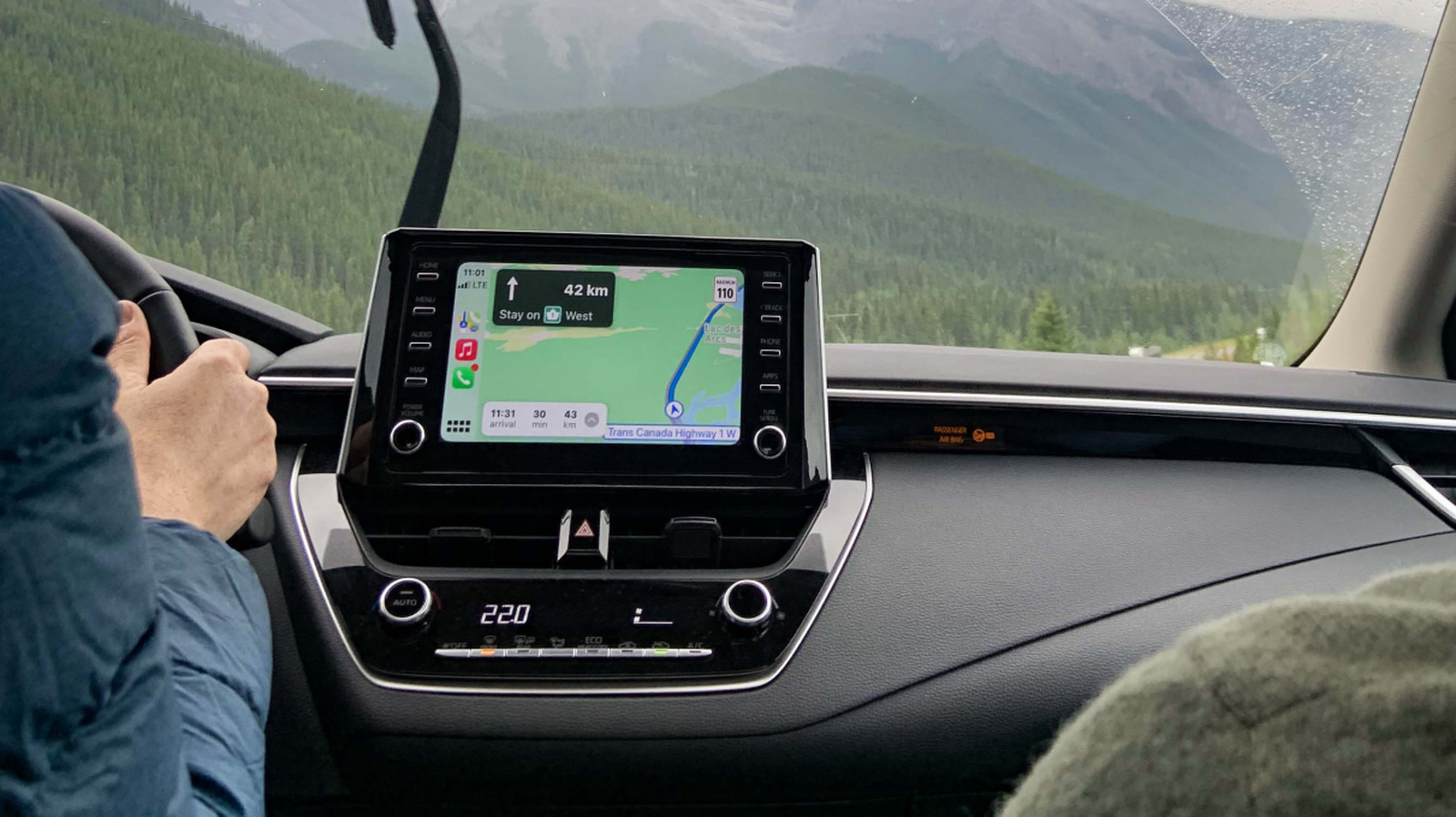
Apple Maps works well most of the time, but there are other great GPS apps for CarPlay worth trying.
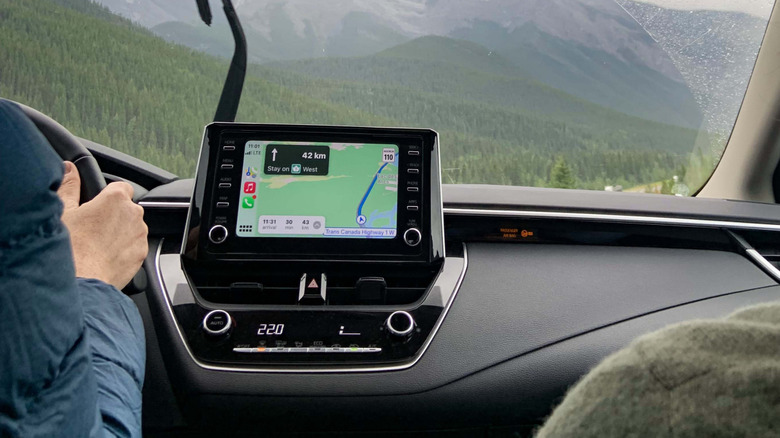
Juliealexk/Getty Images
Apple Maps is unsurprisingly the default navigation option in the Apple ecosystem, including CarPlay. This also means when you ask Siri for directions, you'll end up using Apple Maps unless you specify another option — though those in the EU can set a different default navigation app.
While Apple Maps has come a long way since 2012, there are many other great navigation apps available for CarPlay. Some of them stand out for specific purposes, such as better traffic data or greater coverage in certain regions. If you have an iPhone and a CarPlay-compatible car, try some of these alternatives to Apple Maps and see which works best for you.
1. Google Maps
Chinnapong/Shutterstock
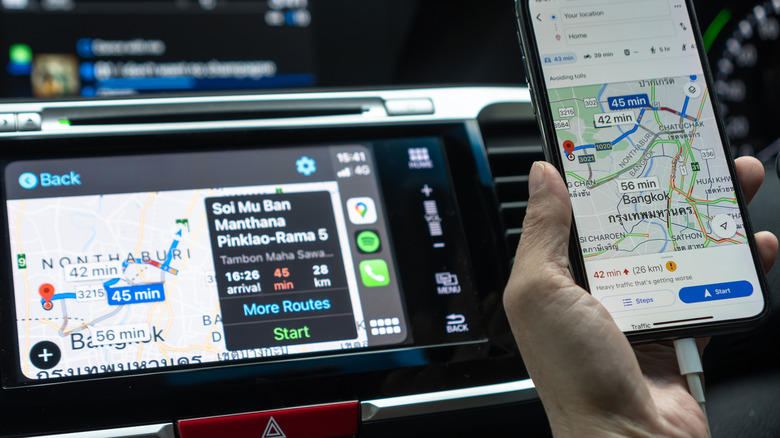
Google Maps is the most obvious alternative to Apple's offering, and it's still a strong one. Many people prefer Google Maps for its traffic data and business listings, which tend to be updated more frequently and include more reviews from others. Not only that, but Google Maps generally has broader coverage outside the US. The Google Maps interface on CarPlay may not look as polished as Apple Maps, but the other benefits make it worth keeping around.
The downside is that Apple makes it hard to use Google Maps as your preferred navigation app in most parts of the world. If you use Siri, you always have to say "on Google Maps" at the end of your requests. To make your experience with Google Maps a bit more seamless, start a route on it and CarPlay will remember your preference on the Dashboard.
2. Waze
Harry Howitt/Shutterstock
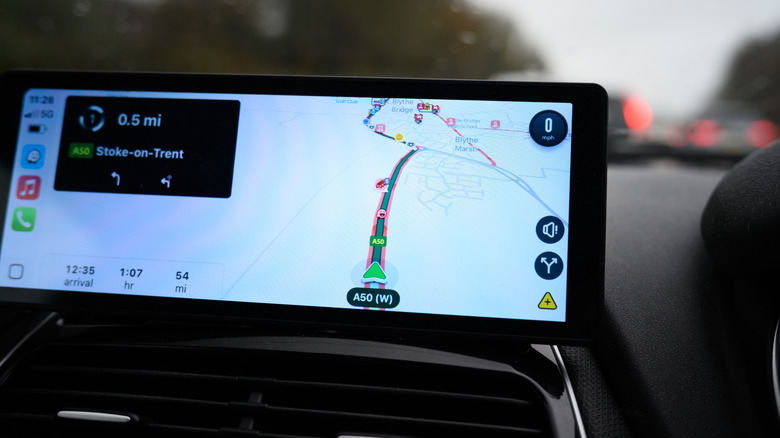
Waze is the app you should try if you spend a lot of time stuck in traffic. Its biggest selling point is that it provides real-time alerts from other drivers, so you can avoid heavy traffic, speed cameras, accidents and other road hazards. It's one of the best apps for serious drivers who want more than just directions. And because Waze is owned by Google, it also includes Gemini-powered features such as Conversational Reporting, where you can report an incident by speaking naturally without having to touch the screen.
Of course, Waze isn't the best fit for everyone. Because it relies on real-time alerts, it doesn't have an offline navigation mode for when internet is spotty or non-existent. Also, you might find the layout too cluttered, with a lot of alerts popping up all the time. The good news is that the interface is highly customizable, so you can change elements like your vehicle's icon and even the voice. The app works on CarPlay's Dashboard too, letting you keep it on a smaller panel while also viewing your music or other supported apps.
3. TomTom GO
Filipe Espósito for Engadget
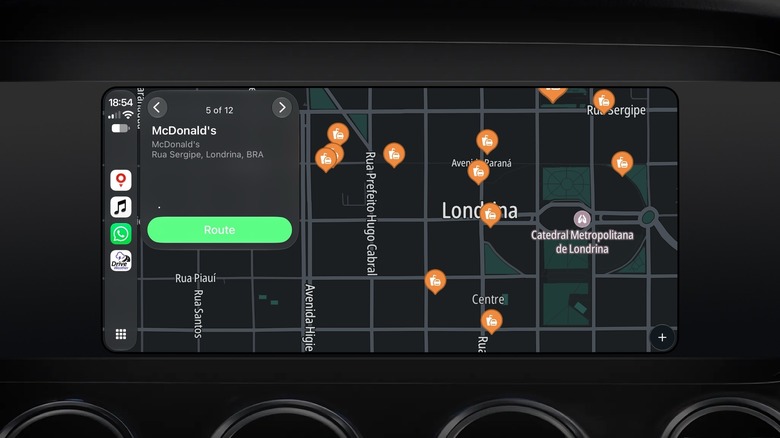
TomTom has been in the navigation business for quite some time, and its CarPlay app delivers that classic dedicated GPS experience. The app focuses on distraction-free directions, so the maps often look much cleaner than those in Apple Maps. The interface is also straightforward with very few buttons — you'll only find a search icon and zoom controls. However, TomTom is also known for its highly accurate navigation, which is one of its greatest strengths.
You can't download offline maps for navigating without an internet connection, but TomTom regularly updates its maps with the latest speed cameras, roadblocks and lane guidance. TomTom GO used to be a paid app, but it's now completely free. There's also the TomTom GO Expert app aimed at truck drivers, which supports offline navigation and requires a paid subscription.
4. Magic Earth
Magic Earth is powered by OpenStreetMap and built with privacy in mind. The app promises an ad-free experience where your data isn't sold to third parties. It doesn't track you or create a profile based on your routes. The Magic Earth experience on CarPlay includes directions with 2D and 3D navigation in a clean interface. You can even add or remove waypoints from your route without picking up your phone. Plus, it works in most countries and supports offline maps.
The app used to be completely free, but it now operates on a freemium model. Basic navigation on your iPhone is still free, but more advanced features such as real-time traffic information and the CarPlay app require a paid subscription. After a 30-day free trial, you pay $19.99 per year. Since OpenStreetMap maps are community-made, accuracy varies by region. Use the free trial on your usual routes before paying for it.
5. Drive Weather
Filipe Espósito for Engadget
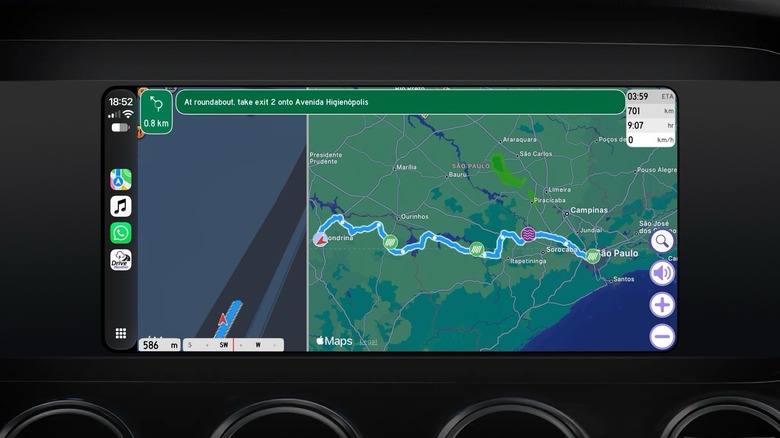
Drive Weather isn't exactly a full replacement for navigation tools like Apple Maps, but it does something none of the others do: it shows you the weather you'll hit along your route and when to expect it. The CarPlay version has a neat feature that lets you split the screen between turn-by-turn navigation and weather conditions.
It's best for those planning long road trips, since it includes live weather radar and suggests routes that avoid poor weather conditions like strong winds or snow. However, if you're driving in the city, it may not have the best traffic and road incident data. You can try Drive Weather for free with some limitations, but the paid version unlocks real-time weather updates, alerts for icy roads and unlimited route distance. Prices start at $5.99 per month, though the annual pricing is much more cost-effective.
It's worth trying each of these apps on the routes you usually take to see which one best suits your needs. You might use Waze for daily city driving while reserving Drive Weather for cross-country trips, for instance.
KioskNews shows a cleaned-up reading view extracted from the publisher’s page — the original always lives on their site, not ours.