iPhone Duo Gets a Facial Unlock Feature, but It’s Not Face ID. What to Know

One of the iPhone Duo‘s biggest drawbacks has just been addressed – mostly.
Unlike Apple’s other current iPhones, the iPhone Duo lacks Face ID, meaning you have to rely on the noticeably less speedy Touch ID or enter a passcode to unlock the foldable device. This would be less painful if the Duo didn’t cost $1,999, and if Face ID hadn’t long been a standard feature across the company’s other iPhones, including its most affordable option.
Now, there’s somewhat of a fix. In its latest iOS 27.3 developer beta, Apple has added an option to unlock the iPhone Duo using the front camera. This should make accessing the phone’s contents more seamless and intuitive.
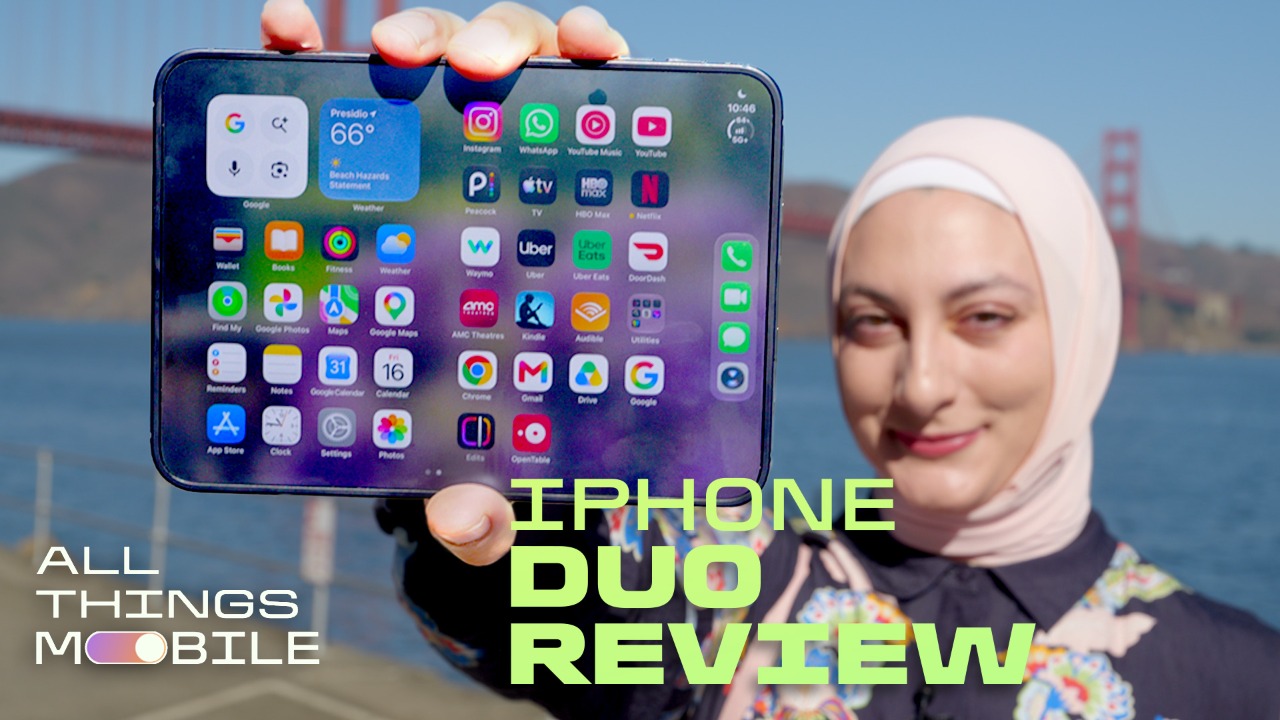
Until now, my least favorite aspect of using the iPhone Duo has been the inability to unlock using facial recognition – a limitation that stands in stark contrast to the foldable phone’s premium feel. Scanning a fingerprint with Touch ID not only feels antiquated for such a pricey device, but also rather slow. (Samsung’s Galaxy Z Fold 8, by contrast, has a facial recognition feature, as well as fingerprint unlocking that’s much faster than the Duo’s).
It appears Apple heard our cries, and is bringing a workaround to the Duo. This new unlocking capability isn’t quite the same as Face ID, a more secure biometric facial recognition and authentication system. Instead, the iPhone Duo will now let you unlock the phone using the selfie camera under slightly more limited conditions to help ensure security.
How to unlock the iPhone Duo using the front camera
To enable the new optional unlock feature, go to your Duo’s Settings and toggle it on under Touch ID & Passcode. Because unlocking with the Duo’s front camera isn’t as secure as using Touch ID or Face ID, you’ll need to use Touch ID or enter a passcode after around 45 minutes of inactivity. Touch ID is also required when using Apple Pay or accessing your passwords.
Unlocking with the front camera is possible because of a new capability in Apple silicon called Secure Exclaves. The iPhone Duo uses this to securely and privately process data of a user’s face and verify the match. That means iOS, apps, users and Apple can’t access the data used to unlock the phone via the front camera.
I admittedly didn’t think this update would arrive on Apple’s first-generation foldable; I assumed we’d just have to cross our fingers and hope for Face ID to land on the next iteration. It’s a relatively small improvement, but one that I think will make the Duo experience a lot more convenient and in line with the phone’s modern design and aesthetics, even if it’s not a full Face ID fix. As much as I thought I could make do with Touch ID, it turned out to be more of a nuisance than I’d anticipated; I’m so used to the speediness of unlocking by simply looking at a phone’s screen and swiping up. So I’m glad there’s a software update to help address that gap on the Duo.
The next iOS 27.3 developer beta also adds the option for the iPhone Duo to automatically lock when someone closes the phone. You can enable this under Settings > Display & Brightness.
Alongside other recent software updates, including the addition of Reachability to make the Duo’s cover screen content easier to access one-handed, as well as support for Apple Pencil with USB-C, Apple appears poised to continue rolling out features that make the Duo more adaptable.

Senior Technology Reporter
Abrar's interests include phones, streaming, autonomous vehicles, internet trends, entertainment, pop culture and digital accessibility. In addition to her current role, she's worked for CNET's video, culture and news teams. She graduated with bachelor's and master's degrees in journalism from the University of Illinois at Urbana-Champaign. Though Illinois is home, she now loves San Francisco -- steep inclines and all. See full bio
The Latest from Abrar
KioskNews shows a cleaned-up reading view extracted from the publisher’s page — the original always lives on their site, not ours.