A week with the Asus ProArt P16: NVIDIA RTX Spark is unusual yet powerful
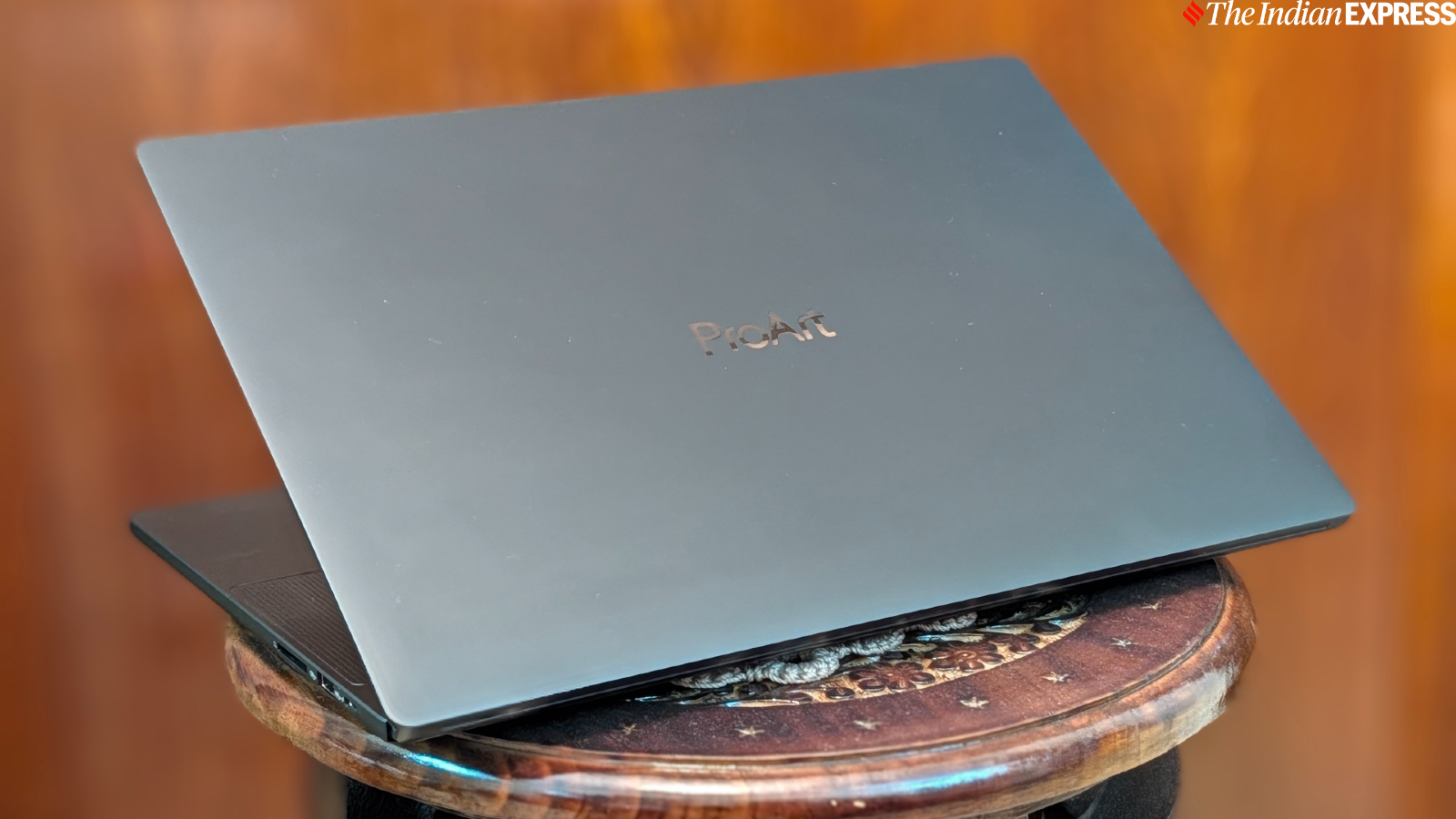
Ever since I began reviewing computers early in my career, I’ve watched the industry strive to compete with Apple’s MacBook Pro, arguably the gold standard for productivity laptops. Over the years, there have been both bright spots and disappointments, but Windows laptops have rarely outperformed the MacBook Pro or even come close to matching its performance. However, after getting my hands on the Asus ProArt P16, powered by Nvidia’s brand-new RTX Spark SoC and Windows on ARM, I was struck by its design and, more importantly, its performance. Although I have spent only a week with the ProArt P16 since returning from the Nvidia event in San Francisco, and I am still learning about the new platform, the RTX Spark’s raw power is impressive for a first-generation SoC.
Here’s my early hands-on with the Asus ProArt P16 and a look at how I plan to test it.
Phenomenally slim
You might imagine a productivity-focused device to be thick and heavy, with limited ports. The Asus ProArt P16, however, is the opposite. The 16-inch notebook features a premium sandblasted Nano Black finish and an understated design. I like how the notebook feels to the touch. Its dark lid and broad profile give the P16 a sense of understated elegance that I find comforting. It is also remarkably light for a 16-inch laptop of this caliber. The notebook measures 13.94×9.57 inches and is 0.63 inches thick, weighing 1.7 kg without the charger and cable. I could easily travel with it, and carrying the notebook in my backpack has not put any noticeable strain on my back.
Plenty of ports
The notebook also offers a great selection of ports, including HDMI 2.1, three USB4 Type-C ports, USB-A, a headphone/microphone jack, and a full-size SD Express 7.0 card reader. This extensive selection of ports improves usability for professionals such as photographers and video editors, making it easier to transfer files, connect external drives, and use larger displays and peripherals. All three USB4 ports support display output, power delivery, and data transfer speeds of up to 40Gbps. The range of ports means you can connect a monitor or projector via HDMI or insert a memory card without needing an adapter. Combined with its long battery life (more on that in a bit), the ProArt P16 is an impressively portable laptop for getting serious work done while moving between offices or studios.
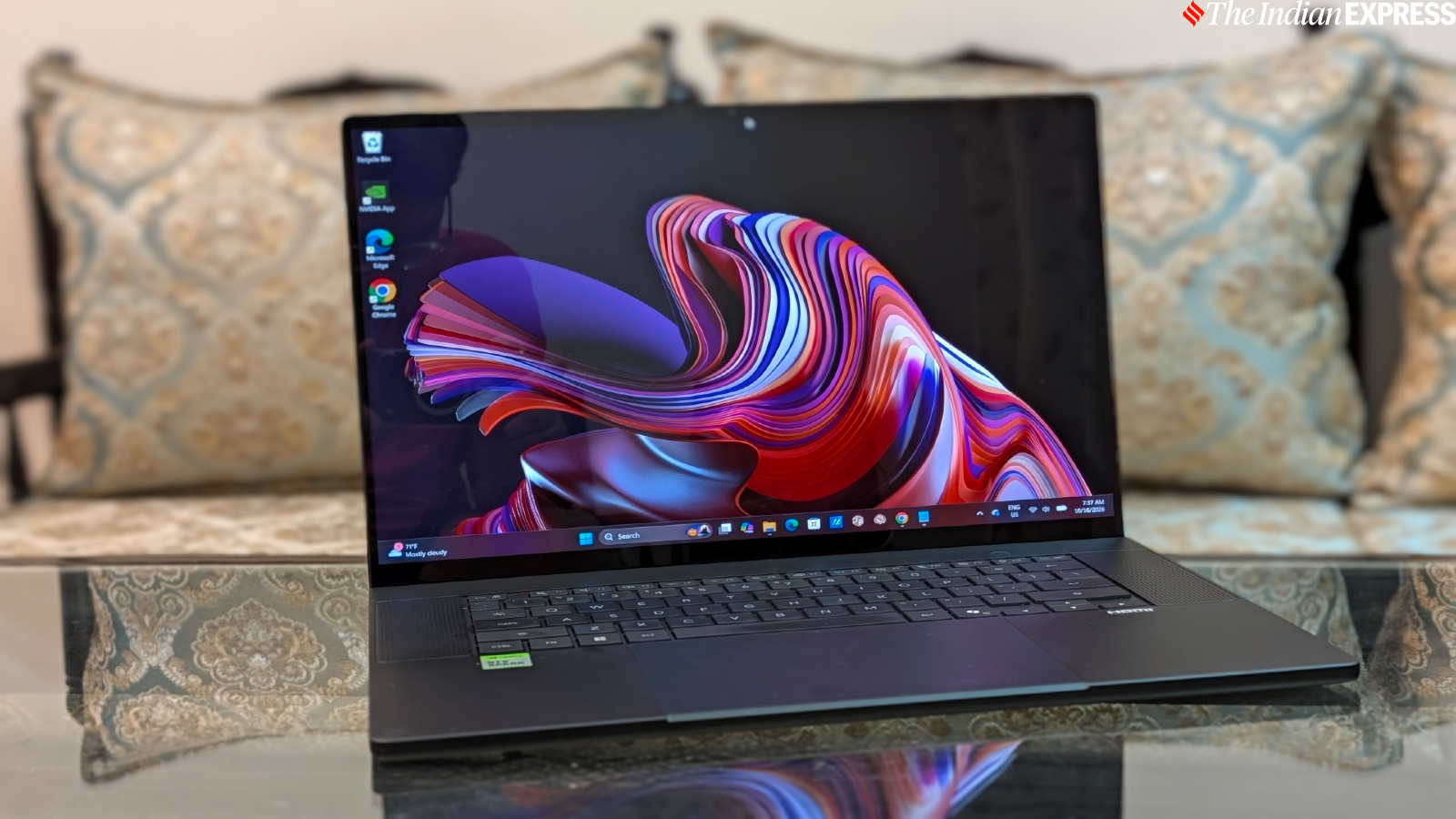 The ProArt P16 is remarkably light for a 16-inch laptop of this caliber. (Image credit: Anuj Bhatia/Indian Express)
An OLED screen that also support touch
The P16 has much thinner bezels surrounding the screen. Not only does this give the 16-inch laptop a more modern look, but it also allows Asus to include a larger display without increasing the laptop’s overall size. It features a touchscreen display (sorry, MacBook Pro) with a resolution of 3840×2400 and a 120Hz refresh rate. Thanks to its 16:10 aspect ratio, the screen offers more vertical space than a traditional 16:9 display. This is especially useful for video editors, as the additional screen space makes it easier to view a video preview above a timeline. The P16’s display supports the full DCI-P3 color gamut and features an anti-reflection coating for better visibility. Its HDR peak brightness reaches up to 1,600 nits. I used the laptop in a space with plenty of ambient light, and the screen looked fantastic, with vibrant colours and rich, deep blacks.
Large comfortable keyboard and haptic touchpad
The P16 has a large and comfortable keyboard. The keys feel tactile and responsive, although I would still say that the MacBook Pro has the best keyboard in the business. That being said, the P16’s keyboard is still very enjoyable to use. The trackpad below the keyboard is large and responsive, and it supports haptic feedback, much like the one on the MacBook Pro.
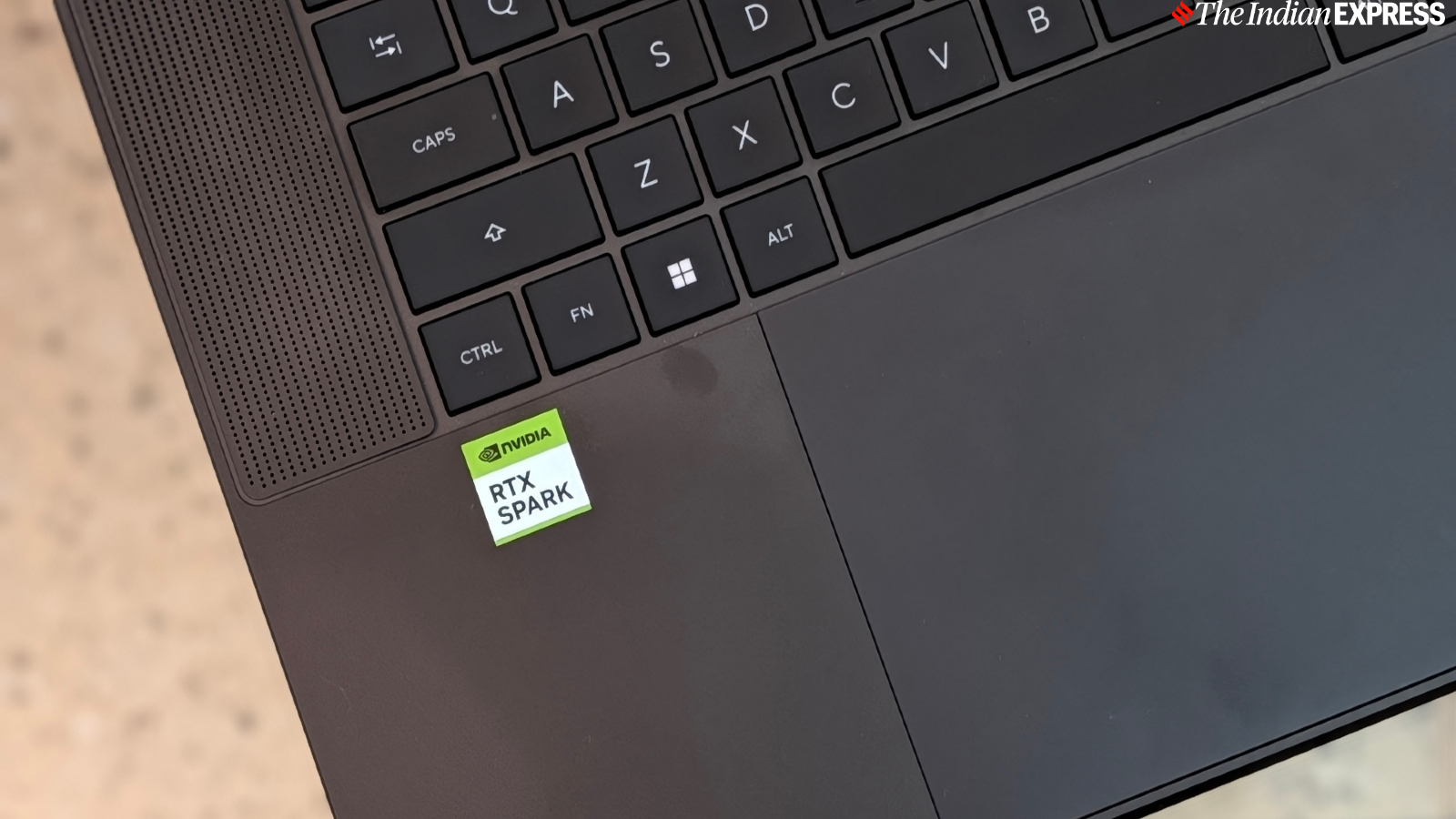 I really liked the haptic touchpad on the Asus ProArt P16 laptop. (Image credit: Anuj Bhatia/Indian Express)
Nvidia’s RTX Spark is powerful
I found Nvidia’s RTX Spark, the first-generation platform powering the Asus ProArt P16 and other laptops, both unusual and powerful. But first, let me shed some light on the specifications, at least those of the ProArt P16 review unit I am currently testing.
Story continues below this ad
My review unit features a 20-core ARM-based NVIDIA Grace CPU paired with a Blackwell RTX GPU containing 6,144 CUDA cores, alongside 64GB of RAM and 1TB of SSD storage. The CPU and GPU share a unified memory pool, bringing general processing, graphics, and supported GPU-accelerated workloads together on a single platform. This in itself is a big shift and changes your expectations from a Windows machine.
RTX Spark is designed for Windows on Arm, and what NVIDIA is trying to do here (and I would say it is taking a rather different approach) is bring its graphics technology and local AI tools into the Windows ecosystem. The platform is different from Qualcomm’s Snapdragon X series, and I can see why: the priorities are different. However, I believe NVIDIA’s platform could eventually attract broader developer support, bringing more games and applications for Windows on Arm.
The first major change is that RTX Spark adopts a unified memory architecture, similar to Apple’s and AMD’s approaches, allowing the CPU and GPU to share memory. Apple has used this architecture since the M1 debuted in 2020, while AMD offers a similar approach with its Ryzen AI Max+ series, which is still based on the x86 architecture. The key difference with RTX Spark is how it combines unified memory, an Arm CPU, NVIDIA’s Blackwell graphics, and RTX technologies within Windows. This combination of hardware and software could open up new possibilities for running local AI models and agentic coding on a laptop.
As I mentioned at the beginning, I have barely scratched the surface of what RTX Spark can actually offer. So, please give me a few more days to fully test the platform. During my week with the ProArt P16, I explored a range of tasks that showcased what RTX Spark is capable of. I spent some time editing in Adobe Premiere Pro and even played Cyberpunk 2077 at medium settings after work hours, as we all do. The game maintained a steady 75fps, and the laptop didn’t get excessively warm during extended gaming sessions.
Story continues below this ad
However, much of my time was spent running models locally and experimenting with AI coding. I set up Hermes Agent on my unit and immediately noticed a substantial difference in speed. In case you are unfamiliar with it, Hermes Agent is an AI agent that can run on Macs and other Windows PCs. However, RTX Spark has an advantage, and its secret sauce lies in NVIDIA’s GPU, which leverages CUDA (Compute Unified Device Architecture).
One observation I made is that my unit maintains consistent performance whether it is plugged into the charger or running on battery power. This consistency impressed me.
Its early to say but the my ProArt P16 is getting around 10 hours of battery life in my standard browser test, which matches NVIDIA’s all-day battery claims but falls short compared to what the battery life you get on a MacBook Pro powered by Apple’s M5 Pro and Max chips.
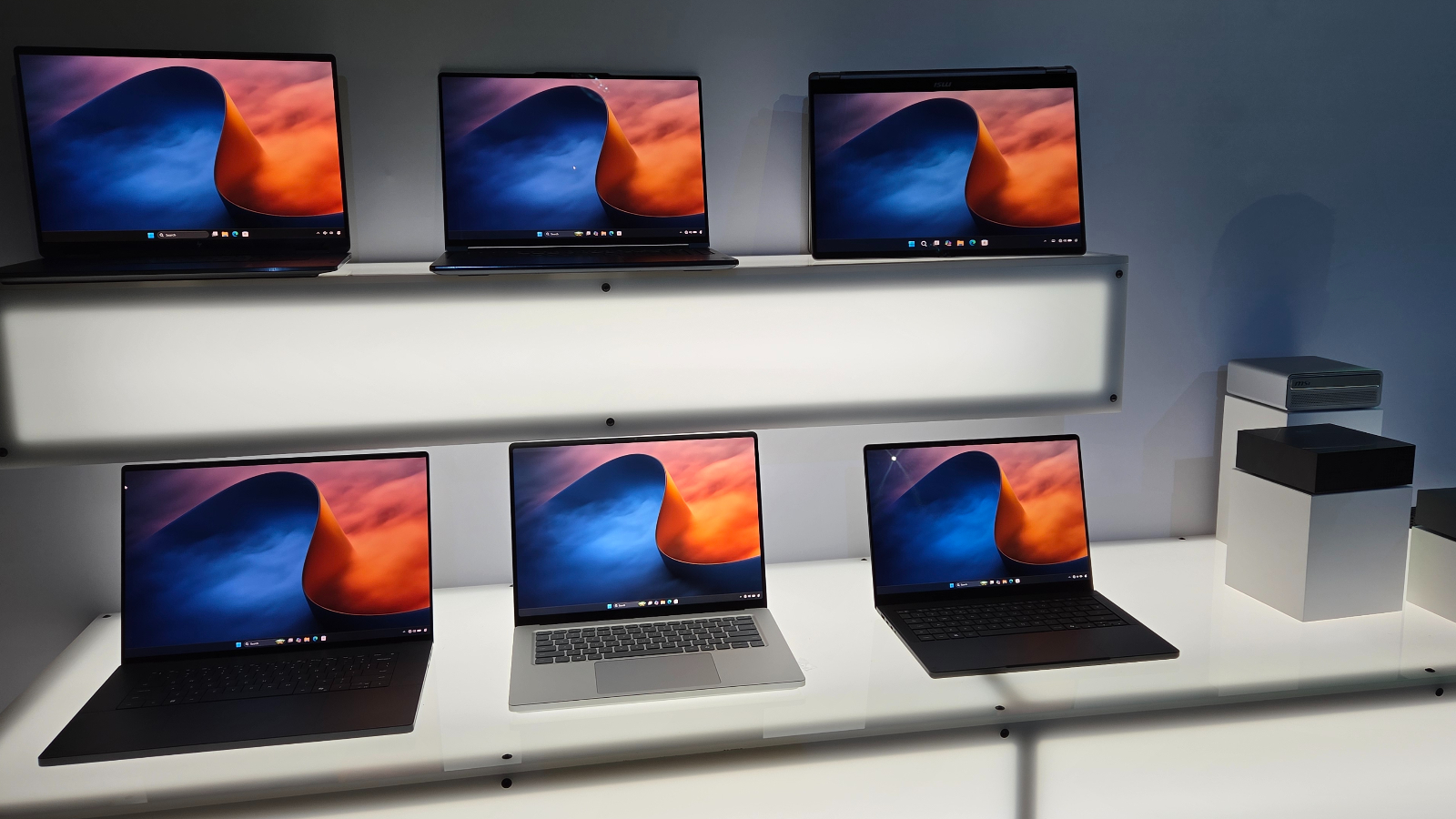 App developers are working to make specific changes to their software to make them run better on RTX Spark. (Image credit: Anuj Bhatia/Indian Express)
Story continues below this ad
Early impressions
It’s too early to pass a verdict on RTX Spark, as I am still running tests and benchmarks and evaluating the platform. However, I can already see how NVIDIA has created a platform that helps narrow the gap between Windows laptops and the MacBook Pro. There’s a noticeable speed advantage when running AI locally on RTX Spark systems, and gaming delivers a superior experience. RTX Spark combines NVIDIA’s software stack with up to 128GB of unified memory, giving local AI models more room to run than on most conventional laptops with limited graphics memory. That said, the ProArt P16, like any RTX Spark laptop, is likely to be expensive, meaning local AI won’t be accessible to everyone. In the US, for example, the Asus ProArt P16 costs $4,499.99 for the 64GB configuration, which is the review unit I’m testing. The 128GB version costs $6,999, while the base model starts at $2,599. The device is scheduled to ship from October 16. Asus hasn’t listed the ProArt P16 with NVIDIA RTX Spark in India yet, but I am told it’s coming soon.
I will be doing a deep dive into RTX Spark platform in a digestible Q&A format soon. So, stay tuned!
Disclaimer: NVIDIA loaned me the Asus ProArt P16, powered by the RTX Spark platform, on a returnable basis. I received the unit at NVIDIA’s Spark Editors’ Day event in San Francisco last week.
KioskNews shows a cleaned-up reading view extracted from the publisher’s page — the original always lives on their site, not ours.