How to tell whether your car supports Apple CarPlay
Marvin Samuel Tolentino Pineda/Getty Images
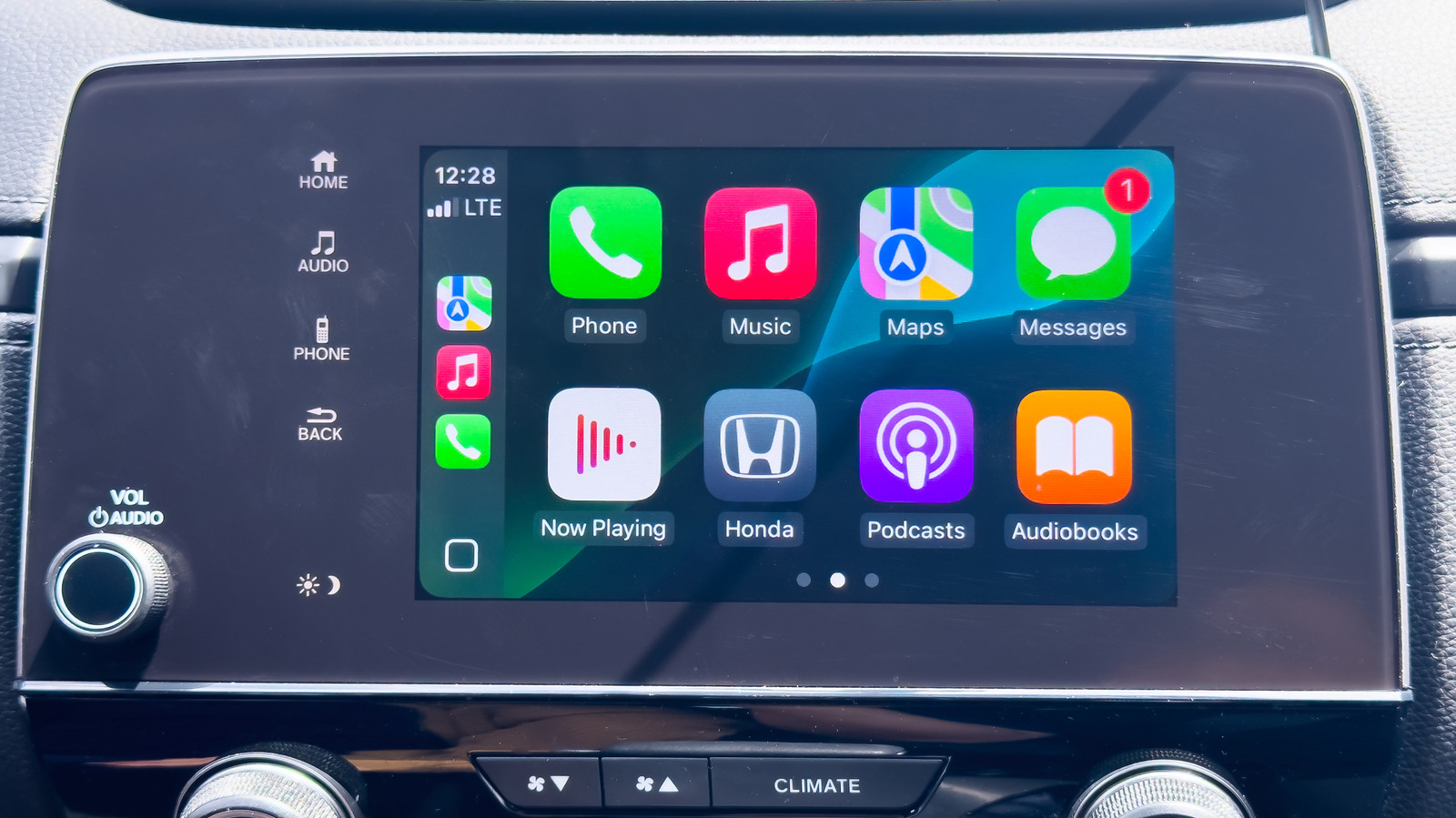
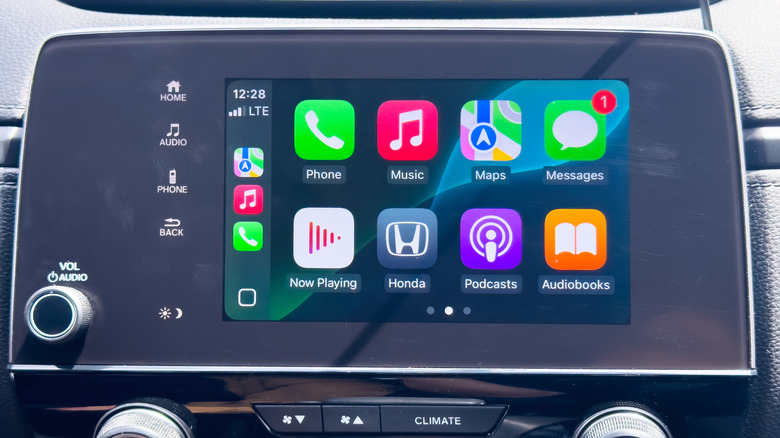
Apple CarPlay is one of the most useful pieces of in-car software out there, unifying navigation with the other iPhone features you might want to use while driving, like a music player. It's good enough that it can be a selling point to help you decide between two cars when you're looking to buy one. Fortunately, it's extremely easy to tell whether your car supports Apple CarPlay, and there are a few options for integrating it even without built-in support.
Apple maintains a list of every car model that currently supports CarPlay online. The list is extensive, covering basically every new car model from major manufacturers. A few notable exceptions are Tesla and Rivian, which don't support CarPlay at all. GM previously attempted to pull away from supporting Apple's software on newer models in favor of its own version but has since added CarPlay back.
There are also a few ways to check in person if a particular car you're looking at supports wireless CarPlay. With Bluetooth and Wi-Fi on your iPhone turned on, also set the car's dashboard to Bluetooth or wireless. Press the voice command button on the car's steering wheel, then see if the car appears on the list of available devices in Settings > General > CarPlay on your iPhone.
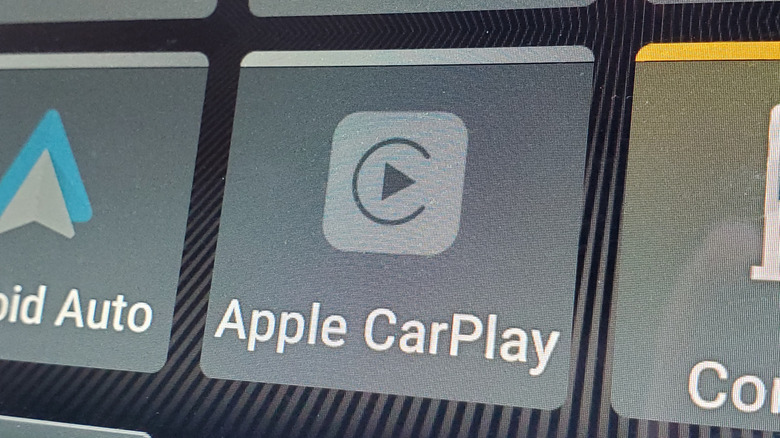
If you can connect your phone to the car's USB port, you'll get a prompt to activate wired CarPlay if the car supports it. You can also check the dashboard screen for a CarPlay option or look for a CarPlay symbol on the USB port, though even supported cars may not have the symbol in every case.
You can still add CarPlay support if it's not included
Smith Collection/gado/Getty Images
If you find yourself with a car that doesn't have integrated CarPlay support, there are a few ways you can add it yourself, though not without some hassle and expense. The easier method is to buy a third-party CarPlay screen to add to your car. Made by a variety of manufacturers, these screens can be mounted to your dashboard, essentially replacing your car's existing screen or adding one if you don't have one already. Most brands can interface with both CarPlay and Android Auto, letting you use all the software's functions on any vehicle. They're fairly inexpensive, typically around $100 or less, and can be moved from car to car. The downside is that you'll be relying on an extra piece of third-party hardware, and finding a good place to mount it can be tricky depending on your vehicle.
A permanent but more complicated solution is to install a CarPlay-compatible head unit. This will replace the car's stereo receiver (and screen if your car already has one) with a new screen capable of using Apple CarPlay. This option will likely be more expensive than just buying a screen, though some units can still be found in the $100 range. You'll also have to go through a more complex installation process or pay someone to do it for you, but the advantage is having an integrated unit rather than an extra peripheral to wrangle.
KioskNews shows a cleaned-up reading view extracted from the publisher’s page — the original always lives on their site, not ours.