Android Text Messages: What Do The Single & Double Check Marks Mean?

Updated
Habeeb has years of experience covering consumer technology and has written for multiple publications. As a Senior Writer at Screen Rant, he enjoys writing about wearables, smartphones, tablets, and Chromebooks. Several of his articles include guides and comparisons that help users get the best out of their devices or choose the one that best suits them. When he's not writing, he's catching up on the latest TV shows. He considers The Crown as peak drama and Castlevania as one of the best game-to-screen adaptations. And on days when there is nothing to watch (is that even possible?), he sneaks in a few hours of games on his PlayStation 4 and Nintendo Switch Lite.
Android users who use the Google Messages app may have noticed a check mark or two below sent messages, but what do these icons represent? The Google Messages app isn't just an SMS and MMS application. It also has chat features that allow users to send end-to-end encrypted one-on-one or group messages over an internet connection.
Question 1 of 3
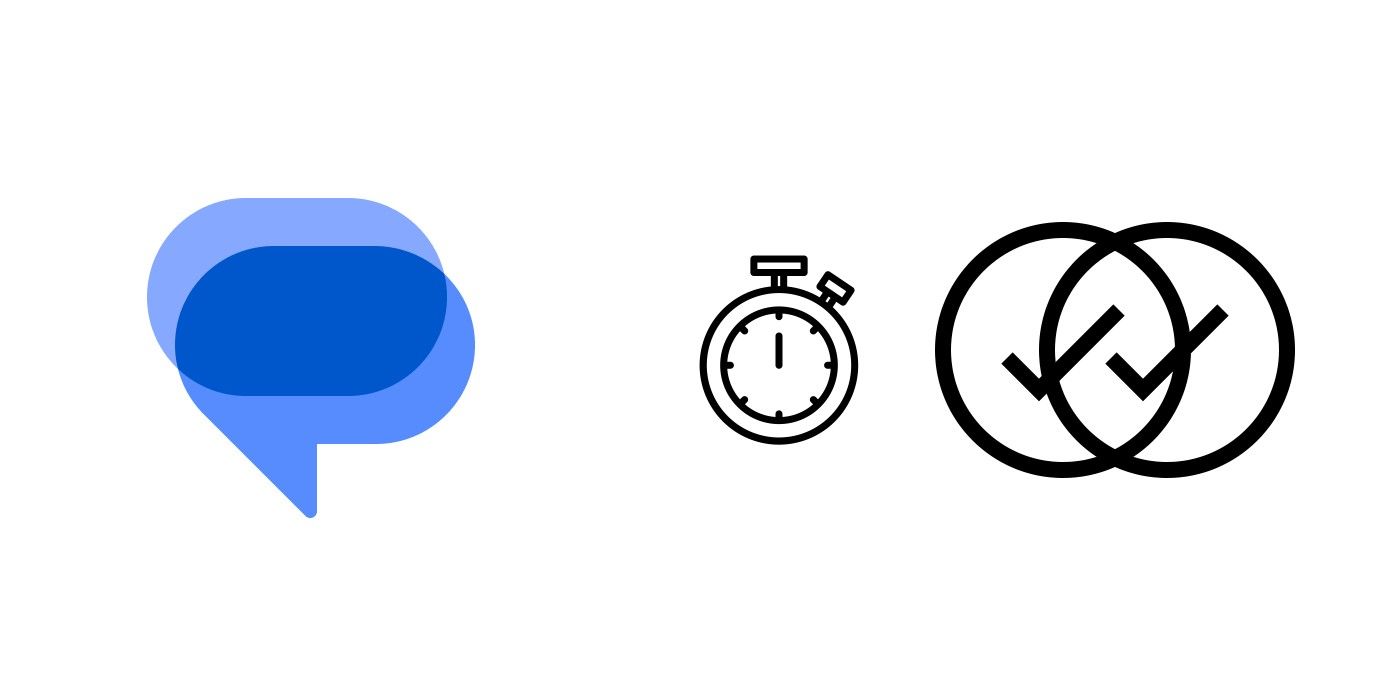
The Google Messages app replaces the typical text-based read receipts with icons. Instead of text beneath your messages saying things like "Sent," "Read," or "Received," you'll now see check marks under messages to indicate their status. But without text to accompany them, it's not immediately clear what these icons mean. The icons won't show on SMS or MMS messages, so they only apply to chat (RCS) conversations, according to Google's support page.
What Each Check Mark Icon Means On Google Messages
Signed, Sealed, Delivered
Each combination of check marks on Google Messages has a different meaning. A single check mark means the message has been sent to the recipient, but not yet necessarily received. In other words, their phone hasn't buzzed yet, and if they were to open your message thread, they wouldn't see your most recent message. Usually, this is because the recipient doesn't have cell service, or their device is turned off.
Two check marks, on the other hand, means the message has been delivered - the recipient should have gotten a notification, and can view your message at any time. If the check marks are white, though, it means they've yet to read your message. Read messages also display two check marks, but unlike the check marks for delivered messages that are housed in white or empty circles, these are housed in colored circles.
Messages with large attachments may take longer to send.
If a user sees a stopwatch icon, it means the message is still being sent. If this persists for a long time, you may not have an adequate connection - this may or may not be related to an issue on your end.
Check Marks Are A Universal Language
Easier Than Text
While the check marks may take a while to get used to, the Google Messages app is following in the footsteps of other messaging apps which also use icons to indicate read receipts. It also makes for a uniform design as Google already uses an icon to indicate if a message is encrypted. Another advantage of switching to icons is that they are universally understood compared to text, which takes up a lot more space on the screen.
Previously, when a user tapped on a sent message, they would see text underneath that said "Sent," "Delivered," or "Read." For messages that have not yet been sent, the text would read "Sending." However, following the new update, Google has decided to do away with text in favor of icons.
The check marks are similar to what WhatsApp uses as message indicators, with a single gray tick indicating that a message has been sent but not received, and a double check gmark signifying that a message has been delivered. A blue double check mark, on the other hand, means that the recipient has read the message. Many Android users will be familiar with WhatsApp's check marks, so it makes sense that Google Messages is making a similar transition.
KioskNews shows a cleaned-up reading view extracted from the publisher’s page — the original always lives on their site, not ours.