The best Roku Streaming Stick depends on your picture quality needs
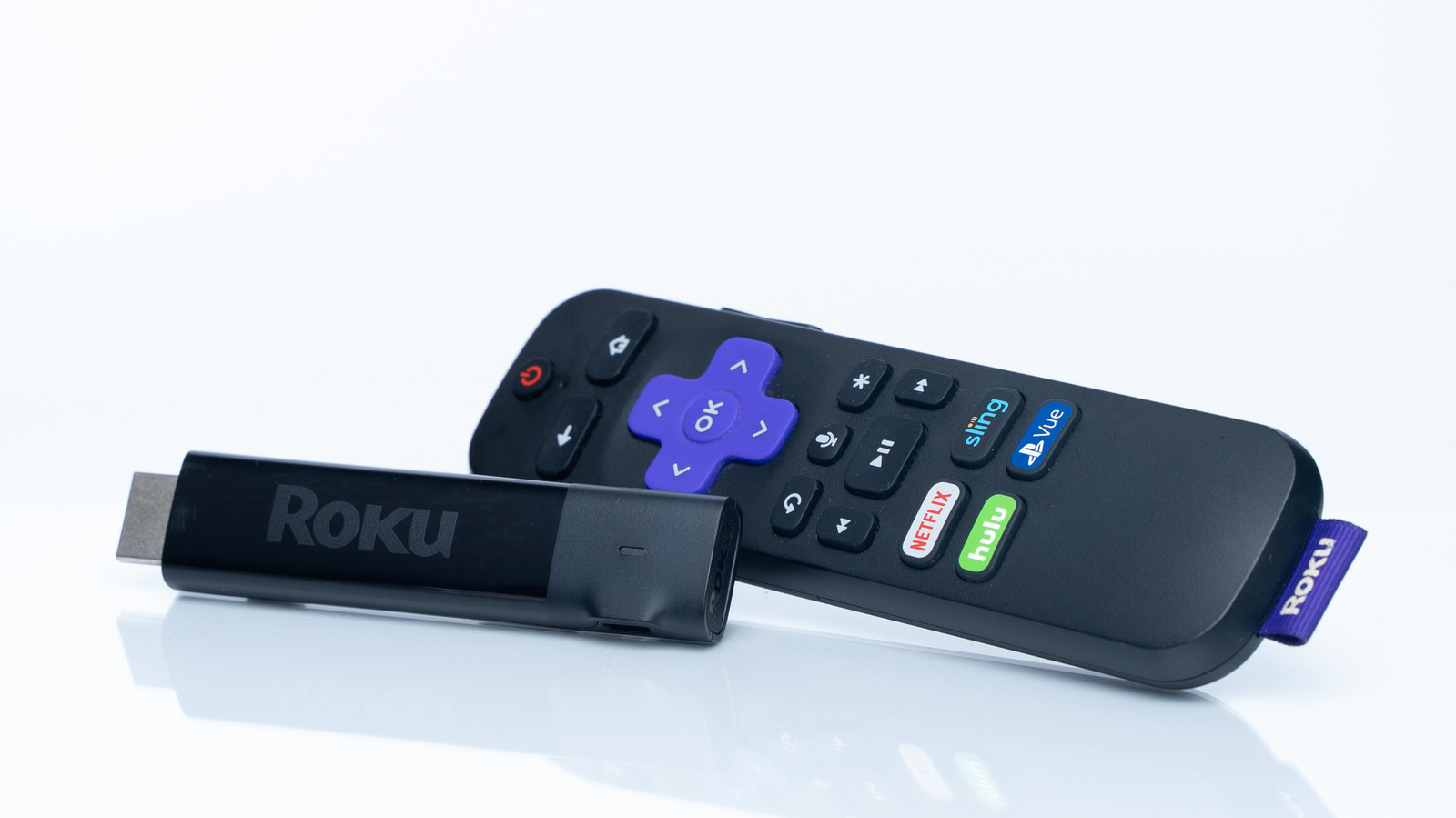
Fortunately, Roku only sells one streaming device that doesn't support 4K output.
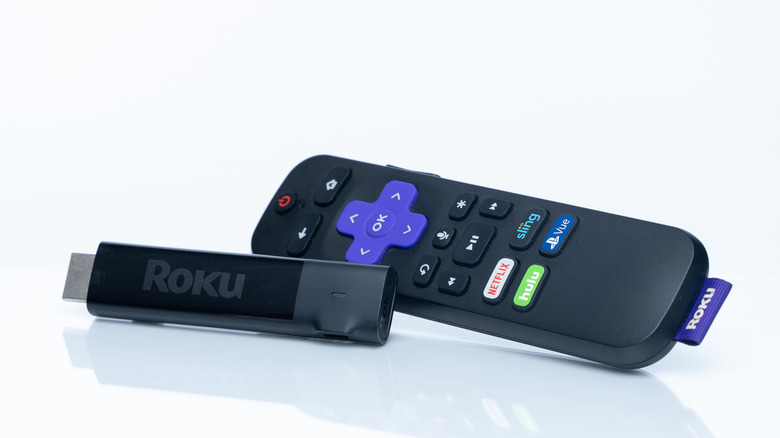
Fozan Ns/Shutterstock
Even after a recent price increase, Roku streaming sticks are some of the most popular streaming hardware options out there. But even if you've settled on Roku, it might not be clear which streaming stick model is the best choice for you, or what the differences between them even are. While there are a few additional features on higher-end models, the biggest difference between the options is picture quality, and focusing on that makes choosing one much easier.
Roku offers five different streaming devices, but the only difference in picture quality you really need to pay attention to is whether they can stream in 4K. If that's all you're looking for, the choice is easy: Every Roku product except the lowest-priced streaming stick at $40 offers 4K streaming. The name might imply that you need the $80 Streaming Stick 4K for higher resolution, but the Streaming Stick Plus gets you there for $20 cheaper.
High-end streaming devices offer only a few real benefits
Beyond that, there are a few considerations you might still want to take into account in some situations. Moving from the Streaming Stick Plus to the Streaming Stick 4K adds support for Dolby Vision and a longer Wi-Fi range. Dolby Vision is a type of high-dynamic range that's supposedly a higher quality than the standard HDR available on both models, but users are divided on whether it actually makes a difference, and it's likely not worth the upgrade for most people. The longer Wi-Fi range could be useful if you need to plug the streaming stick into a TV that's a long way from your router.
For Roku's two $150 models, the Roku Ultra and Streambar SE, only the Ultra has Dolby Vision support, but the differences between them and the rest of the Roku range are more significant. The Roku Ultra is a small set-top box, while the Streambar SE is a soundbar that does double duty as a streaming device.
The Ultra is worth considering if you want the strongest internet connection possible — in addition to support for Wi-Fi 6, it also includes an Ethernet port. If you have a Wi-Fi 6 network at home or don't have a good Wi-Fi connection at all, that could mean the Ultra will give you a more stable connection, and thus a better picture quality.
The Streambar, on the other hand, is more about audio. It's the only Roku model that features built-in speakers, though it lacks the Dolby Atmos surround sound support that comes with the Ultra. That could make it a good choice if you want the benefits of a soundbar and a streaming stick in one, but it otherwise doesn't have any advantages over the Ultra. Of course, you'll need a compatible audio system to take advantage of the Doly Atmos capabilities on the Roku Ultra.
KioskNews shows a cleaned-up reading view extracted from the publisher’s page — the original always lives on their site, not ours.