4 cool projects you can do with Home Assistant on Raspberry Pi
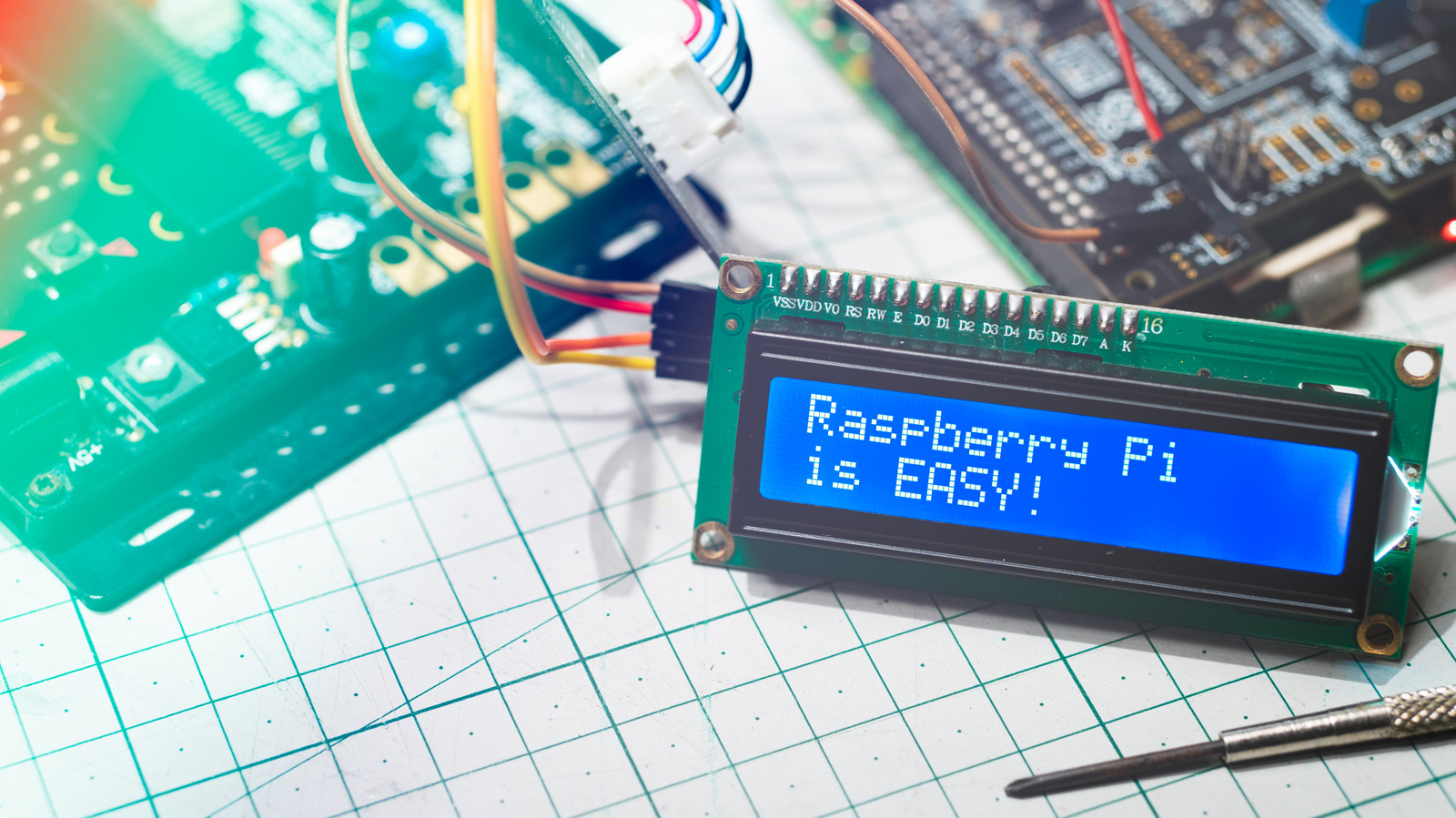
From NFC movie cards to a washing machine that knows when it's done, Home Assistant gives a Pi plenty to do.
myboys.me/Shutterstock
Home Assistant can start innocently enough. Maybe you simply need the bedroom lights to turn off automatically, but that's just a gateway drug. After a while, your washing machine starts texting you and your phone charger becomes a part of your bedtime ritual.
That flexibility is the whole appeal. Home Assistant is a free, open-source smart home platform that can integrate devices and services from different manufacturers and use things like location, power usage, NFC tags or a device changing state to trigger automations. It currently has over 1,500 integrations.
You don't need any of Home Assistant's hardware to get started, either. Home Assistant OS officially supports the Raspberry Pi 4 and Pi 5, with a minimum of 2GB of RAM and a 32GB microSD card, and it is the recommended installation for most people who bring their own Pi. The software is free, and there is no subscription or feature paywall, though optional services like Home Assistant Cloud cost extra.
When it's up and running, the more interesting question is what you can get your house to do for you.
Turn NFC cards into a physical music or movie collection
Streaming is wonderfully convenient until movie night becomes 15 minutes of scrolling. NFC tags offer a slightly nerdier alternative: Give something physical a job again.
Home Assistant can use an NFC tag as an automation trigger. In the simplest version, you can assign individual stickers or cards to albums, playlists, movies or other actions, and then scan one of them with the Home Assistant app on your phone. The automation can be set up through Home Assistant's visual editor, so this doesn't require diving straight into YAML.
It's even more fun with a dedicated NFC reader. Place a card on the reader and Home Assistant can respond instantly, without anyone picking up a phone. It can also tell different readers apart, so the same tag could theoretically trigger different actions depending on which room it's scanned in.
One dedicated builder turned the idea into a custom 3D-printed movie player. Their setup uses an ESP32 and an NFC reader, with physical cartridges for different movies. Insert one and Home Assistant can use Plex to start the corresponding movie.
But that's the enthusiast version. You don't need a soldering iron, 3D printer or even a fake VHS collection to have most of the fun with a few NFC cards and your phone.
Turn charging your phone into a bedtime trigger
RaspberryStudio/Shutterstock
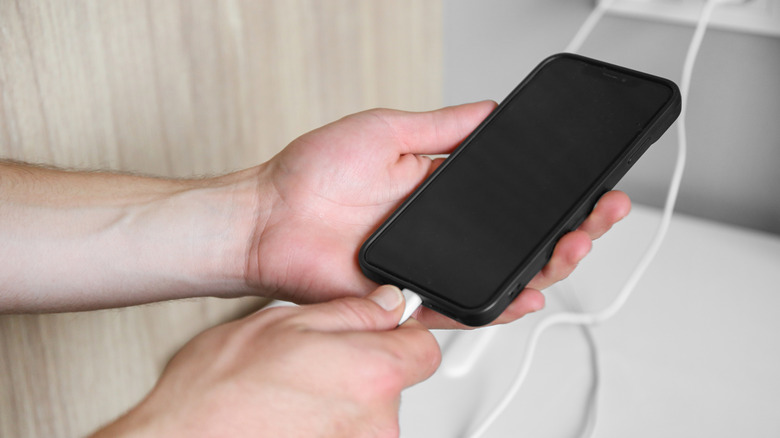
A phone charger typically has one job, but Home Assistant can give it another one.
The Companion app can tell Home Assistant if your phone is charging, so plugging your phone in at night can become the trigger for a bedtime routine. Throw in a few conditions, such as the time and whether you're home, and Home Assistant can turn off the lights, lower smart blinds, adjust the thermostat or shut down whatever you forgot to switch off downstairs.
Those conditions are key though. Without them, topping up your phone at 3PM could be interpreted as everyone going to bed very early.
Android provides charging information directly via Home Assistant's sensors. If you want the automation to trigger as soon as the charger is plugged in, you can also use an iOS Shortcuts automation on an iPhone.
The nice part is that this project may not require buying anything at all. If you already have your phone and the devices you wish to control connected to Home Assistant, you're pretty much just deciding what "good night" means to your house.
Make a dumb appliance tell you when it's finished
Daisy Daisy/Shutterstock
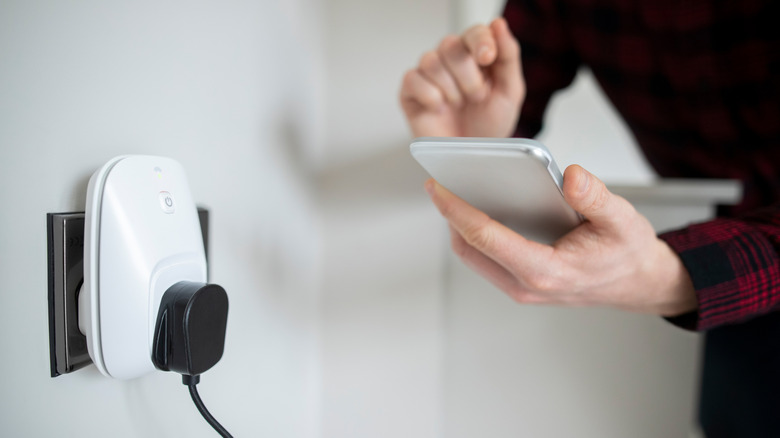
Your washing machine doesn't need Wi-Fi, a touchscreen or an app of questionable quality to become part of your smart home. In some cases, a simple smart plug with power-monitoring capabilities is all that is required.
Home Assistant can monitor the amount of electricity an appliance consumes and use that measurement as a trigger for an automation. For instance, a washer will usually draw more power while running a cycle before dropping back toward its idle level when it is done. When Home Assistant notices that lower reading stays there long enough, it can notify your phone.
The same concept is used by people in the Home Assistant community with dishwashers, rice cookers, coffee makers and other devices that have predictable power consumption during operation. The key is to monitor your own device rather than take someone else's wattage threshold and hope for the best. Appliances have their own concept of "idle."
You will also need an energy-monitoring smart plug that is rated for the appliance you are plugging in. That's not a great spot to be adventurous with high-power gear, but for the right appliance, it's a very easy way to make old gear feel a lot smarter.
Make your shopping list appear when you reach the store
Pressmaster/Shutterstock
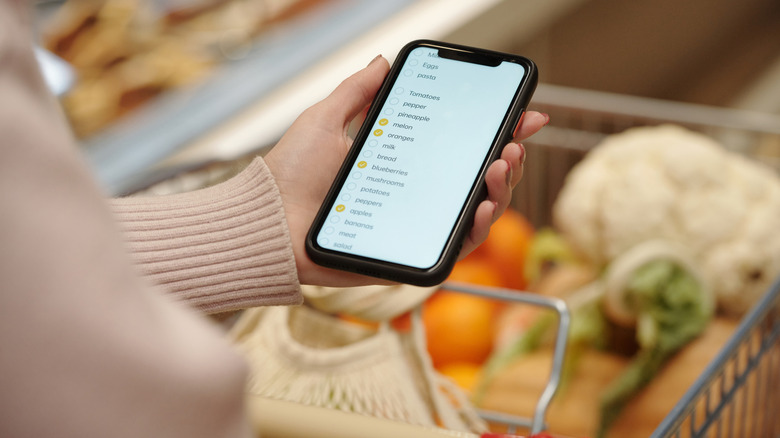
Remembering to make a shopping list is one problem. When you're already in aisle five, remembering that the list exists is another.
Home Assistant can do that second part for you. It can use your arrival at a saved zone, like your favorite grocery store, as an automation trigger with its Companion app. Combine that with Home Assistant's own shopping list, and you can have a notification appear once you arrive, with a tap taking you directly to the shopping list.
The concept can be as detailed as you want. Different stores can trigger different notifications, or the notification may remain silent if there is nothing on the list to begin with. You don't need to pay for Home Assistant's Cloud subscription for this, but your phone must have a way to communicate with your Home Assistant setup when you're not at home.
There's a privacy tradeoff to be aware of as well. Obviously, location-based automations need some location data, but the Companion app can restrict what it shares. If you feel like you're going overboard with exact coordinates just to remember milk, there is also a Zone Name Only option.
KioskNews shows a cleaned-up reading view extracted from the publisher’s page — the original always lives on their site, not ours.