You can attach your Fitbit Air to almost any old-school watch
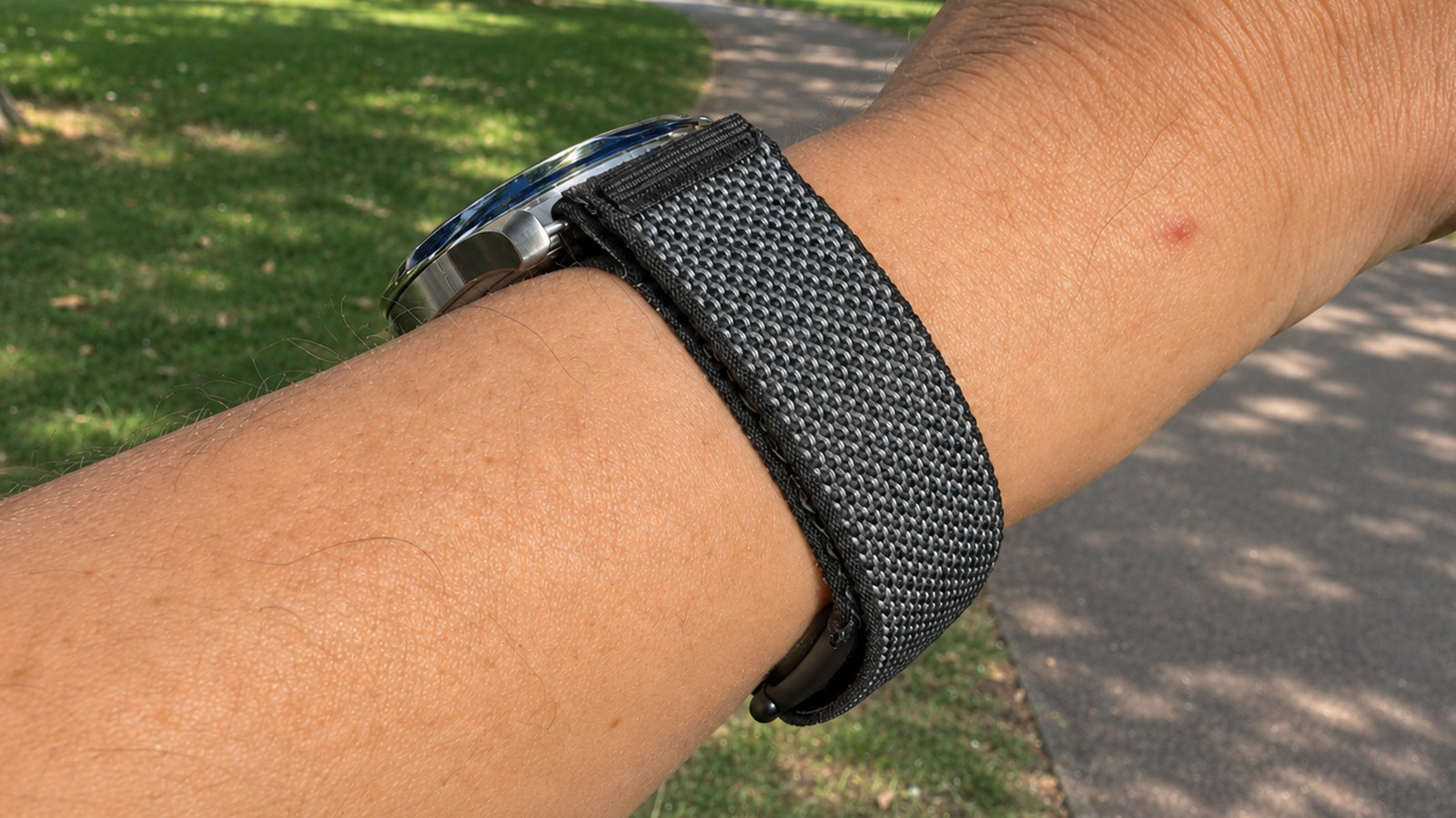
There are some ways to combine analog watches with Google's lightweight fitness tracker.
Husain Parvez for Engadget
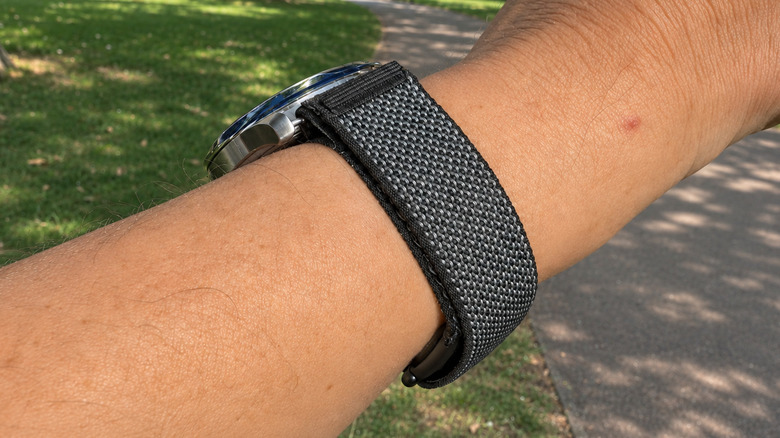
There's no need to sacrifice your beloved mechanical watch for fitness tracking. If you own a Fitbit Air, there's a way to attach a traditional watch to the tracker's band, keeping the dial on top of the wrist and the Fitbit sensor tucked underneath. It's a clever solution for those who want fitness tracking without awkwardly wearing a separate device on each wrist.
One user connected the tracker to a Seiko wristwatch, and others have tried various watch designs. The $99.99 Fitbit Air monitors heart rate, exercise and sleep, but doesn't have a screen, and the data is accessible via the Google Health app. Paired with a standard watch, it offers the best of both worlds: a watch face you're used to and the latest in health tracking, without an extra screen to distract you.
How to combine a Fitbit Air with a regular watch
Husain Parvez for Engadget
The easiest way is to replace your watch's original strap with the Fitbit Air's 18mm Performance Loop. Remove the current watch band, leave the spring bars on, then slide the Fitbit band under both spring bars, like a NATO-style strap. The watch sits on top of your wrist, with the Fitbit underneath.
Not all watches will play ball, of course. The ideal lug width is 18mm, while watches with 19mm or 20mm between the lugs (where the strap attaches) can work with small gaps on either side of the band. Anything narrower than 18mm won't accommodate the stock strap, while particularly wide watches could look a little ridiculous. You'll also need enough space between the spring bars and the watch case to thread the band through.
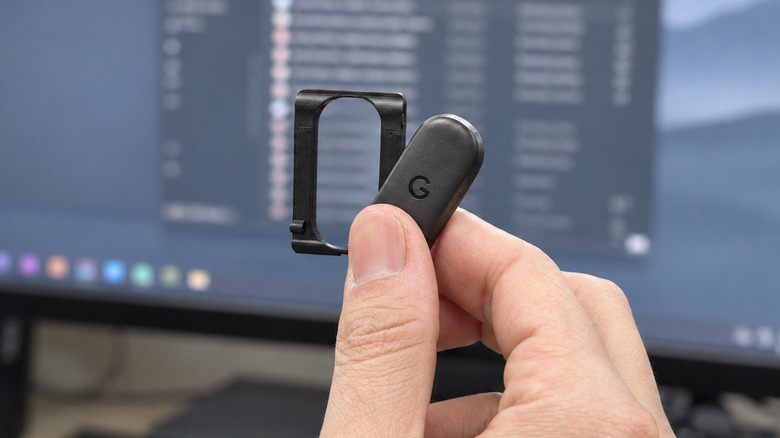
If you'd rather keep your existing strap, some users have designed 3D-printed adapters that attach the Fitbit Air's removable sensor underneath regular watch straps. One influencer demonstrated the setup with a Hamilton Khaki Field King while keeping its original strap. The adapter must fit the strap width and hold the tracker securely, especially if you plan to exercise while wearing it.
The compromises worth knowing about
While the concept is great, there are some practical questions about putting the Fitbit Air under the wrist. Google recommends wearing the tracker on top of the wrist for the most accurate readings, but hasn't said whether wearing it underneath is just as accurate. It's also likely to be uncomfortable when you lean on your wrist on a desk or type for extended periods.
Plus, consider swimming. While the Fitbit Air is water-resistant up to 50 meters, your normal watch may not be. Older watch cases and leather straps can have trouble with moisture or perspiration. If you go with the custom approach, a 3D-printed attachment could also come loose during a heavy workout, so it may be better to use the original Fitbit band for exercise.
The tweak doesn't change the Fitbit Air's app requirements, though. You'll still need to have a Google Account and the Google Health app to access your fitness data. Basic activity and sleep tracking don't require a subscription, while Google Health Premium adds personalized coaching for $9.99 a month or $99 a year.
KioskNews shows a cleaned-up reading view extracted from the publisher’s page — the original always lives on their site, not ours.