How to switch between two phones on CarPlay
Andresr/Getty Images
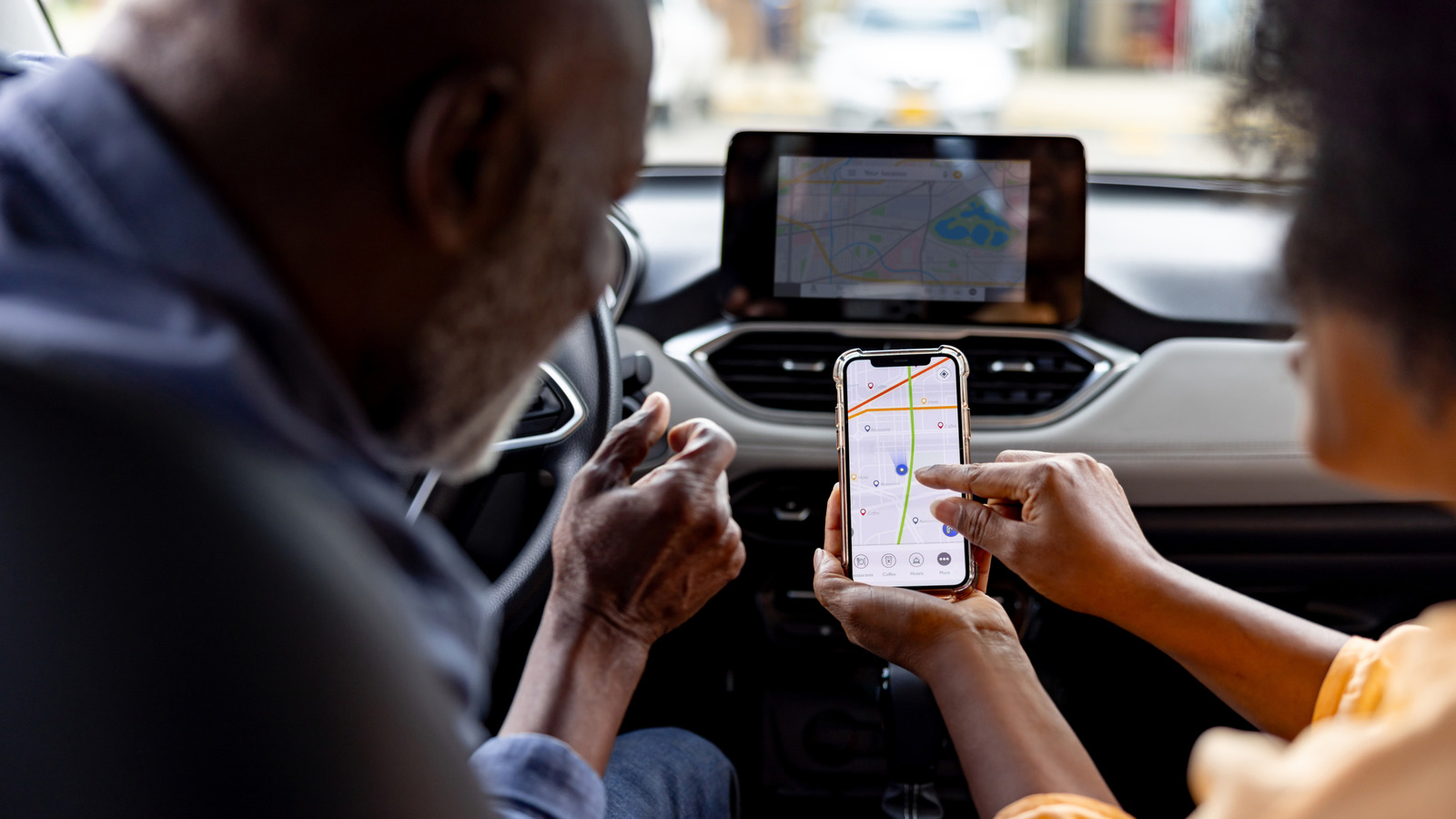
CarPlay has been around since 2014 and has been receiving feature updates quite frequently, making it a safer way to interact with your phone while driving. Setting it up is easy and, outside of occasional connection issues, CarPlay tends to work seamlessly without requiring any troubleshooting — well, until you have a passenger with an iPhone that had previously been paired to your car. Though you can set up CarPlay for multiple iPhones in the same vehicle, you can only use one of them with CarPlay at a time.
Let's say two people with CarPlay-paired iPhones get into the same car. If your car automatically connects to the driver's iPhone, there's nothing you need to do, but if it picks the passenger's phone for projecting CarPlay instead, you'll need to manually switch the connection back. Depending on your car manufacturer, the process to pick a different iPhone for CarPlay will vary. Some infotainment systems let you pick a preferred or primary phone that gets priority whenever there are multiple paired iPhones in the vicinity. You should be able to find this under the Bluetooth settings or device management menu on your car's infotainment system.
Some manufacturers, like Hyundai, let you switch CarPlay or Android Auto connections on the go. Your car should remember your preference the next time it detects the same devices. Car infotainment systems are particular, though, so manually turning off Bluetooth and Wi-Fi on the other iPhone is a quick-and-dirty fix. You could also try using a wired CarPlay connection to see if it forces your car to prioritize the iPhone that's physically plugged in over another phone that's connected wirelessly; however, Reddit users have not had much luck with this method.
Using SharePlay in the car
Adnan Ahmed for Engadget
CarPlay's app library actually spans more than just navigation and music apps. There's support for AI chatbots like ChatGPT, fuel price trackers and parking spot finders, but most people are content with having a map and playback controls on the screen. If you were looking to switch CarPlay connections to a passenger's iPhone so they could take over the music, though, there's an elegant workaround that lets them do that.
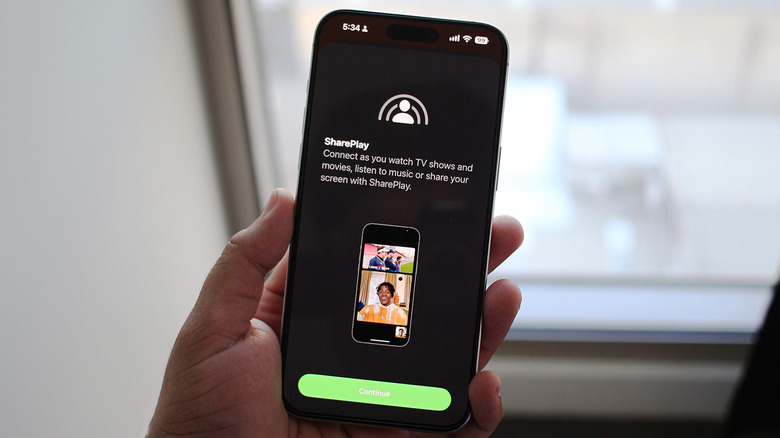
SharePlay support for CarPlay was introduced with iOS 17, and as long as everyone in the car has an iPhone running iOS 17 or newer, they will be able to join the driver's Apple Music session and add, rearrange or remove tracks using their own device. The passengers don't need to be Apple Music subscribers to use SharePlay in the car — only the host does.
For those who primarily use Spotify instead, the app's Jam feature essentially offers the same functionality and lets everyone in the car join the host's session and contribute to the queue from their own phones. Once again, participants don't need Spotify Premium if they're using the feature in an in-person setting.
Of course, using SharePlay or Spotify Jam only lets the passengers control the music. If they ever need to use navigation or view messages on the car's infotainment screen, they'll need to manually switch CarPlay connections using one of the methods we've mentioned above.
KioskNews shows a cleaned-up reading view extracted from the publisher’s page — the original always lives on their site, not ours.