How to use the new remote finding features on the Apple TV 4K (4th gen)
few quick steps can help you find your remote before it disappears into the couch cushions.
The tech world is buzzing with anticipation. The new Apple TV 4K (4th generation), released on November 13, 2026, is a premium streaming device that comes with a bevy of new AI and smart home features – and a significantly higher price tag. One of the marquee announcements of Apple's Welcome Home event, the feature that might have the greatest effect on your day-to-day watching experience comes in the streaming device's upgraded Siri Remote.
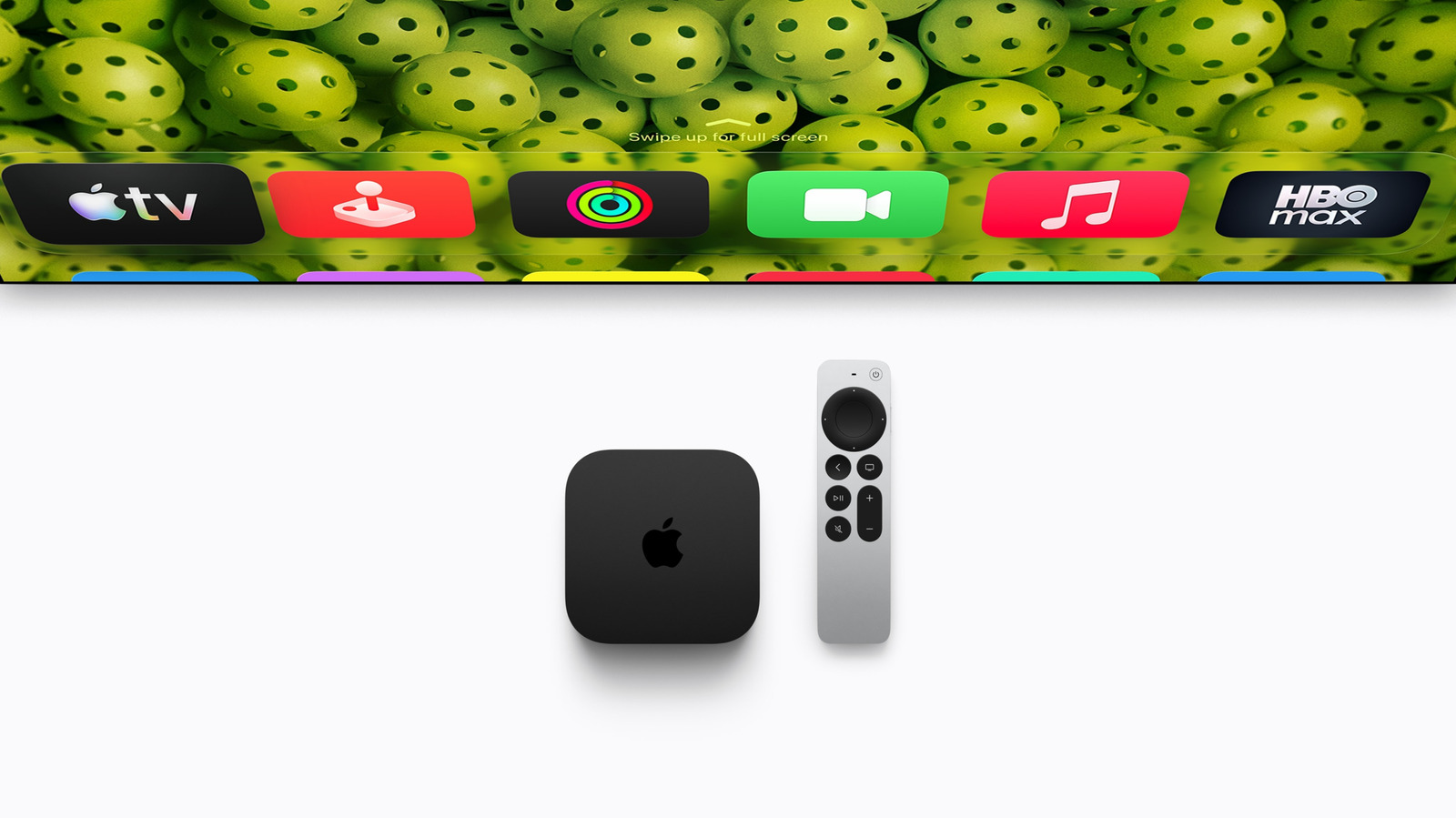
The biggest selling point of the new remote is its precise Find My feature, which lets viewers pinpoint where the little silver aluminum remote is hiding. Depending on your iPhone model, Precision Finding can point you directly to your lost remote, even if your spouse accidentally leaves it in the bathroom. Like your phone or headphones, the remote can play a sound to help you track it down.
You can order a new 4th generation Apple TV 4K on Apple's website for $299, which includes the 4th generation Siri Remote. But if you're only interested in upgrading your remote, you can do so separately via Apple's website or at your local Apple Store for $59.
The latest Siri Remote, and its Find My feature, is compatible with all four Apple TV 4K streaming boxes, as well as the Apple TV HD. However, Precision Finding requires a compatible iPhone, namely an iPhone Duo, iPhone Air, or iPhone 17 or later. Unfortunately, the economical iPhone 17e is excluded from the list.
Finding your Apple TV 4K remote
If you have Siri AI turned on for your Apple TV 4K, you can activate your remote's Find My sound by saying "Where's my remote?" Apple's fine print states that the feature "requires the owner of the home in the Home app to have an Apple Intelligence–enabled iPhone or iPad running the latest software version and have Siri AI turned on and set to a supported language."
You can also use the Find My app on your iPhone to track down your lost remote. However, you need to update your iPhone to iOS 27.2 or later and be signed in on your Apple TV 4K as either the default profile or a member of a family group connected to it. If Siri AI is turned on for your iPhone, you can say, "Siri, where's my remote?" to trigger the sound and Precision Finding.
To use the Find My app on your phone, open the app, then tap Devices > the remote name > Find. If you have trouble finding the remote via the app, move through the room and point your phone in different directions to help establish a connection with your lost remote.
As a reminder, the Precision Finding feature is only available on iPhone Air, iPhone Duo or iPhone 17 or later. Earlier iPhones will simply show your remote is either "near," "far" or "here," depending on proximity. Once found, simply tap the X.
KioskNews shows a cleaned-up reading view extracted from the publisher’s page — the original always lives on their site, not ours.