How to tell if a USB-C port is damaged
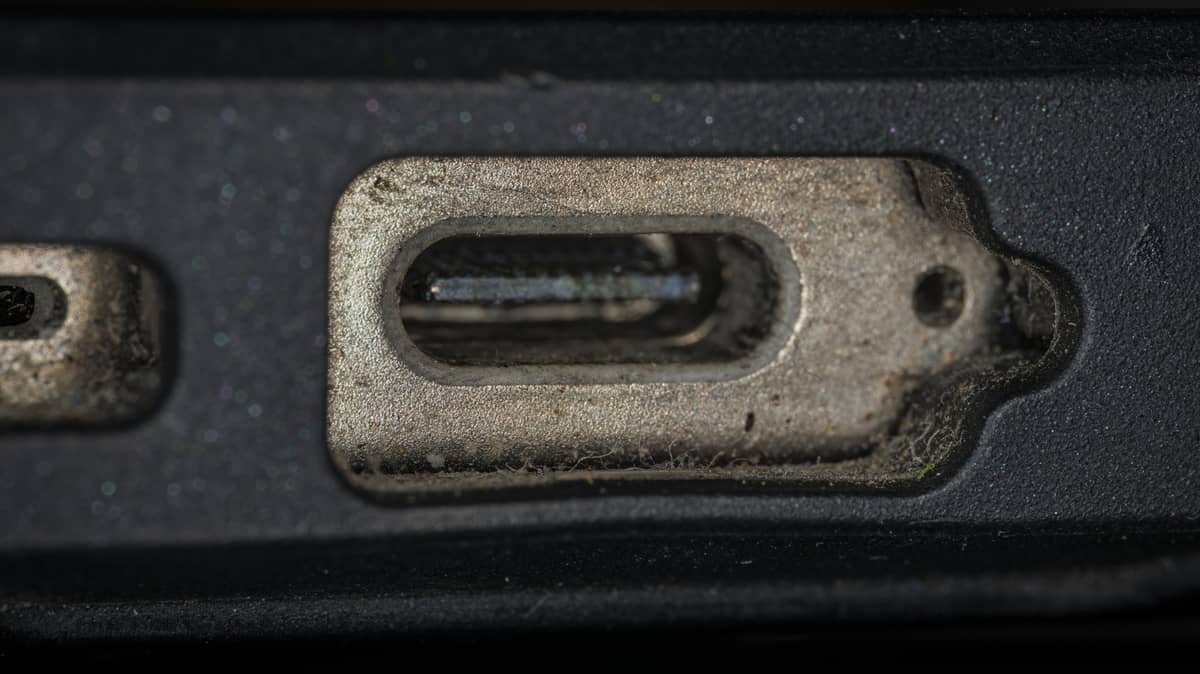
A faulty USB-C port can leave your device without power or a reliable connection, but the cause isn’t always physical.
D. Maulding/Shutterstock
Device ports used to be a lot more fragile. Older PCs, for example, had giant exposed serial and parallel ports, matched with connectors that featured all-too-bendable pins. In retrospect, it's amazing we put up with them for as long as we did.
USB-C still has flaws in this department, though, and the consequences can be just as severe, if not worse. Many devices rely on the format not just for data, but for power delivery. If a smartphone's charging port ends up broken and it doesn't support wireless charging, it's just a matter of time before its battery drains to zero. A broken port isn't the only concern, either, given the dangers of using old, damaged charging cables.
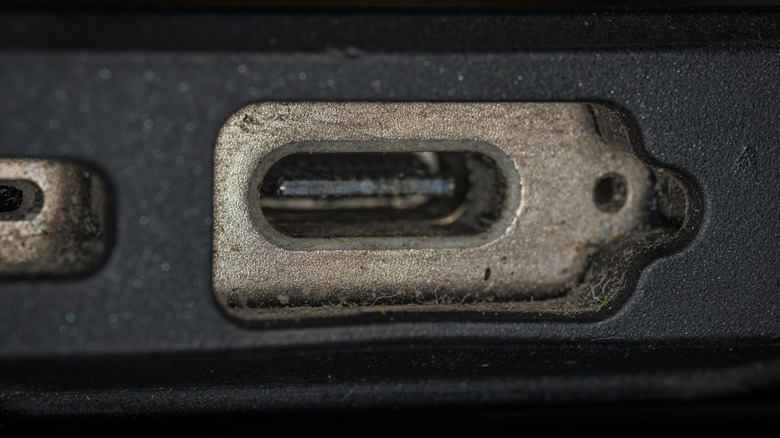
To tell if a USB-C port is damaged, look for bent or broken pins, discoloration or inconsistent charging and data transfers. These signs warrant a closer look, but debris, faulty cables and software issues can also cause problems without damage to the port itself.
The signs that a USB-C port is damaged
PawelKacperek/Shutterstock
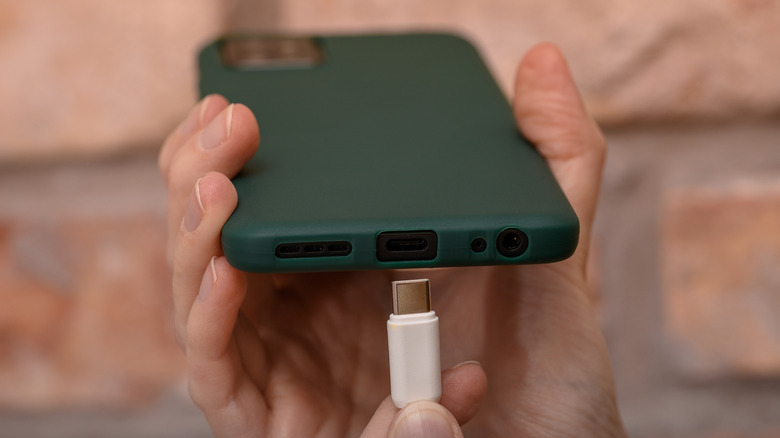
Your first step should be to aim a flashlight at the port and search for any debris or, yes, bent or broken pins. Debris is probably the best-case scenario, since safely cleaning out your USB port should get you back in action, assuming any material isn't broken off of the device itself. Shut the hardware down and unplug it, then hold it with the port facing down and gently tap it against your hand to dislodge loose debris.
Another sign to watch out for is discoloration. While there might (hypothetically) be innocent explanations, this could also be the result of liquids, grime or scorching. If you suspect scorching — look for brownish or blackish markings — you should stop using the device and shut it off until you can get it repaired.
If you've ruled out these more obvious signs, pay attention to how well data and/or power perform. A functioning port is consistent. If flow is erratic or not happening at all, that suggests something isn't working properly, even if it's not the port itself. Try a known-working cable and, for charging problems, a known-working charger to rule those out. Keep in mind that if nothing's happening, you might alternately be plugged into an incompatible port. On computers specifically, there could be problems with corrupt, missing or misconfigured software drivers.
Ways to cope with a faulty USB-C port
vshtun/Shutterstock
If there's no sign of physical damage, it may be worth cleaning out a port regardless of whether you notice any debris. Dust can be hard to spot. If you're on a computer, find and open Windows Update or macOS' Software Update to make sure you've got the latest USB and motherboard drivers. Note that while Apple tends to bundle driver updates into broader macOS releases, Microsoft offers them independently.
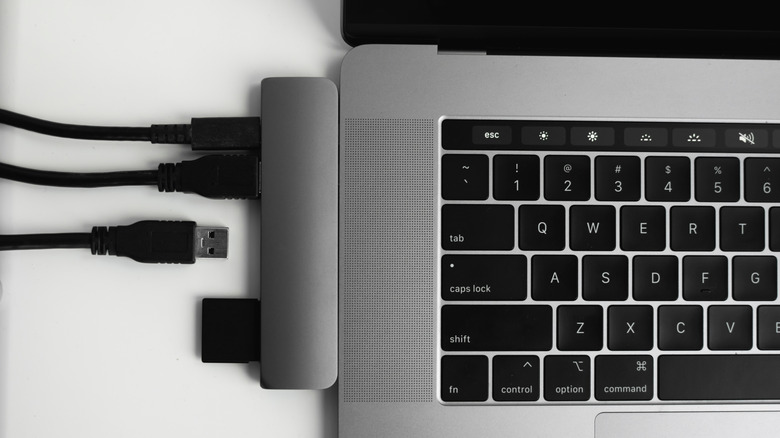
A dead USB port isn't necessarily the end of the world. If your device has multiple USB ports, you may be able to restore or even expand your options by plugging in one of the best USB-C hubs or a Thunderbolt dock, as appropriate. Connected devices share the connection's bandwidth. If the hub has no external power supply, they also share the power available from the computer's port. Whether you reach either limit depends on what you connect. Consider which devices you'll need to use at the same time, such as a phone you're charging and a hard drive you're backing up.
KioskNews shows a cleaned-up reading view extracted from the publisher’s page — the original always lives on their site, not ours.