GTA 6: How To Easily Fast Travel

Chris is a Gaming Editor at ScreenRant. He has been a professional writer since 2009, and has written for top TV, comics, movie, and video game outlets like Engadget, Polygon, Destructoid, and more. He brings with him an expertise in every game genre, no matter how niche or mainstream.
You may know him as the former Managing/Reviews Editor of Destructoid, where he published hundreds of game reviews across every genre, including MMOs, sports games, and Metroidvanias.
Find Chris on Twitter @_SRChris.
Sign in to your ScreenRant account
If you're making an open-world game, odds are it has a fast travel mechanic. As projects have gotten bigger and bigger, it's become a necessity, as not everyone has the time to walk across the world at any given moment. Thankfully, GTA 6 is here to answer the call, but it also offers a few other options for folks looking for a more relaxed open-world experience.
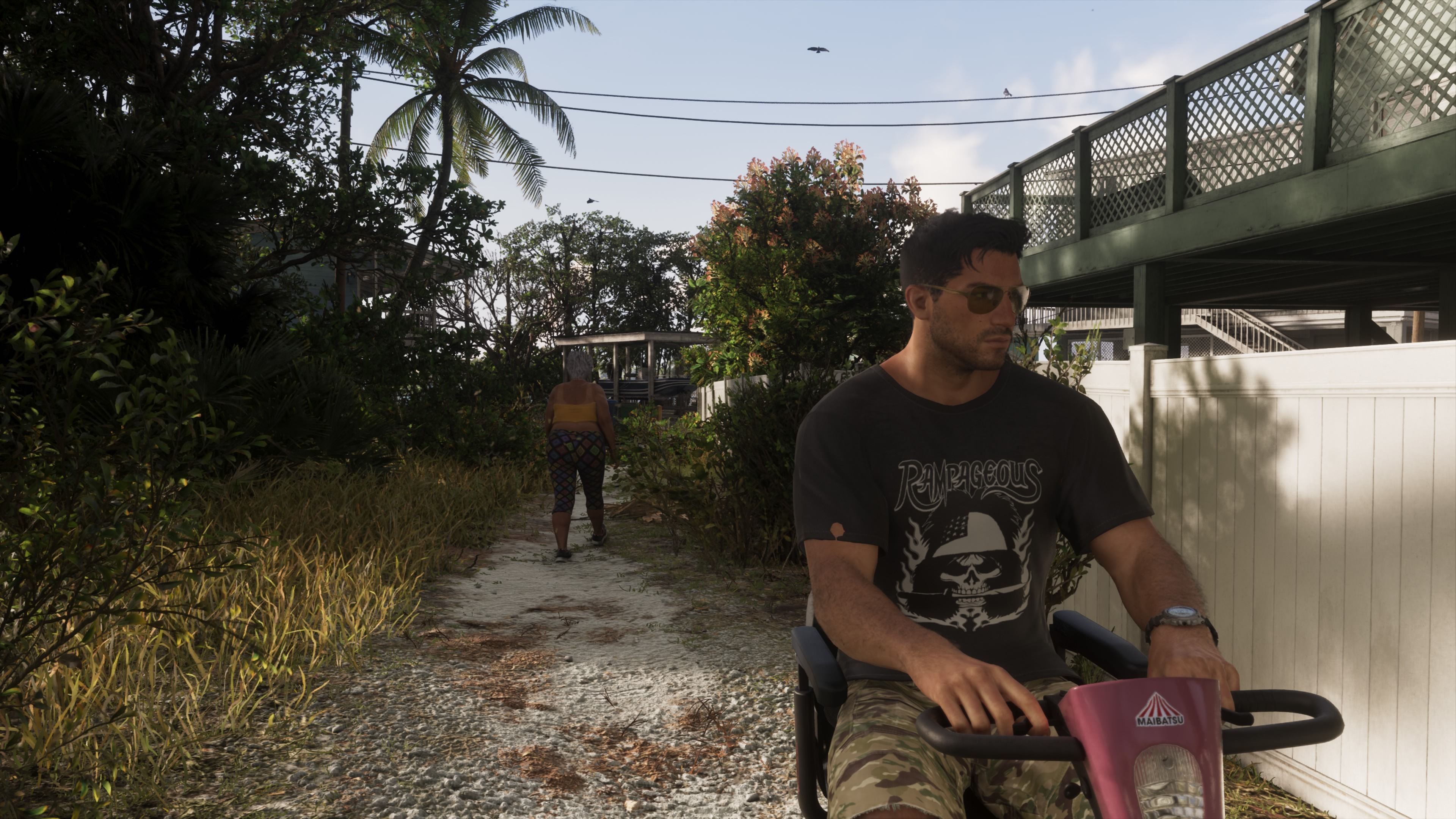
GTA 6 is modeled after Miami after all, so it would make sense to add in some slower, more relaxing options. Here's how to unlock fast travel, and if you want, also use a form of "slow travel" to get through Vice City and the surrounding county.
Call A Taxi Or An Uber

Depending on where you are in the game, you can call a taxi or an Uber; they are functionally the same. At the start of GTA 6, you'll need to call "Paradise Taxi" from your contacts (the green phone icon) on your phone interface. All you have to do is press up on the direction pad to bring up your phone (which can be done in a vehicle while driving as well), select contacts, then Paradise Taxi.
The taxi will then drive over to your location in less than 10 seconds. Sometimes it'll drift off to the side due to a pathing issue (sometimes traffic can be a factor), so you may need to look for a little white taxi/vehicle icon on your minimap and walk over to it. Note that you cannot call a taxi if you're in a completely isolated area, like an island off the Florida Keys, or a swampy zone where vehicles can't easily traverse.
Later in the game, you'll acquire an Uber-like app to call for a ride. This is a bit more involved, as you can set your destination either before opening the app or after, and change your destination more easily.
Get In The Ride And Skip The Trip

You might notice that when entering the vehicle, it's not set to "fast travel" right away. The driver will generally greet you (or say some eccentric dialogue), then you'll confirm the destination and head out in real time. Your driver will then let you take in the sights of Vice City and the surrounding area as you head to your destination.
If you want to get there a little quicker, you can tell them to "hurry up" for a small fee. Open the NPC menu by holding L2 (something you can do in pretty much every store or near any service in the game), and tell them to hurry. Or, if you're in the mood for actual fast travel, you can skip the ride for $100 in-game cash.
You can set up your destination ahead of time on your map screen by selecting a point of interest, then call the taxi/Uber.
This process of skipping travel is very expensive early on, when you're scrimping and saving just a few thousand dollars. But later in the game, it's something you can pay for every time if you want to get places quickly. Any GTA 6 fan knows the world map is gigantic for any given release, so it's important to cover a lot of ground when you need to.
KioskNews shows a cleaned-up reading view extracted from the publisher’s page — the original always lives on their site, not ours.