How often should you restart your Apple Watch?
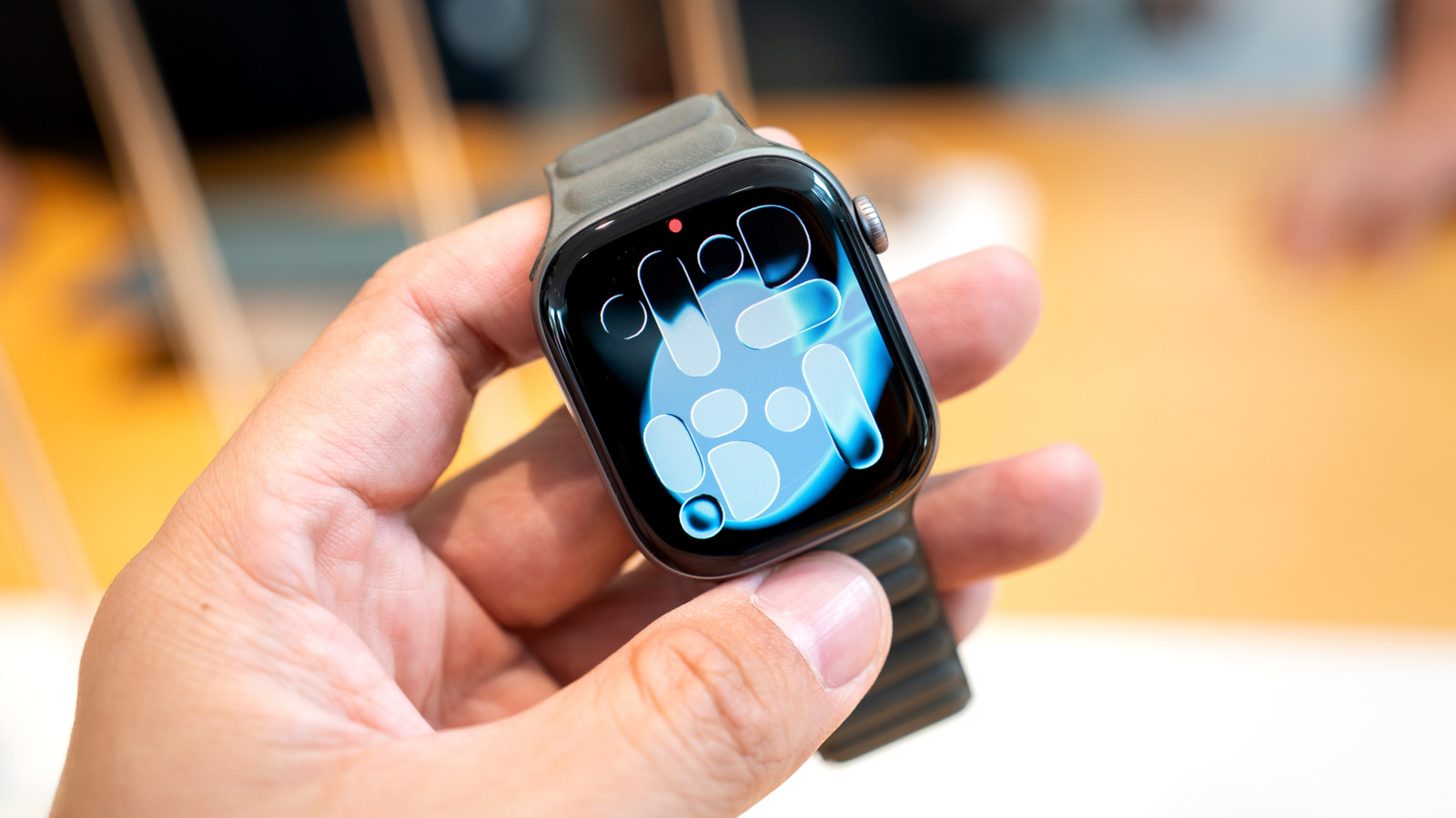
Your Apple Watch doesn't need constant maintenance, but reboots can help in some circumstances.
Wongsakorn 2468/Shutterstock
With most gadgets, it's an accepted rule that you should periodically restart them for the best performance. You might regularly restart your smartphone, and it's also relevant advice for everything from regularly rebooting your Wi-Fi router to gaming handhelds. In any event, a reboot doesn't usually hurt apart from the temporary downtime.
That downtime might matter in some cases though, particularly when it comes to wearables like the Apple Watch. Apart from not being able to easily check the time, you briefly lose conveniences like Apple Pay, walking directions or even digital car and house keys. Purists may resent the brief gap in their health and fitness data. When you're trying to close that Move ring, every minute counts.
Restarting your Apple Watch can occasionally be useful or critical. However, you probably don't need to make reboots a priority. Apple's design largely has this covered, since the company knows the product's limits and its role in your daily life.
Why you don't need to restart your Apple Watch often
Shubhashish5/Getty Images
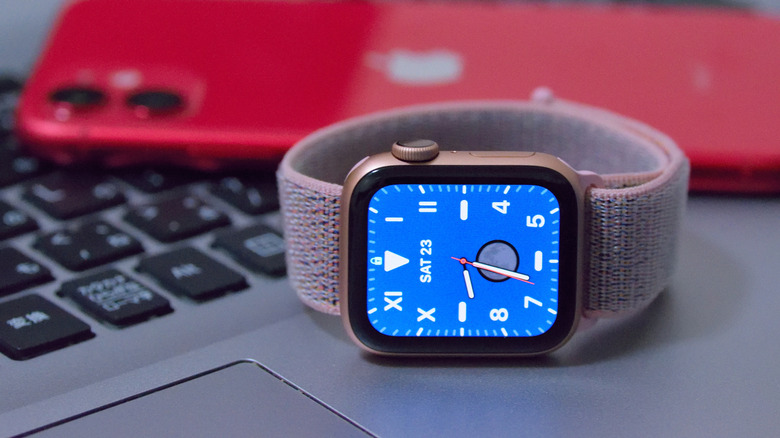
Apple's watchOS is a complete operating system, running various apps and processes in much the same way as an iPhone or iPad. That means there are background processes and system caches, which are the key reasons why it's important to reboot other devices periodically. There's the potential for processes to become "stuck" or otherwise glitch out, in which case a restart will give them a fresh slate.
Meanwhile, if caches aren't periodically flushed, they can become so bloated that they eat into room needed for other functions. Apple specifically suggests restarting your Apple Watch if it doesn't have enough room for an update. You can also manually clear web-related content like cookies from your watch by going to Settings > General > Website Data > Clear Website Data.
All that said, watchOS is also lightweight by design. The apps that it runs (even real-time navigation tools like Apple Maps) are scaled back from their iPhone equivalents. You can't run nearly as much in the background as you might on a Mac or an iPad. Although there's no public-facing info about these caps, my Apple Watch Ultra 2 seemingly pushes the limit just by tracking a workout, listening to Apple Podcasts and following a Live Activity for Instacart. The device is quick to suspend apps beyond that kind of workload.
In practice, then, Apple seems to have built watchOS to keep its own house in order. This is borne out by hands-on use testing: with some Apple Watches, I've gone years without manually restarting them and there were no serious performance consequences. The reboots associated with installing new versions of watchOS appear to be enough to keep everything running smoothly.
When should you intentionally restart your Apple Watch?
Sl/Getty Images
Apple doesn't have any official guidance on this point. If you're noticing bugs, freezes or unexpected slowdowns, a restart should be your first troubleshooting step. You'll automatically clear your watch's cache and background processes, and there may not be much else you can do beyond installing any available software updates.
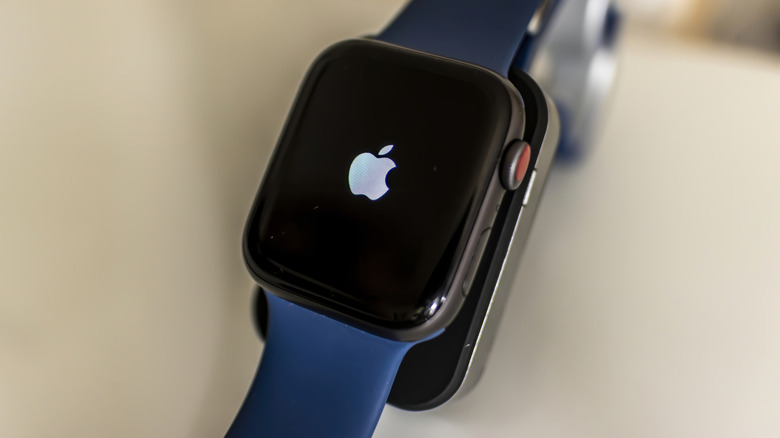
A restart is unavoidable if your Apple Watch becomes totally unresponsive. You can force a reboot by holding down the side button and Digital Crown simultaneously until the Apple logo appears. Whenever possible, Apple recommends the usual software-based shutdown instead: hold the side button until the slider menu appears, then tap the power icon and drag the Power Off slider. Once it's off, hold the side button again to power back on. You can't restart your watch while it's charging.
Our verdict is that when you're experiencing relatively smooth sailing, you don't need to worry about preventative Apple Watch reboots. Apple's software is engineered to run nonstop, no matter which watch model you own. For maintenance, you should be more concerned about app and OS updates, as well as keeping storage usage under control, so there's plenty of space for both updates and large caches.
KioskNews shows a cleaned-up reading view extracted from the publisher’s page — the original always lives on their site, not ours.