When is the best time to charge your Samsung Galaxy Watch?
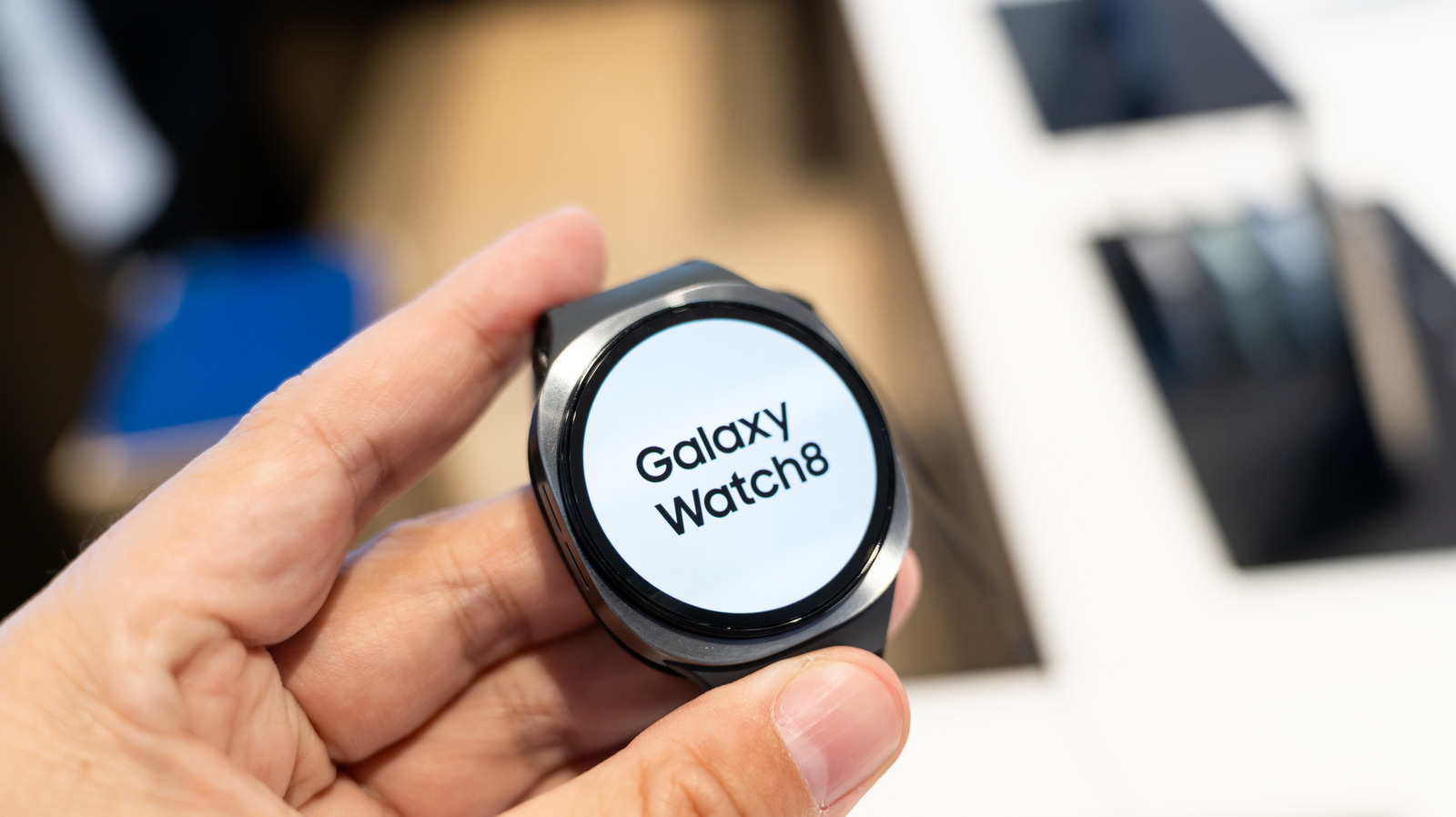
There's a lot you can track on a Galaxy Watch, but an optimal charging schedule is something you'll have to keep an eye on yourself.
Wongsakorn 2468/Shutterstock
Smartwatches continue to be all the rage, and Samsung is no slouch in this area. The company has some of the best smartwatches available in 2026, such as the Galaxy Watch 8. If you want to get the most out of your Galaxy Watch, though, you'll need to take proper care of your watch's battery — and the best way to do that is by optimizing your charging schedule.
As with any battery, you need to be careful about how much you charge a Galaxy Watch and when you start charging. Putting too much strain on a battery can make it less efficient and even cause permanent damage, necessitating a replacement; this could cost $50 to $70 if you're getting a DIY replacement (including the total price of batteries and tools) and a little more if you're going through Samsung (without a warranty) or a third-party repair shop. In any case, it's best to make that battery last as long as possible, which starts with waiting for the right time to charge.
How to properly schedule your Galaxy Watch charging
Framesira/Shutterstock
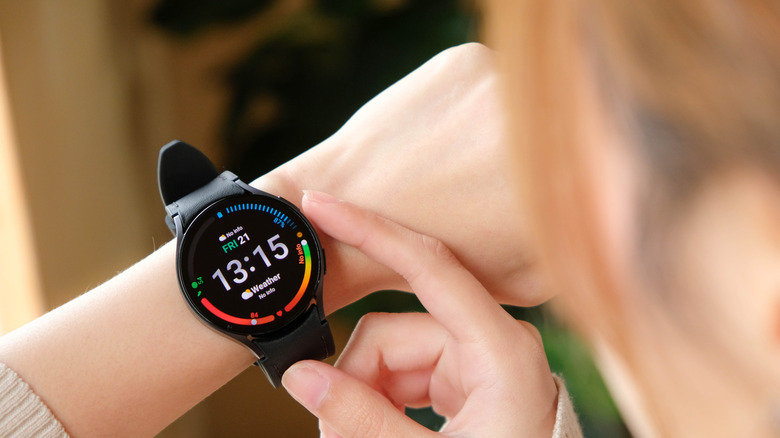
The optimal charging schedule for your watch will depend entirely on how you use it and what you're doing on a day-to-day basis. Since you'll likely be using your watch for tracking vitals, logging physical activity, telling the time and checking the odd message notification, the best time to charge will be during your downtime. If you're more active during the evenings, charge in the morning — and vice versa. If you spend the middle of your day behind a desk or otherwise sitting down, that can also be a good time to charge up your watch, particularly during the start of the workday.
If you want to optimize your personal charging schedule further, you should test how long it takes for your watch to charge. Whether you're running with a Galaxy Watch 8 or a Galaxy Watch 9 (or one of the older models), you can expect a full charge to take longer than an hour — but every device is different. Test your own watch battery by marking down when you put your watch on charge and when you take it off, and track the length of that time window over the course of a few days. Find the average there, and you have a good frame of reference for more precise scheduling of charge periods.
Optimizing battery health in your Galaxy Watch charging schedule
VGV MEDIA/Shutterstock
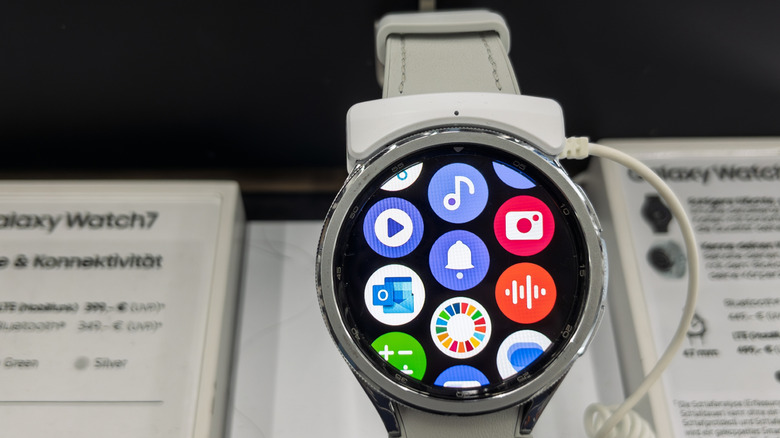
An important thing to remember here is that you don't have to charge your watch up to full, not least because a model like the aforementioned Galaxy Watch 8 (one of Samsung's best smartwatches) can last 30 to 40 hours on a full charge. While lithium-ion batteries (such as the one in your Galaxy Watch) have gotten better at being charged to full, a full charge can still degrade your battery. Therefore, consider adhering to the 20-80 rule: start charging at around 20 percent and charge until you hit 80 percent, rather than a full 100. Though not essential for Galaxy Watches 8 and newer, as they have built-in battery protection, avoiding the cell drain of lower levels and the strain of higher levels will improve your battery life.
Naturally, if you're going to be avoiding full charges, charging overnight won't always be optimal. If you don't care about tracking sleep data and you don't have much time to charge your device in the morning or early into your afternoon, overnight charging can be beneficial. However, if you do want that sleep data and you don't want to risk straining your battery, overnight charging is ill-advised.
KioskNews shows a cleaned-up reading view extracted from the publisher’s page — the original always lives on their site, not ours.