Do you really need a travel router? Here's what to know
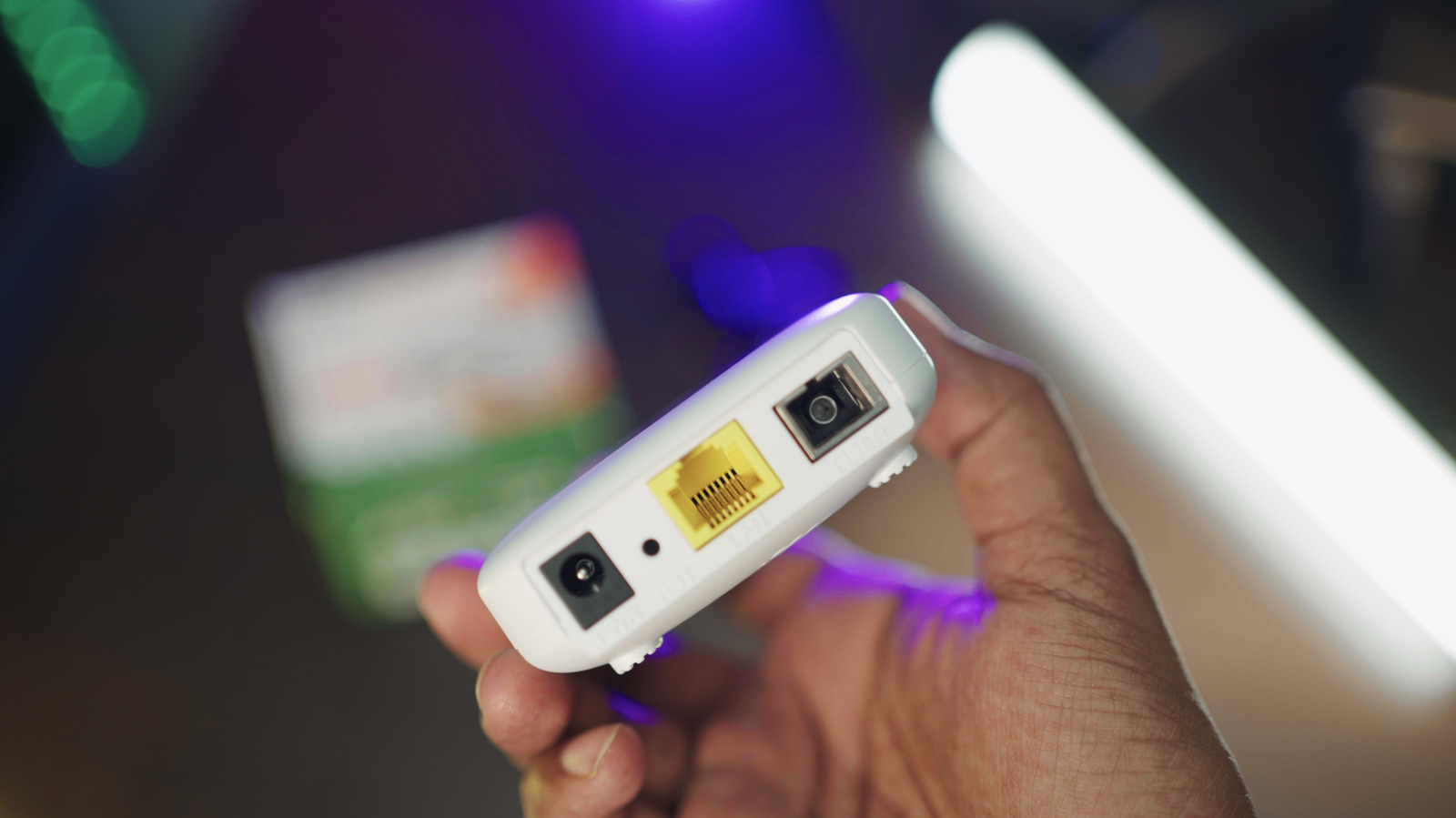
Travel routers can make hotel Wi-Fi less annoying, though carrying another gadget doesn't make sense for everyone.
Yasin Hasan/Shutterstock
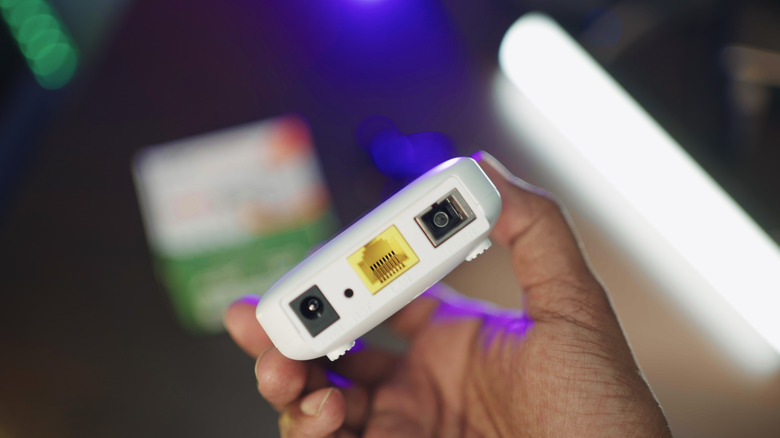
A travel router is another small box competing with cables and chargers for space in your bag, so it need to earn its place. Its job is simple: connecting to an available internet source (like hotel Wi-Fi or Ethernet) and then creating a familiar Wi-Fi network for all your devices.
That can save a lot of messing around if you're bringing a laptop, tablet, streaming stick and a couple of phones on a trip. But if you're using just one laptop and the phone you already have in your pocket, it can start to feel like solving a problem you didn't have.
A travel router gives you more control over hotel Wi-Fi
TP-Link
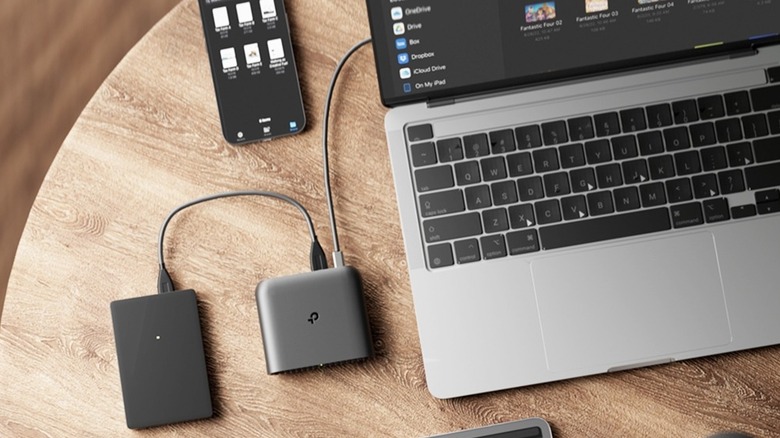
The biggest benefit of travel routers is convenience: the router connects to the hotel's Wi-Fi, and your other devices connect to the travel router. You can reuse the same SSID and password on each trip, which is especially great for streaming sticks and other devices that don't work well with captive portal login pages.
Depending on the model, a travel router can also get internet from Ethernet, USB tethering or a cellular modem and distribute it to multiple devices. Some hotel networks may see the router as the connected device, with everything else sitting behind it. That can make per-device limits a lot less of a pain, though it isn't a free pass to disregard any access restrictions the hotel may have.
Privacy is another selling point, but you have to keep this in perspective. A travel router creates its own local network, and models with OpenVPN or WireGuard support can route connected devices through a VPN. But the router doesn't automatically encrypt every byte of traffic leaving the hotel network. Most websites already use HTTPS to encrypt traffic, and a VPN provides an additional layer of encryption between the router and the VPN service. That distinction matters. A travel router can provide you with greater control over an unfamiliar network without making sketchy hotel Wi-Fi suddenly trustworthy.
Your phone may already solve the same problem

Ljubaphoto/Getty Images
A travel router can't create bandwidth. If the hotel's internet connection is slow, placing another router between the hotel and your laptop doesn't make the hotel's broadband any better. Better placement or a wired Ethernet connection can help in some situations, but the upstream connection is still capped by what the hotel offers.
There are other compromises, too. Adding a travel router to your setup means another device to purchase, charge and sometimes troubleshoot, plus captive portals can still be awkward. If you're running a VPN at the router level, you might need a separate VPN subscription as well. None of this is hard once it's all set up, but it's more gear and overhead you might not want to deal with.
Cellular tethering eliminates a lot of the hassle. Most Android phones can share mobile data with several devices via Wi-Fi, USB or Bluetooth, and Apple's Personal Hotspot can do the same with an iPhone's cellular connection. It's not a universal replacement, as your carrier may limit or charge extra for tethering, and cellular reception may be weak in areas with poor coverage. Many Android phones can share their Wi-Fi connection over a hotspot, but an iPhone will only share cellular data.
Travel routers can even have some use at home, though you shouldn't via a pocket-sized box as a whole-home mesh system. While you're not on the road, you can put your travel router to work as a Wi-Fi extender, makeshift guest network or similar.
KioskNews shows a cleaned-up reading view extracted from the publisher’s page — the original always lives on their site, not ours.