Why it's important to regularly replace your surge protectors
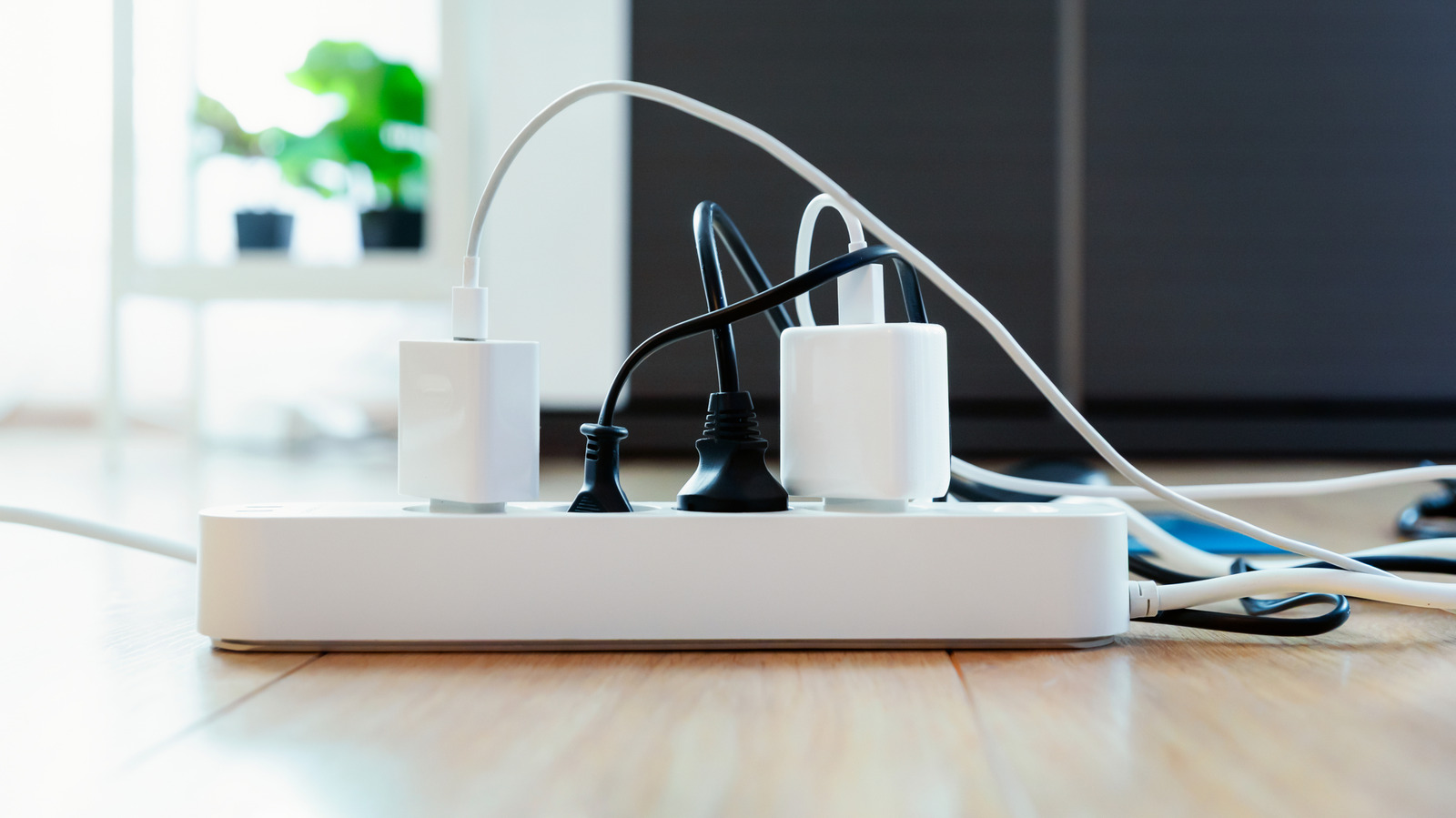
Time and spikes take a toll on a surge protector, even with no visible signs of damage.
Simpson33/Getty Images
Few things in modern life are as convenient as a good surge protector. That small, narrow strip can literally protect thousands of dollars' worth of equipment, especially if you have a PC gaming setup or extensive home office equipment. Most basic plug-in surge protectors use components called metal-oxide varistors (MOVs), a fancy term for components that take the brunt of excess voltage and redirect it. Unfortunately, MOVs degrade over time, with or without voltage surges, and repeated spikes expedite an MOV surge protector's life cycle.
The wear and tear isn't exactly obvious either. Even if the surge protector successfully mitigates two or three surges, it will usually look like the same old boring plug-in strip. In fact, depending on the design, a surge protector will go right on powering your devices even though its internal MOV components are no longer working properly. Some will go the extra mile and shut off outlets when the protection mechanism fails.
It's worth adding that some surge protector designs use TVS diodes, silicon avalanche diodes (SADs) or gas discharge tube components. MOV is the most relevant example here because it's the most common in households by far, and there is a narrow set of use cases for TVS diodes, SADs, and GDTs.
Check the light, not just the outlets
First and foremost, you need to determine if you're actually using a surge protector or just a power strip, since the two look nearly identical. On a surge protector, there's usually an indicator labeled "Protected" or "Protection Present," something along those lines. If you see that label, consult your instructions for that particular model. On some, an unlit protection indicator means the surge-suppression components have failed. Keeping those instructions handy or Googling the model will tell you what means what and why.
Discard and replace the surge protector if the instructions tell you the light indicates protection has failed. Obviously, if your surge protector is smoking, scorch marks are present or the plastic is melting, it's time to ditch it for a new one. It kind of goes without saying that if a lightning bolt strikes your backyard, squirrels are falling out of trees and you have to peel the housecat off your face, replace the surge protector after the storm clears.
Also, avoid plugging things like space heaters into surge protector strips because a strip can overheat under that kind of load, or degrade much faster than normal.
Is five years a good deadline?

Ron Watts/Getty Images
Not necessarily, at least not for every surge protector. How long one lasts depends on its design and the number and/or size of the surges it's dealt with. Some manufacturers suggest considering replacement every three to five years, especially since you can rarely keep count of how many surges it's handled over time. However, that's a suggestion and nothing more. It's far from a guarantee that even an exceptional, premium surge protector will last up to five years.
If you have no idea how old the strip is and can't tell if it's still providing protection, replacing it is the smartest avenue. Anytime a surge protector is replaced, look for clear protection status indicators and mark down the purchase date somewhere practical. Last but not least, don't pretend that a surge protector is an all-out lightning shield. This isn't a Marvel movie, and no standard surge protection device can handle a direct lightning strike.
The thing about surge protectors is that they're all a bit different. Some use lights, while others trip a simple switch like a breaker box. Some lights mean different things. The best route is to learn about what you're purchasing, how it functions and replace it when the instructions say. Don't trust it to last five years, especially if you live in an area where afternoon thunderstorms are common.
KioskNews shows a cleaned-up reading view extracted from the publisher’s page — the original always lives on their site, not ours.