Touchscreen MacBook Pro hands-on: OLED looks great on a Mac
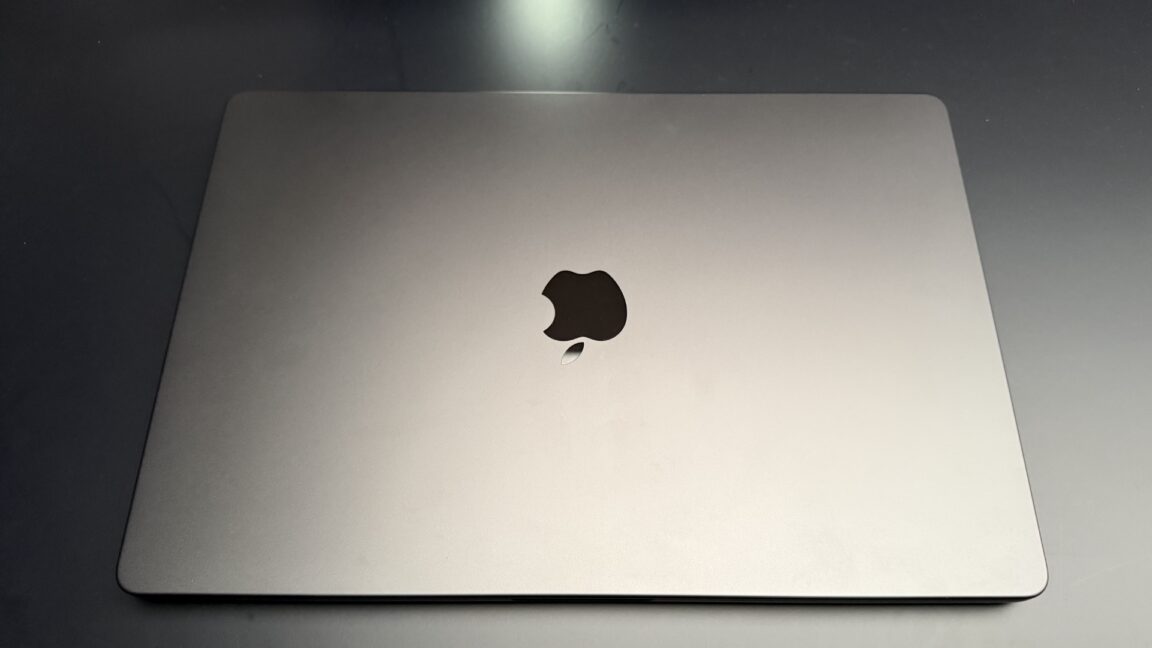
LOS ANGELES—For about five minutes on an extremely crowded showroom floor, I got to take pictures of the new MacBook Pro and test out some of its new features. First impressions: It’s not as much of a departure from the previous design as I expected, but the outstanding OLED display steals the show regardless.
The first thing I noticed was that it’s lighter. My daily driver is a 14-inch MacBook Pro (M1 Max), and it’s a bit weighty for a 14-incher. Picking up the new model, I could immediately tell it was lighter. It’s not like it’s in a different general weight class, but it’s a noticeable difference.
The next thing I noticed was the Dynamic Island. Given the larger screen real estate of a laptop, it’s much less dominant on the screen than it is on an iPhone. I do worry about what will happen with fullscreen games, which I wasn’t able to test today. The notch MacBook Pro has an option to maximize apps or games to just below the notch, so it doesn’t cut into the image. I’m curious to test in the full review whether that remains the case with this little cutout.
And lastly, the Apple logo on the back glows again! Some find this tacky, some find it essential. I just think it’s a little bit nostalgic.
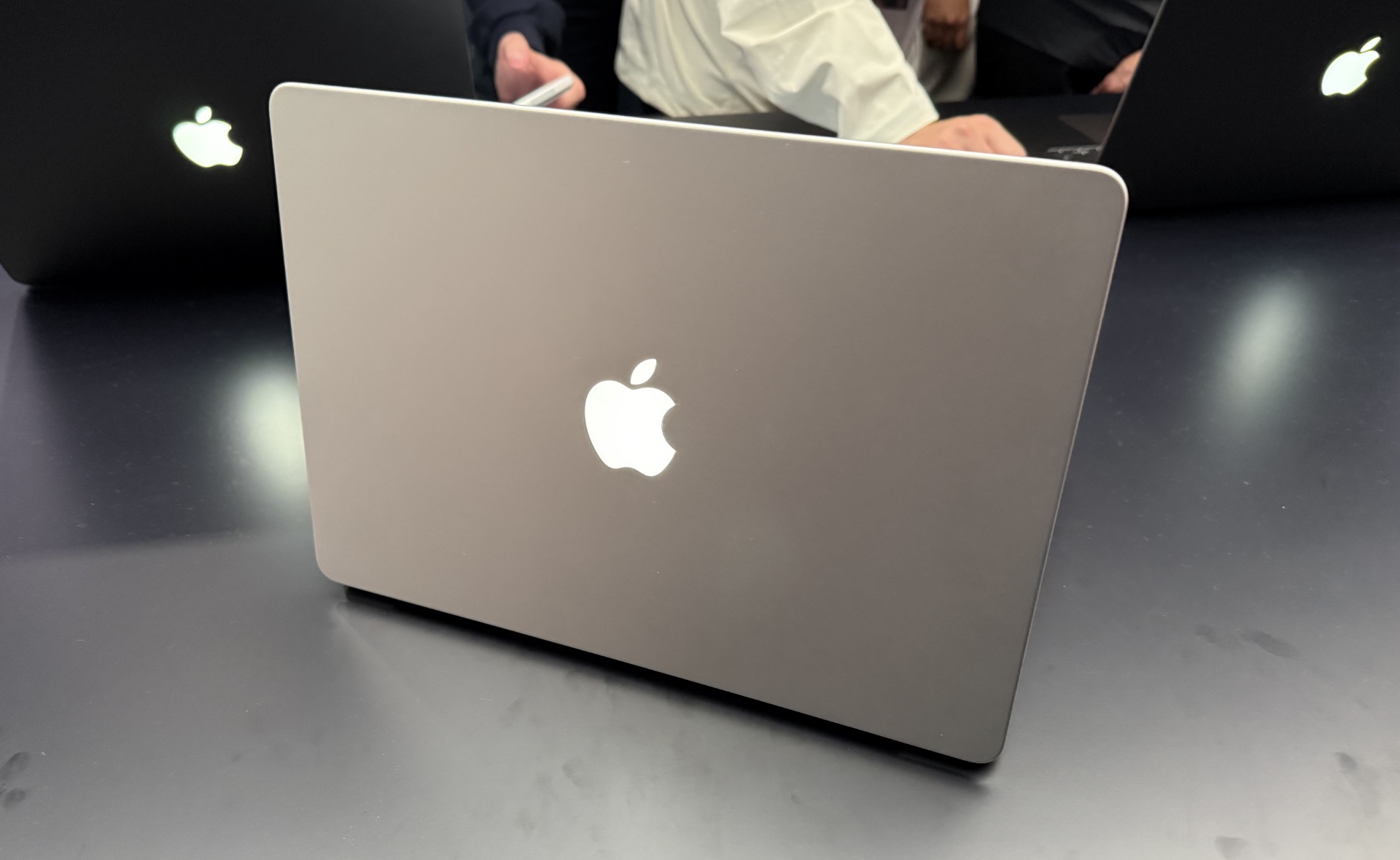
The logo glowing on the back of an open 14-inch MacBook Pro.
Credit: Samuel Axon
The logo glowing on the back of an open 14-inch MacBook Pro. Credit: Samuel Axon
Of course, you might make the case that the most notable thing about this laptop is not its weight or the Dynamic Island. For years, people have debated whether Apple should introduce a touchscreen laptop. Steve Jobs was famously against it. A few years ago—there were reports that under Tim Cook and now John Ternus—Apple decided to move ahead with the idea.
I played with it a bit, and it works just about exactly as you expect for a laptop touchscreen.
A few of the things I did with the touchscreen during my brief time with the laptop:
- Swiped between desktop spaces with three fingers on the screen
- Pinched, zoomed, and scrolled on both images and the Maps app
- Dragged windows around and resized them—including a quick flicking gesture that attaches a window to the left or right side of the screen
- Dragged files between applications
- Launched and closed applications
- Drew with my finger in a painting and illustration app
- Sketched in colors on a 3D model
- Scrubbed through video playback
All of that is nice to have, I guess, but there’s not much you can do with it that you couldn’t already do with trackpad gestures, at least at the OS level; some creative apps, like finger painting on the screen, seemed to offer a bit more.
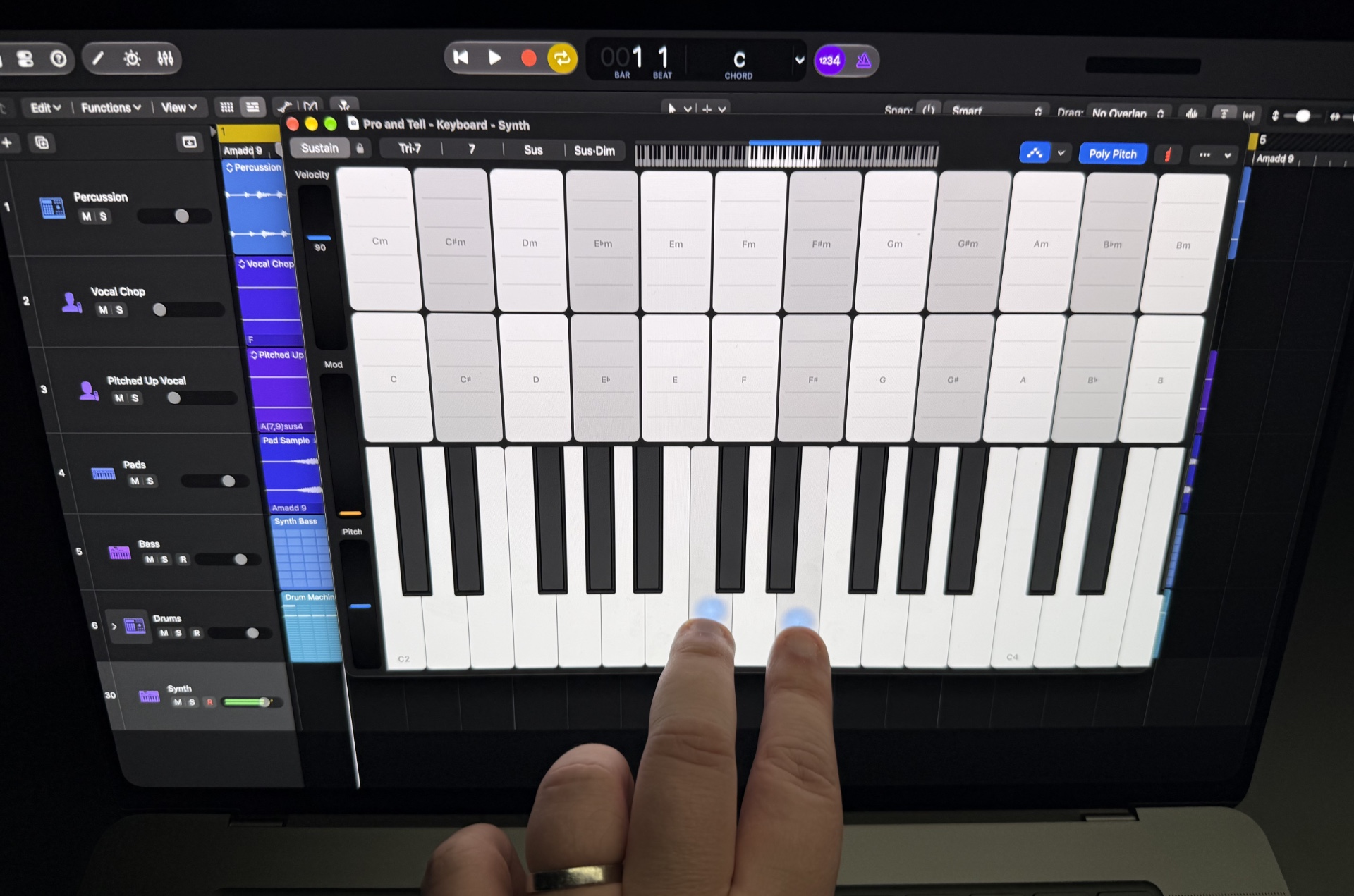
You can play a musical instrument like a keyboard on the screen with your fingers, but it’s a little awkward, since the laptop does not convert into a tablet mode.
Credit: Samuel Axon
You can play a musical instrument like a keyboard on the screen with your fingers, but it’s a little awkward, since the laptop does not convert into a tablet mode. Credit: Samuel Axon
When the credible reports emerged that the MacBook Pro would get a touchscreen, I imagined a convertible with Apple Pencil support—something you could use as a large iPad or drawing tablet, essentially. That’s not what this is; it only takes the usual laptop shape, and I was told it does not support the Apple Pencil. It’s just a MacBook Pro, in its normal form factor, but you can use your fingers on the screen to do things like drag files around, swipe between desktop spaces, or pinch-to-zoom on maps or images.
But while it’s not about the touchscreen capability for me, I was impressed by the OLED screen itself—and I’m quite the display snob, if I’m being honest. The peak brightness, absolute blacks, well-balanced color, and dynamic range were genuinely remarkable. It’s an enormous upgrade over the MiniLED screen in the previous MacBook Pro.
It took far too long for OLED to come to the MacBook Pro, but unsurprisingly, Apple spared no expense and cut no immediately obvious corners on quality.
I was also happy to see that the cutout near the top of the screen that has replaced the camera notch is what Apple calls a Dynamic Island; it can resize to show live activities and other information on the fly. That’s one of my favorite features on the iPhone, as I’ve been impressed with Apple’s ability to turn something that should be an albatross into an appealing feature.
Based on my time with the device and today’s announcement, the screen seems to be the main draw (though it’s nice that it noticeably weighs less, too), but the price is the real barrier. A 16-inch model with an M5 Max, 64 GB of RAM, and 2 TB of storage is currently priced at $5,799. Sure, that’s a high-end spec, but that’s some serious cash. Much of that is due to the storage and memory; upgrading from 64GB to 128GB adds a whopping $1,600 to that.
Sure, most people don’t need anywhere near that much RAM—but some might for future-proofing for local AI workflows.
I’m looking forward to spending more time with the new MacBook Pro, but for right now, it seems to follow in the lineup’s existing tradition: impressively high-end components like an outstanding OLED panel, but a very steep price to match. No surprises here! Though after well over a decade of speculation and back-and-forth, you’d be forgiven for being surprised that the touchscreen thing actually finally happened.

Samuel Axon is the editorial lead for tech and gaming coverage at Ars Technica. He covers physical and generative AI, large language models, software development, gaming, entertainment, and mixed reality. He has been writing about gaming and technology for nearly two decades at Engadget, PC World, Mashable, Vice, Polygon, Wired, and others. He previously ran a marketing and PR agency in the gaming industry, led editorial for the TV network CBS, and worked on social media marketing strategy for Samsung Mobile at the creative agency SPCSHP. He also is an independent software and game developer for iOS, Windows, and other platforms, and he is a graduate of DePaul University, where he studied interactive media and software development.
KioskNews shows a cleaned-up reading view extracted from the publisher’s page — the original always lives on their site, not ours.