Fiber vs. cable internet: What's the difference between them?
They're both suitable options for today's internet needs, but the right one for you depends on availability and price.
yus1611/Shutterstock
For both internet speed and reliability, fiber-optic and cable connections beat alternatives like DSL and satellite connectivity. Fiber is capable of much faster speeds and better reliability, but cable wins in availability while still keeping speeds fast enough. Depending on what you do online, the differences in speed and latency could result in buffering video streams, slow downloads or jittery connections while gaming online.
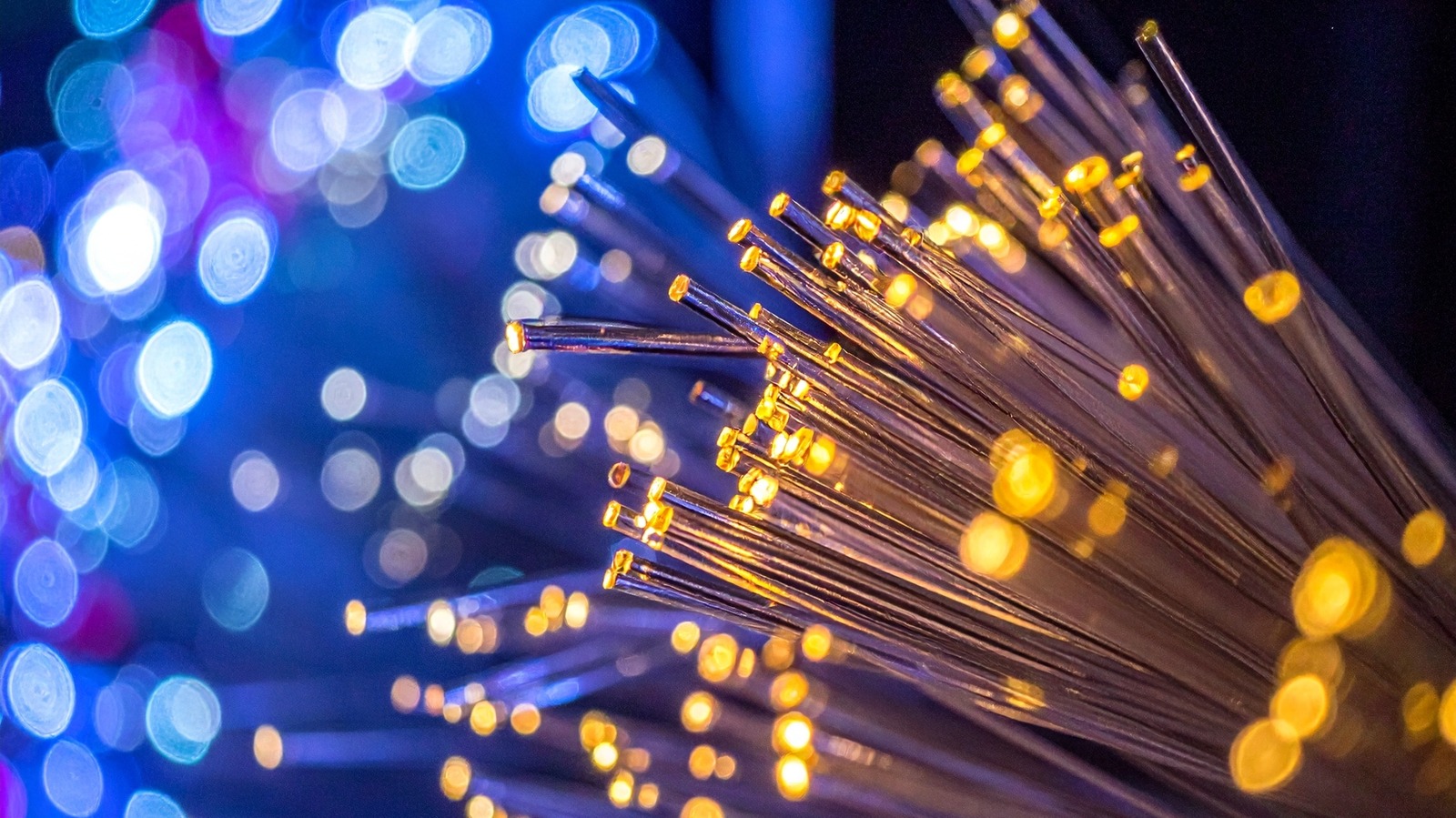
Fiber-optic cables transmit information as light through thin strands of glass wrapped in protective layers of plastic. As for cable, data moves through electricity. Cut open a coaxial cable, and you'll find a copper core insulated with metal and plastic layers. While it's convenient for ISPs since it utilizes the same infrastructure used to deliver cable TV, relying on electricity to transfer information makes it prone to interference from extreme weather or moisture.
Much of the time, picking between fiber and cable comes down to whether fiber is available in your area. The Fiber Broadband Association found that over 60 percent of American households had access to fiber connectivity as of September 2025, while 96.9 percent of Americans have access to a fixed broadband service at 100/20 Mbps according to the FCC. If you have a choice, you should know how they differ and what makes the most sense for your home.
Is fiber or cable better for internet?

Style-photography/Getty Images
Fiber connections provide better performance than cable because they support vastly higher bandwidth. They aren't subject to cable's physical limitations, where available bandwidth has to be split between two "lanes" for uploading and downloading. For that reason, fiber is also more reliable than cable during peak usage hours. Cable networks share bandwidth with neighboring households, which is why you might notice slower speeds in the evenings when everyone is at home streaming.
While you might see fiber speeds start around 100 Mbps, it's more common to see entry-level offerings around 300 or 500 Mbps, with plans going much higher. As an example, Ziply Fiber offers plans from 2 Gbps all the way up to a wild 50 Gbps. Unlike cable, fiber internet is symmetrical, meaning the upload and download speeds are the same. If you often upload video, live stream or sync files, this is a big difference.
Many internet providers now opt for a hybrid fiber-coaxial network, where fiber lines connect a neighborhood before using coaxial cables for the final section to homes. While it may not be a true end-to-end fiber solution, you can still get download speeds of 1 Gbps or more this way, though upload speeds will be lower.
The cost of fiber compared to cable
A fiber subscription is not necessarily pricier than cable connectivity, depending on ISP deals and especially when you take upload speeds into account. Take Google Fiber, for example, where the 1 Gbps connection (both up and down) is $70 a month, 3 Gbps is $100/month and 8 Gbps is $150/month. In comparison, Xfinity's hybrid cable internet offers 300 Mbps down for $45/month, 500 Mbps down for $60/month, and 1 Gbps down for $70/month. Those prices are all locked in for five years (with no contract required) and will go up after the term.
For cable plans, you'll need to either use the ISP's all-in-one gateway or purchase your own modem and router separately. Fiber internet requires a dedicated Optical Network Terminal (ONT), a fiber equivalent to a modem which most service providers include with your plan.
In case you still want traditional cable or even a home phone, internet service providers often bundle TV services and phone lines with cable internet so you save more. Meanwhile, if you're not happy with the cable or fiber options available in your area, wireless 5G home internet is another potential route, though it's usually slower and has higher latency than wired solutions.
Regardless of which option you choose, you should know how to prevent your home network from running slowly. A cheap router or poorly optimized settings can result in slow Wi-Fi performance even if your ISP plan is super fast. Connecting with Ethernet sidesteps Wi-Fi's interference issues and reduces latency for real-time uses like gaming and video calls.
KioskNews shows a cleaned-up reading view extracted from the publisher’s page — the original always lives on their site, not ours.