Xbox is testing two new controller options for Cloud Gaming
Microsoft
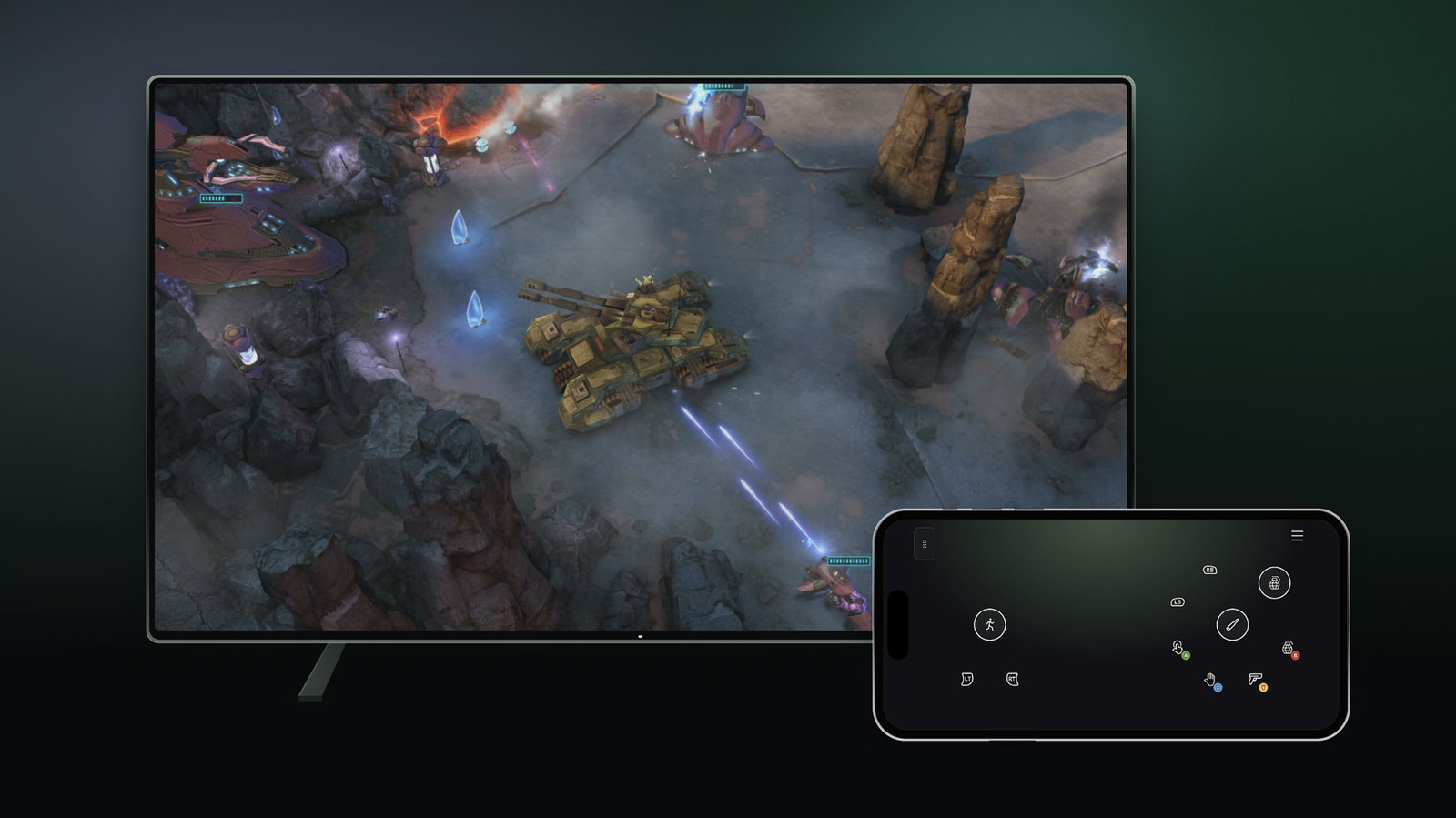
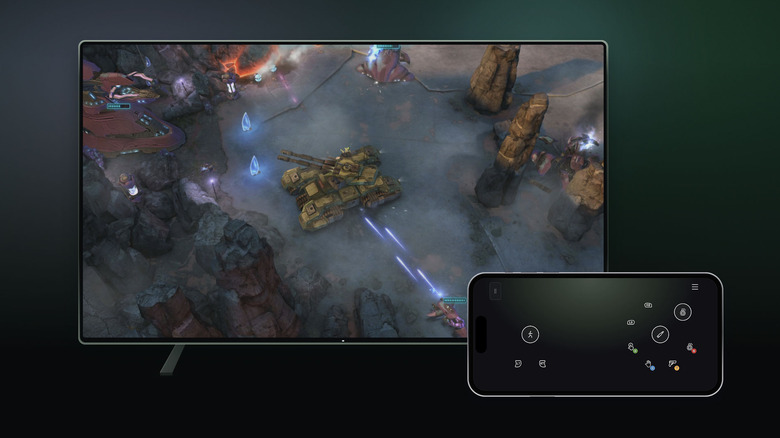
Just ahead of new Xbox Cloud Gaming time limits kicking in this month, Microsoft is letting folks try two new controller options for the service. If you stream Xbox games on a supported smart TV, you'll be able to use your phone as a controller. The interface opens in a browser, so you won't need to download a dedicated app. Some games have custom controller layouts, Microsoft said.
The company is making this option available today on select TVs. To try it, go to Settings > Account in the Cloud Gaming interface on your TV and enable Preview Features.
Other companies with game-streaming services let you use your phone as a controller, including Netflix. It's maybe not the best option for games that are fast paced or have complex controls, but for the likes of turn-based titles, your phone could be a useful way to play if you don't have a controller nearby.
In addition, folks in the US can connect the new Nano Controller directly to Xbox Cloud Gaming via Wi-Fi. The idea is to help reduce latency.
After you set up the gamepad using the Xbox beta app on Android or Xbox Accessories app on PC, you can follow directions to connect your Nano Controller to Wi-Fi. (Note that if you're going through the PC app, you'll need to be enrolled in the Xbox Insider testing program to try out Wi-Fi connectivity.) Then, when you access Xbox Cloud Gaming through the same account you used to set up the controller, the gamepad will connect via Wi-Fi.
This is a smart way to try to reduce input lag, but again, it's not the first time we've seen a controller that can connect to Wi-Fi. The gamepad for Google's defunct Stadia cloud gaming service was able to do that too. (Stadia let players use phones as controllers for TV use as well.)
Microsoft said both of these controller options are in preview. It noted that availability, and the supported devices and games, may be limited for now. For instance, Nano Controller Wi-Fi connectivity only works on smart TVs and the web for the time being.
KioskNews shows a cleaned-up reading view extracted from the publisher’s page — the original always lives on their site, not ours.