Router VPN vs. VPN app: How are these setups different?
DenPhotos/Shutterstock
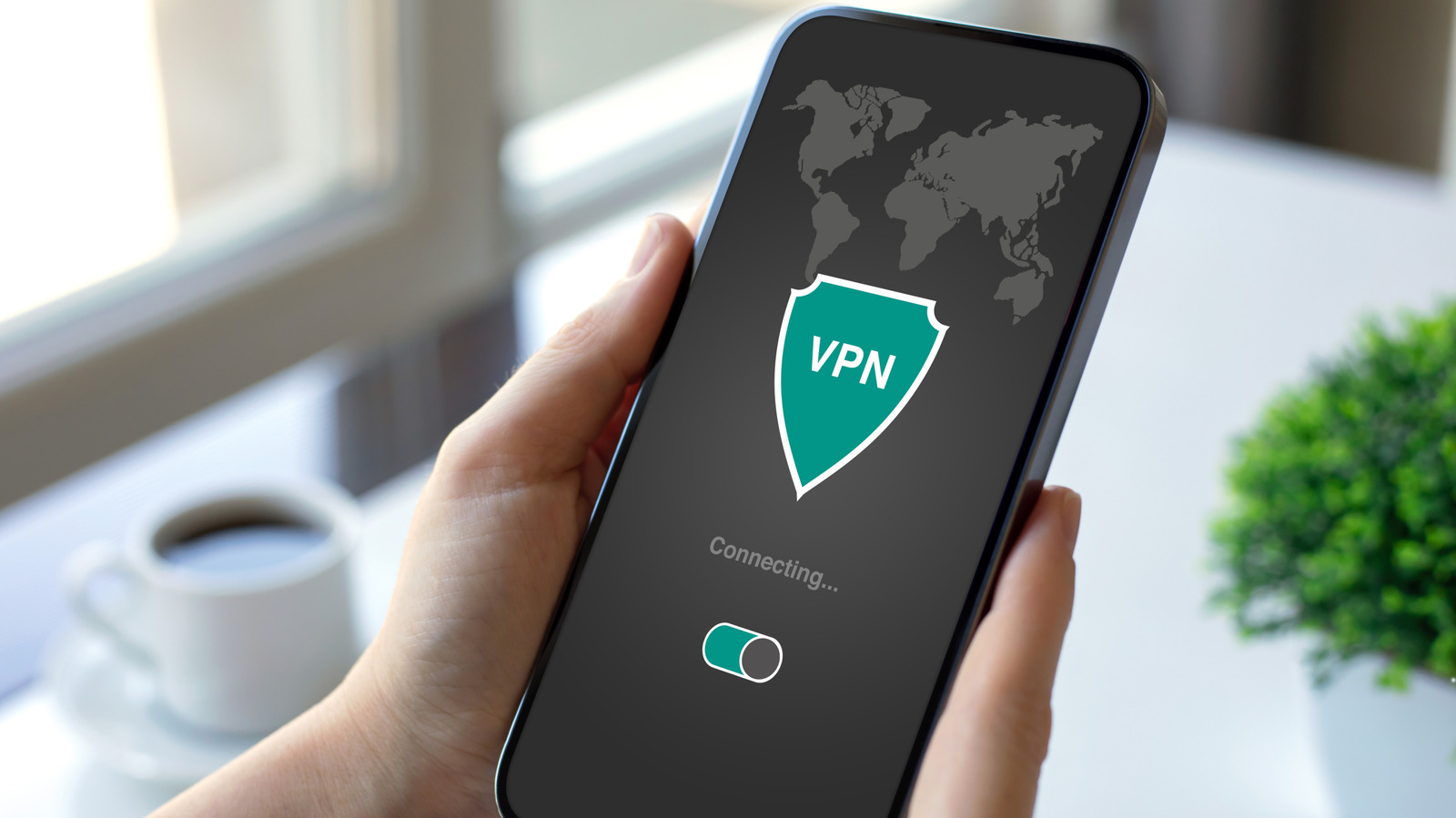
If you're a frequent VPN user, you may have an app installed on each one of your devices. But many routers these days have built-in support for VPN connections too. In theory, this means you can simply connect your router to the VPN and route internet traffic from every connected device on your network through the encrypted tunnel.
But even though a router-level VPN connection sounds like a good idea, it has its own set of drawbacks. While it can save you from managing individual connections, routing your household's internet traffic through a VPN on your router can lead to slower speeds.
Having said that, not every device supports VPN connections, so tunneling your router is often your only option. That raises an important question: When does it make sense to use a VPN on your router, and when are individual apps the better option?
When a router VPN makes more sense than separate VPN apps

Fujicraft/Getty Images
There are good reasons to connect your router directly to a VPN instead of configuring each individual device. The first one is that you don't have to install apps on different devices, sign in to your account and remember to enable the tunnel every single time. Many of the best VPN services also restrict how many devices can connect at once. Your router takes up just one slot while routing traffic from all devices on your network through the VPN.
Most VPN providers have dedicated apps for major operating systems including Windows, macOS, Android, iOS and even Linux. However, many devices that would benefit from a VPN connection, including game consoles like the Nintendo Switch and the PlayStation 5, don't offer support for it. Take smart TVs, for instance. Even though you might want to use a VPN for streaming apps like Netflix, many mainstream TV operating systems such as Samsung's Tizen and LG's webOS don't offer any VPN settings whatsoever. One of the ways to get around this would be to use a VPN-capable streaming device like an Nvidia Shield.
Finally, some routers have excellent VPN policy controls that allow you to selectively route certain website domains or devices through the encrypted tunnel. For example, you could choose to only route your smart TV's traffic or Netflix-related data through a VPN. Very few routers support this functionality, though.
VPN apps on individual devices offer more control and speed
Even with a router that has built-in VPN support, using a VPN directly on individual devices is often the better choice. If you mainly use a VPN to access geo-restricted content on streaming services like Netflix, or for the occasional task where connection security and privacy matter more than usual, a VPN app lets you select different locations and servers without affecting anyone else's connectivity in your household.
Many websites also block connections originating from VPN servers, which is why most people don't leave a VPN running at all times. For example, you may notice Google search often requires completing a CAPTCHA when you access it through a VPN. Other websites may fail to load entirely, leaving you with an HTTP 403 or 401 error. With a device-level connection, you can quickly disable the VPN to load a stubborn website.
Not every router is powerful enough to handle VPN encryption at high speeds. In practical terms, this means you may see a severe reduction in bandwidth with a VPN enabled on your router. Your smartphone or computer is significantly more powerful, so a device-level VPN connection can make full use of your internet connection instead of being bottlenecked to slower speeds.
While using a VPN on individual devices offers these advantages, note that each device takes up one connection slot, so you may want to keep the number of simultaneous connections down to a minimum. Leaving a VPN running all the time on your phone or laptop can also lead to battery drain, but with an app, you can switch it off whenever you don't need it.
KioskNews shows a cleaned-up reading view extracted from the publisher’s page — the original always lives on their site, not ours.