How to use your Samsung Galaxy phone to wirelessly charge other devices
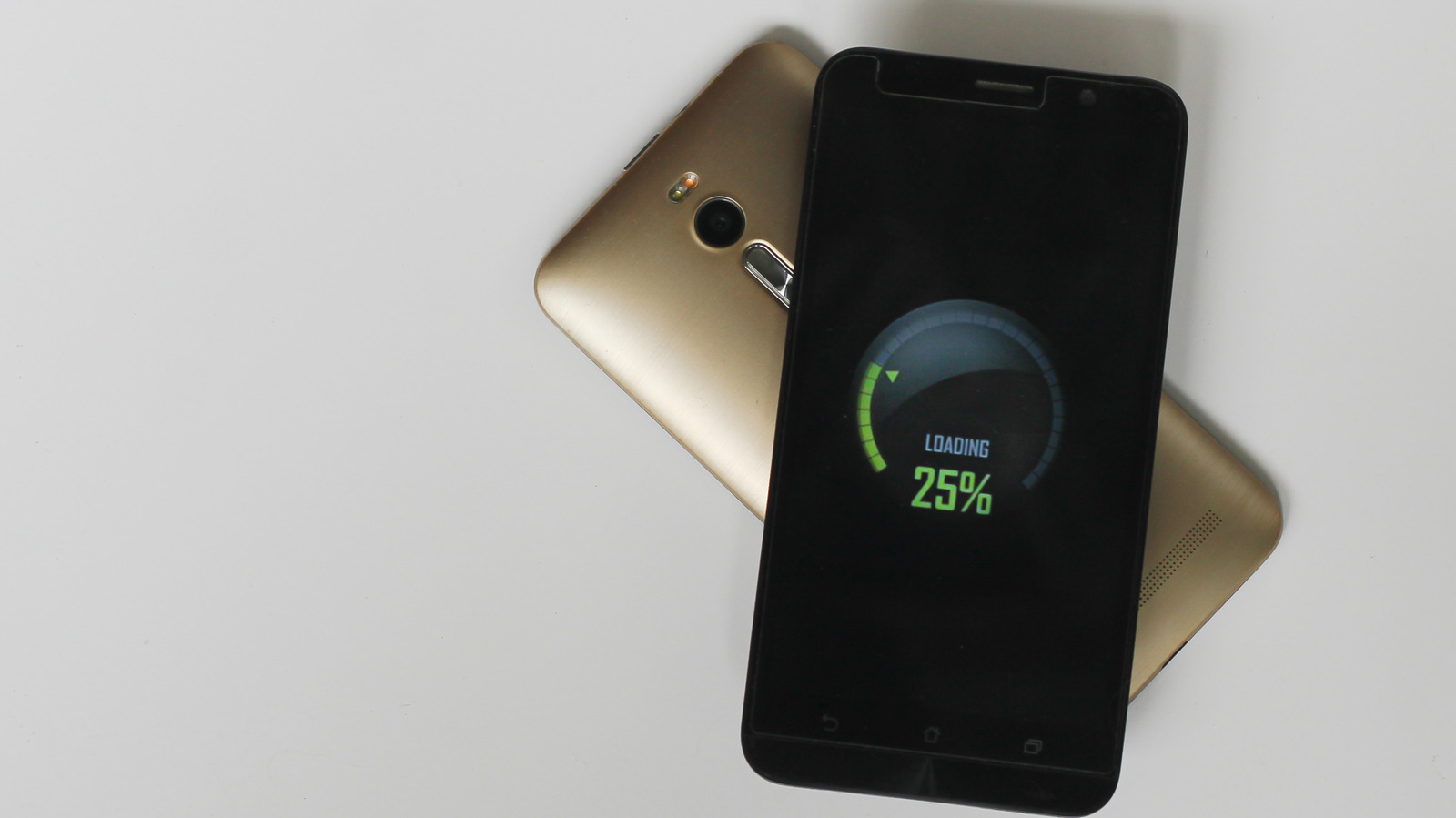
If you're in desperate need of power, lots of newer Samsung phones can wirelessly charge other devices.
Tatiane Silva/Shutterstock
Running out of phone battery when you're on the go can be a big problem. Even if you have power banks and portable chargers for every device under the sun, you still might forget them or think you won't need them — only to find yourself bleeding power. Luckily, if you or a pal have a Samsung phone on hand, there's one Hail Mary option you can still try.
Samsung Wireless PowerShare allows you to siphon power from one phone into another (as well as a number of other compatible devices, such as earbuds and smartwatches). The phones that can both give power and receive it via Wireless Powershare are the S20-26 series of Galaxy phones (as well as the S10), the Note 20 and 10 series, the Z Fold series, the Z TriFold, and the Z Flip series. A number of phones can also receive power but not share it themselves, including the S7 and S7 Edge, S8 and S8+, S9 and S9+, the Note8, and the Note10.
How to get Samsung's Wireless PowerShare up and running
Yarrrrrbright/Shutterstock
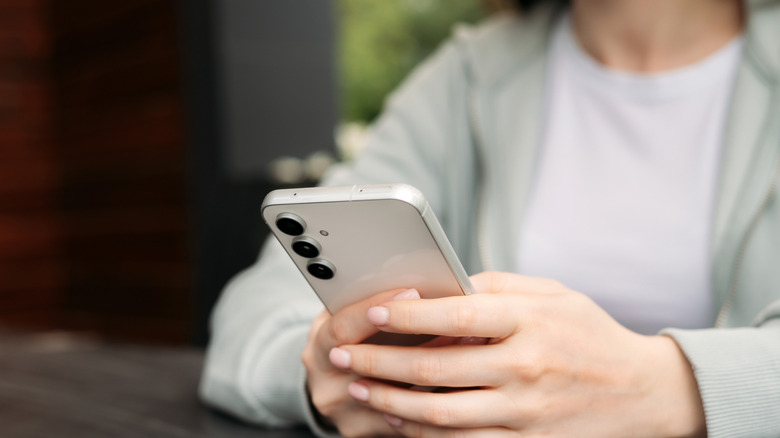
To get started with Wireless PowerShare, begin with the phone you want to take power from. Swipe down to the notification panel, tap on 'Wireless PowerShare', and place the device you want to charge back-to-back with the phone sharing power. This will wirelessly charge the phone or other device you have linked, and will do so until the sharing phone dips below 30 percent charge (the sharing phone will also need over 30 percent charge to start PowerShare in the first place).
If PowerShare isn't quite working properly, make sure the devices are able to connect. You may want to take off your phone case and any other connected accessories, and you'll want to make sure the back of your phone is clean. Furthermore, you'll need to ensure that the device you're charging is placed on the center of the sharing phone.
The pros and cons of Wireless PowerShare
Moment Capsule Photography/Getty Images
The big question here is whether PowerShare can charge non-Samsung tech — and, luckily, the answer is yes. PowerShare can charge any WPC Qi-certified phone, which includes iPhones and many other brands. It's also compatible with a wide range of Samsung wearables, including the Galaxy Ring, most Galaxy Buds and most Galaxy Watches (with the exception of models like the Watch7).
PowerShare is certainly nifty, but it's not a perfect system. Wireless charging wastes much more electricity than wired charging, and that's evident from how inefficient Wireless PowerShare can be. PowerShare charges at a snail's pace, and is completely outclassed by a simple portable charger. This is partially because of how much power is lost through heat — which is another downside of this wireless method; this feature generates far more heat than regular wired charging, and can be bad for both batteries involved (as high heat exposure degrades lithium-ion batteries). Nonetheless, it's a solid last-ditch asset when you have no other alternative.
KioskNews shows a cleaned-up reading view extracted from the publisher’s page — the original always lives on their site, not ours.