Claude comes to Google Workspace: Here’s how to edit Google Docs, Sheets, and Slides
If you are a Claude subscriber and want the AI assistant to work better with your Google files, follow the steps below. (Image: Anthropic)
Anthropic on Tuesday, October 6, announced an expansion of its Claude AI-powered services into Google Workspace, enabling users to work with the AI chatbot on Google Docs, Sheets, and Slides.
It also lets users create and edit Google files directly from their Claude chat window. ‘Claude for Google Workspace’ has been released in public beta for all paid Claude plans.
What is Claude for Google Workspace?
With the new feature, users can access Claude by opening a sidebar next to their Google file. This eliminates the need for users to constantly switch between apps or browser tabs when they are working. Once Claude is accessed, it can read the Google Doc, Sheet, or Slide that is open, see which text, cells, or slides have been selected, and make changes directly in the file.
Google Docs: In Docs, Claude can fix a sentence or restyle a heading in place without changing the formatting. It can also propose edits to larger docs as suggestion cards in the sidebar. Claude can also be used to generate executive summaries and create tables.
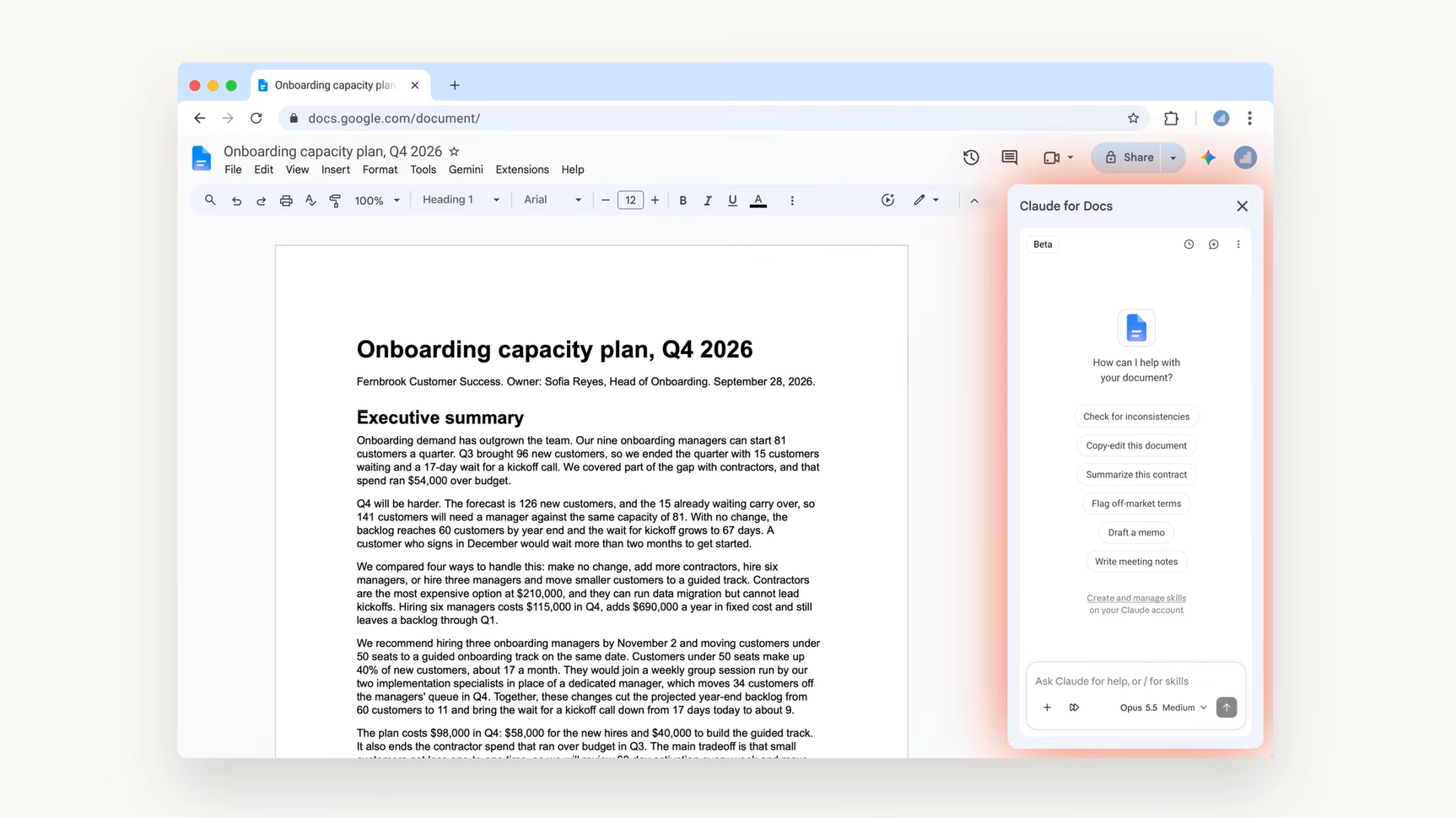 Claude in Google Docs. (Image: Anthropic)
Google Sheets: In Sheets, Claude can write formulas, build pivot tables, and native Sheets charts, and add new tabs. Users can also attach source files and, for instance, ask for a Q3 budget vs. actuals report with a tab for each team and a summary chart.
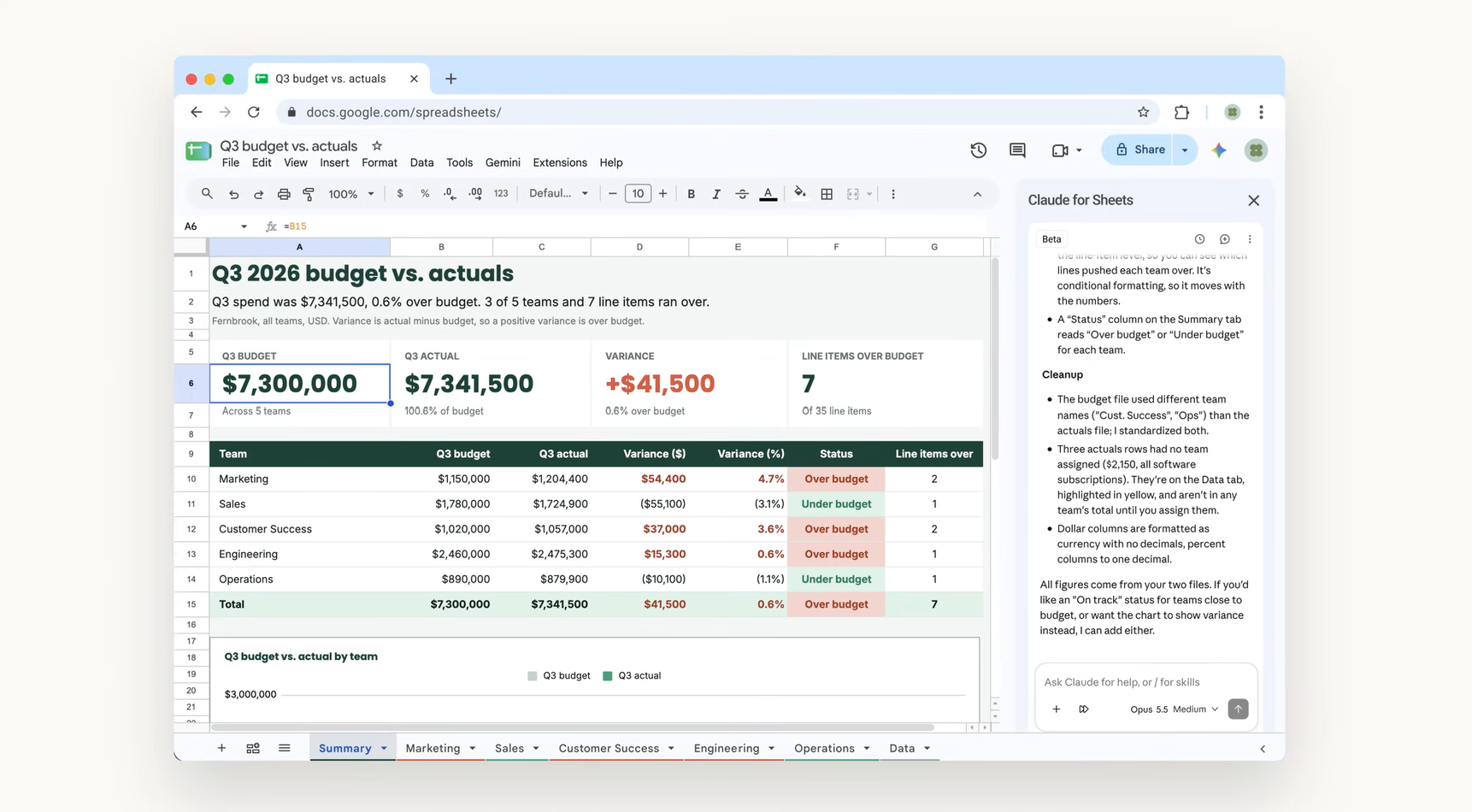 Claude in Google Sheets. (Image: Anthropic)
Google Slides: In Slides, Claude can build new slides matching the rest of the deck’s layouts and themes, so they match the rest of the deck. It can also flag elements that overlap or run off the slide, or text that’s hard to read.
There are two modes under which Claude works with Google files. In the default ‘Ask before edits’ mode, each change appears as an approval card with a summary and Claude waits for the user’s approval to make the edit. In ‘Accept all edits’ mode, Claude works through the task and applies changes without stopping.
Story continues below this ad
How to access Google files within Claude
When a user signs into their Claude account, the sidebar will have the same models, connectors, and skills they use in Claude. This is helpful for those who, for instance, save a quarterly business review (QBR) deck as a skill by pulling data from Salesforce and recent call notes from Google Drive. Their team can then build the next deck following the same format and steps.
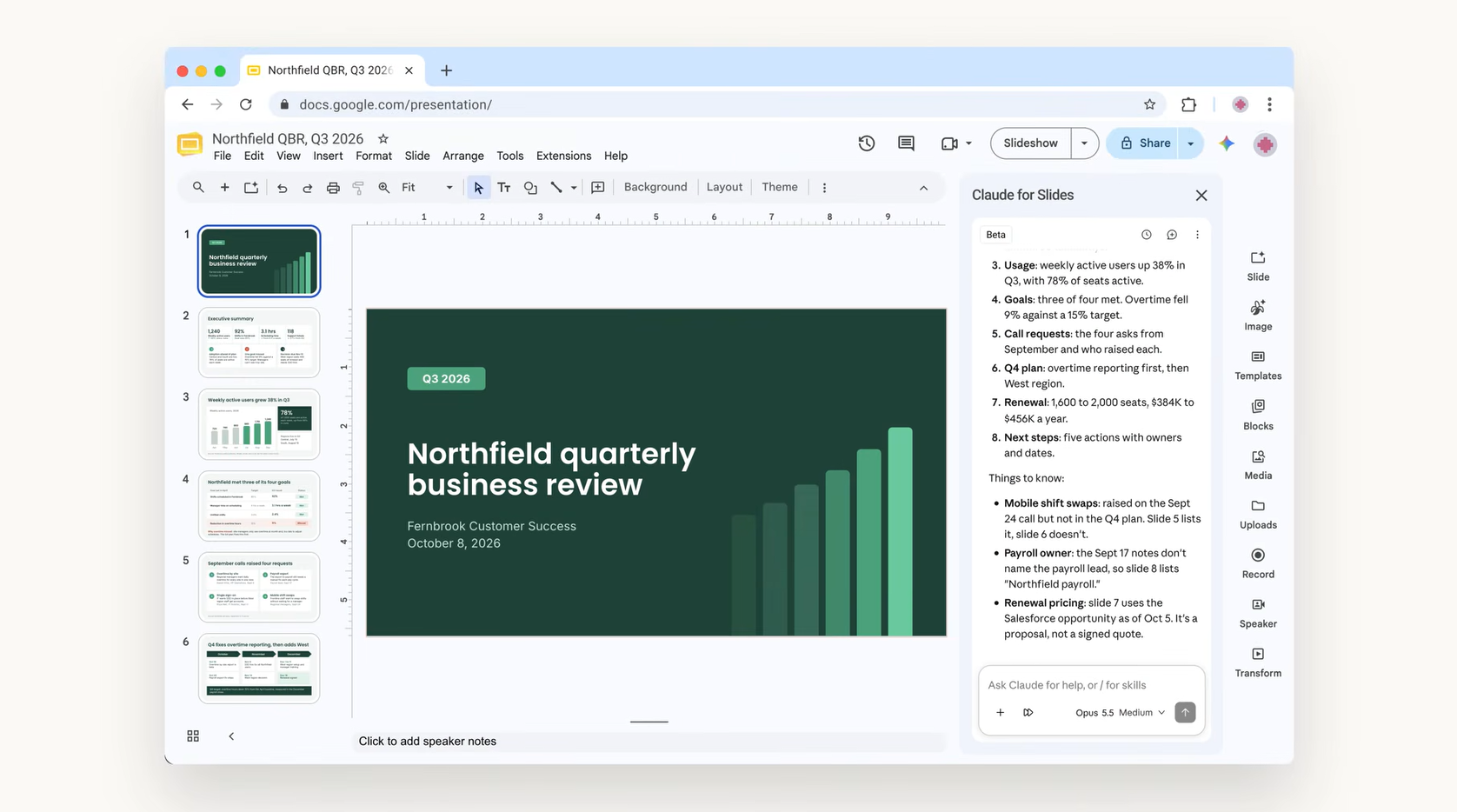 Claude in Google Slides. (Image: Anthropic)
Users also now have in-chat access to Google files. To use this feature, Paste a Google file link or ask for a Google doc, sheet, or deck. On supported setups it will open in a pane beside the user’s conversation. Claude’s access matches a user’s existing Google sharing permissions, as per Anthropic.
How to use Claude for Google Workspace
If you are a Claude subscriber and want the AI assistant to work better with your Google files, follow these steps:
-Install Claude for Google Workspace from the Google Workspace Marketplace,
-Open a file and go to Extensions > Claude > Open Claude.
-Admins can deploy it to their domain or selected groups from the Google Admin console.
-To edit Google files from Claude, turn on the Google Docs, Sheets, and Slides connectors.
-On Team and Enterprise plans, an owner or primary owner needs to enable the connectors first.
KioskNews shows a cleaned-up reading view extracted from the publisher’s page — the original always lives on their site, not ours.