How often should you restart your Fitbit watch?
You don't have to do it frequently, but the old "turn it off and turn it on again" trick can come in handy for certain situations.
Smith Collection/gado/Getty Images
If your Fitbit is acting up, the first thing you might do is restart it. But is that a good idea? Rest assured, regularly restarting your Fitbit shouldn't do any harm to it. It's similar to restarting your laptop when it starts to lag or you run out of memory resources, or restarting your router because the connection is spotty or not working at all. There's a reason, after all, that two common IT fixes are to turn a device off and back on again or run a restart.
Restarting your Fitbit can often times fix whatever issue might be going on with the device. Maybe it's failing to sync to the app, or the screen is not responding, completely frozen. Maybe your swipes or taps aren't registering, there's a delay or it doesn't seem to be tracking stats properly. A restart might be all it needs to get it working perfectly again, and there's really no limit to how often you can do it. But there's no need to regularly restart a Fitbit unless there's a viable reason to do so.
Restarting won't harm the device
Gado/Getty Images
Sometimes, devices need a kickstart because they've malfunctioned or lost a connection. Restarting is an important process to help troubleshoot an issue without losing any of your data. Just like when restarting an Apple Watch or other brand smartwatch or tracker, you want to restart instead of reset, since the latter deletes all your data. Only use reset if you're giving or selling the device to someone else, or a serious issue persists that a restart doesn't solve.
Google warns never to insert anything into the small holes some models have for sensors like the microphone or altimeter. While some other devices do have recessed reset buttons you can use a paper clip or pin to press and hold to reset, this isn't the case with Fitbit.
The most common issues you'll encounter that a restart might fix include a failure to sync with the Google Health app, not registering steps and other data like sleep, and not showing notifications and reminders. But even if the device is completely unresponsive, the screen is blank or frozen, or a continuous reboot loop is happening (I encountered this once after swimming in the saltwater ocean with an old Fitbit tracker), a simple restart can solve the issue. If these issues arise frequently, you may want to investigate further or consider that the Fitbit might have reached its end of life.
How to restart your Fitbit
How to restart your Fitbit varies depending on the model. With smartwatches like the Versa 4 and Sense 2, go to Settings > About > Shutdown > Yes. Go to Settings > Restart Device > Restart for the Charge 5 and 6 as well as Inspire 3, or Settings > About > Reboot Device (Charge 3 and 4), and Settings > Reboot Device (Inspire 2). If you have an older model, check Google's support page to learn how to restart.
For a newer model like the Fitbit Edge, long-press the side button for up to 10 seconds. Then select Settings > System > Restart. With a screenless model like the Fitbit Air, you'll need to connect it to the charging cable plugged into a power outlet, then press and hold the back button for about 10 seconds until you see the side light flash white. Once that happens, you can let go and the restart process has completed.
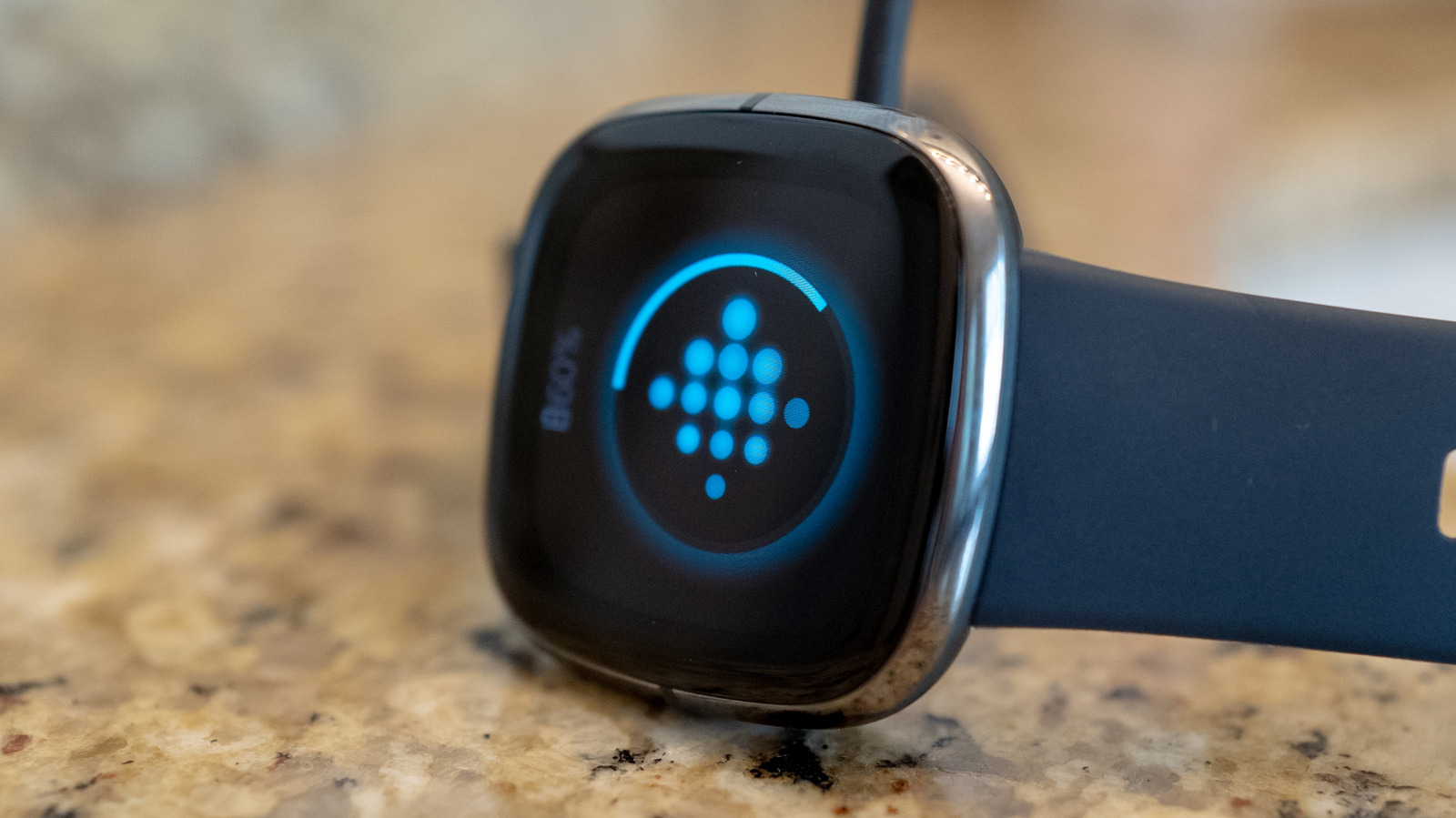
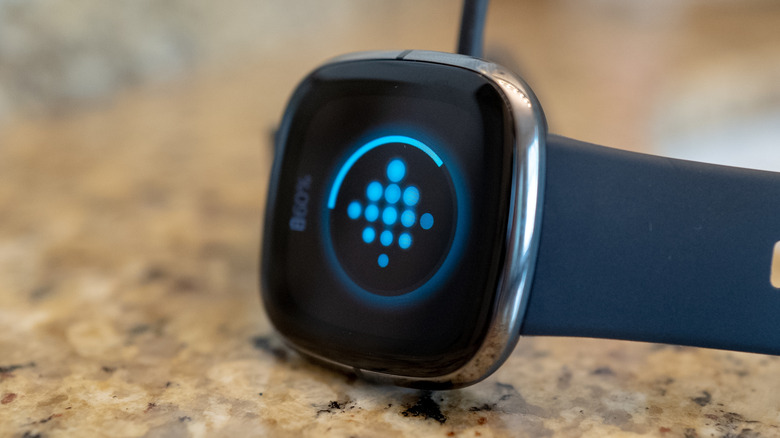
There's another process for screened models that aren't responsive, preventing you from being able to navigate to the Settings menu. With Charge 5 and Charge 6, connect to the charging cable and press the button on the flat end three times in rapid succession, then wait 10 seconds for the Fitbit logo to appear on screen. With the Inspire 3, plug it in and press and hold its buttons for 10 seconds, then release and wait for it to vibrate and show the Fitbit logo. With smartwatches, press and hold the button for 10 seconds.
Restarting your Fitbit is a simple troubleshooting step that will likely fix whatever issue has occurred. If not, it might be time for an upgrade.
KioskNews shows a cleaned-up reading view extracted from the publisher’s page — the original always lives on their site, not ours.