What is MSI mode on Windows PCs and does it speed up your GPU?
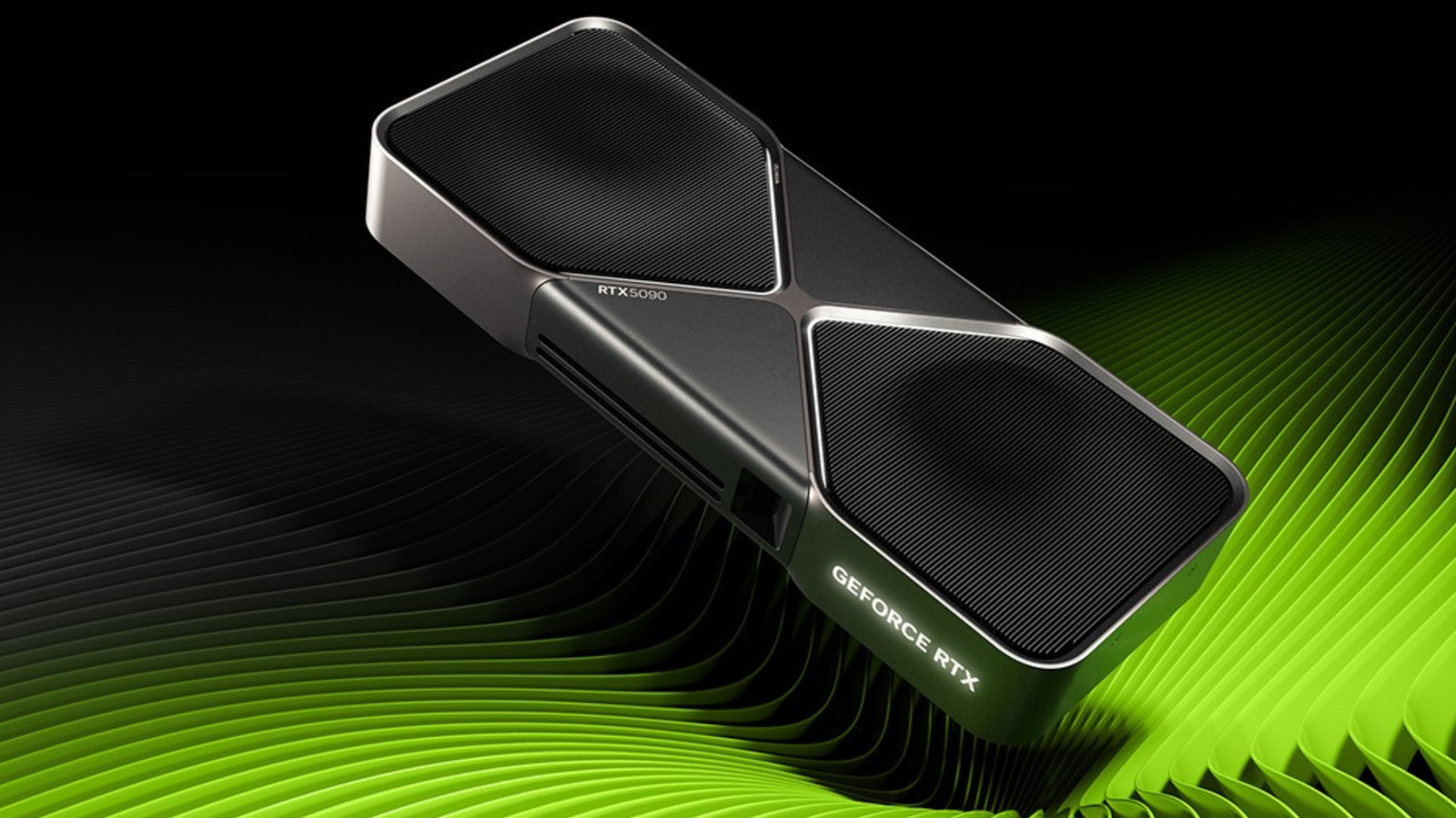
NVIDIA
MSI (Message Signaled Interrupts) mode is a Windows feature designed as a way for hardware devices like your graphics card (or GPU, if you're a purist) to grab the attention of and communicate with your CPU. Introduced in the PCIe 2.2 specification and then baked into Windows Vista, it's a specialized setting that modders and tweakers all too often talk (recklessly) about as if it's some hidden performance unlock.
While, yes, it's true that switching MSI on can genuinely trim latency on older cards that use the line-based interrupt method, you shouldn't really be touching it. MSI won't raise your average frame rate if you've got an older card, and most modern graphics card drivers, like those for the RTX 5090, enable MSI by default in most cases. If you force it on hardware where the manufacturer chose not to, you could render that device unresponsive until you undo the change.
What is MSI used for?
Your CPU is your PC's "brain," responsible for executing instructions by decoding their binary code and issuing commands. When a component like your graphics card needs to stop what it's doing, it sends an interrupt request, or IRQ, to the CPU via a dedicated hardware line. But since there's only so many of these physical lines, lots of devices can end up cramming onto one, causing latency when the shared line can't tell the CPU which device fired a signal.
Instead of relying on hardware lines, a device that uses MSI raises an IRQ by writing a small value to a specific memory address instead. Every interrupt arrives already labeled with its sender as a result, meaning that it never collides with another device's traffic. The introduction of PCI 3.0 in 2010 brought MSI-X, an extended version that supports more individual messages. Windows now uses this as the default whenever a device offers both, whether you're still on Windows 10 or have made the upgrade to Windows 11.
In terms of what your graphics card stands to gain, the most noticeable change will be consistency over speed. With MSI, interrupts are serviced with less waiting around, which can settle frame pacing and reduce input latency on a system that was otherwise suffering from congested lines. Your card won't render any faster; MSI requests mean your graphics card gets a higher response priority from your CPU. That's it. If it's outright speed you're after, our guide on how to buy a GPU will serve you better.
Controversial take: Manufacturers know best
MSI is controlled by the registry value MSISupported, and it's the manufacturer's GPU driver that writes it during installation. Most current-gen AMD graphics card drivers come with MSI enabled, as do the drivers for many recent NVIDIA models. If you've got a graphics card where MSI is disabled by default, however, that's a decision that the manufacturer has made as a compatibility judgment call. It's unwise to assume it's an oversight and override it; doing so runs the risk of crashes and driver timeouts on hardware with a flawed MSI implementation.
There's a pretty good example of an MSI failure in action available on the Dell support website. It republished Microsoft guidance covering a failure where certain SSDs running Windows 10's default StorAHC.sys driver stopped completing reads and writes with MSI mode enabled, pinning Task Manager at 100 percent disk utilization. The fix in this case was to switch MSI off for the affected controller.
KioskNews shows a cleaned-up reading view extracted from the publisher’s page — the original always lives on their site, not ours.