Samsung Gallery now syncs with Google to back up your photos
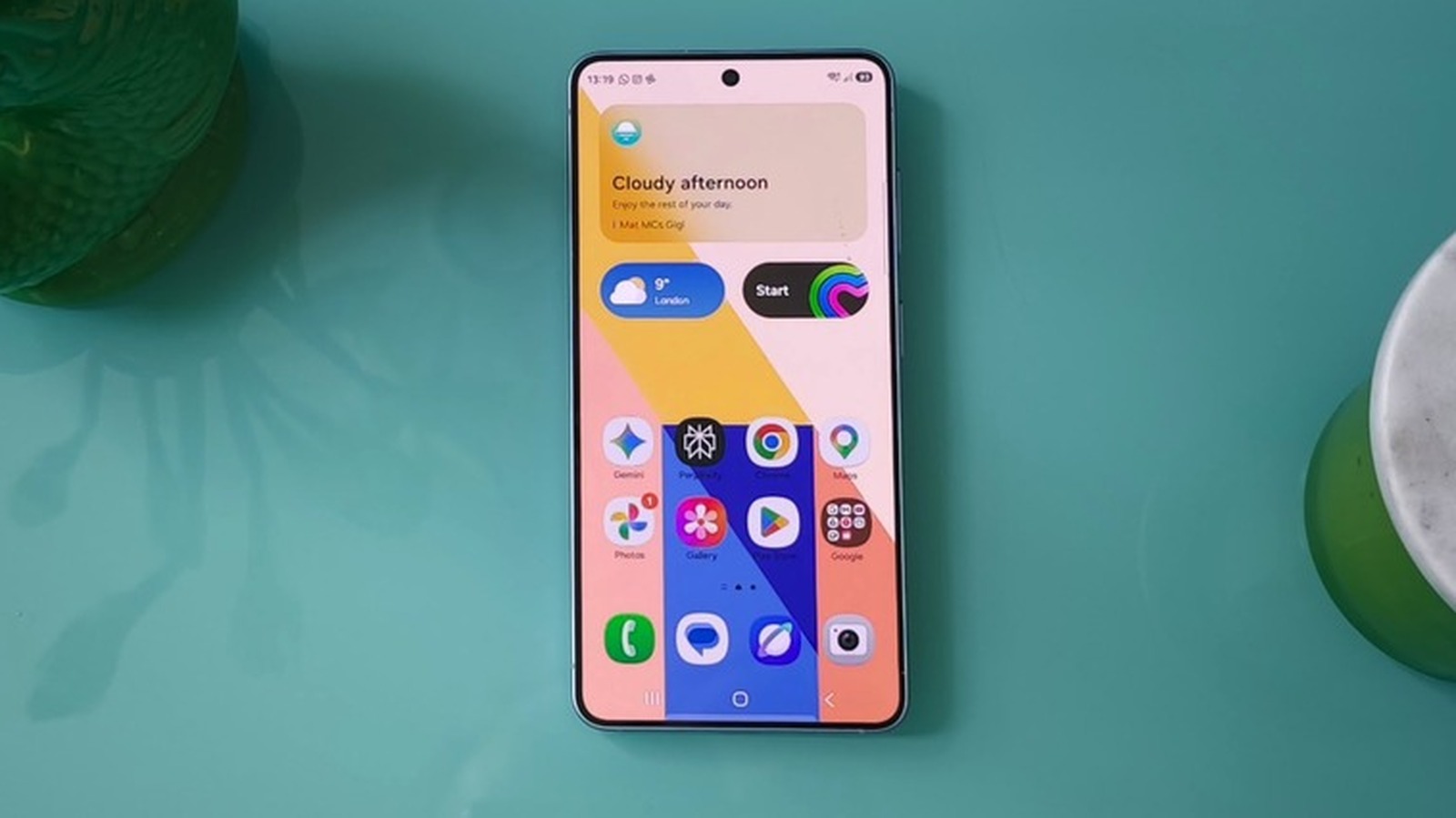
The company ended Gallery's Microsoft OneDrive integration back in September.
Image by Mat Smith for Engadget
If you've ever owned a Samsung phone, you've most likely seen your device prompt you to back up your media to OneDrive at least once in the past. Back in September, however, Samsung removed its Gallery app's ability to sync with Microsoft OneDrive. Well, the phonemaker was likely cooking up another partnership behind the scenes, because it has just announced that its Gallery app can now sync with your Google account.
In the past, if you wanted to back up your photos and videos to your Google storage on a Samsung phone, you've had to use Google Photos instead of (or in addition to) your device's native Gallery app. With this update, you can stick to Samsung's Gallery app if you want to.The feature is currently only available on select Galaxy devices running One UI 9, Samsung's latest custom Android interface, but the company says it will roll out to more devices in phases. To enable the feature, tap the Cloud icon in Gallery or go to Gallery Settings and switch on Sync photos and videos.
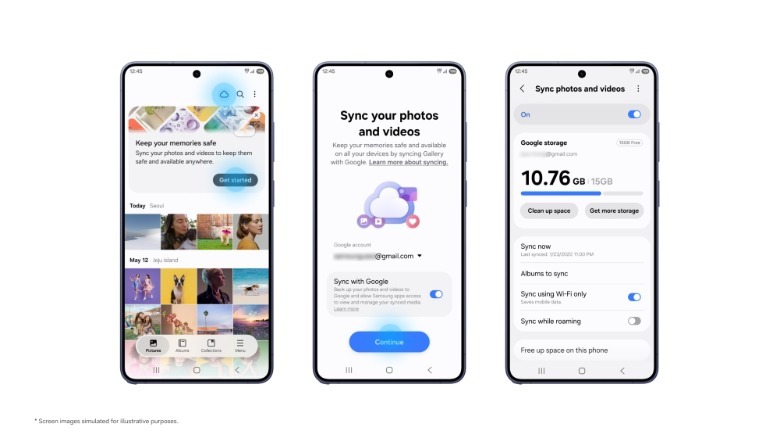 Samsung
Since the feature syncs media files to your Google account, you'll be able to access them in the Gallery app of another Samsung Galaxy device. Simply log into the same account on your other device and enable sync on it, as well. You'll then be able to see previews of your synced photos and videos on that device. If you want to access the original files, just select and download them. In case you want to do the opposite and remove files from your phone or tablet after they've been synced to Google storage, you can use Samsung's other new feature. It offers a Free up space option in the Sync photos and videos settings, which deletes original files from your device while keeping thumbnails visible in the Gallery app.
It's worth noting that Gallery sync will take up storage space on your Google account. Each Google account comes with 5GB of free storage by default, which you can expand to 15GB if you verify a valid phone number. If you want or need more than that, since that storage is shared across Google's services, you'll have to purchase a Google One subscription that will set you back $2 per month for 100GB of storage or $3 for 200GB.
KioskNews shows a cleaned-up reading view extracted from the publisher’s page — the original always lives on their site, not ours.