This Samsung Galaxy problem sadly still exists in 2026, but you can easily fix it
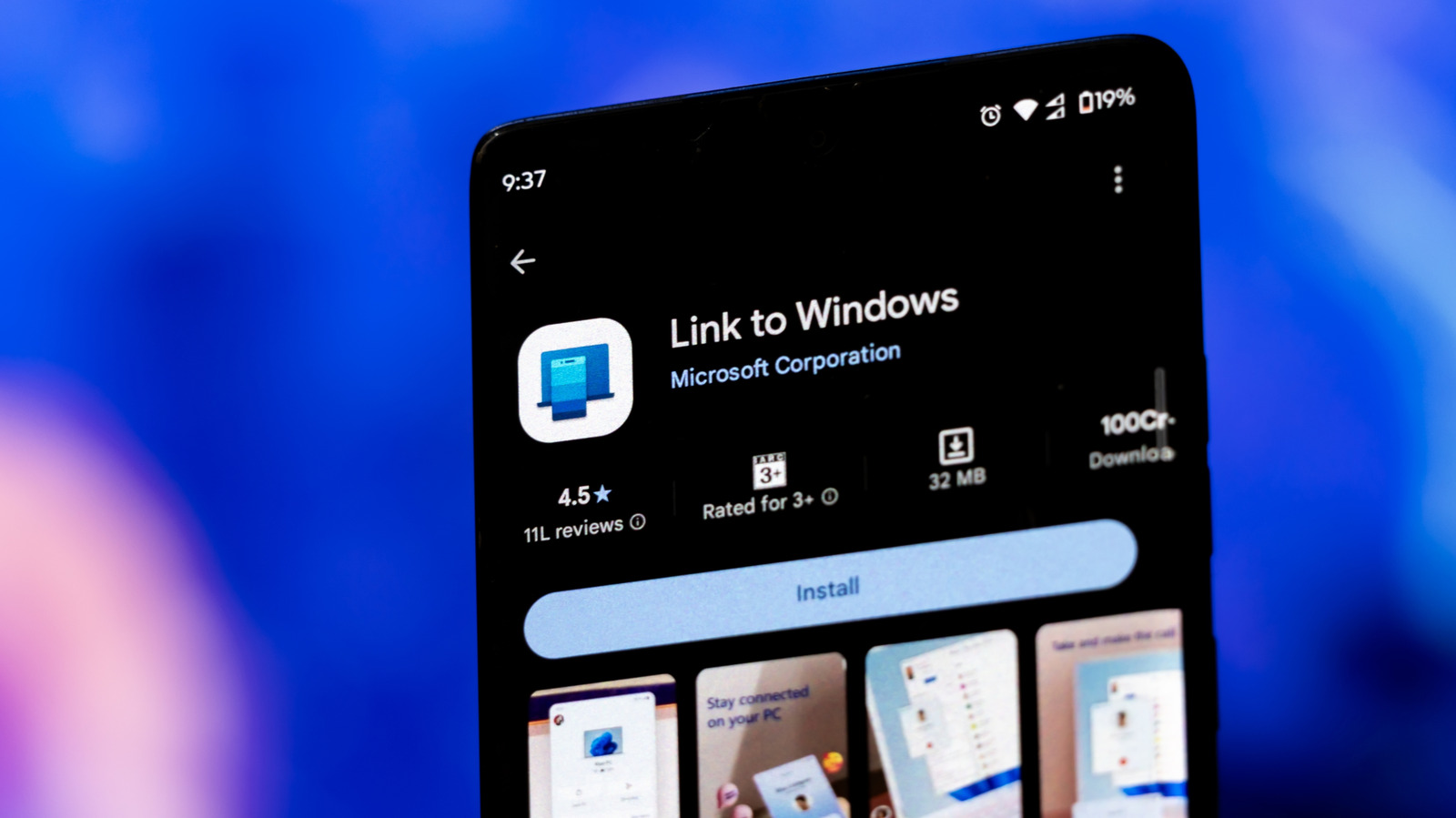
Samsung still loads Galaxy phones with apps you might never use.
Mamun_Sheikh/Shutterstock
I recently upgraded from a Google Pixel to a Samsung Galaxy S26 Ultra, and the difference in preloaded apps was noticeable. My Pixel cam with plenty of Google's software, most of which I used anyways, but the Galaxy has a longer list of apps I had no interest in opening. It seems that $1,400 isn't enough to get an uncluttered app drawer.
Those unwanted extras are bloatware: preinstalled software that you don't really want. Such apps clutter your phone, consume storage space and sometimes bother you with notifications too. The specific list of apps will differ depending on the Galaxy model, region and carrier, so your app drawer out of the box may look significantly different from someone else's. Fortunately, many of these unwanted apps can be removed or disabled in a few taps.
Why Samsung Galaxy phones still have a bloatware problem
Sam Rutherford for Engadget
This isn't a new complaint. The Galaxy S4 was criticized for having a small amount of usable storage back in 2013, for example. Its 16GB version reportedly left buyers with about 9.5GB usable, mostly because of Android, Samsung's system software and bundled apps. Samsung has since allowed its users to remove or disable many preinstalled apps, but the clutter remains.
You may come across Samsung Shop, Samsung TV Plus and Samsung Global Goals, which are optional apps offered by Samsung. Depending on where you buy your Galaxy, third-party additions can include Facebook, Instagram, LinkedIn, OneDrive and Spotify. There are some that might even be worth keeping: if you already use Microsoft's cloud storage, you'd want OneDrive installed anyway. But if you keep everything you need in Google Drive, another cloud app isn't adding much.
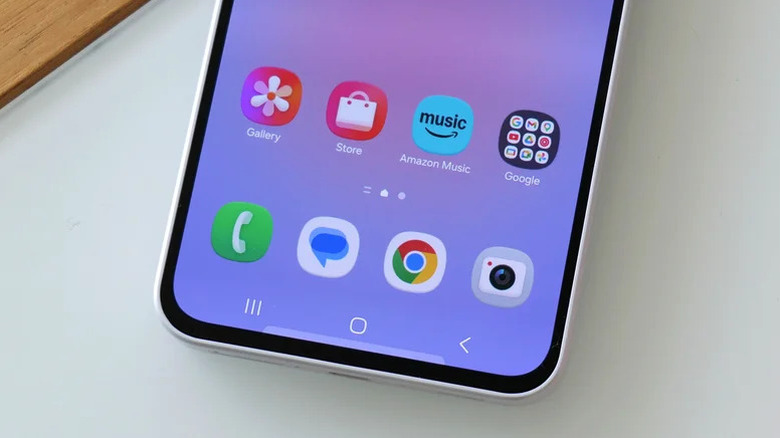
Samsung is still adding to the pile. In July 2026, the company entered into an agreement to preinstall Amazon Music on certain Galaxy phones and tablets, but did not specify which models are included in the agreement. Additionally, eligible new subscribers can get a three-month free trial of Amazon Music Unlimited. If you activate the trial and forget to cancel, however, it automatically renews at the paid rate. It's a good reminder to check your subscriptions every so often.
How to remove unwanted apps from your Samsung Galaxy
Husain Parvez for Engadget
Swipe up from the home screen to show your app list, press and hold an app that you don't use and then select Uninstall if it's available. You can also go to Settings > Apps, select the app and uninstall it from there. This removes the app and frees up the storage it occupies.
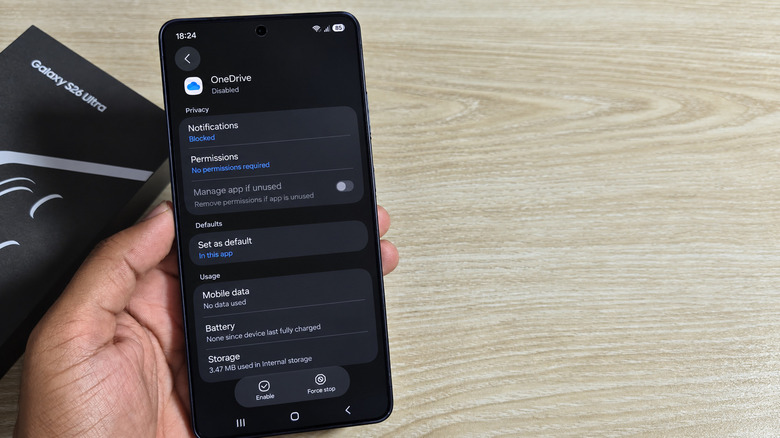
Some preinstalled apps won't allow that. Instead, go to the app's page in Settings > Apps and find Disable. This will prevent the app from running and hide its icon, but its files will still be on your phone. You can undo the process by going back to the same menu and tapping Enable.
If you're still stuck with an unwanted app, touch and hold an empty area of the Home screen, tap Settings and select Hide apps (or Hide apps on Home and Apps screens). Select the apps you want to hide and then hit Done. This will make their icons disappear from view, but the apps remain installed and can still send notifications.
To turn off those notifications for hidden apps, go to Settings > Notifications > App notifications, choose the hidden app and disable Allow notifications. At least you won't hear from something you never even wanted.
Keep in mind that hiding an app and turning off its notifications won't free up storage or revoke its permissions. Samsung's official instructions for disabling preinstalled apps also note that menu options may vary based on the device and software version. Avoid disabling unfamiliar system services. You can't delete core apps like Phone, Messages, Contacts, Gallery and My Files.
KioskNews shows a cleaned-up reading view extracted from the publisher’s page — the original always lives on their site, not ours.