Wired vs. wireless charging: Which is better for battery health?
Andreypopov/Getty Images
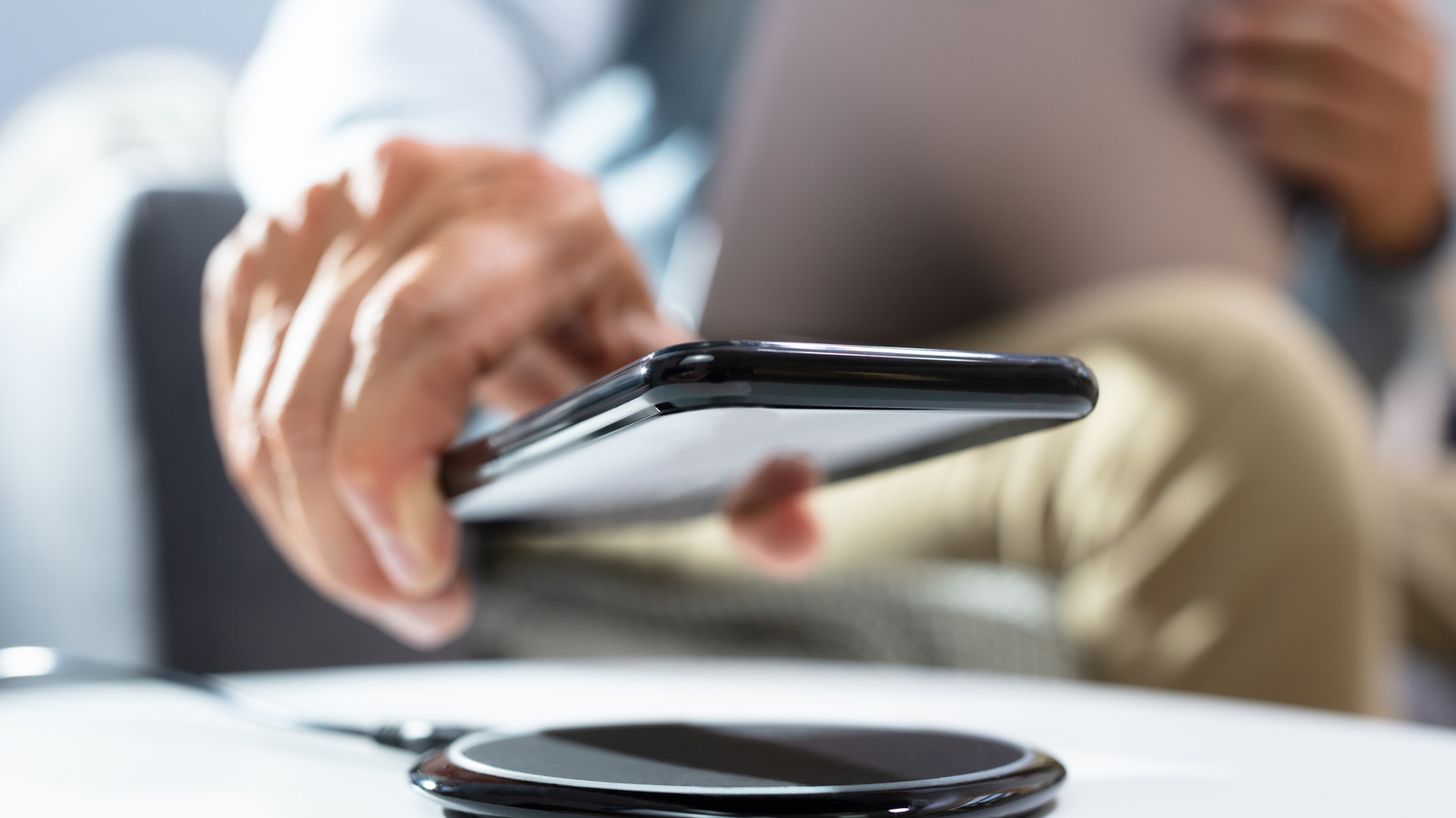
Does wireless charging deplete battery health? Does it matter that your smartphone feels warm while charging? The short answer to both is yes, but for most people, the optimal balance between convenience and better battery life is to use wireless charging for battery top-ups during the day and leave wired charging for overnight power-ups.
What happens when you use wireless charging?
When you charge up your smartphone using a cable and power adapter, energy flows from the source through the adapter straight to your phone.
Wireless charging takes more steps to do the same thing. It uses an electromagnetic induction field to send power into the phone. The charging pad pushes electricity around an internal wire coil that magnetically passes energy across to a similar coil inside your phone. So, when you use a wireless charger, the energy flows from the source into an adapter and into the charging device, hops across to your phone to be converted into energy, and recharges the lithium battery in your device.
That means charging systems approved by the Wireless Power Consortium (WPC) Qi2 standard are up to 30 percent less efficient at getting power into your device than using a cable. The energy that doesn't make it has to go somewhere, which is why it converts into heat, warming your charger and your phone. That heat can deplete battery life over time, reducing capacity by up to 12 percent over two years, or up to 25 percent in hot environments.
How fast is wireless charging, and can it cause overheating?
You should use a Qi-certified wireless charging system from a trusted manufacturer, because noncompliant or poorly manufactured systems can overheat. To prevent unsafe heat buildup while charging, Qi-compatible smartphones and devices work together to adjust current and voltage while the process is taking place.
Driven by the standard, manufacturers are improving their support for wireless charging. Apple's iPhone 18 Pro reaches up to 50 percent battery life in 15 minutes using a 60W-capable adapter and USB-C cable, but the same process takes 30 minutes with a Qi2 wireless charger. Older smartphones aren't built for fast charging, and they cap at up to 15W, so charging takes longer.
Wattage matters: It takes longer to charge your phone on an old 10W system than on a current 25W fast charger. The power adapter you use is also important: A 25W charger using an old 5W power brick will only deliver a slow 5W charge.
Good smartphones do possess built-in power management and can safely be left connected to power (wireless or wired) overnight.
How to protect battery health when you use wireless charging
Screenshot by Jonny Evans (Apple)
Smartphone manufacturers limit how much power their devices can receive wirelessly to help manage heat dissipation. That's also why they throttle charging rates if the smartphone gets too warm. To optimize wireless charging, consider:
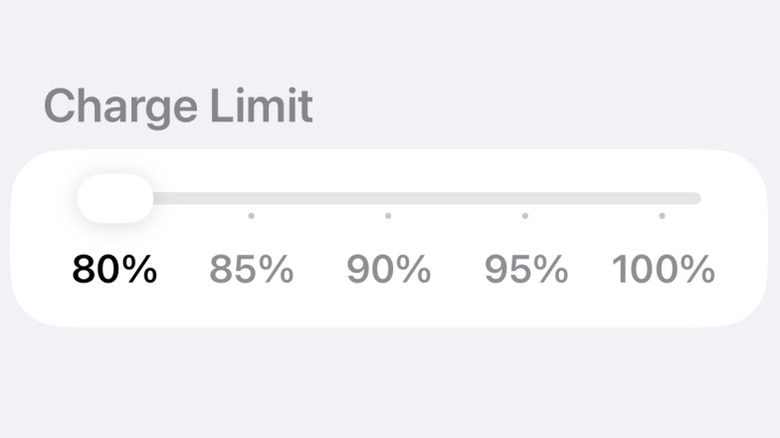
- Battery management: Lithium-ion batteries can handle 1,000 to 2,000 charge cycles, representing how many times the battery can be fully charged and discharged. Battery performance degrades as it works through those cycles, which is why it is best to keep to around 20 to 80 percent charge to preserve those cycles.
- Battery protection: Samsung and Apple offer built-in charging management to keep your battery within the "20 to 80" zone. You'll find this in Settings > Battery on iPhone 15 and later, or Settings > Battery > Battery protection on Samsung devices.
- Position: If your device is misaligned on the charger pad, then the magnetic connection will be weaker, so less energy reaches your device, and more energy becomes heat.
- On the case: While some cases are manufactured to be compatible with wireless charging, not all are, which is why you should remove your smartphone from its case if the latter is not compatible with wireless charging.
Which is better for battery health?
For speed and efficiency, wired charging is best for battery health. That doesn't mean wireless charging is bad. It just takes longer, wastes more energy and is likely to degrade your battery a little faster over time if incorrectly managed. But where it wins for most of us is ease of use, with 88 percent of smartphone users satisfied with their Qi2 charging device, according to the WPC.
KioskNews shows a cleaned-up reading view extracted from the publisher’s page — the original always lives on their site, not ours.