How to easily factory reset your Fitbit
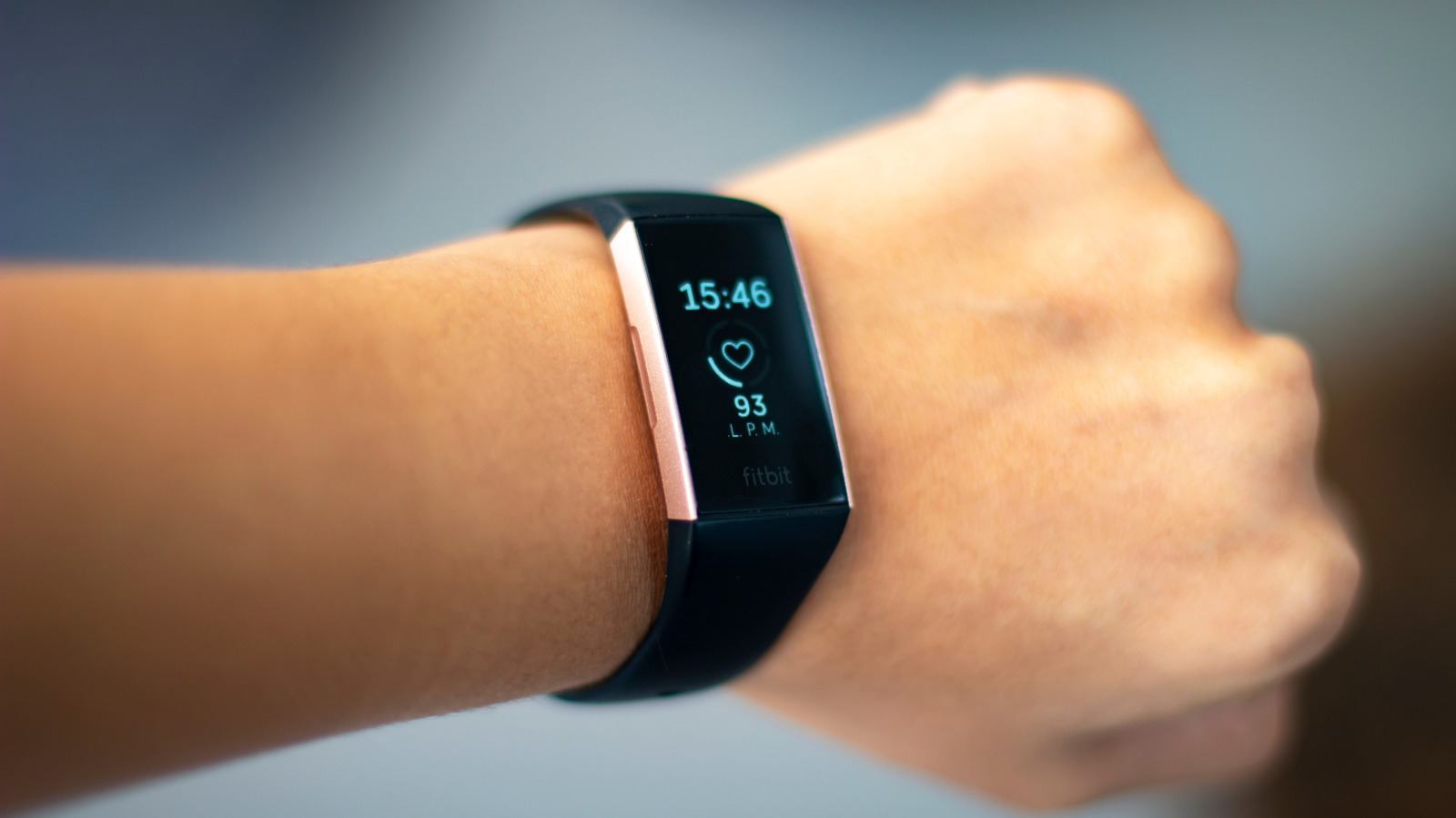
It can help fix a serious issue or prep your wearable for a new owner.
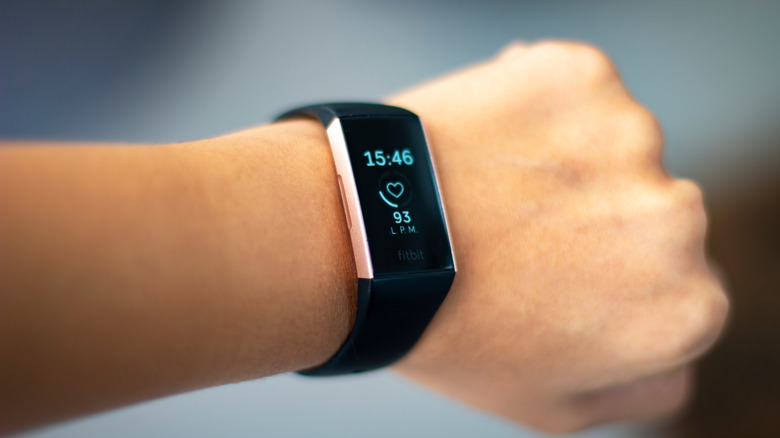
Myriam B/Shutterstock
If your Fitbit is acting up, you'll want to restart it, but this is a very different process from a factory reset. You may want to restart your Fitbit if it won't sync with the Google Health app or isn't registering data. However, if the screen is unresponsive to taps or swipes, or it's frozen on a specific screen, you can force a hard restart, which typically involves pressing and holding a button (or buttons) for a specific period of time until the screen resets. How to restart your Fitbit device varies by model. It's a refresh, like turning something off and on again. A factory reset, on the other hand, removes all unsynced settings and data from the device and brings the wearable back to its original state when it was first purchased.
There are only a few times you'll want to factory reset a Fitbit. Do this if you're giving it to someone else or selling it. It's also worth doing for data privacy, if the device is no longer functioning properly and you're dropping it off for safe recycling. Finally, it's a last-ditch effort if a restart isn't fixing a major issue. Factory resetting your Fitbit is simple, but use this option only when necessary.
How to factory reset Fitbit
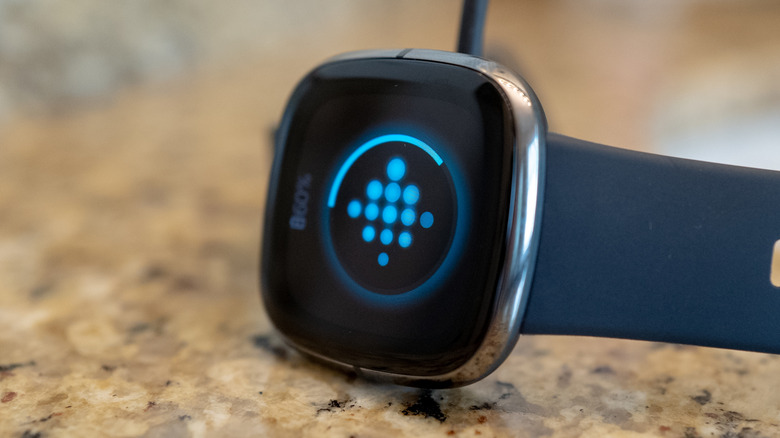
Smith Collection/gado/Getty Images
For Fitbits with a screen, go to Settings > About > Device Info > Clear User Data or Factory Reset. You may need to hold down a button on the screen to confirm, and you should feel a slight vibration when it's done and the Fitbit logo reappears on-screen. With the newest Fitbit Edge, it's even easier: swipe down from the top of the screen and select Settings > Clear User Data.
With older Fitbit trackers, you may have to connect the device to its charger and hold down a button or use a paperclip. With the Fitbit Flex, for example, which does not have a screen, connect the sensor to its charger, plug the charger into your computer via USB, find the black reset hole, and press it for three seconds with a paperclip. Wait for it to light up and confirm the reset.
Interestingly, the new screenless Fitbit Air (see our Fitbit Air review) does not have a traditional factory reset option. Instead, place it on its charger and press and hold the back button for 10 seconds (or until the status light flashes white). This will restart the device. If a new user pairs with the wearable, your account data will be cleared automatically.
It's a good idea to manually unpair a Fitbit Air from your account first if you're handing it off. In the app, select the device from the top-left corner and, under System, select Disconnect & reset device. If it's not connecting to a new phone, forget it from your phone's Bluetooth menu (Settings > Bluetooth > tap the "i" beside the device and select Forget This Device.
When to factory reset and what it does
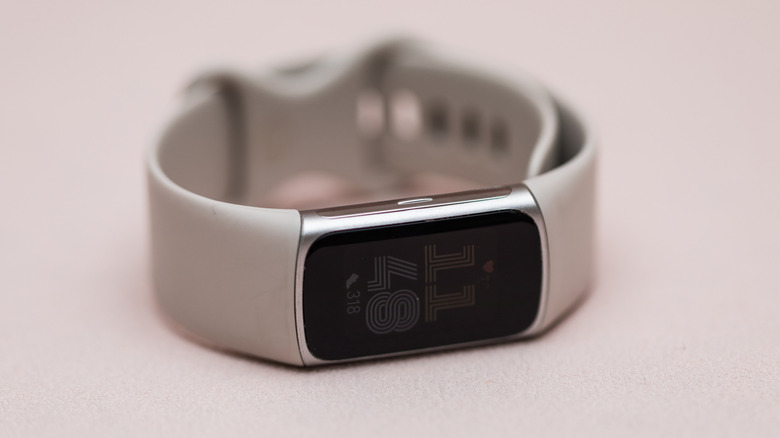
Studio-95/Shutterstock
A factory reset is a last-resort option. I recently had issues syncing my Fitbit Edge with my iPhone; it got stuck in a boot loop and froze on a specific screen. Nothing I tried worked until I tried a factory reset.
It's important to reiterate that a factory reset will erase all data that is stored locally on the device. This could include morning alarms, goals, notification settings, and any unsynced activities. It does not, however, delete data that's already been synced to the Google Health app. After resetting my Fitbit Edge, for example, all my daily data, including steps, workouts, and more, were still accessible in the app.
If you're holding onto an older, discontinued Fitbit model and it's still working, look for instructions on how to factory reset it in the supporting documentation online, or check the Help menu in the Google Health app. Whichever model you have, once the factory reset process is done, it's like a new device again, and you can start the pairing and syncing process from scratch. Be patient: It may take some time to start accurately tracking your data again.
KioskNews shows a cleaned-up reading view extracted from the publisher’s page — the original always lives on their site, not ours.