How to use Meta Display glasses while driving with the Audio Only feature
Michael M. Santiago/Getty Images
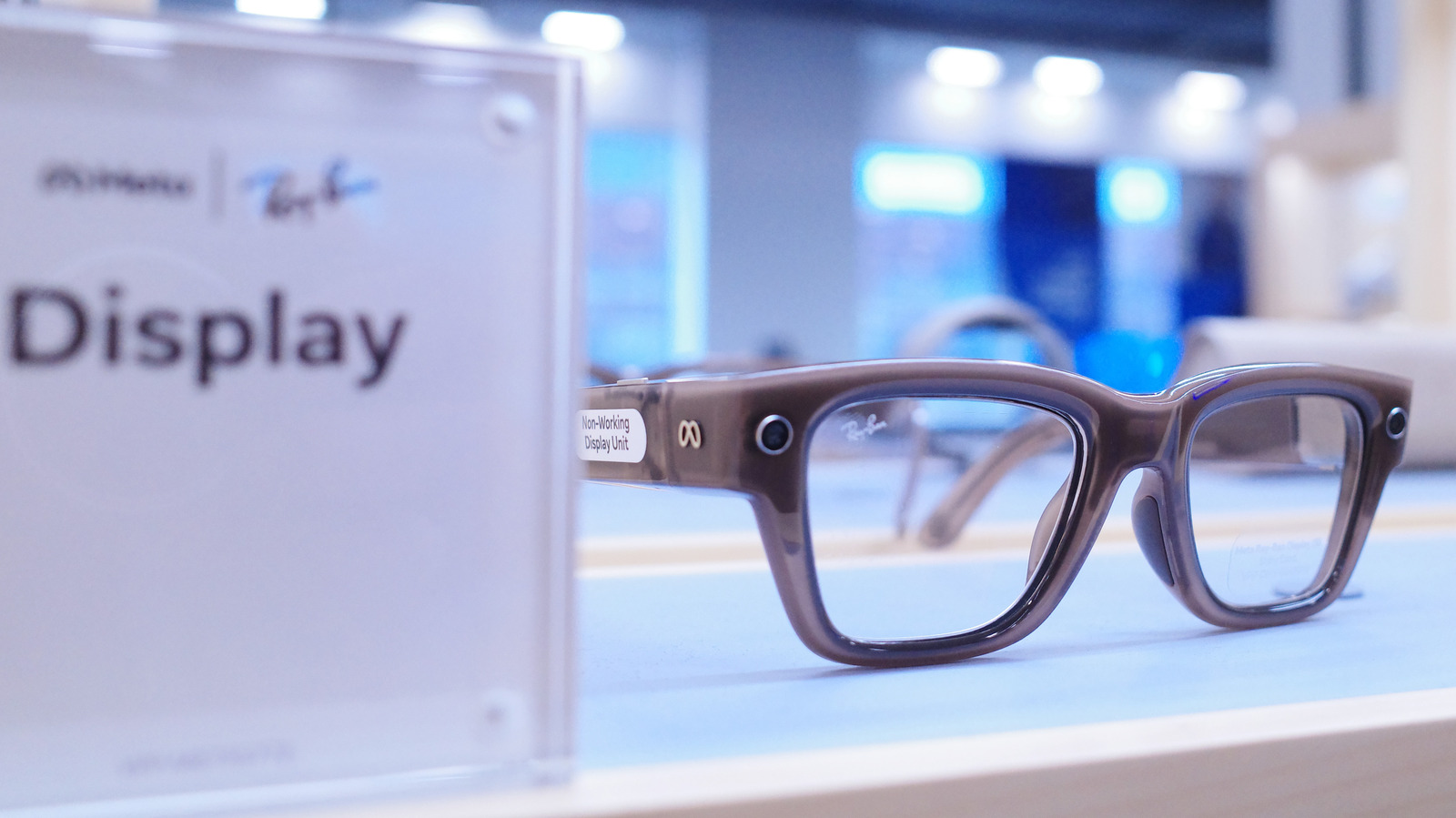
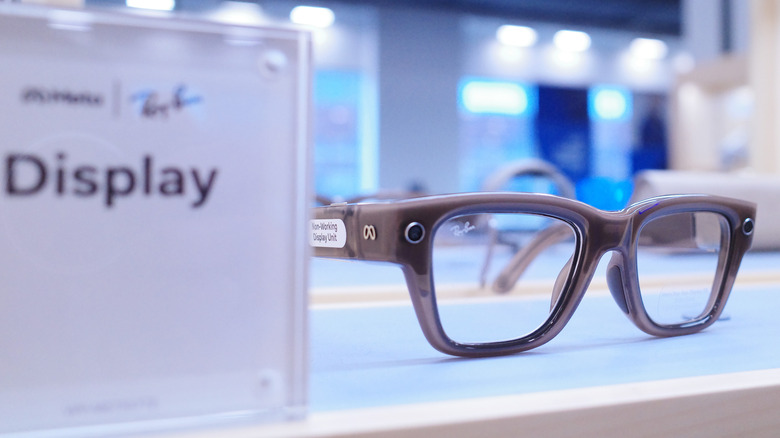
Smart glasses are quietly becoming part of some people's daily routines for things like checking notifications and making calls. Being able to do that without having to pick up your phone is really useful sometimes. But behind the wheel, that same convenience turns into a distraction fast, especially if you have one of those with a built-in display. But that doesn't mean you have to take off your Meta Ray-Ban Display as soon as you get in the car.
Unfortunately, Meta Display glasses were not designed to provide real-time driving directions. But if you want to keep using them in your car without getting distracted, you just need to switch them to Audio Only mode. With this mode on, the display on the glasses turns off completely. It's almost as if you were turning them into regular Meta Ray-Ban AI glasses. You still have hands-free audio for calls and quick voice commands, but without any visual distractions.
Setting up driving detection on your Meta Display glasses
Tada Images/Shutterstock
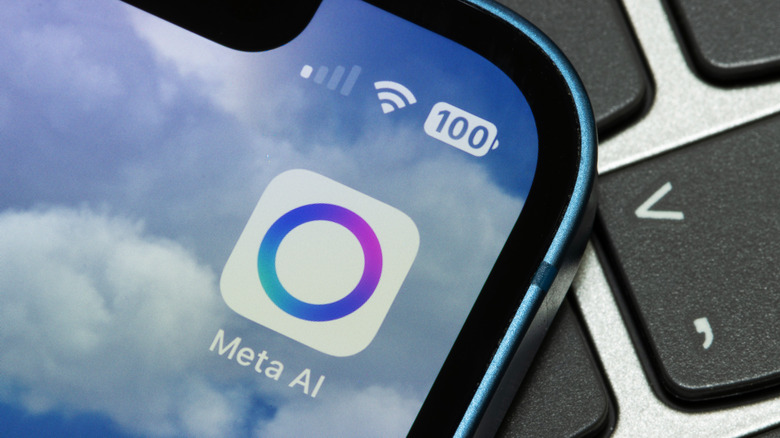
Changing these settings is quite easy and you don't have to remember to switch modes every time you get in the car. The Meta AI app includes a Driving Detection feature that handles the heavy lifting for you. When the feature is on, the glasses use their internal sensors to detect when you're in a moving vehicle. Once the glasses realize you're driving, they automatically disable the display.
Setting it up only takes a few seconds. To do this, open the Meta AI app on your phone. Go to Settings, select your glasses and tap Device Settings. From there, turn on Audio Only and toggle Driving Detection to active. The glasses will handle the rest. Once you reach your destination and step out of the car, the display will turn back on automatically.
The Meta AI app may ask you for special permission before enabling this feature. That's because the app also needs access to your phone's sensors to work. You can also switch modes manually if you want. Just say "Hey Meta, turn on/off audio only."
Meta glasses were not designed for driving navigation
Meta
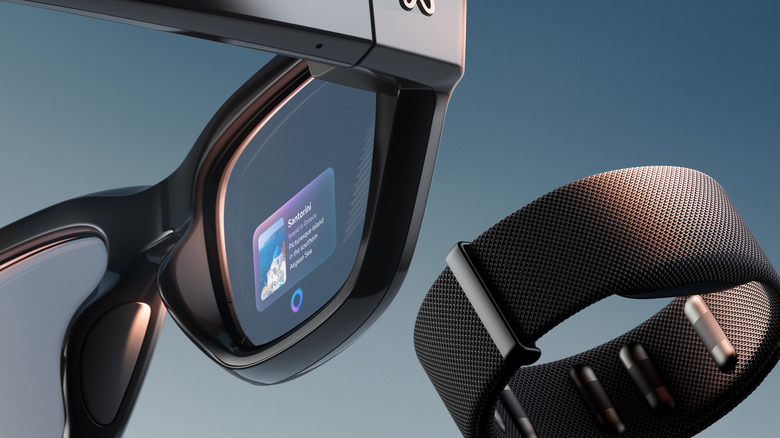
If you're still wondering whether you can use Meta for driving directions somehow, the answer is no. These glasses currently only support pedestrian navigation. The interface is not really designed for high-speed travel and it lacks the real-time traffic updates, lane guidance and complex mapping you need on the highway. You should probably stick with the GPS on your phone or your car's built-in navigation system for driving directions.
Although safety is the obvious reason to use Audio Only mode, there are some other benefits too. Turning off the display while you drive can save some battery for when you really need it. Besides, it's always good to take a break from screens and excessive notifications. And if you want to learn more about the Meta Display glasses, here's our full review.
KioskNews shows a cleaned-up reading view extracted from the publisher’s page — the original always lives on their site, not ours.