Apple Mac Studio (M5 Ultra) review: Huge AI and graphics power at a huge premium
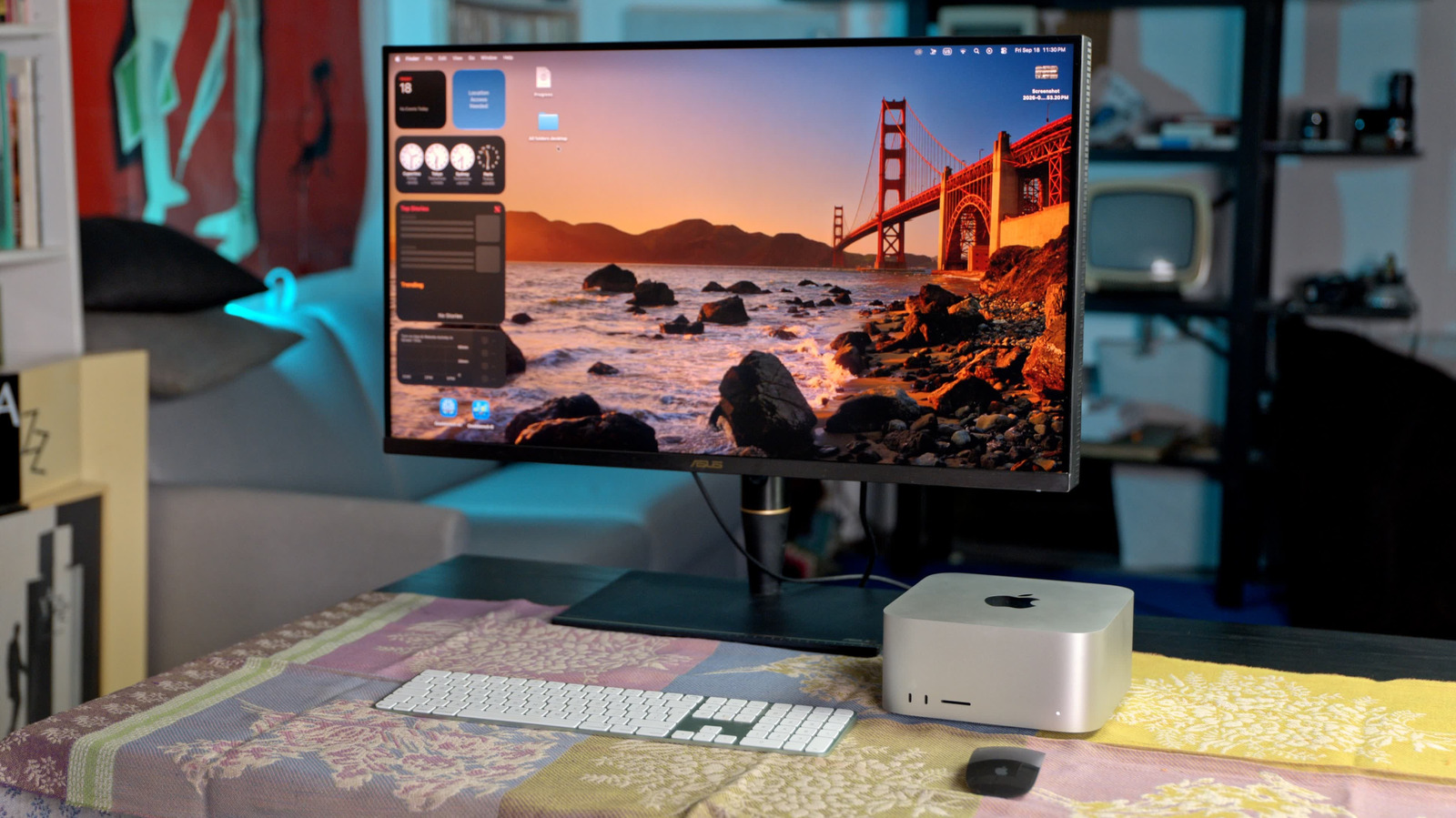
At $11,299, the extra performance over the M5 Max model is only worth it for select buyers.
Steve Dent for Engadget
RATING : 8.9 / 10
- Incredible speed for creative and AI pros
- Generous number of ultra-fast Thunderbolt 5 ports
- High base memory up to 512GB
- Elegant and compact design
- Incredibly expensive
For creative or AI pros looking for Apple's most powerful desktop computer, there's now only one model to consider: the Mac Studio. It's the only one equipped with the company's mighty M5 Ultra processor (two M5 Max chips frankensteined together) and support for up to 512GB of unified memory. With all that, it's capable of incredible performance, despite the small size.
This year, though, there's an unpleasant twist. Given that amount of memory, the Mac Studio is particularly vulnerable to the "RAMageddon" crisis that has seen memory prices soar over the last year. The M5 Max model jumped from a base $2,000 price to $2,500, but the M5 Ultra version now starts at $5,500, an enormous jump from the previous model's $4,000 price. Though incredibly powerful, the leap in performance over the M5 Max-powered Studio can't justify that extra cash, unless you're a hardcore power user.
Hardware
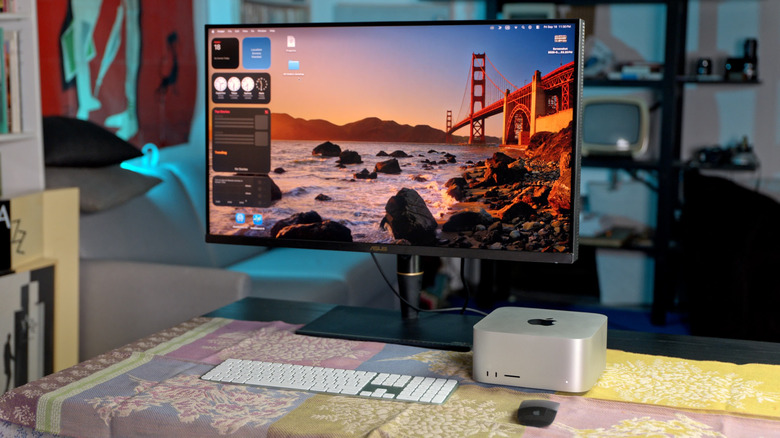
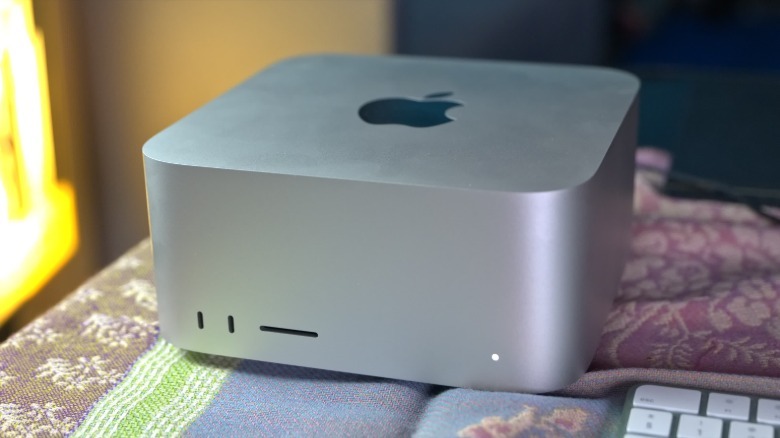
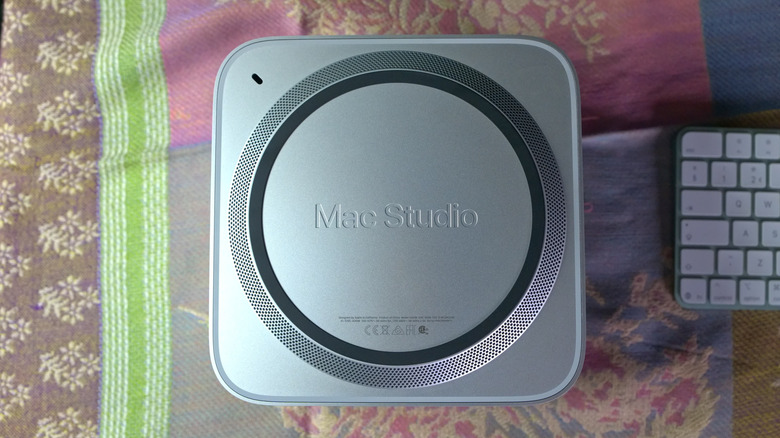
There's nothing new to see with the Mac Studio's design (again). The compact, rounded-square aluminum body is unchanged at 3.7 inches tall and 7.7 inches long and wide. With its premium feel and that small size, it'll look nice on your desk and won't take up much space. That design also makes it stackable, which can come in handy for reasons I'll explain shortly.
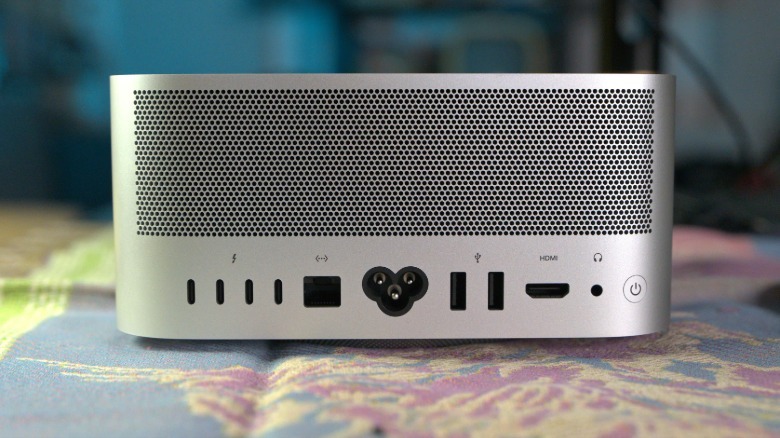
The Mac Studio offers the same array of ports as before, too. Up front, there's a high-speed memory card slot plus two Thunderbolt 5 USB-C ports on the M5 Ultra model, and two slower USB-C 10 Mbps ports on the M5 Max. In back, both models have four Thunderbolt 5 USB-C ports, along with two USB-A ports (up to 5Gb/s), an HDMI 2.1 port, 10Gb Ethernet and a 3.5 mm headphone jack. The Thunderbolt 5 ports deliver up to a blazing 120 Gbps speeds, though accessories supporting those data rates are still quite expensive.
The previous Mac Studio choices were confusing, with either M4 Max or M3 Ultra processors available. Luckily, the new models at least share the same chip number. The M5 Ultra now comes with up to a 36-core CPU, 80-core GPU and 32-core neural engine, up from 32 CPU cores before (the number of GPU and neural cores is unchanged). Unified memory is currently available in 96GB and 256GB configurations, with 512GB coming next month.
 Steve Dent for Engadget
With 2TB storage, 256GB of RAM and a 36-core processor (my test configuration), the Mac Studio with M5 Ultra costs $11,299. In comparison, the Mac Studio M3 Ultra model with the top-end 32C chip, 256GB of RAM and 2TB of storage was $7,499, or $3,800 less. That's a massive price jump of over 50 percent, largely due to RAM prices and Apple's notorious markups.
The Mac Studio M5 Max, meanwhile, comes with up to an 18-core CPU (up from 16 cores before), along with a 40-core GPU and 16-core neural engine. Memory tops out at 128GB. The top-end configuration with 2TB of storage is still expensive at $5,899, but is just over half the price of the M5 Ultra model. As you'll see, though, the extra money for the latter doesn't nearly get you double the performance.
In-use: The fastest Mac ever
The Mac Studio M5 Ultra is one of the most powerful desktops you can buy on either macOS or Windows. Its Geekbench 6 CPU single-core score is among the highest Engadget has seen, falling just below the new Mac Mini M6's tally due to the latter's more recent processor. For the multi-core CPU test, I needed to use Geekbench 7 (Geekbench 6 couldn't seem to handle the M5 Ultra's extra cores), and the new Mac Studio destroyed the old Mac Studio M3 Ultra with a score of 52,185 compared to 39,145. That's right up there with AMD's latest 64-core Ryzen Threadripper Pro CPU.
GPU scores were also impressive, and sustained disk speeds were the highest results I've seen with 14GB/s write and 11GB/s read speeds, nearly double the previous model. Apple withdrew its initial claim that the Mac Studio M5 Ultra used the new PCIe 6.0 standard, but this is as fast as PCIe 5.0 can possibly go.
 Steve Dent for Engadget
All told, the M5 Ultra model seems to offer speeds in the range of 20 to 30 percent better than the M3 Ultra model across CPU, GPU and neural engine scores. Single-core CPU performance is the same as the M5 Max version (based on the MacBook Pro), while multi-CPU and GPU speeds are also about 20 to 30 percent faster. In synthetic Geekbench AI tests for CPU, GPU and neural engine, the M5 Ultra model was only about 10 percent faster than its M5 Max counterpart.
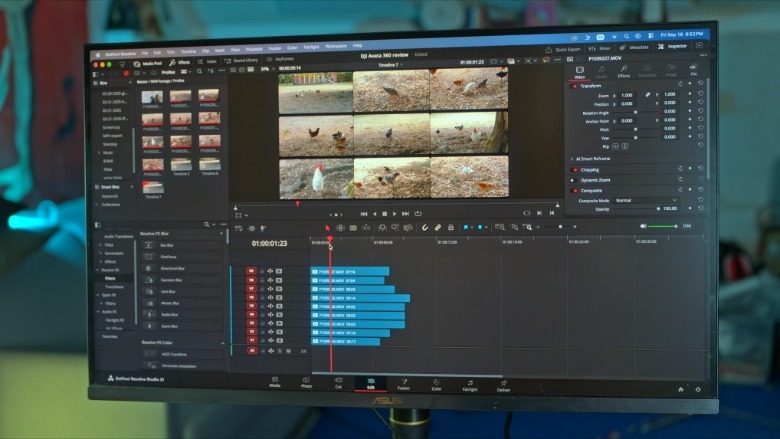
Synthetic tests are one thing, but I couldn't wait to try the Mac Studio M5 Ultra on some content creation tasks. In one test, I exported a nine-minute 4K timeline (with mostly 8K H.256 footage) in a minute and 13 seconds, a task that took my MacBook M3 Pro well over eight minutes. I didn't even have time to get a coffee like I usually do during renders.
I also tested Apple's claim that this machine can play eight 8K 30 fps ProRes tracks at once in real time. It was easily able to do that on a 4K timeline with 4K monitoring, though not on an 8K timeline. Even more impressively, I was able to play four 7K RAW tracks, each with extensive color correction, all at the same time, easily beating what the Mac Studio M4 Max could do. It also provided a smooth and seamless editing experience that let me work as fast as I could think. If I was a busy YouTube creator (with millions in my bank account), I'd really want one of these for my work.
Based on its marketing, though, Apple clearly believes the bulk of buyers for the M5 Ultra model will be AI power users who want to run models locally. With 512GB of unified memory and 1.2TB/s bandwidth, it's capable of running "frontier-class" models with billions of parameters local, Apple claims on its product page.
 Steve Dent for Engadget
After testing it, I can see why. With its updated neural engine, the Mac Studio Ultra M5 demolished the synthetic Geekbench AI neural engine test with, again, the highest scores I've seen. Using Mac Whisper, I transcribed a 70-minute Engadget podcast in 18 seconds — less than a quarter the time it took with the Mac Studio M4 Max version.
If more local AI model speed is required, there's an easy solution if you have the means. Simply stack up to four Mac Studio M5 Ultra machines together and link them into a cluster via Thunderbolt 5. Four machines will work in concert to process your AI three times faster than a single machine, Apple claims. The company declined to give me $45,000 worth of computers, so I wasn't able to test this.
As before, I played Baldur's Gate III and was highly impressed, though I felt sheepish for doing so on such an expensive computer. The game ran smoothly at 4K 60 fps on "Ultra" settings, averaging over 80 fps and never dipping below 60 fps speeds. The quiet fan kicked on during gameplay, the only time I heard it during my tests. It's still likely to be outperformed by Windows PC gaming machines that come with faster dedicated GPUs, like NVIDIA's RTX 5090. Still, for a Mac, the M5 Ultra is as good as it gets for gaming.
Should you buy the Mac Studio M5 Ultra?
Steve Dent for Engadget
Mac Studio computers have always been expensive, but previous models were at least reasonable for their intended markets. Now, $5,500 for the base M5 Ultra model really seems out of touch for individual creators or developers. Apple is clearly pushing the machine for AI use, thinking the current market is more likely to pay big bucks for a machine that negates the need to run LLMs in the cloud in many cases.
There's no question that the M5 Ultra model is a powerhouse that will serve those folks well. However, performance increases aren't as great as you'd hope compared to the M5 Max version, considering that the price is around double that model in most configurations.
If I were a content creator, I'd stick to the Mac Studio M5 Max model with the 18-core CPU and 40-core GPU configuration with 48GB of unified memory for $3,099 or 64GB for $3,499. For AI developers, the same model with 128GB of RAM may do the job if $5,099 fits your budget. If every second of compute time counts more than the $10K-plus price, though, you can't do better than one (or more) M5 Ultra models loaded up with RAM.
KioskNews shows a cleaned-up reading view extracted from the publisher’s page — the original always lives on their site, not ours.